Phil Jones
Members
-
Joined
-
Last visited
Everything posted by Phil Jones
-
Thanks James, have tried to find someone to supply but struggling. Not tried main dealer yet
-
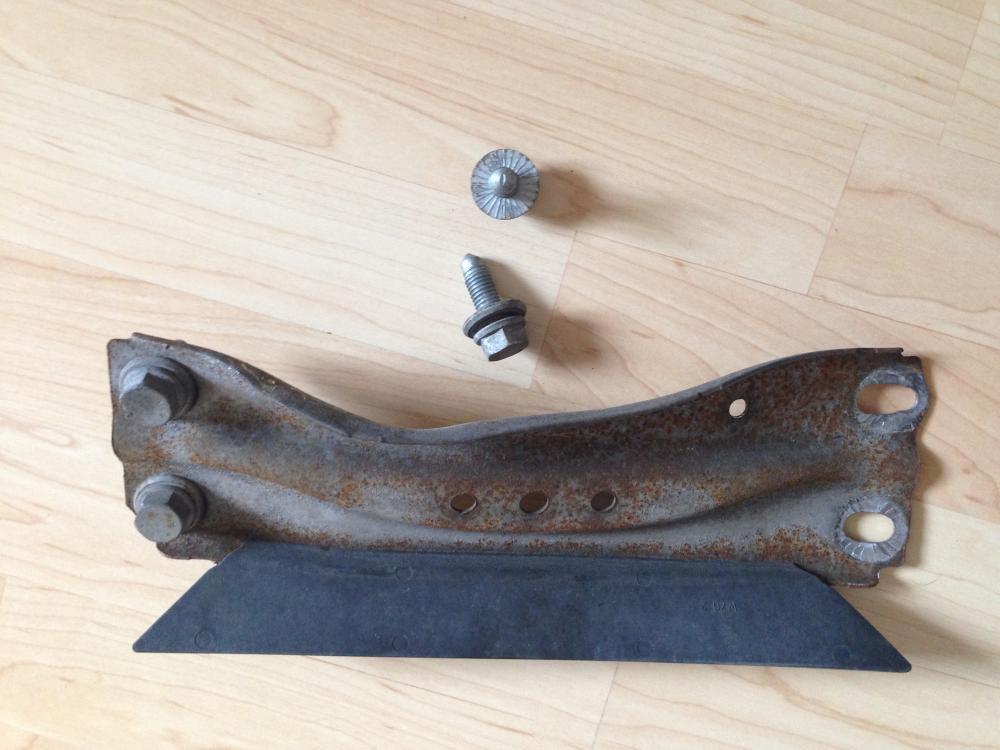
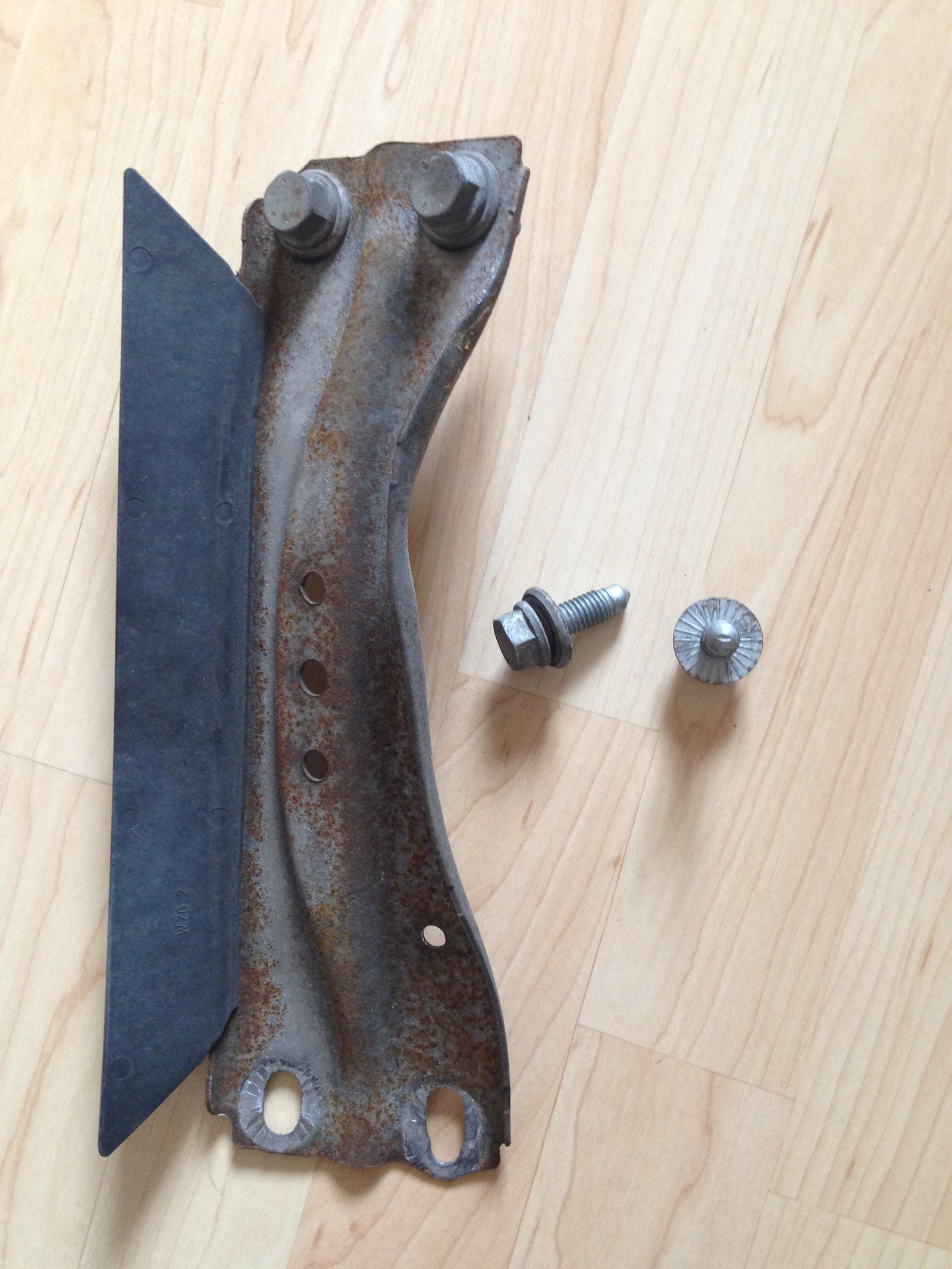
Hello to all - I hope someone can help me. Whilst driving last week I went over what looked like a plastic bag - then heard and felt a huge bang. Not sure what was in the bag (didn't stop) - but the following morning took the car to a local garage and they put it up on the ramp to find that a piece of metal had been half ripped off. I have attached a picture of it as they kindly took it off for me, but not being a bodyshop couldn't do anymore. There were other scrapes and marks along the underside, and a small indent in the exhaust (luckily didn't pierce it) How important is this piece? It looks like it was just a protector for the exhaust (and did it's job) - but do I need to replace it? Anyone with any advice would be greatly appreciated. Thanks