Rsorted
Members
-
Joined
-
Last visited
-
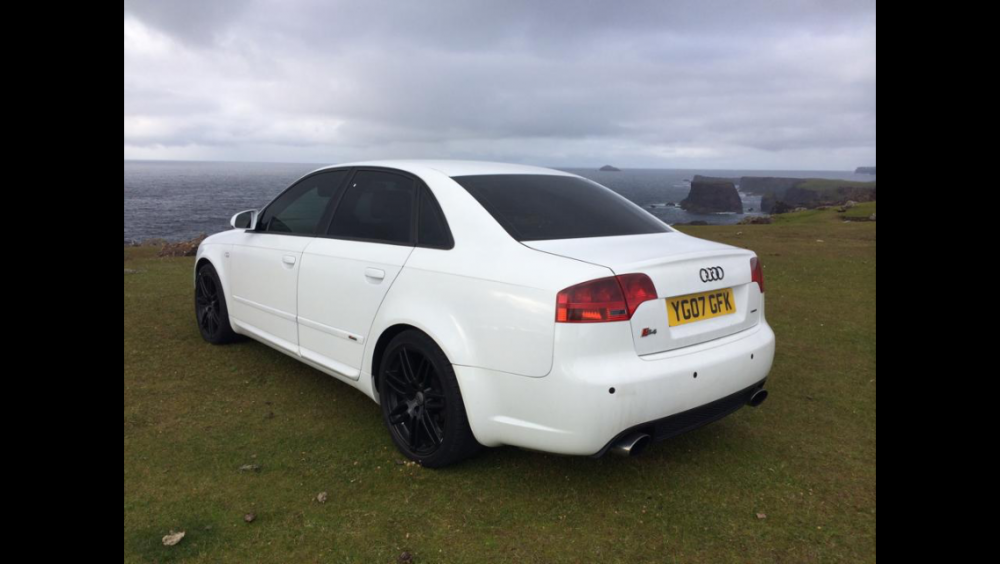
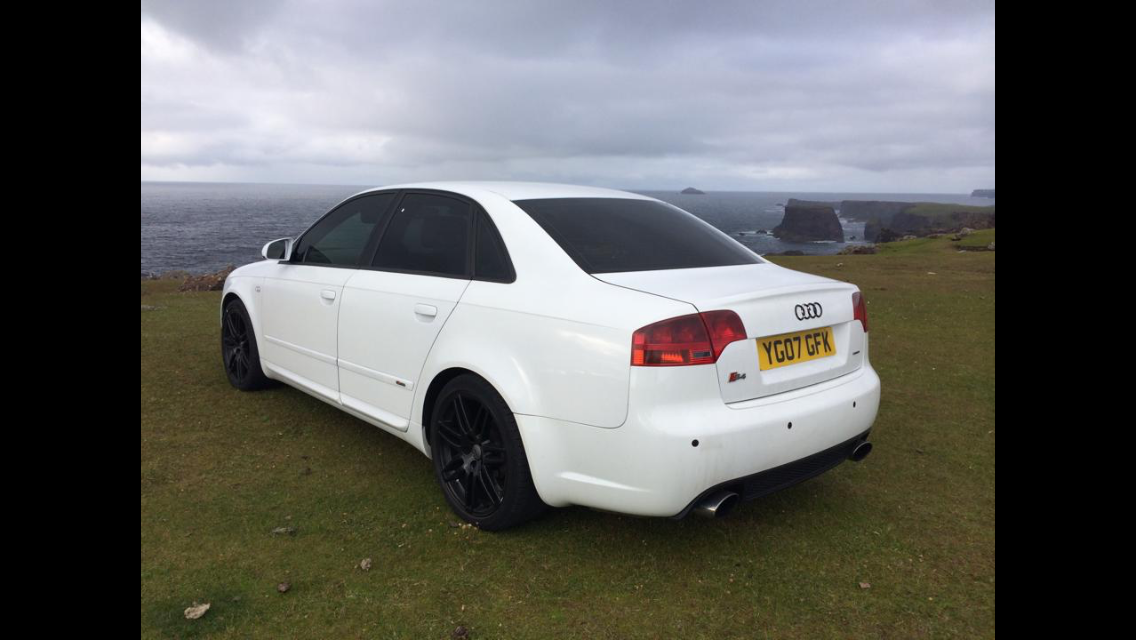
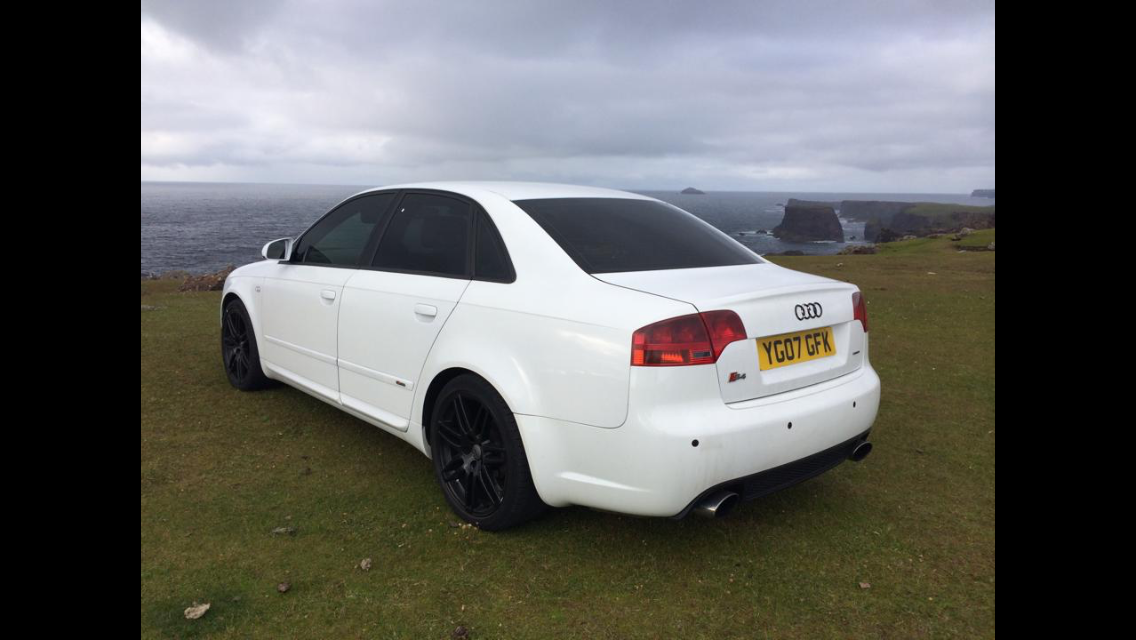
Hi everyone. I'm praying some of you knowledgable lads can help me with my water loss. one of my friends recommended this site and said yous know more about our A4's than Audi lol. so here's the problem..... Started loosing water months ago. Turned from a litre-litre and a half every six weeks to a slow graduation of that amount every month and now I've clocked a hundred mile and the water needed topping back up from minimum. So I've had it in a decent reputable local garage all week as my friends a mechanic and he's pottered on checking everything and pressure testing it etc and can't find any apparent external or internal leak? 😐 with that said... He had to clear the drains in the bulkhead and drain it as it was holding a few litres of standing rainwater due to the drains being blocked. Although this is presumed to be rainwater. There wasn't any antifreeze in the car anyway to check as I've had to top it up so much. The cars recently had a new water pump 10k ago with its timing belt kit all genuine parts. Full Audi history and 180k. 2.0tdi Quattro 170 07 B7 if anyone's got any suggestions or ideas then I'm all ears. Any constructive input would be greatly appreciated !
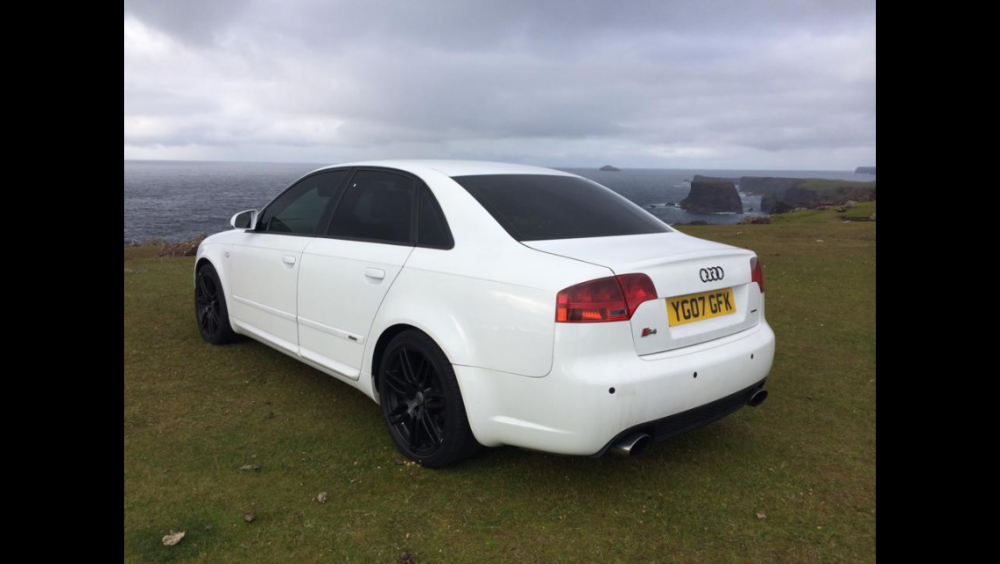 Hi everyone. This is my little pride and joy ☺️ I'm Dale from the north east. Nice to meet yas 👍