




Skip to content
View in the app

A better way to browse. Learn more.

Audi Owners Club (UK)

A full-screen app on your home screen with push notifications, badges and more.

To install this app on iOS and iPadOS
  1. Tap the Share icon in Safari
  2. Scroll the menu and tap Add to Home Screen.
  3. Tap Add in the top-right corner.
To install this app on Android
  1. Tap the 3-dot menu (⋮) in the top-right corner of the browser.
  2. Tap Add to Home screen or Install app.
  3. Confirm by tapping Install.

garry170

Members
  • Joined

  • Last visited

  1. Hi there, This process works to reset my oil change warning message but not the service message, wish it did!! My A3 is booked in at the local garage to see if he can reset or delete the seperate oil and service warnings. Cheers
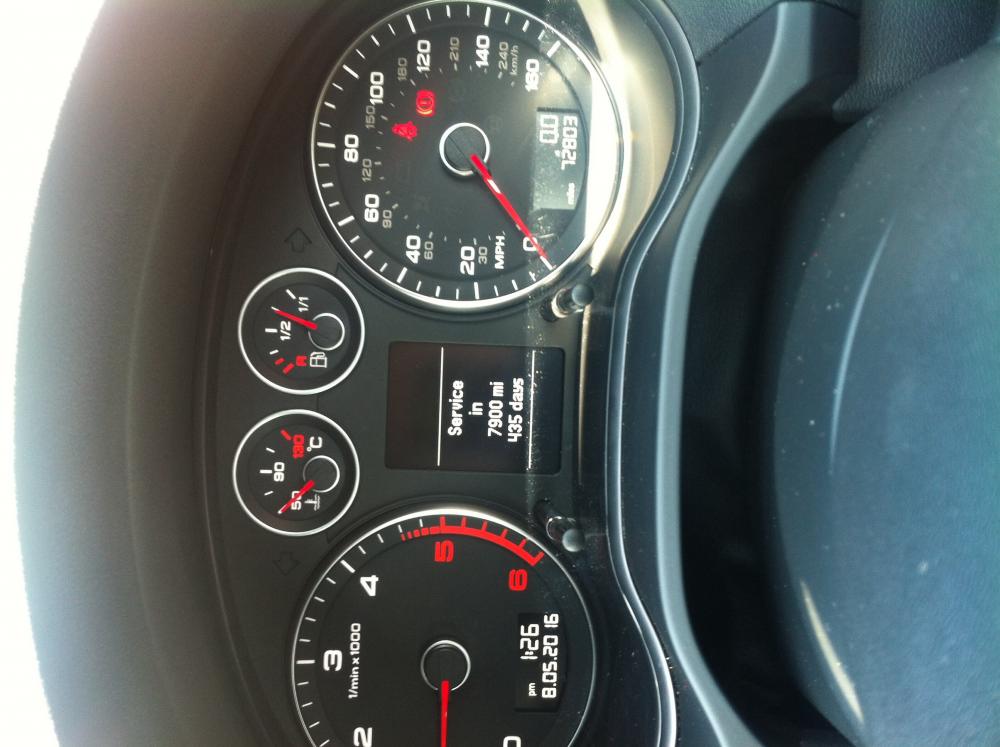
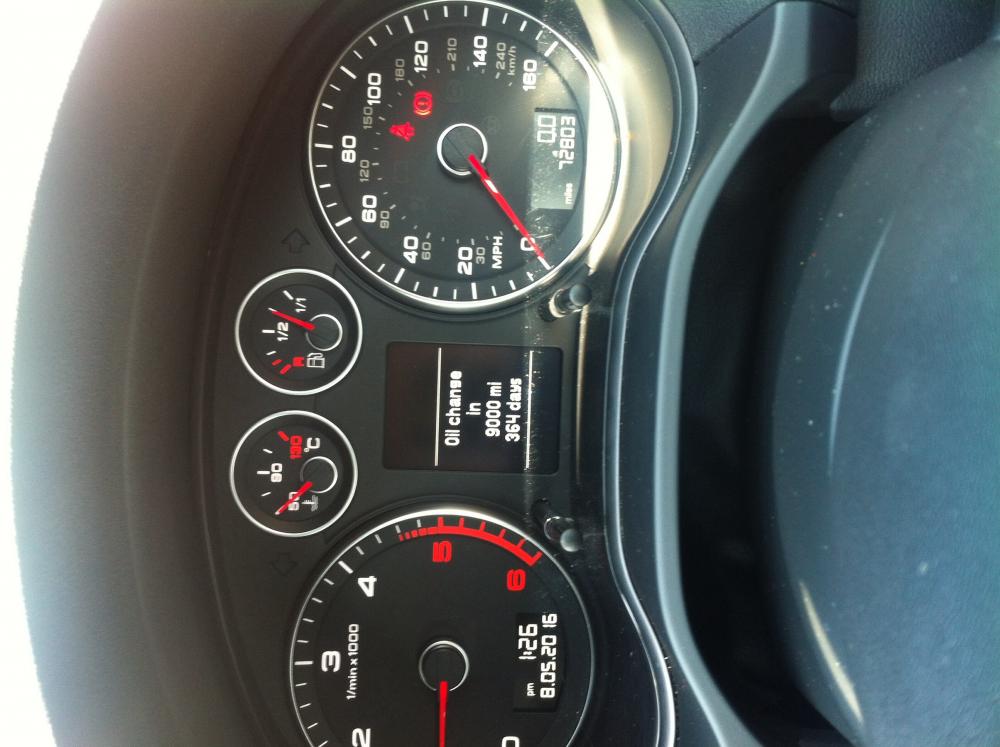
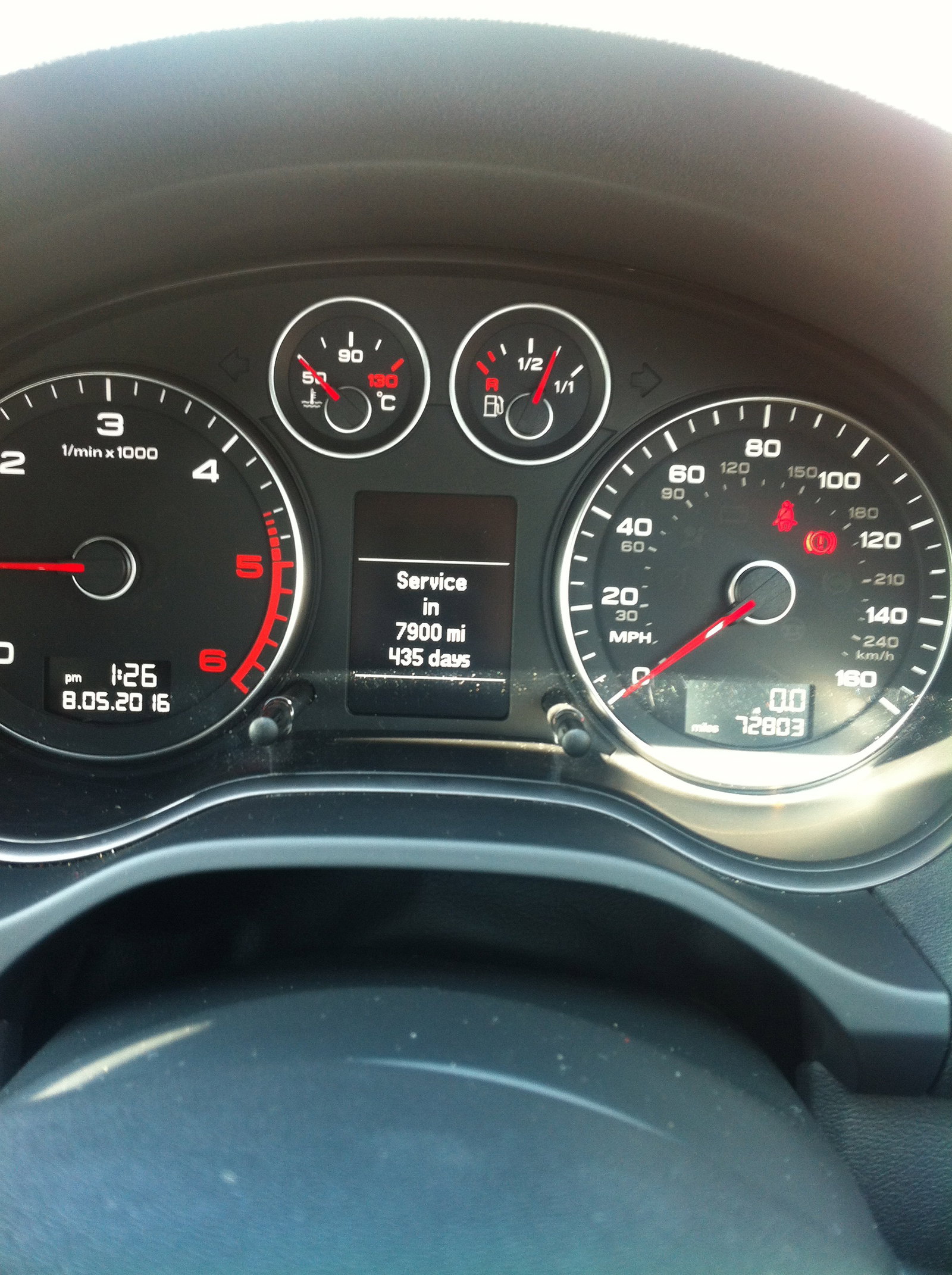
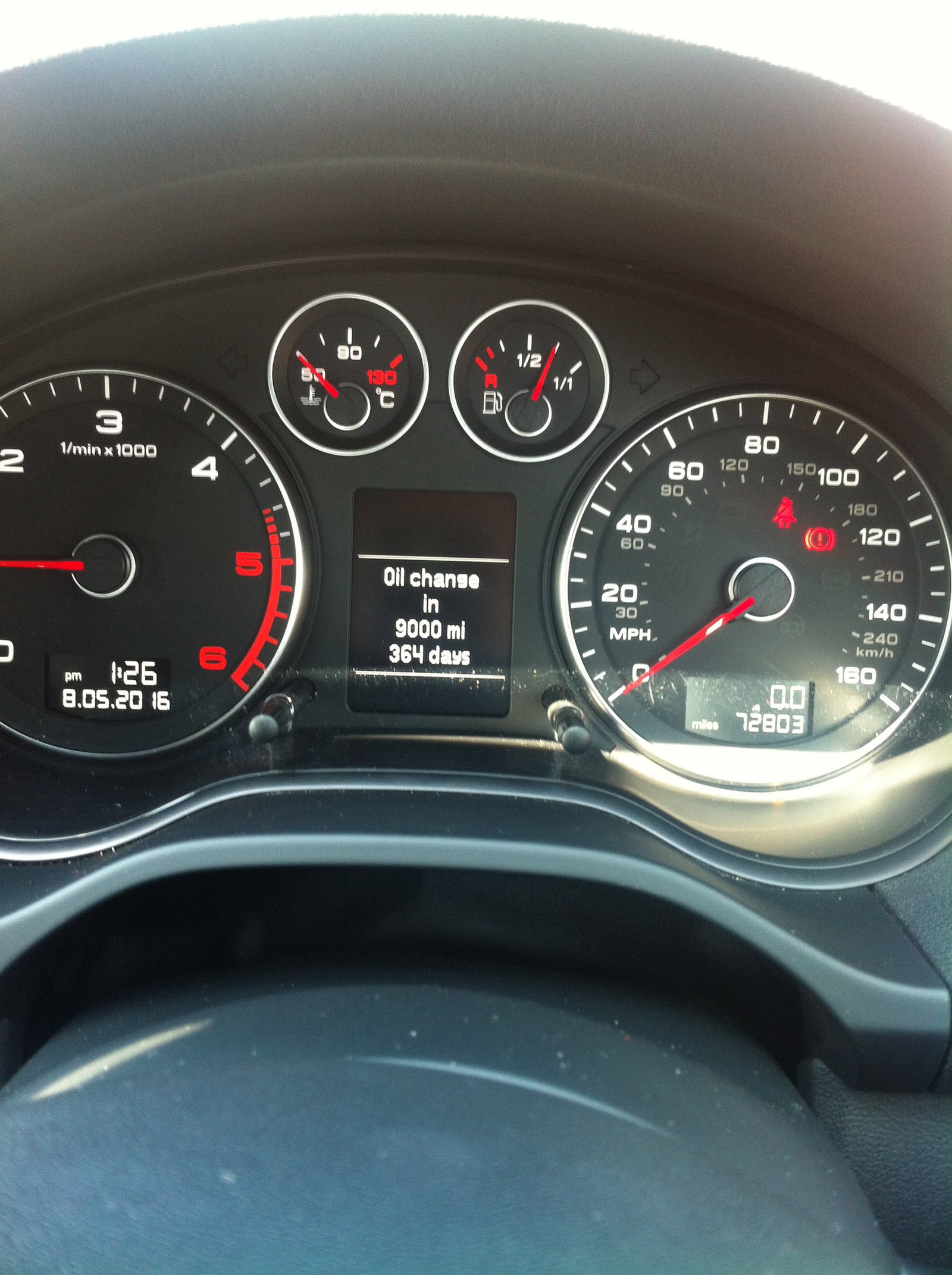
  2. Good evening folks. I am the proud owner of a 2009 A3 2.0L 170 S line Quattro. I serviced the engine today, engine oil & filter, air and derv filter, very easy and streight forward. The issue, I have reset the onboard computer oil change reminder, it now says 9000 miles and 365 days to next oil change. However, I CANNOT work out how to reset the next computer prompt which says words to the effect Service due in 465 days or 7000 miles????? Can anyone help please? I will be servicing my A3 every 6k or 6 months anyway! (personal choice) Ta Garry
Background Picker
Customize Layout

Account

Navigation

Search

Search

Configure browser push notifications

Chrome (Android)
  1. Tap the lock icon next to the address bar.
  2. Tap Permissions → Notifications.
  3. Adjust your preference.
Chrome (Desktop)
  1. Click the padlock icon in the address bar.
  2. Select Site settings.
  3. Find Notifications and adjust your preference.