Ceejay
Members
-
Joined
-
Last visited
-
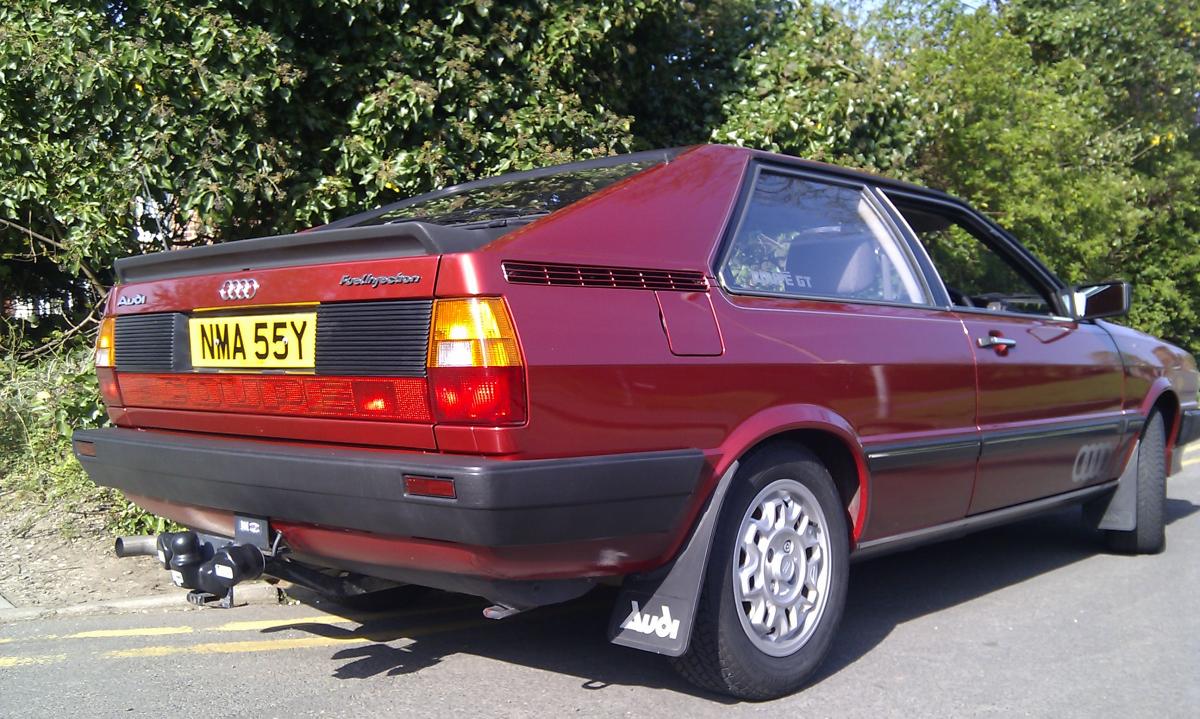
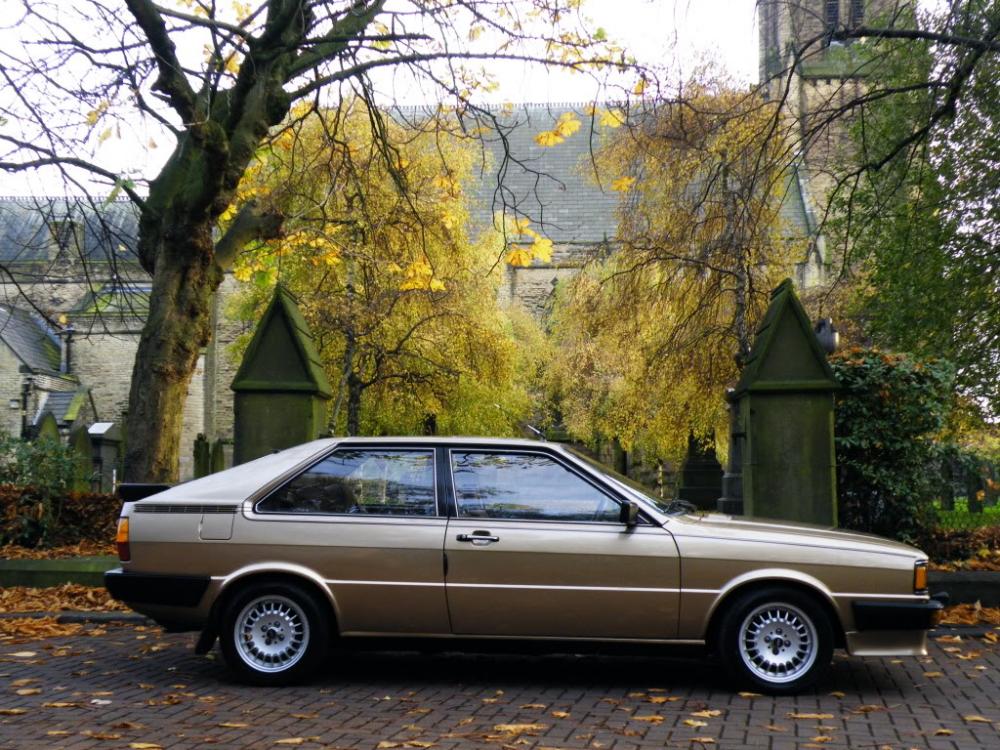
Hi all, I have a beautiful 83 coupe with the long "fuel injection" chrome badge on rear and all the paperwork states this as an f.i. even have the original sales cat with the difference in price between the gt coupe models.This one being one below the quattro at £9592.92 and the quattro still v exp at the princely sum of £17721.98! It has a genuine 48k and drives like a dream.The bodywork is mint,with only a small tear to the drivers side seat.Trying to find much out about the car is nye impossible,be nice to find out more about it and even more so tips on upgrading the brakes! many thanks.John.
-
Quick hi to all as a new member! Been meaning to join for along time.6 years ago bought my 3rd coupe gt and went to pick it up.When the guy opened the garage,couldnt believe it! a mint gt coupe f.i.2.2! with 48,000 on the clock.It had been dry stored for 10 years but kept lovingly.I obviously bought it and after a quick clean up of the fuel injectors it was roaring and rearing up! My main question is, that it is more of a car than i expected! but can find relatively no info about it.As far as i can see it was only produced for a short time? any history would be interesting.Still keeping it original! wheels and all.