D4zzy
Members
-
Joined
-
Last visited
Everything posted by D4zzy
-
picked up a couple micro switches this afternoon so hopefully get a chance to swap them over tomorrow at some point - wife dependant !!
-
Cheers mate - had the door cards off and looks simple enough to do. Just contimplating whether to try replacing the micro switches first rather than splashing out on new latches to see if they fix the warning light issue. At the moment I only have one key but saying that once I fit the new lock barrel will have a key to manually lock so will give the instructions a shot for programming the fob.
-
skunk ( as in " drunk as a skunk")
-
I am needing to replace the lock barrel and wondering if its basically a straight forward job - ie: pop the barrel out and slot in the new one? I've not taken off the door card to have a look yet so also wondering if I am going to have to drill out rivets to remove any inner door panels to get to the lock in order to remove it?Another thing I need to look at is the door open warning light comes on although the door is shut properly. Where is the sensor for that or is there any way to simply disable it as it is getting a bit annoying Also locking /door related - when I got the car the fob doesn't work - at the moment I am just assuming the batteries are just flat - if I stick in new batteries am I going to need to get the fob re-coded to work?
-
-
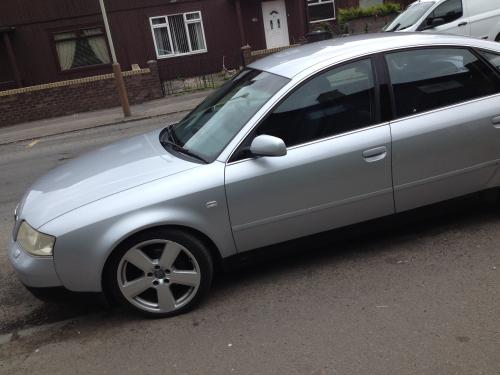
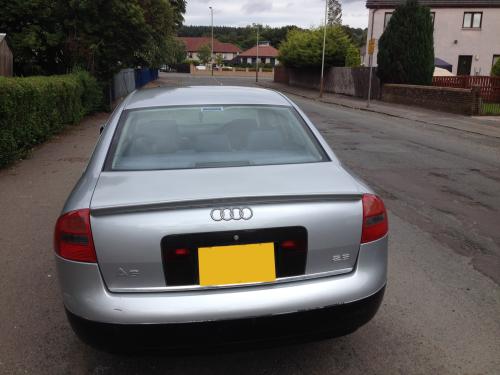
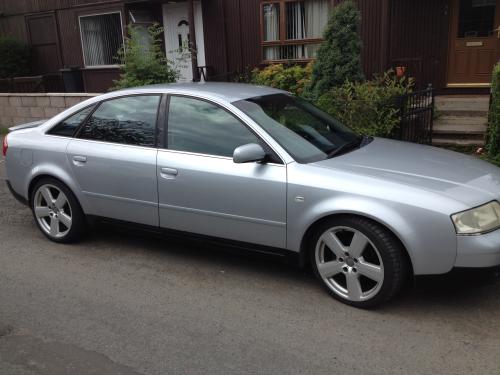
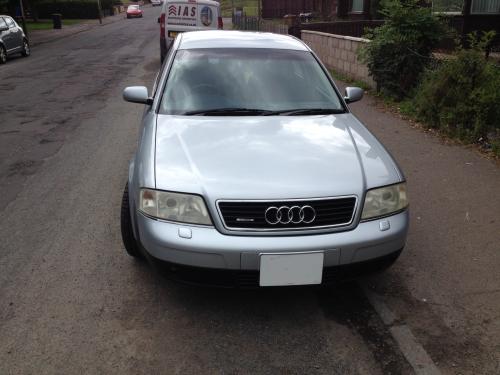
Hi all - just got a 98 jap import A6 Quattro 2.8 . Lovin it so far apart from a couple of minor issues to get sorted