NicoDaniels
Members
-
Joined
-
Last visited
Everything posted by NicoDaniels
-
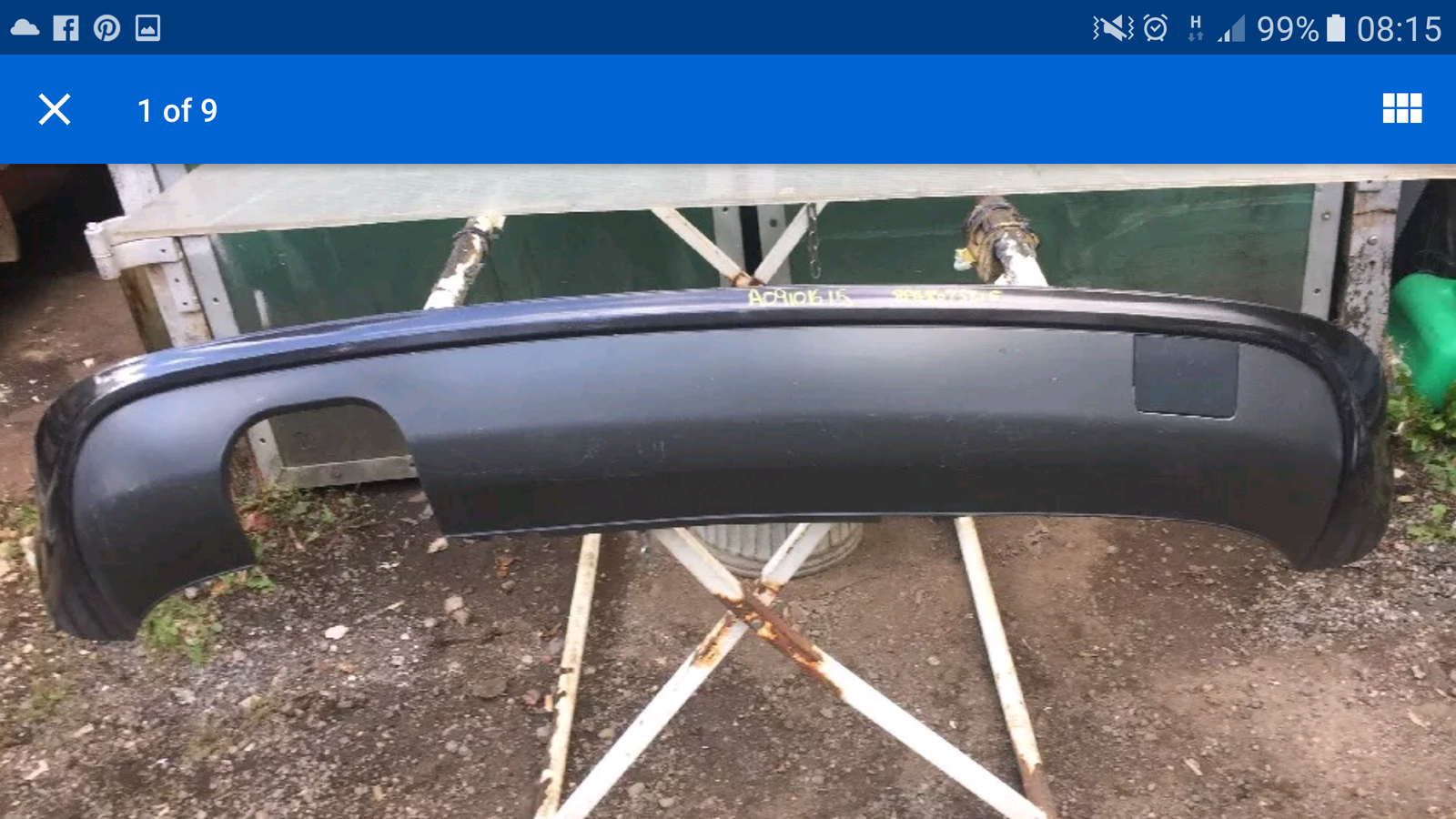
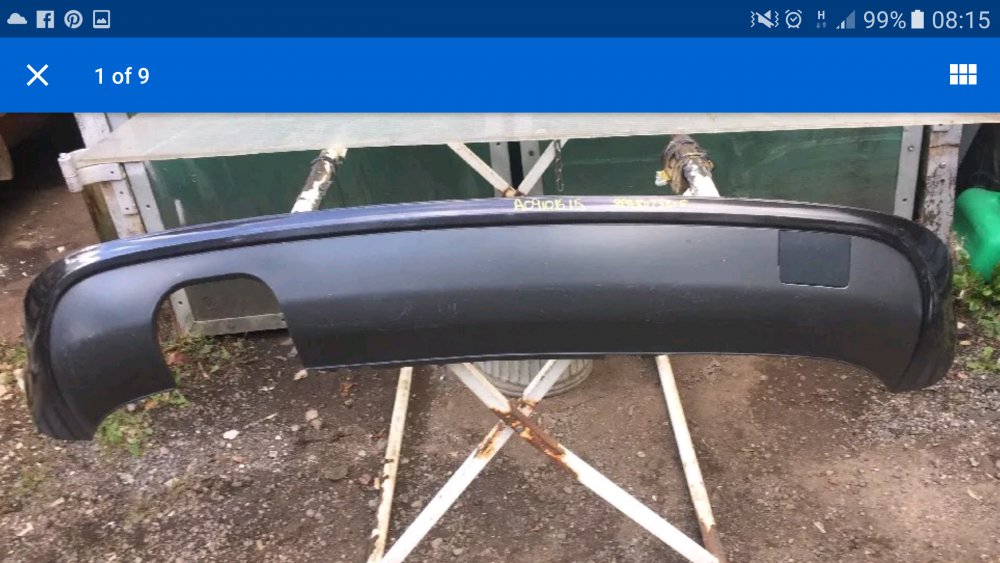
Was reading this : http://www.audi-sport.net/xf/threads/my-sport-to-s-line-conversion-part-nos-prices-tips-included.116848/ And it says in there that you could use the old style 2 piece diffuser (just the bit with the exhaust hole and toe eye, not the surround) and it would fit the 8p3 bumper like what I bought! Anyone done or tried this?
-
Help??
-
If anyone has any part numbers that would be a great help!?
-
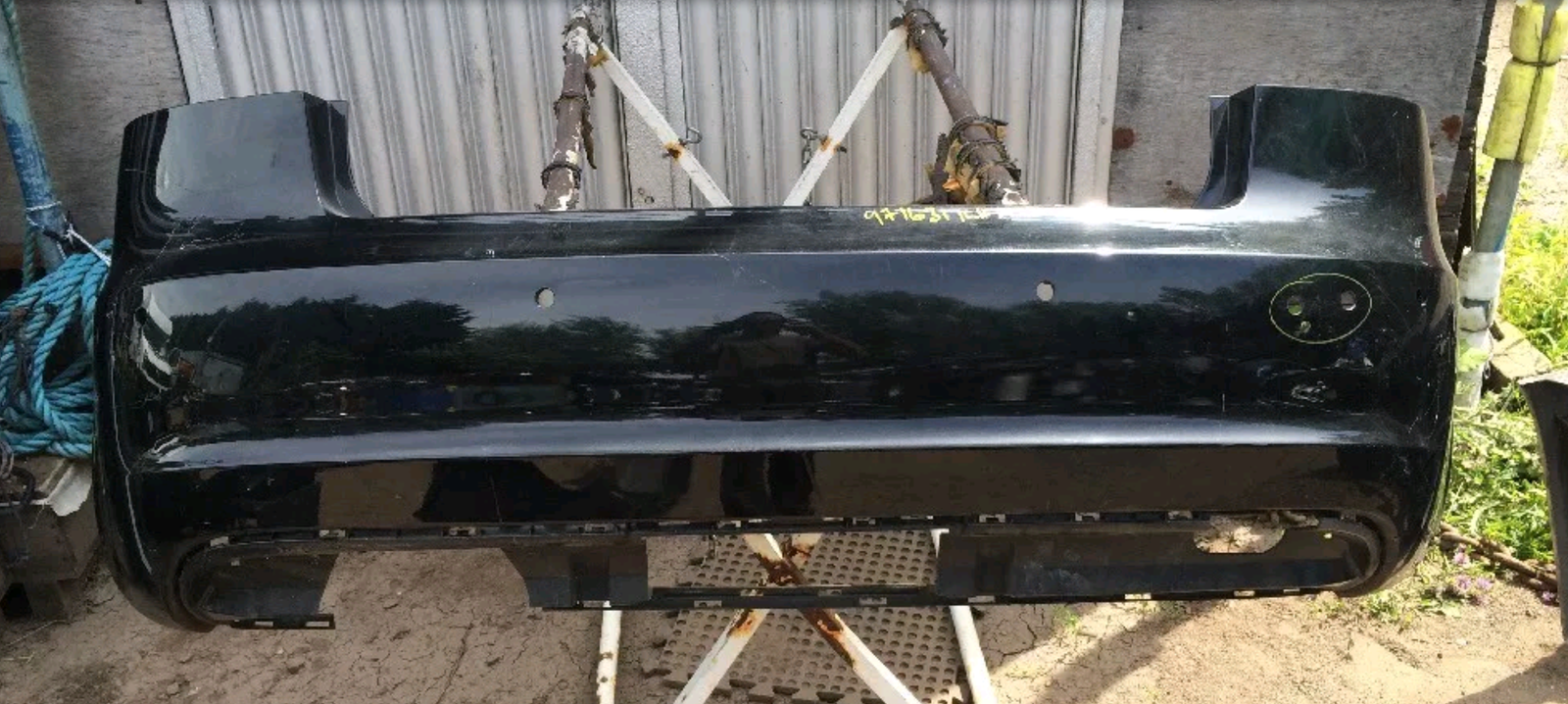
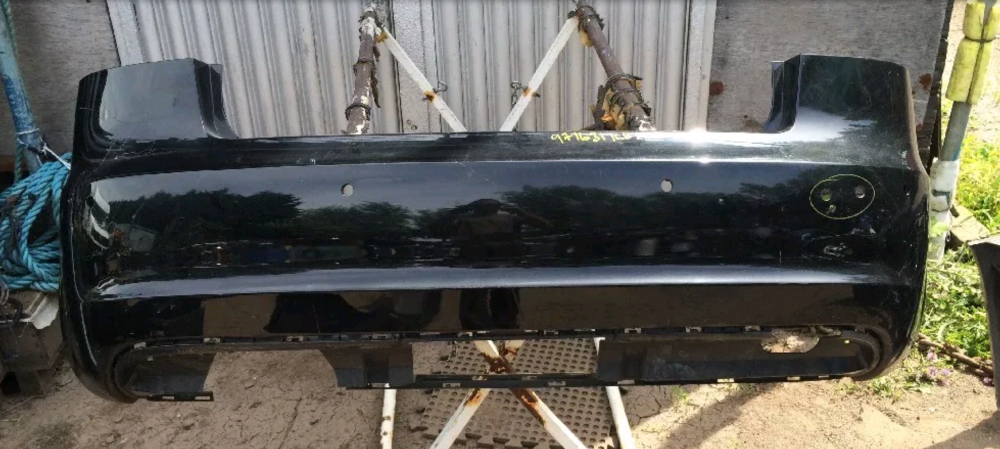
Hello Guys, I have a 2006 A3 2.0TDi and I have just bought off ebay a cheap facelift rear bumper (8p3807511) (picture below) to do a conversion but I need a valance/diffuser for it and I don't know which ones fit the bumper I have bought?? Also need to add I have twin exhaust on my A3. Cheers
-
Anyone?
-
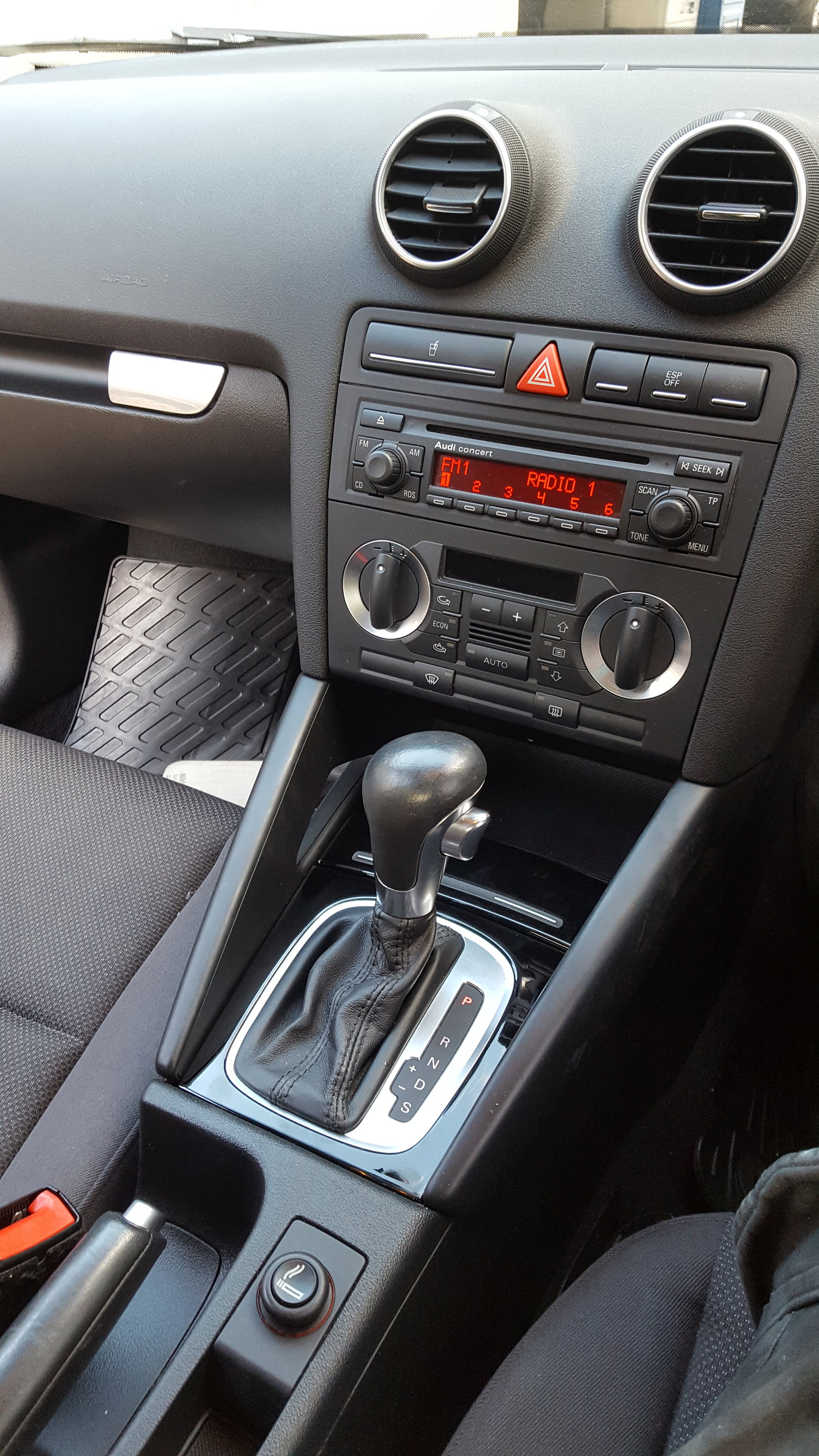
Thanks Trevor! I am happy with the actuall conversion it self, I have the parts to do it but I just need some help with the diffrent double din head units Audi offer.
-
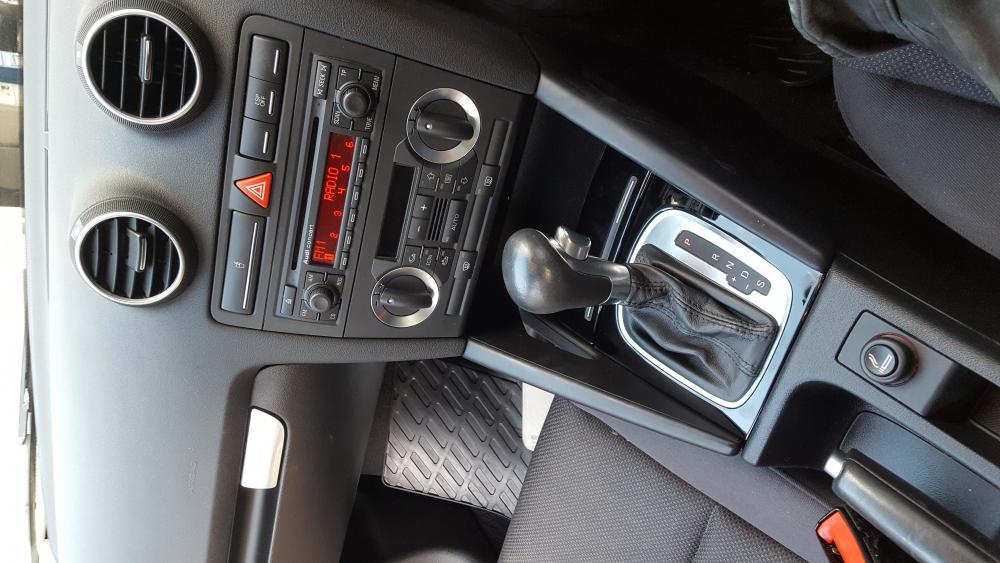
Hello Guys, My name is Nico and I'm brand new to the forums and I've recently bought a A3! I've currently got the single din headunit like this: I'm looking to do the double din conversion but want to go with the standard double din unit, but can any one tell me the diffrence between the double dins (Concert, Symphny 2+ and Chorus) i want to plum an ipod in to it with an adaptor (if need) or if one of them will take ipod without aftermarket ipod adaptor, remember seeing an ipod dock in the glovebox in an A3 with the double din at my old work maybe I could do this?! Many thanks and nice to meet you all.