Skip to content
View in the app

A better way to browse. Learn more.

Audi Owners Club (UK)

A full-screen app on your home screen with push notifications, badges and more.

To install this app on iOS and iPadOS
  1. Tap the Share icon in Safari
  2. Scroll the menu and tap Add to Home Screen.
  3. Tap Add in the top-right corner.
To install this app on Android
  1. Tap the 3-dot menu (⋮) in the top-right corner of the browser.
  2. Tap Add to Home screen or Install app.
  3. Confirm by tapping Install.

Cjames

Members
  • Joined

  • Last visited

Everything posted by Cjames

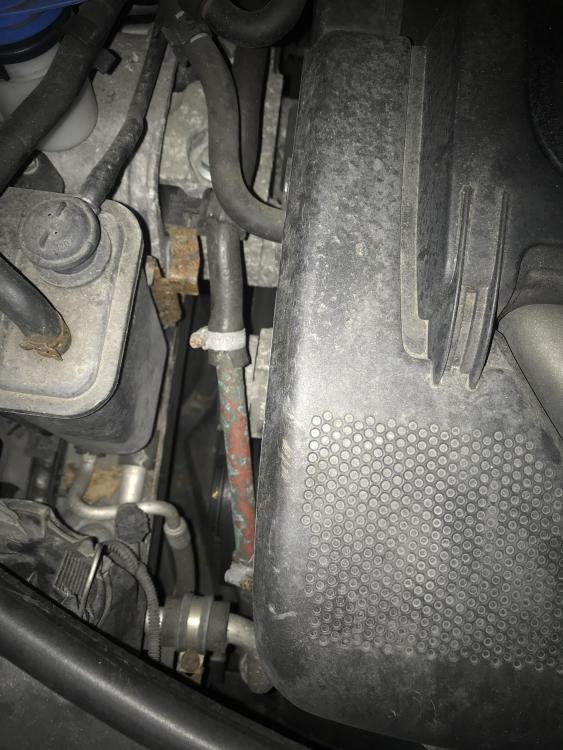
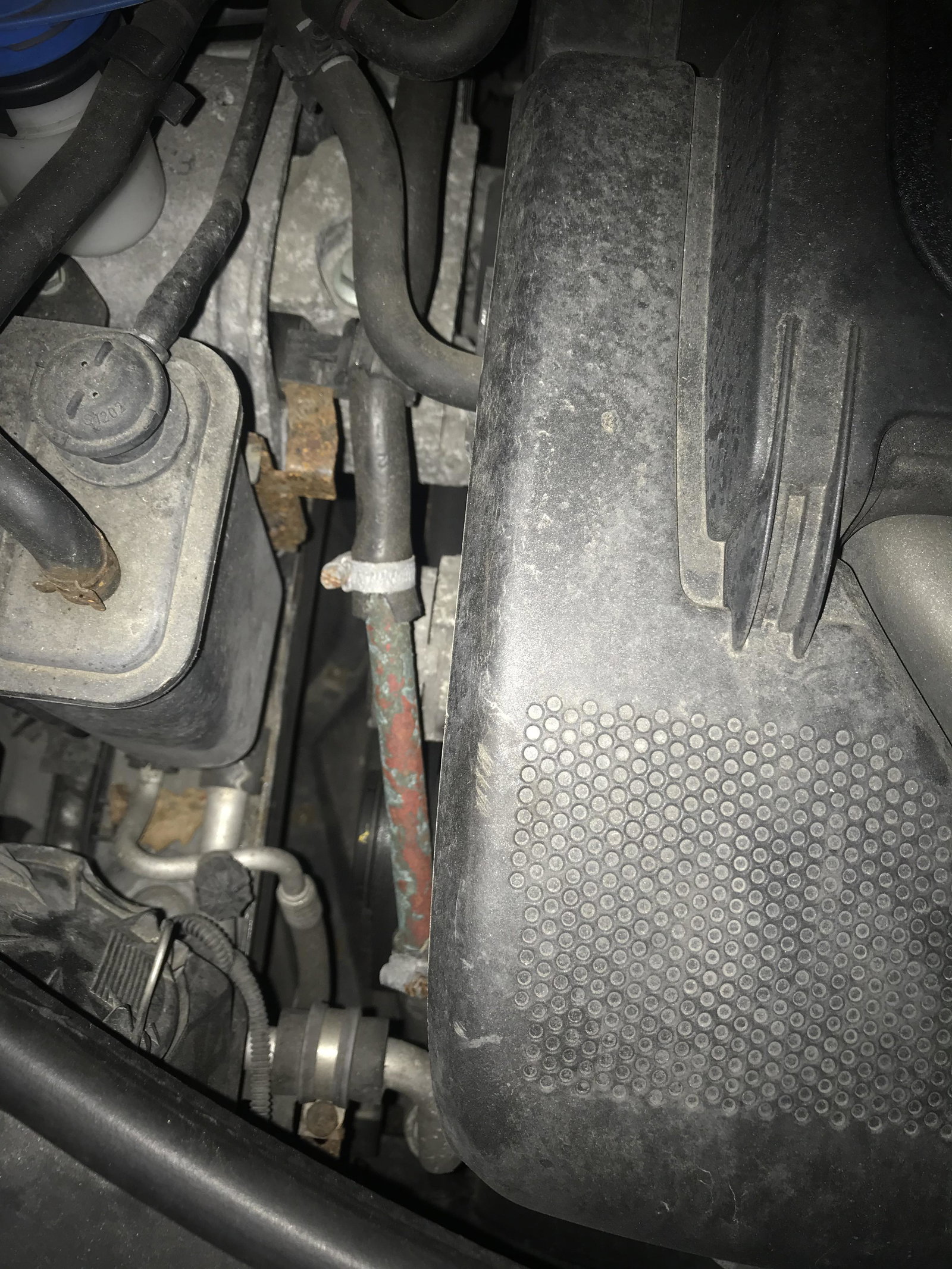
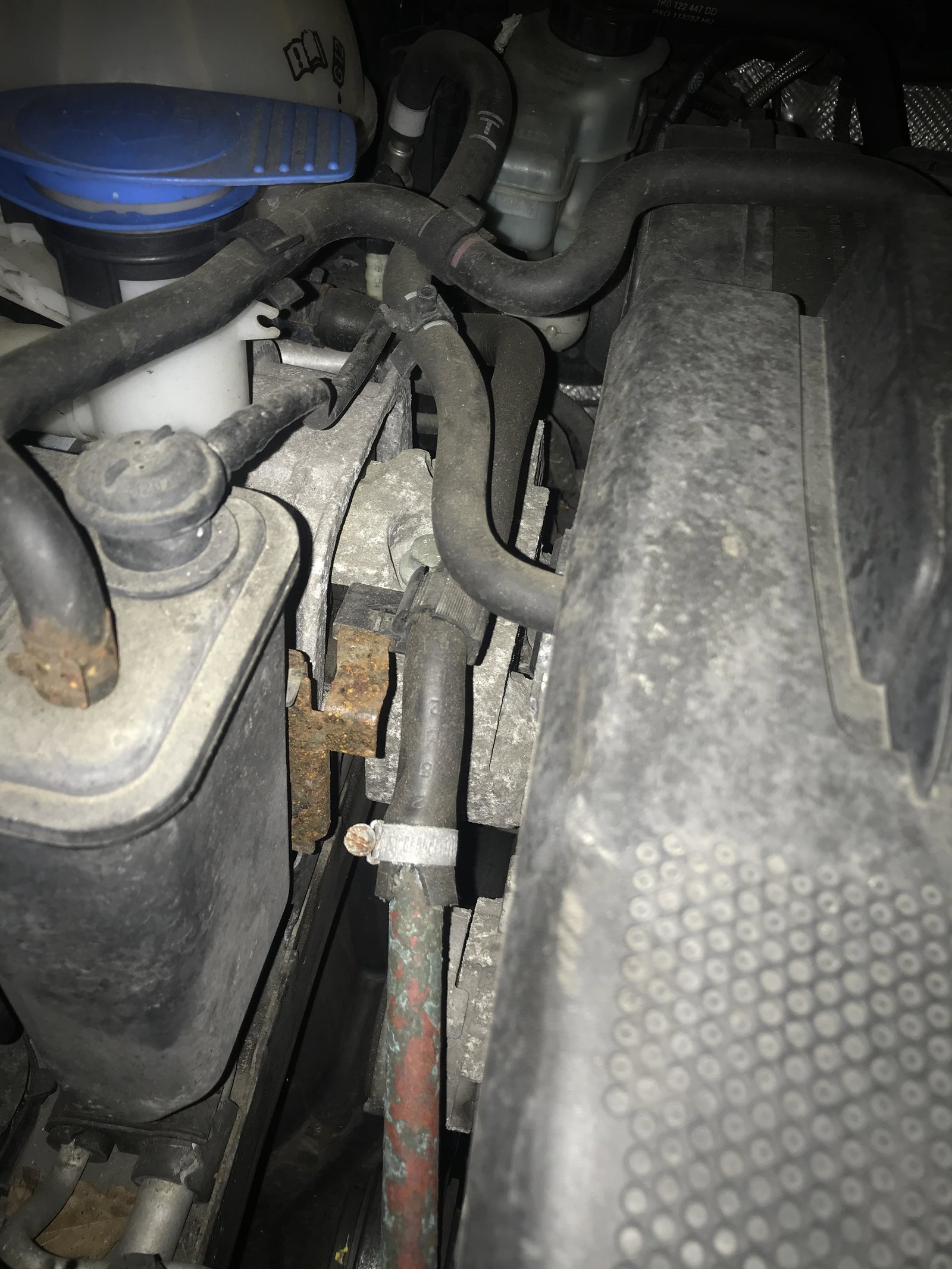
  1. Evening all, just picked up a project for the winter. Does anyone know the part number for this water pipe. Will call the stealers in morning , but guessing it’s gonna be easier to give them a head start if possible. Thanks In advance. a3 2.0 fsi 2004
  2. Hi all , Purchased an a4 2.0tdi sline 140bhp a couple of months back. I find the car really underpowered for the size , it runs spot on but feels like it needs a bit more go. Anyone know what they map like they say they can too 170bhp was wondering if there's anything else that might add a bit more is it poss to get 200bhp out of one ? Any advice would be appropriated thanks


Background Picker
Customize Layout

Account

Navigation

Search

Search

Configure browser push notifications

Chrome (Android)
  1. Tap the lock icon next to the address bar.
  2. Tap Permissions → Notifications.
  3. Adjust your preference.
Chrome (Desktop)
  1. Click the padlock icon in the address bar.
  2. Select Site settings.
  3. Find Notifications and adjust your preference.