




Skip to content
View in the app

A better way to browse. Learn more.

Audi Owners Club (UK)

A full-screen app on your home screen with push notifications, badges and more.

To install this app on iOS and iPadOS
  1. Tap the Share icon in Safari
  2. Scroll the menu and tap Add to Home Screen.
  3. Tap Add in the top-right corner.
To install this app on Android
  1. Tap the 3-dot menu (⋮) in the top-right corner of the browser.
  2. Tap Add to Home screen or Install app.
  3. Confirm by tapping Install.


FrazerDoe

Members
  • Joined

  • Last visited

  1. Thanks Trevor, The next few months are going to be hell just waiting, especially after the test drive on the weekend lol Cheers Frazer
  2. FrazerDoe changed their profile photo
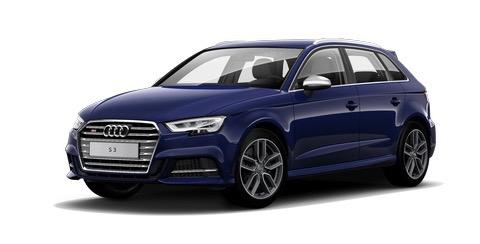
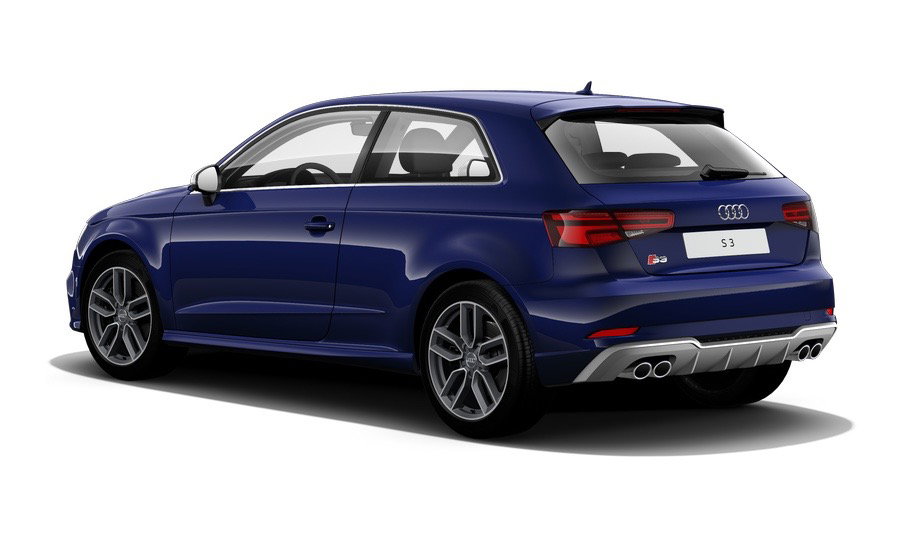
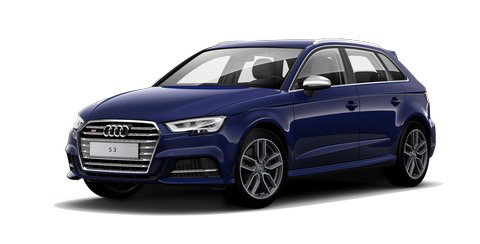
  3. Hi Guys, I placed my order for the facelift Audi S3 Sportsback over the weekend and mega excited to say the least. I have taken a long time making my decision but I am confident I made the right choice, other contenders were the M135i and Golf R and CLA45 (however this was always a bit more that I wanted to spend) I test drove the current model S3 over the weekend and I cannot wait to get my hands on mine which should be around the middle of November, especially as the performance, sound and cockpit will all be enhanced. Keen to speak with all S3 owners to get tips and experiences. As extras I have gone with the 7 Speed DCT, Virtual cockpit and Navarra blue colour (Keen to see what this looks like in the flesh as I don't think the configurator images does it justice). Look forward to hearing from you. Frazer :)

Background Picker
Customize Layout

Account

Navigation

Search

Search

Configure browser push notifications

Chrome (Android)
  1. Tap the lock icon next to the address bar.
  2. Tap Permissions → Notifications.
  3. Adjust your preference.
Chrome (Desktop)
  1. Click the padlock icon in the address bar.
  2. Select Site settings.
  3. Find Notifications and adjust your preference.