




Skip to content
View in the app

A better way to browse. Learn more.

Audi Owners Club (UK)

A full-screen app on your home screen with push notifications, badges and more.

To install this app on iOS and iPadOS
  1. Tap the Share icon in Safari
  2. Scroll the menu and tap Add to Home Screen.
  3. Tap Add in the top-right corner.
To install this app on Android
  1. Tap the 3-dot menu (⋮) in the top-right corner of the browser.
  2. Tap Add to Home screen or Install app.
  3. Confirm by tapping Install.

Higgi23

Members
  • Joined

  • Last visited

Everything posted by Higgi23

  1. Thanks for that Simon,I'll look at those 👍🏻
  2. Greetings good Audi folk,I've had my B7 for around a month now and looking to replace the Concert with this https://www.amazon.co.uk/dp/B007B7ZGMM/ref=wl_it_dp_o_pC_S_ttl?_encoding=UTF8&colid=3U9XC1FHYL0DE&coliid=I2J7UCK9L1QCXU Question is what bits will I need,anyone done this?,any advice gratefully received. Regards Rob
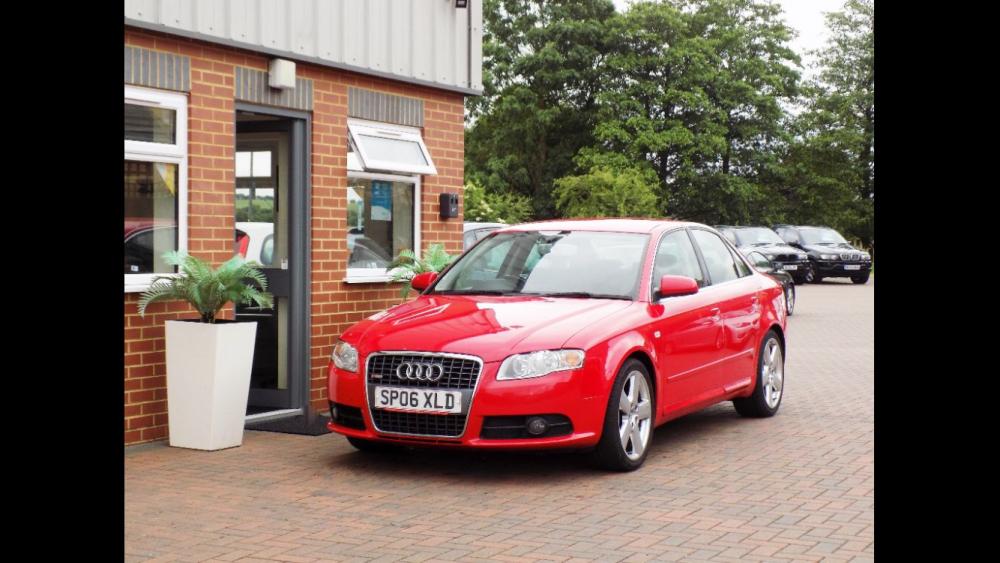
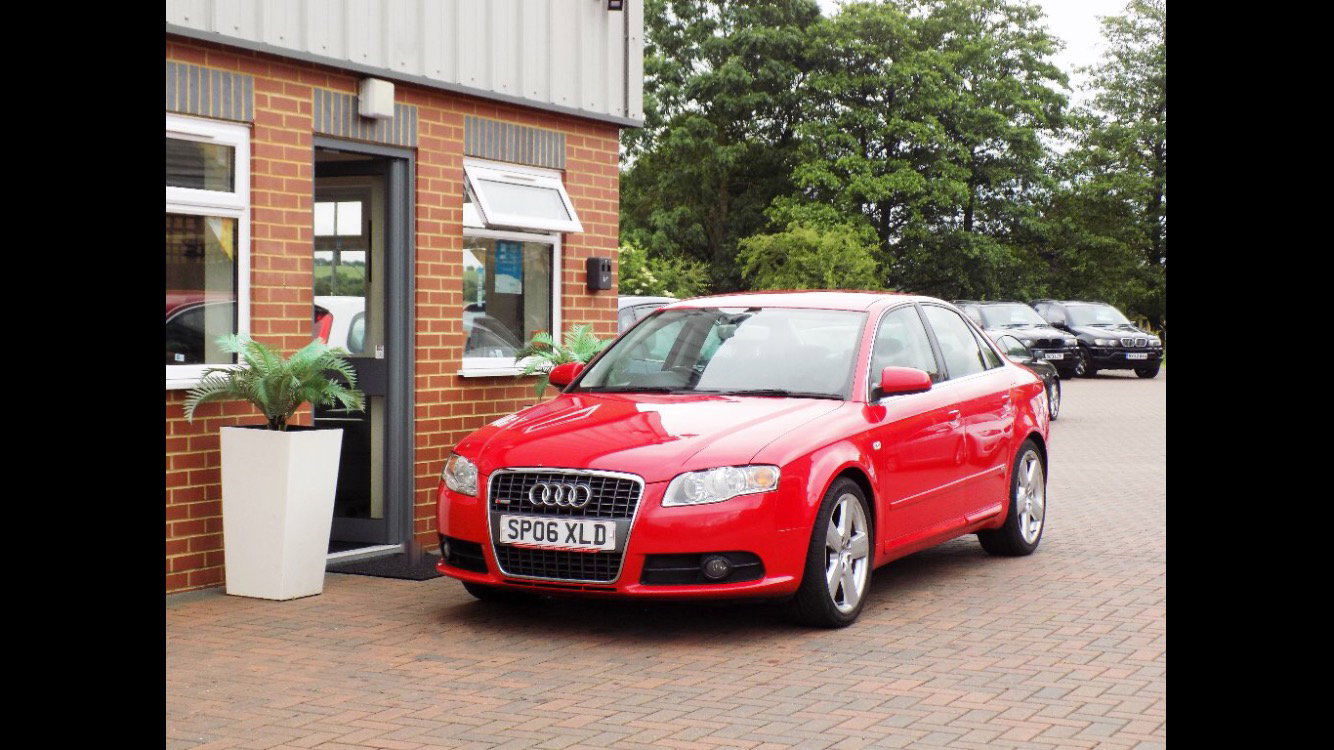
  3. Hi all,just joined,spent years lavishing money on MGs and Rovers.Nearly all gone now so decided on an Audi A4 S line (CVT).Hopefully get some advice from you guys and loads of banter.


Background Picker
Customize Layout

Account

Navigation

Search

Search

Configure browser push notifications

Chrome (Android)
  1. Tap the lock icon next to the address bar.
  2. Tap Permissions → Notifications.
  3. Adjust your preference.
Chrome (Desktop)
  1. Click the padlock icon in the address bar.
  2. Select Site settings.
  3. Find Notifications and adjust your preference.