




Skip to content
View in the app

A better way to browse. Learn more.

Audi Owners Club (UK)

A full-screen app on your home screen with push notifications, badges and more.

To install this app on iOS and iPadOS
  1. Tap the Share icon in Safari
  2. Scroll the menu and tap Add to Home Screen.
  3. Tap Add in the top-right corner.
To install this app on Android
  1. Tap the 3-dot menu (⋮) in the top-right corner of the browser.
  2. Tap Add to Home screen or Install app.
  3. Confirm by tapping Install.


mr.q

Members
  • Joined

  • Last visited

Everything posted by mr.q

  1. Hi Trevor, thanks for your reply. I checked the fuses and they were fine. If it had a code it would at least power up but the original stereo shows no sign of life. Im probably going to order one of eBay to see if that works, if not ill just have to buy an aftermarket double din.
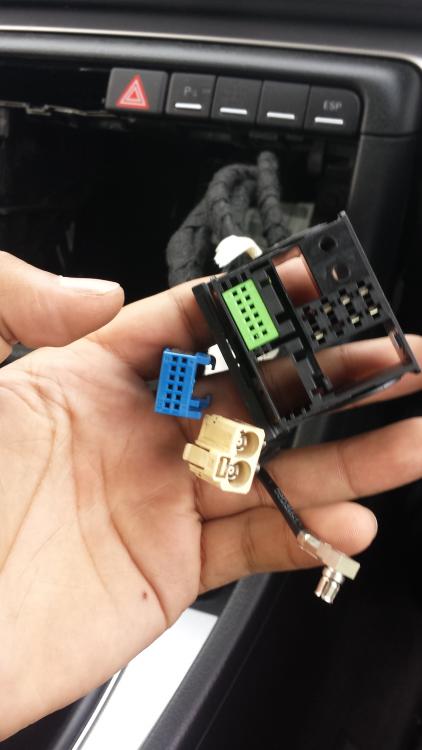
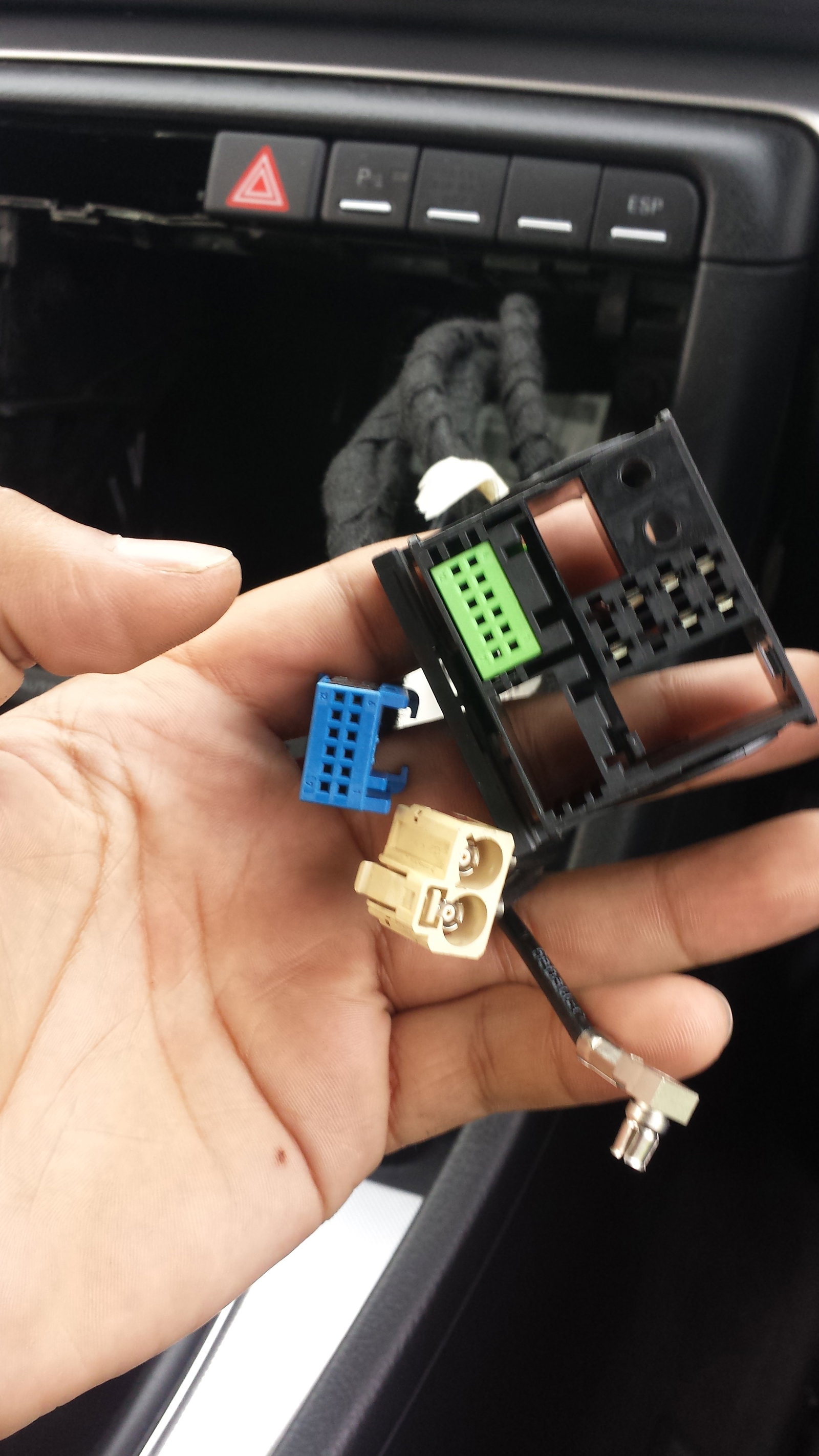
  2. Hi guys, I'm having an issue with my B7 Concert radio. It wont turn on at all. I've tried various different original radios and non of them seem to work for some strange reason. I tried and aftermarket radio and that powered up just fine. Is there something I'm missing? I've attached a pic of my wiring loom for the radio. I would be grateful if anyone could help me. :)


Background Picker
Customize Layout

Account

Navigation

Search

Search

Configure browser push notifications

Chrome (Android)
  1. Tap the lock icon next to the address bar.
  2. Tap Permissions → Notifications.
  3. Adjust your preference.
Chrome (Desktop)
  1. Click the padlock icon in the address bar.
  2. Select Site settings.
  3. Find Notifications and adjust your preference.