





R1 GOOD
Members
-
Joined
-
Last visited
Everything posted by R1 GOOD
-
When I switch off ASC a notice “sport “ comes up on the dashboard. I’m not sure which functions are disabled and to what extent. I dislike the rear traffic assist sometimes applying the brakes with a real jolt when I’m reversing safely and I think switching off the ASC would disable it. Any comments welcomed!
-
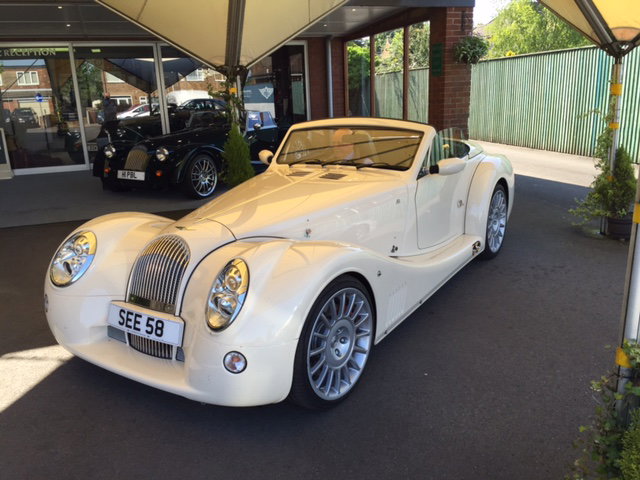
I have tried a V10 coupe. Delightful but I don't like automatics and found the paddle shifts awkward. I had settled on a Morgan until I drove one. Superb experience, but really difficult getting in or out of the car even with the top down and the hood takes about 5 minutes to assemble. I love the lines but wife doesn't!
-
Have any owners had problems with their cars or large unexpected bills? What is the tank range? I love trips to Scotland but super plus fuel stations are very sparse. Lincoln Audi are my nearest dealer and I would probably get them to source a car for me unless there are some good independent specialists someone can recommend. Thanks
