alexm3524
Members
-
Joined
-
Last visited
Everything posted by alexm3524
-
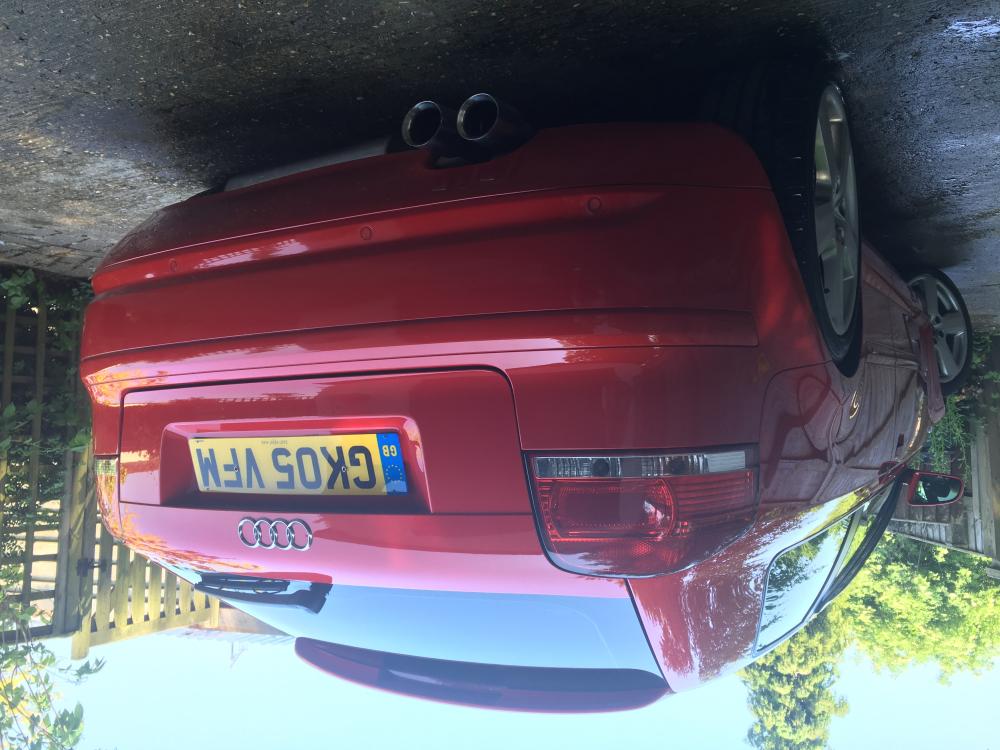
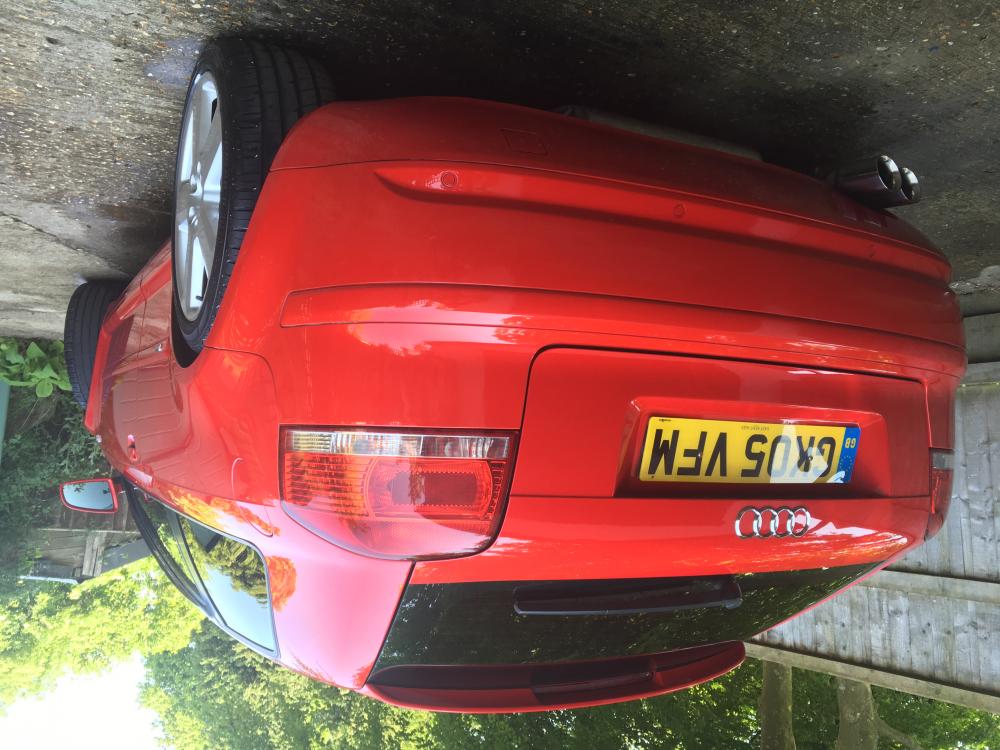
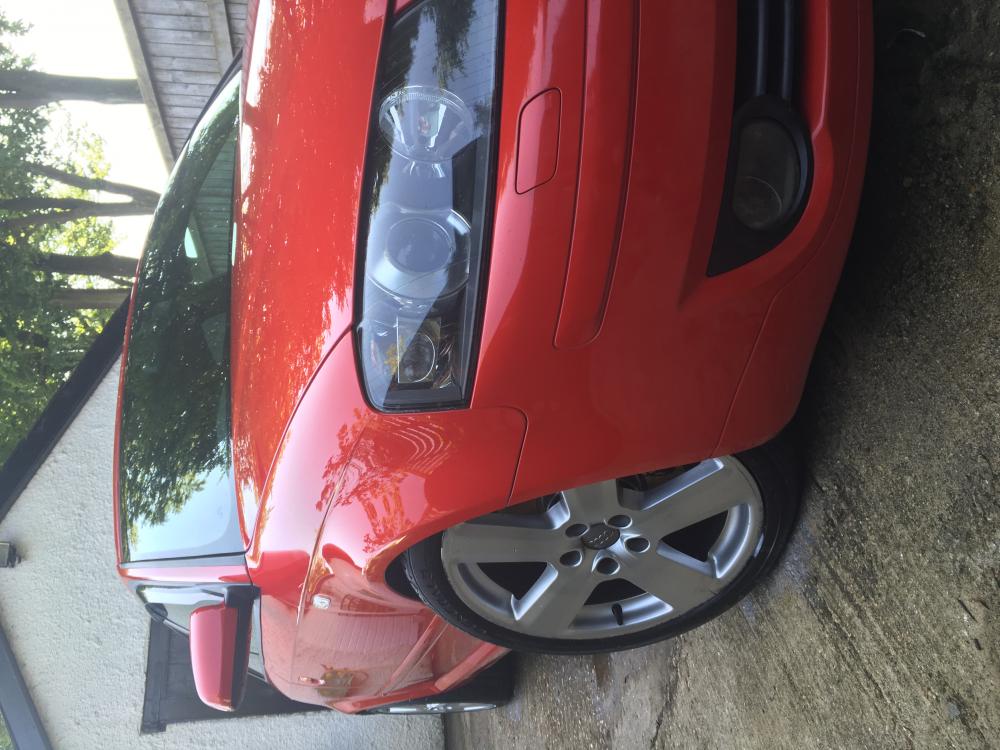
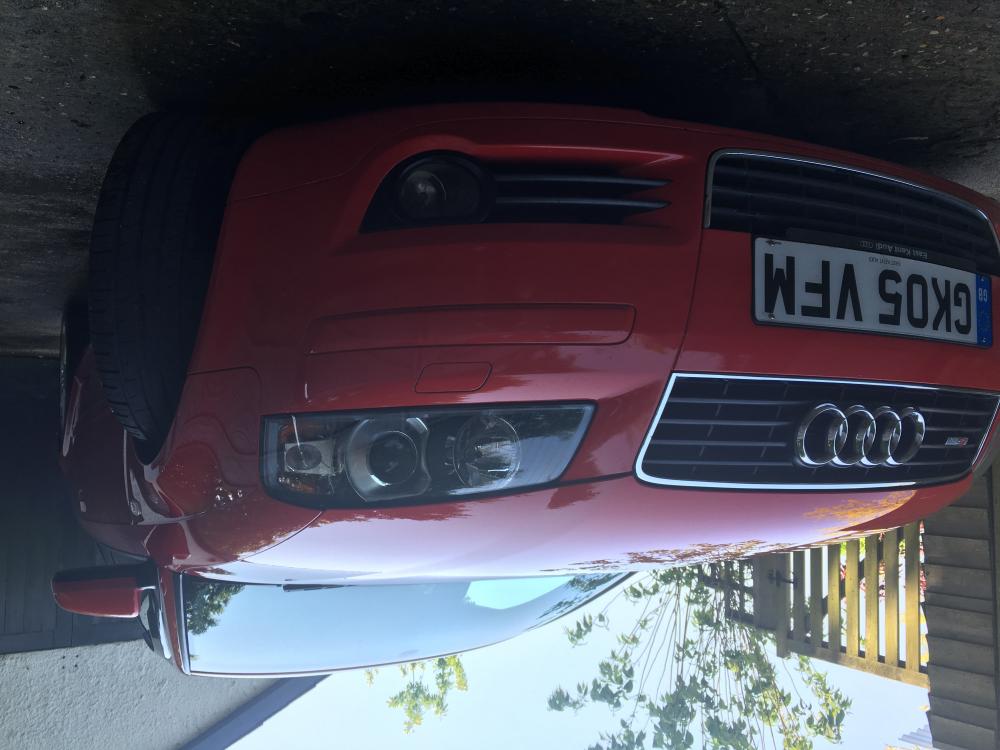
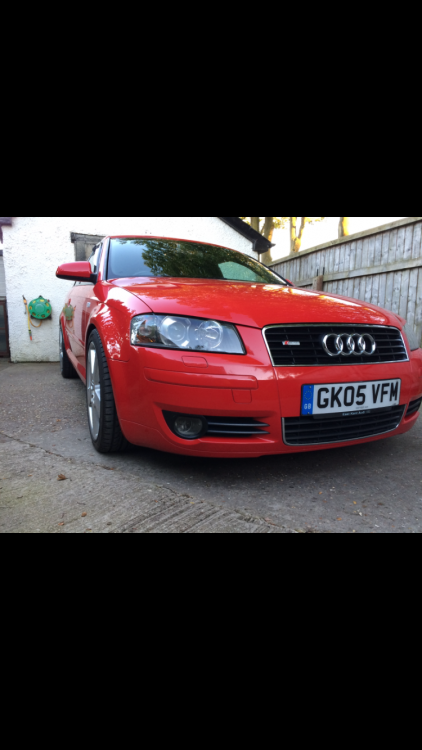
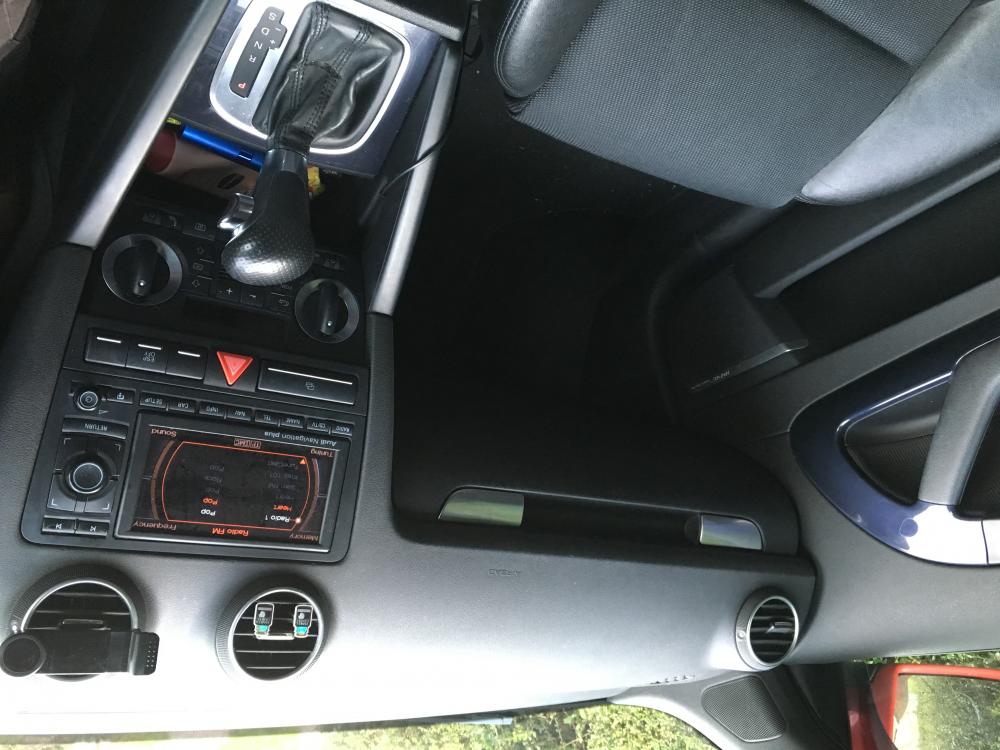
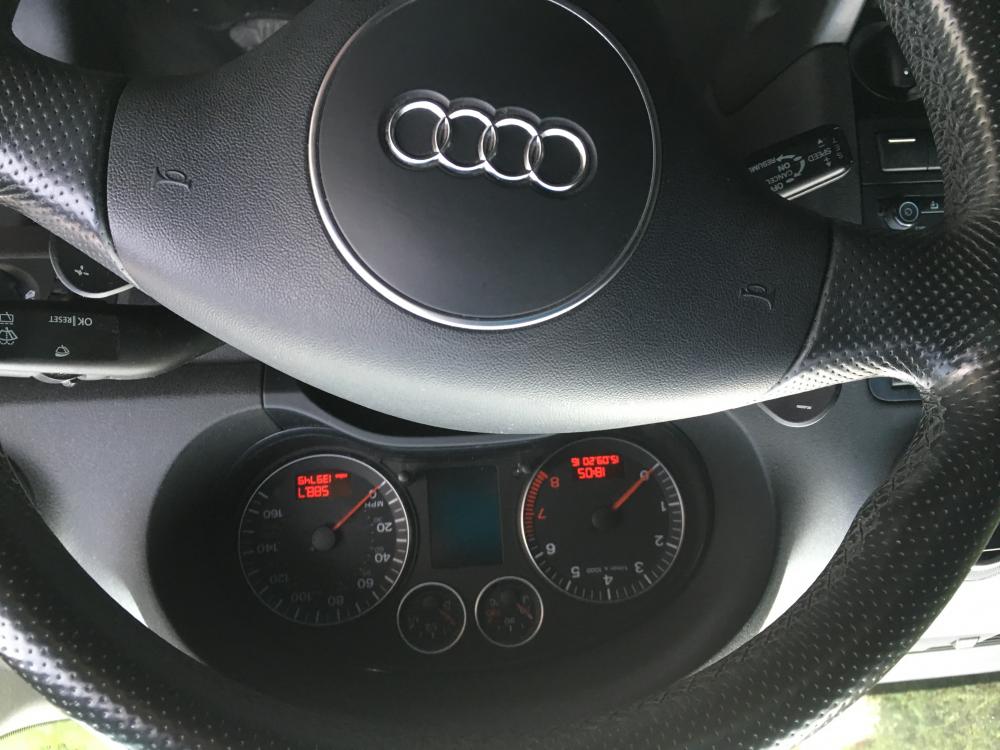
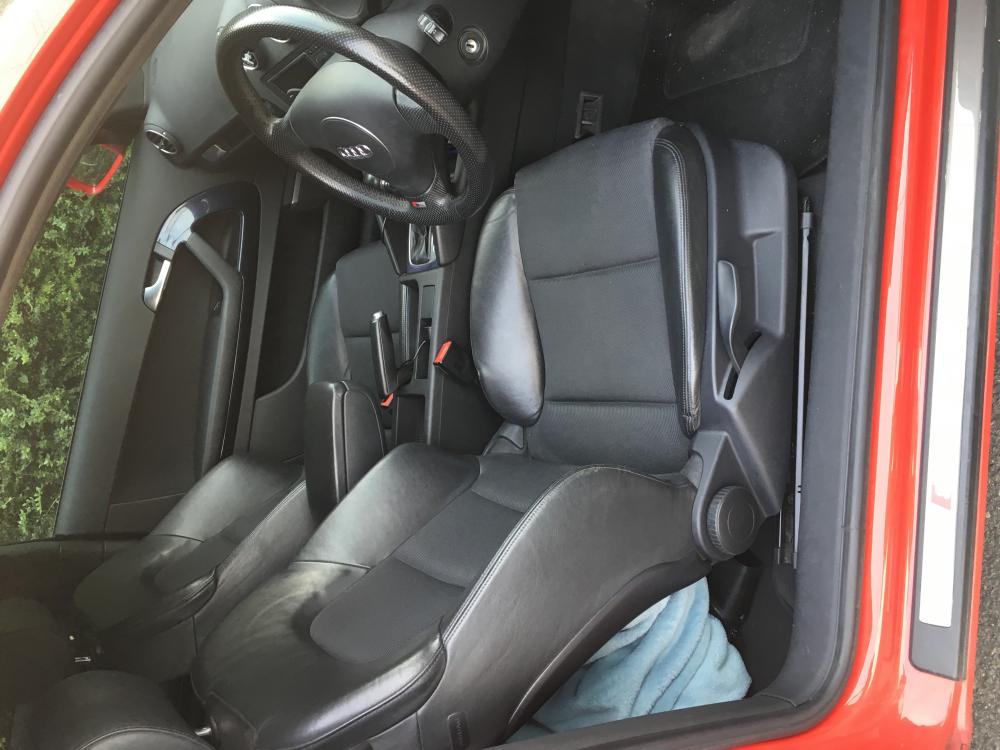
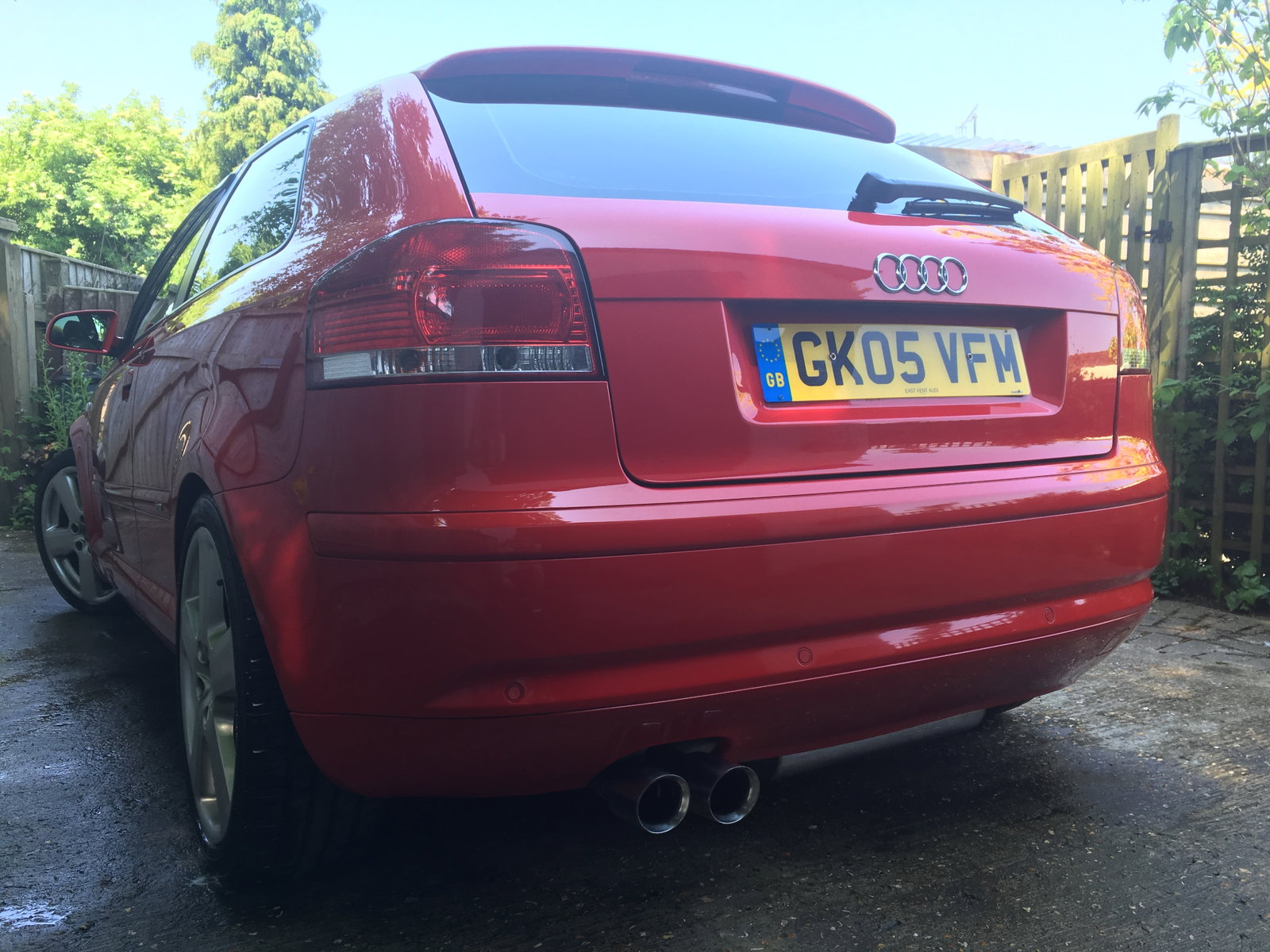
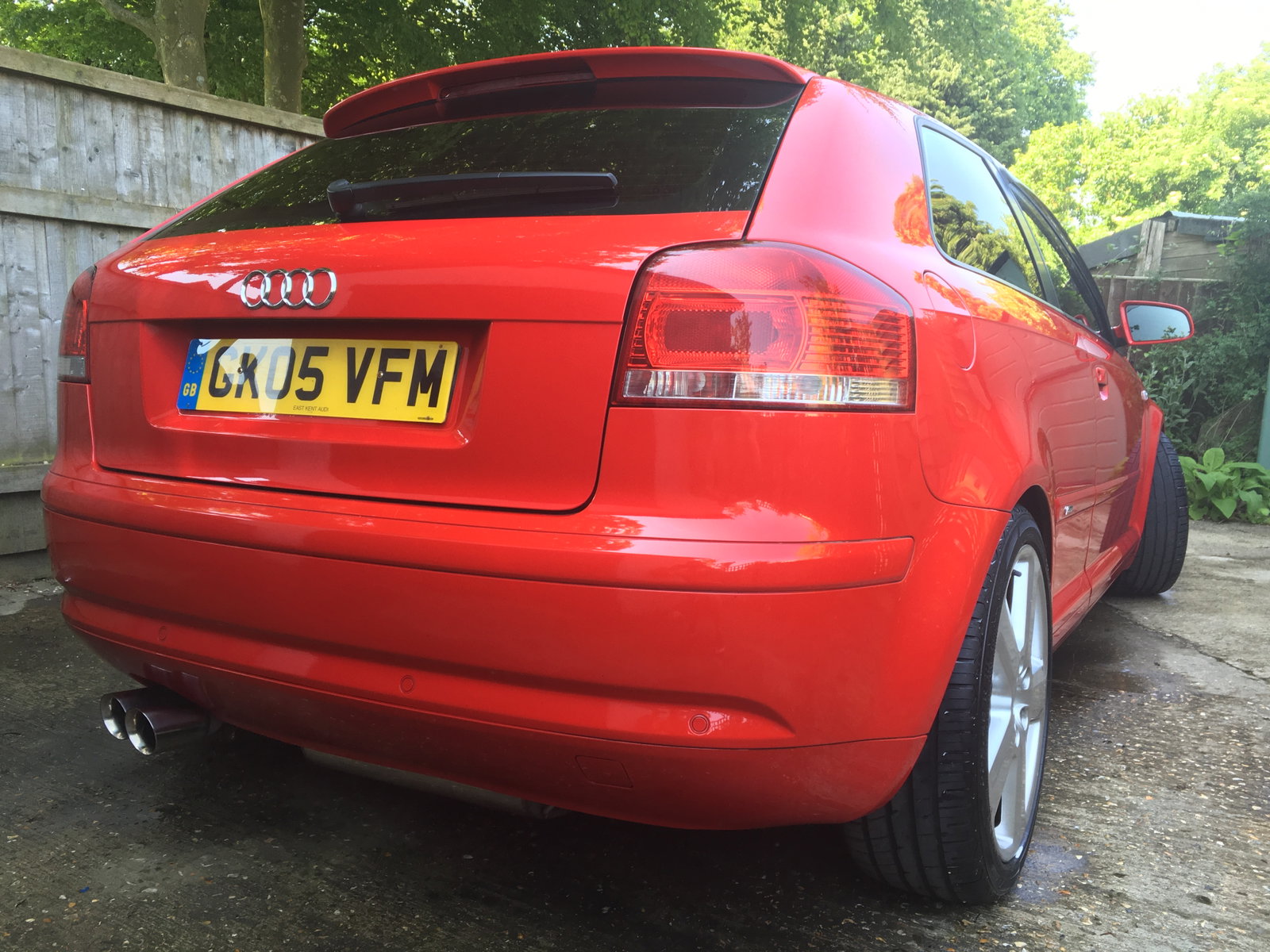
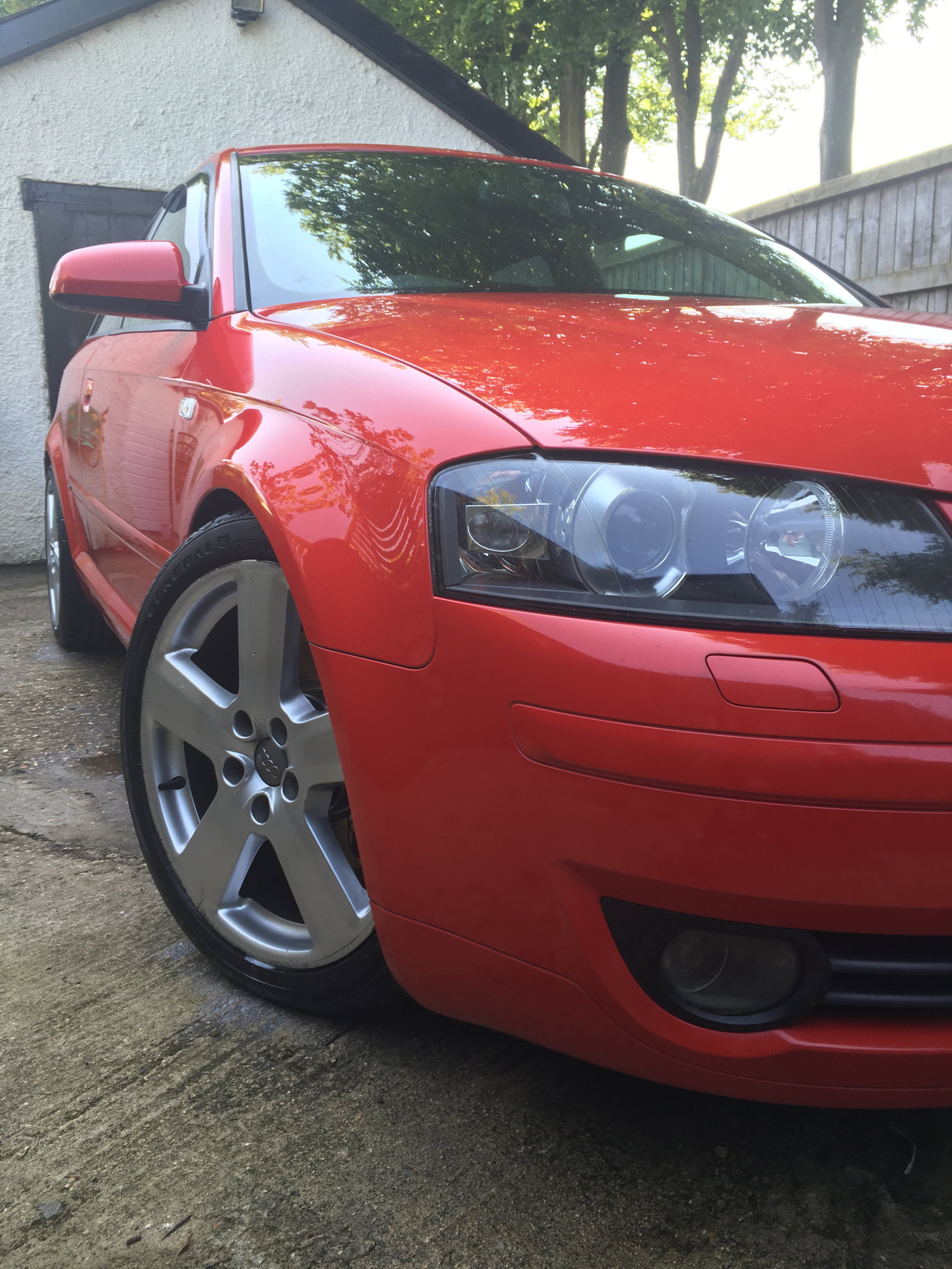
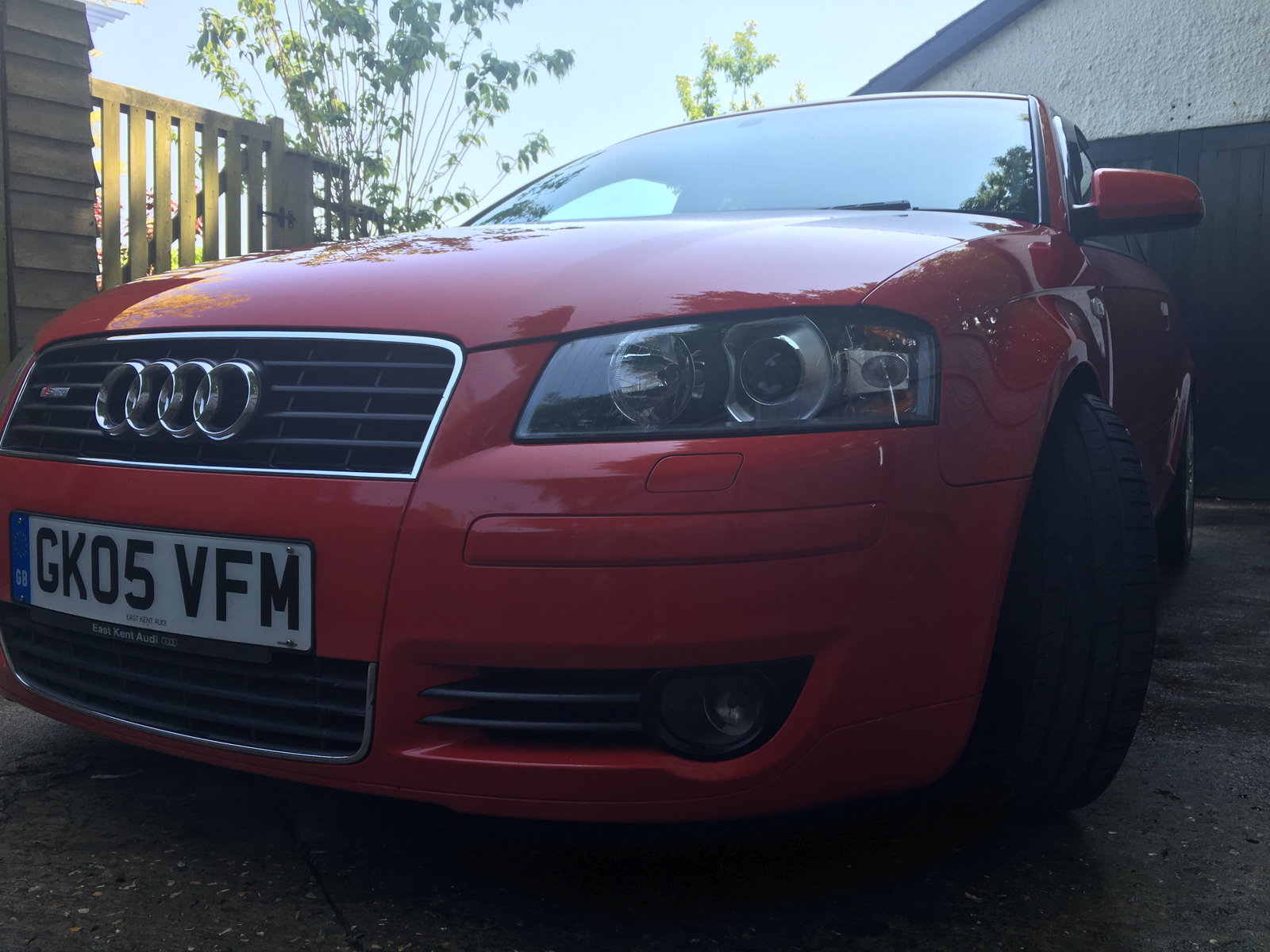
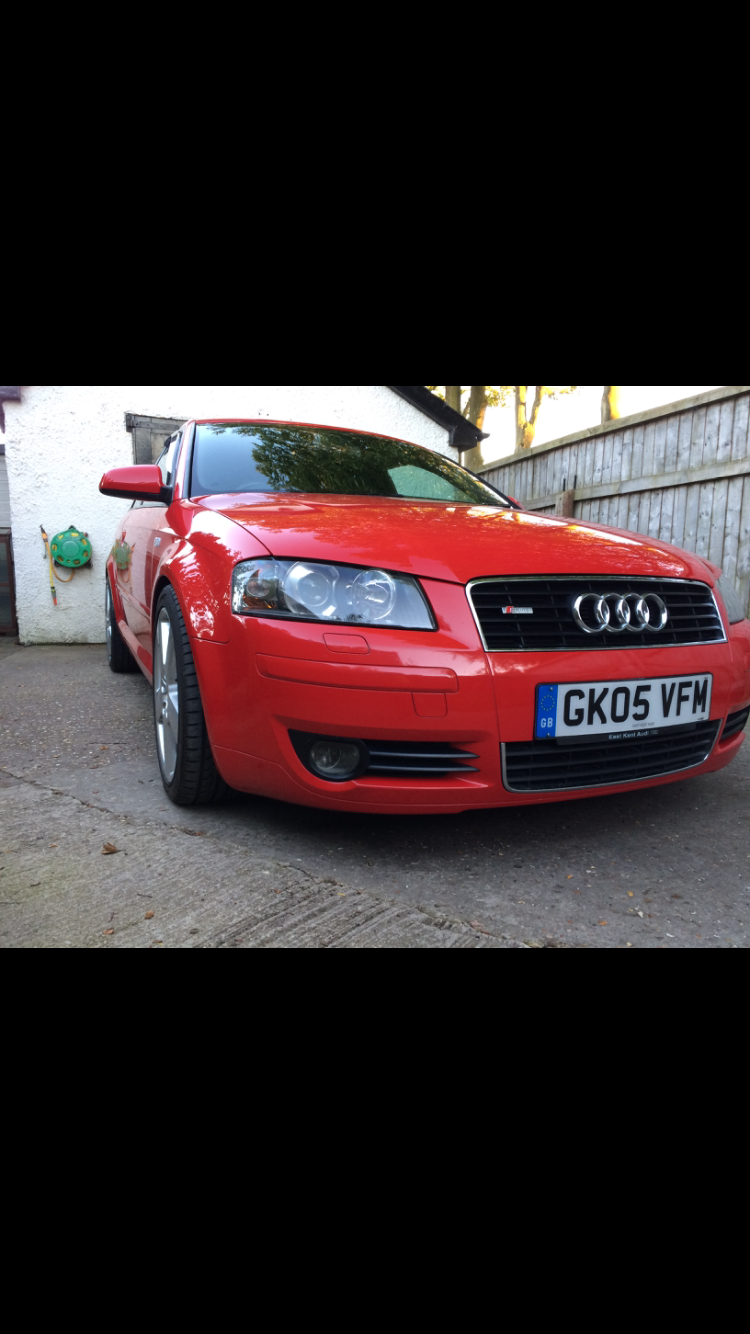
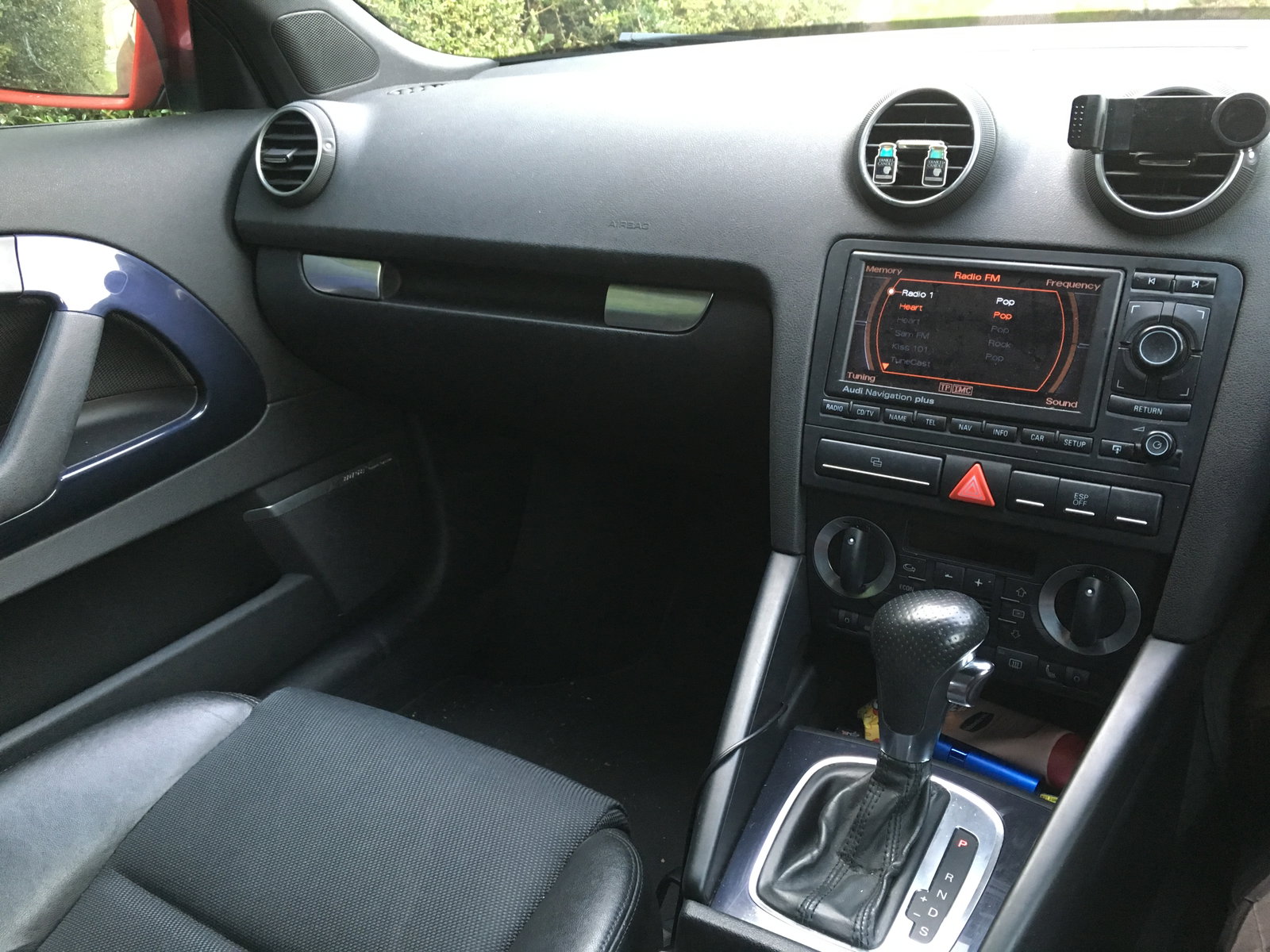
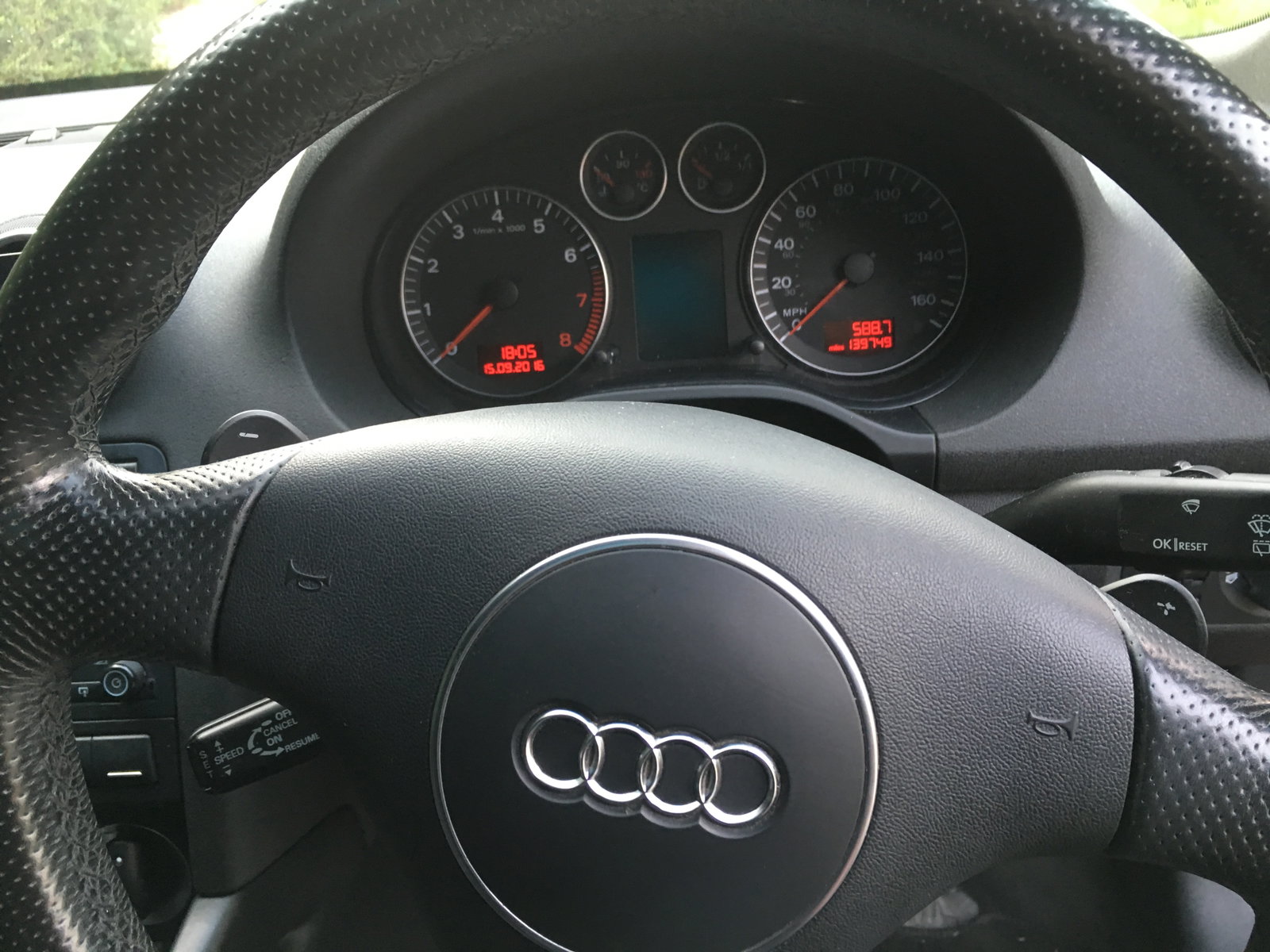
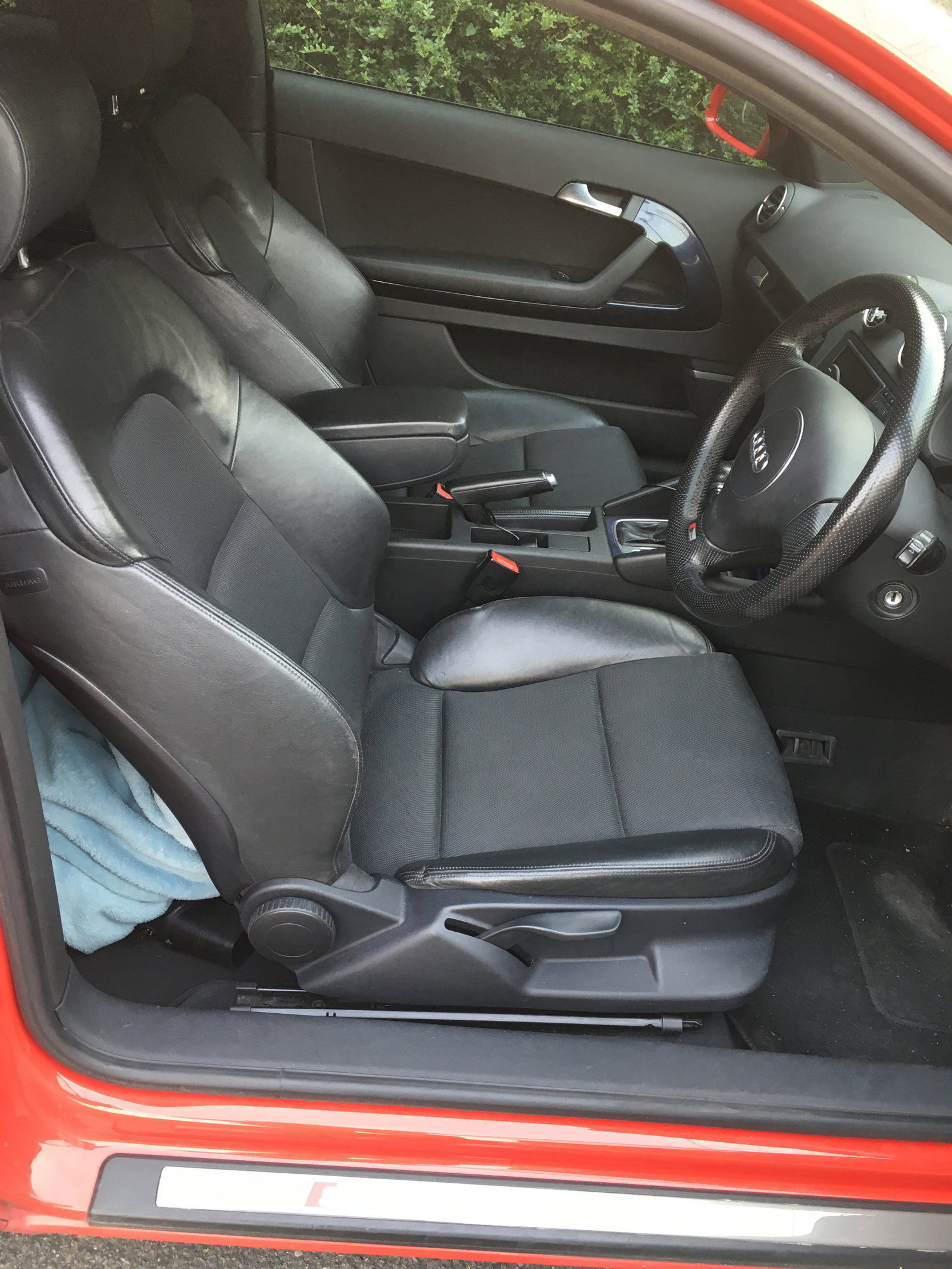
Firstly, I apologise but I haven't a clue why the uploader flipped my images upside down! Selling my beloved A3 due to an unanticipated change to diesel due to the need to start commuting. £2595 2005(05) A3 2.0TFSI S-Line DSG semi auto petrol Just under 140k Part service history Cam Belt and water pump done last year New discs and pads all round this year Tyres in great condition 18" alloys, fitted with spacers, kerbing present Standard and Milltek Cat-back exhaust (fitted) Bilstein rear shocks (last year) H&R lowering springs all round (last year) New thermostat fitted this year K&N air filter Privacy glass Standard fitted options include: Xenon headlights with washers, fog lights Auto headlights and wipers, rear parking sensors Sat Nav Bose sound system SD card compatibility, 6CD changer Half leather interior, heated Dual zone climate control Cruise control Having had the cam belt done at Audi the car has free MOTs for life. It has done me well for nearly three years without any issues what so ever, I am regretfully selling it but cannot afford to run petrol for the commuting that I will be doing. The interior is in outstanding condition, as is the exterior for the age of the car. Car is located in Upavon, Wiltshire. Thanks for looking, Alex.