Skip to content
View in the app

A better way to browse. Learn more.

Audi Owners Club (UK)

A full-screen app on your home screen with push notifications, badges and more.

To install this app on iOS and iPadOS
  1. Tap the Share icon in Safari
  2. Scroll the menu and tap Add to Home Screen.
  3. Tap Add in the top-right corner.
To install this app on Android
  1. Tap the 3-dot menu (โ‹ฎ) in the top-right corner of the browser.
  2. Tap Add to Home screen or Install app.
  3. Confirm by tapping Install.


Andrew A6Avant

Members
  • Joined

  • Last visited

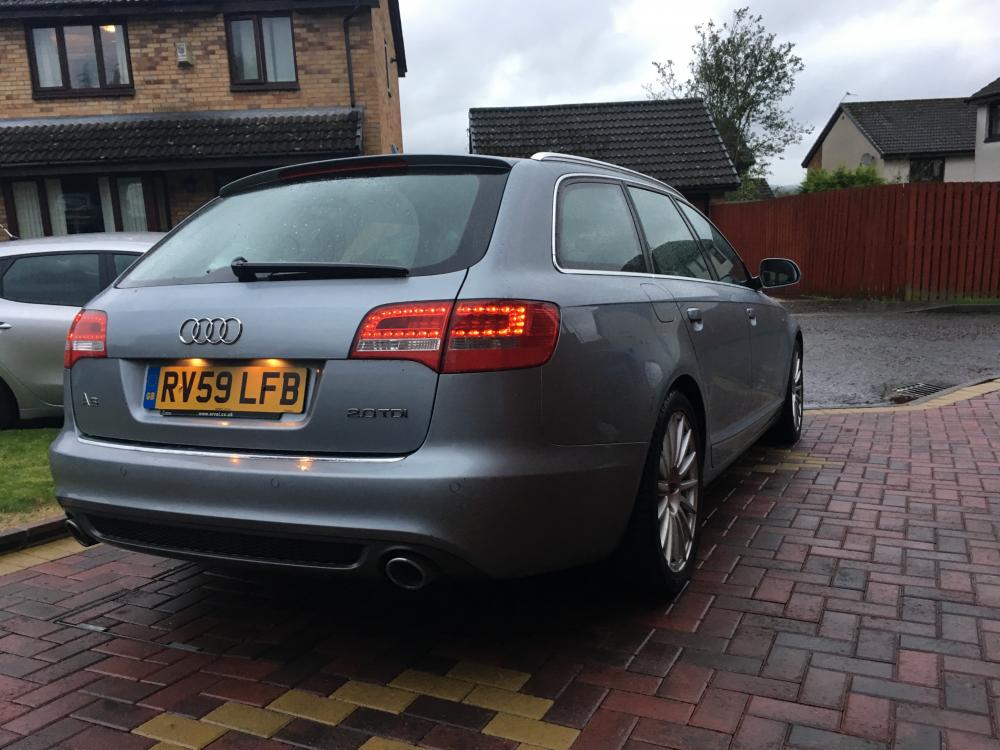
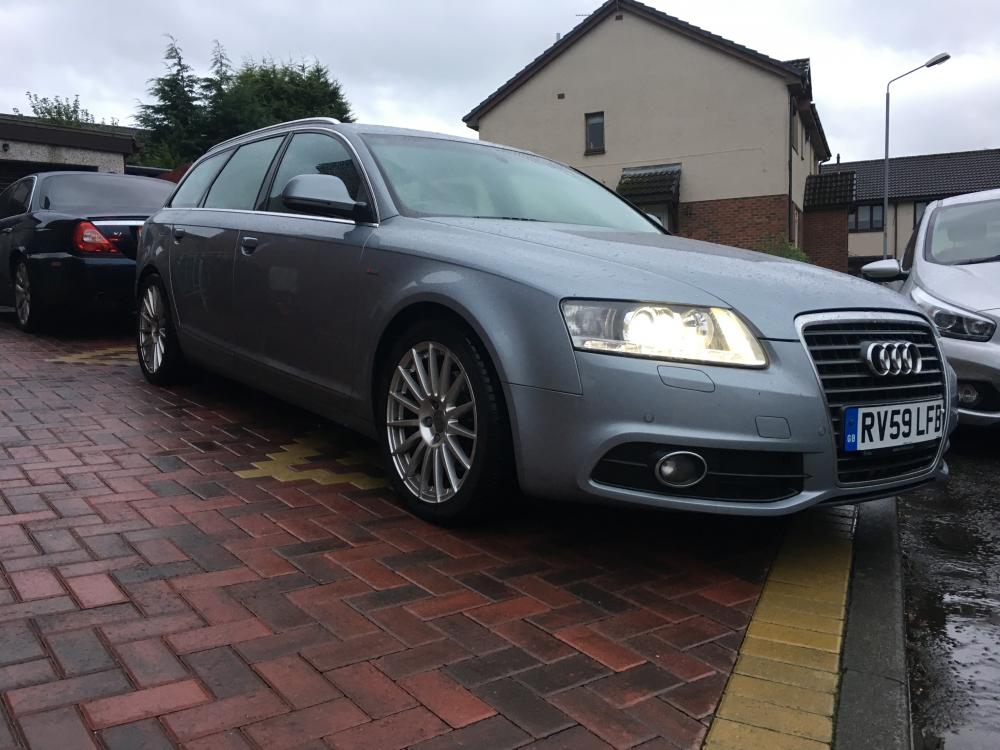
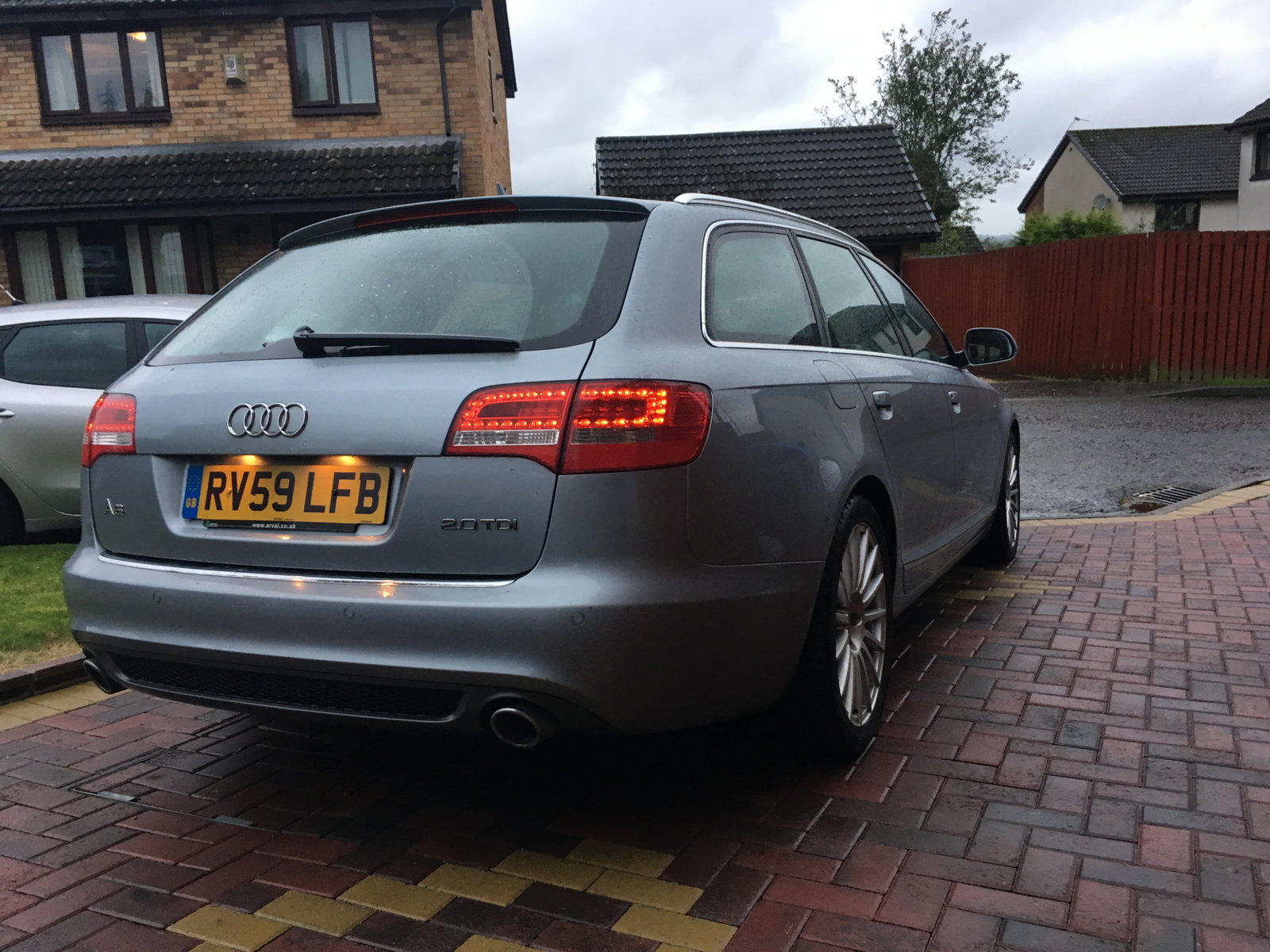
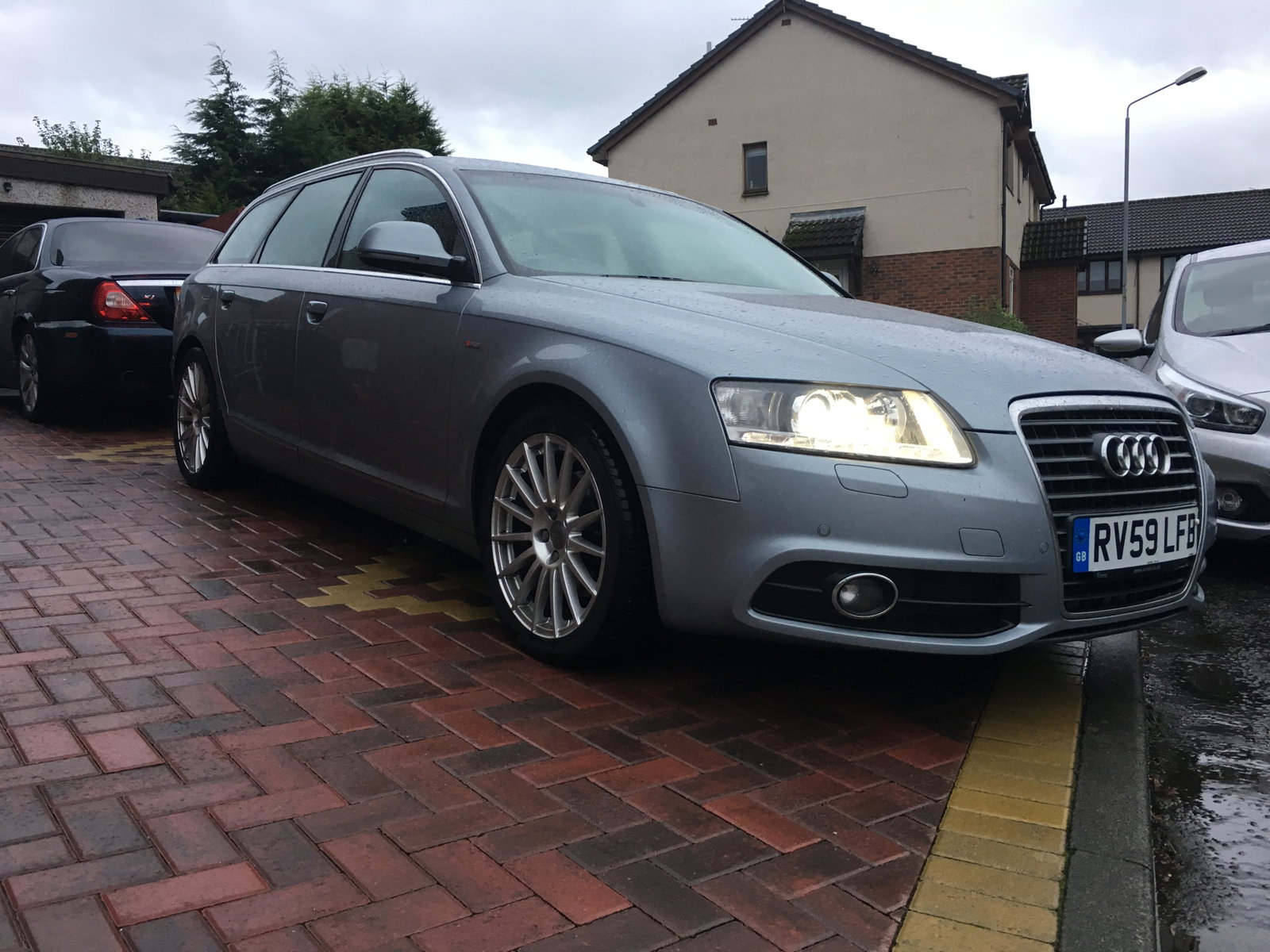
  1. Hi Everyone, My name is Andrew, I'm 21 years old & from Lanarkshire, Scotland ๐Ÿ™‹๐Ÿปโ€โ™‚๏ธ New to the Forum & just purchased a 2009 2.0 TDie A6 Avant S-line on Saturday ! I must say I am very impressed with the car. It's covered 135k miles, has most of the optional extras fitted from factory apart from Bluetooth media playback ! It was previously owned by an older couple, so service history is up to date by main dealer and the car feels solid. No knocks, bangs or clunks ๐Ÿ˜ I'm interested in modifying the car a little, like a remap, dpf/egr delete, a little bit of lowering etc. But I would like some advice from people who have already done this. Thanks for taking the time to read this and here's my wagon ๐Ÿ˜๐Ÿ˜


Background Picker
Customize Layout

Account

Navigation

Search

Search

Configure browser push notifications

Chrome (Android)
  1. Tap the lock icon next to the address bar.
  2. Tap Permissions โ†’ Notifications.
  3. Adjust your preference.
Chrome (Desktop)
  1. Click the padlock icon in the address bar.
  2. Select Site settings.
  3. Find Notifications and adjust your preference.