Farrell
Members
-
Joined
-
Last visited
Everything posted by Farrell
-
No its all the time
-
Thanks, i did read about that before so have pulled my back seat up. Everything looks ok & seems to be connected but will leave the seat off & have a look after a drive tomorrow. Thanks again
-
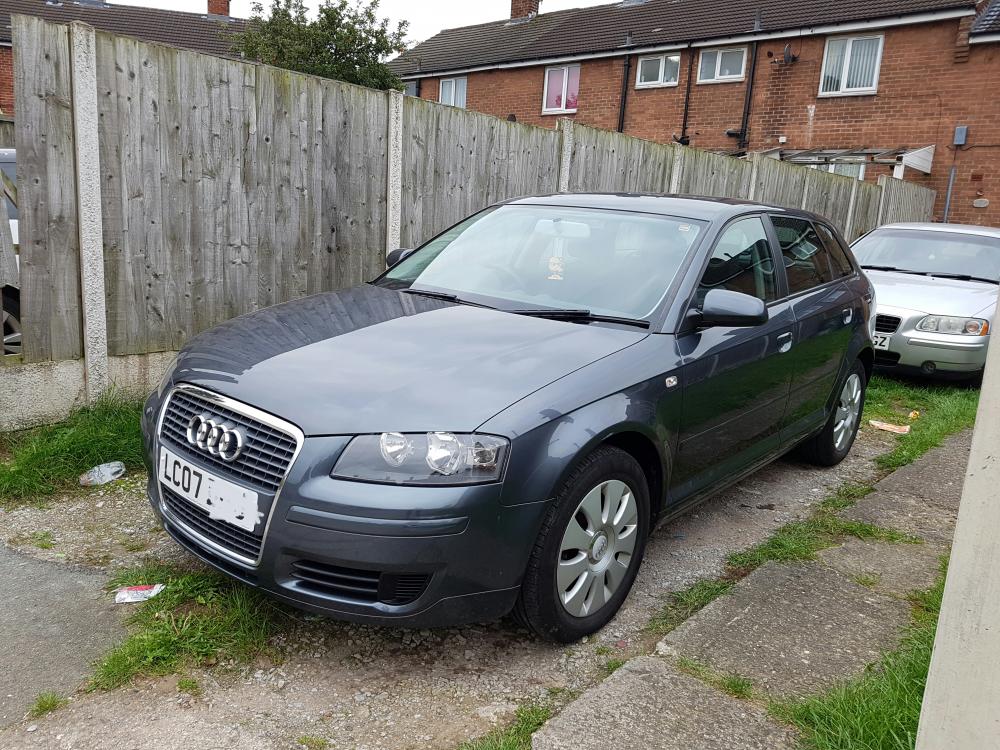
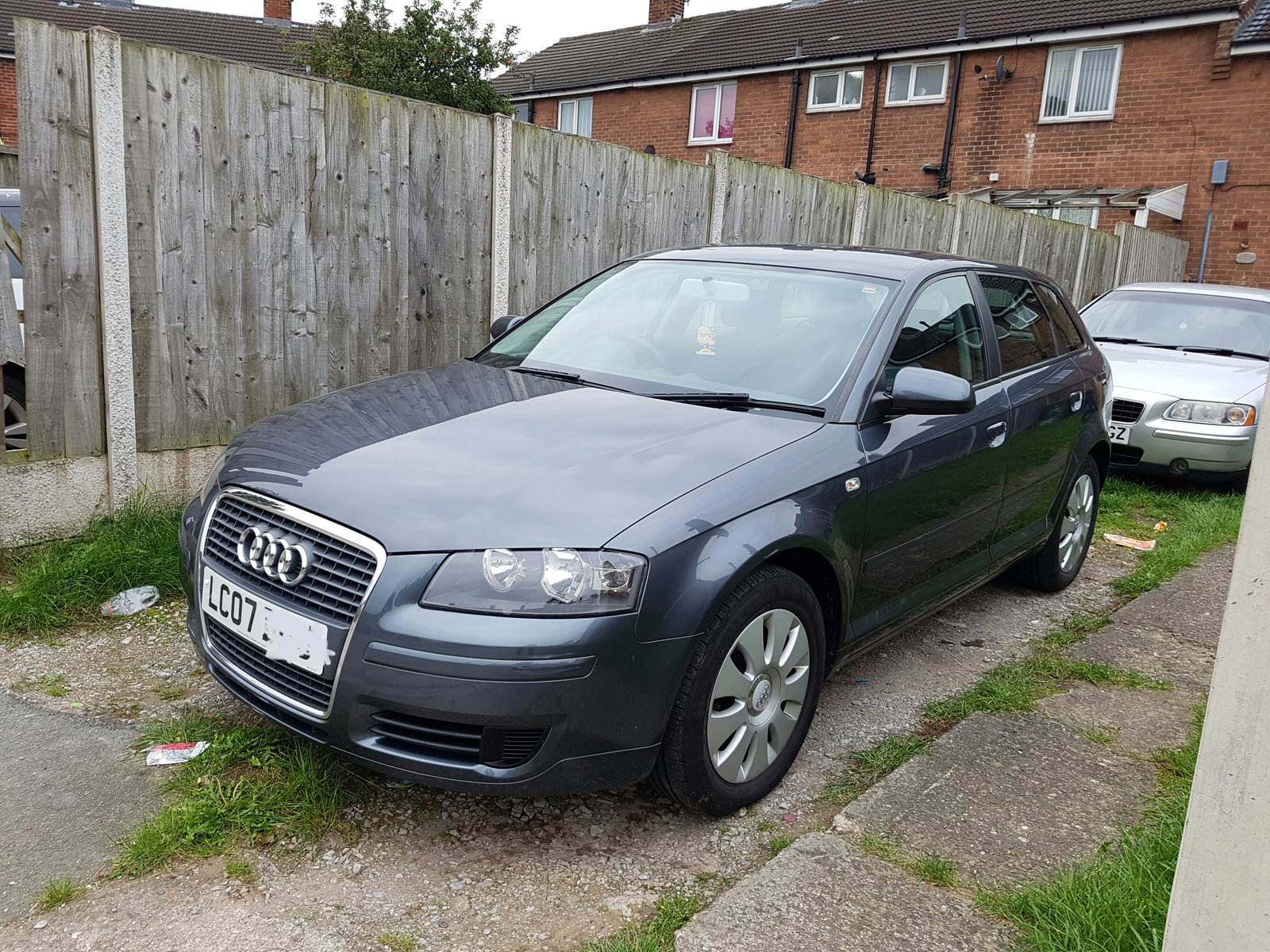
Hi, Over the last couple of weeks i have been having a really strong smell of petrol after driving & i cant work out where its comming from. Have noticed it now & again over the last few months but now seems to be every time i drive Any ideas of where it could be comming from or where i should be looking ? My car is a 07 1.6 special edition a3 Thanks for any help
-
Yes brilliant, thank you
-
Hi Sorry if this is a silly question but bought an audi a3 sportback 2 days ago & whenever i look for parts (on ebay etc) im asked if its a 8p1 or a 8pa, what does that mean & how do i know ? My car is 07 plate 1.6 petrol 5 door sportback special edition. Thanks for any help