Skip to content
View in the app

A better way to browse. Learn more.

Audi Owners Club (UK)

A full-screen app on your home screen with push notifications, badges and more.

To install this app on iOS and iPadOS
  1. Tap the Share icon in Safari
  2. Scroll the menu and tap Add to Home Screen.
  3. Tap Add in the top-right corner.
To install this app on Android
  1. Tap the 3-dot menu (⋮) in the top-right corner of the browser.
  2. Tap Add to Home screen or Install app.
  3. Confirm by tapping Install.


donna h

Members
  • Joined

  • Last visited

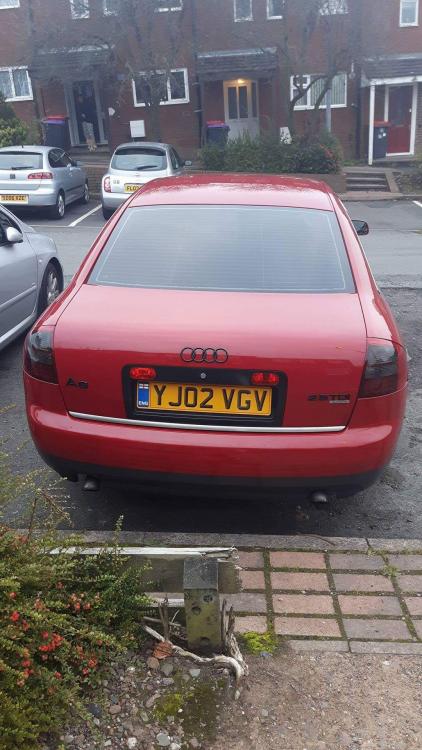
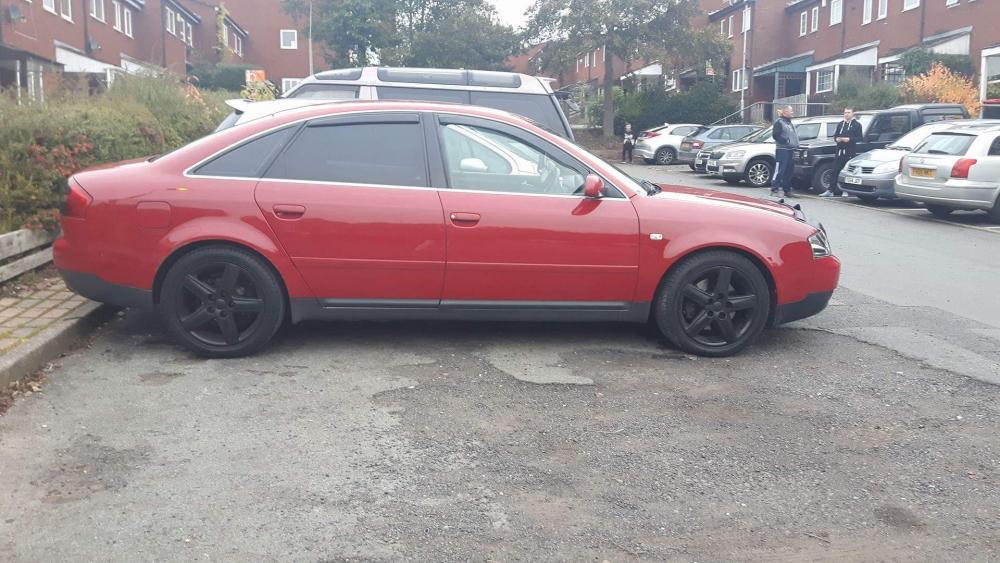
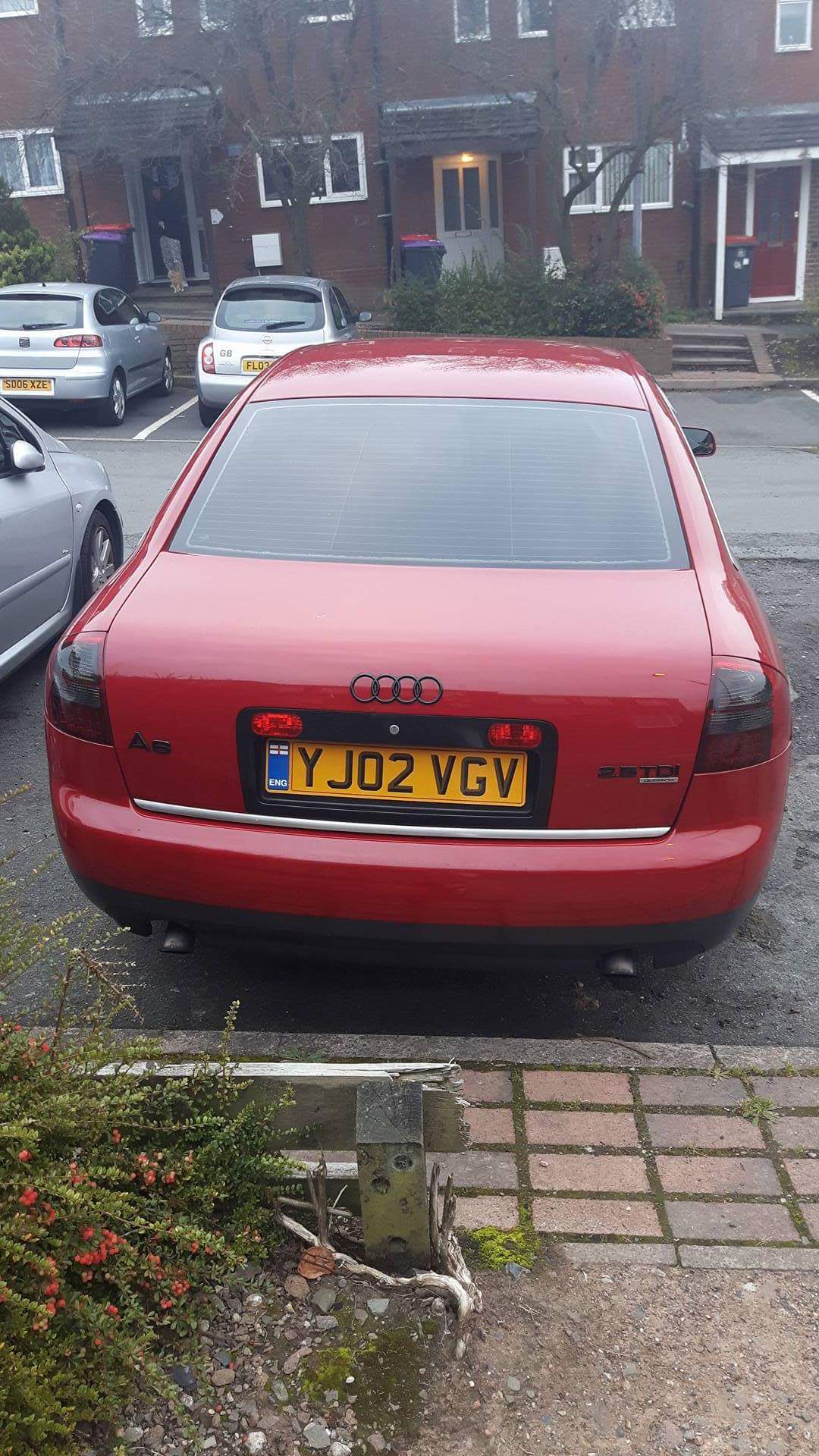
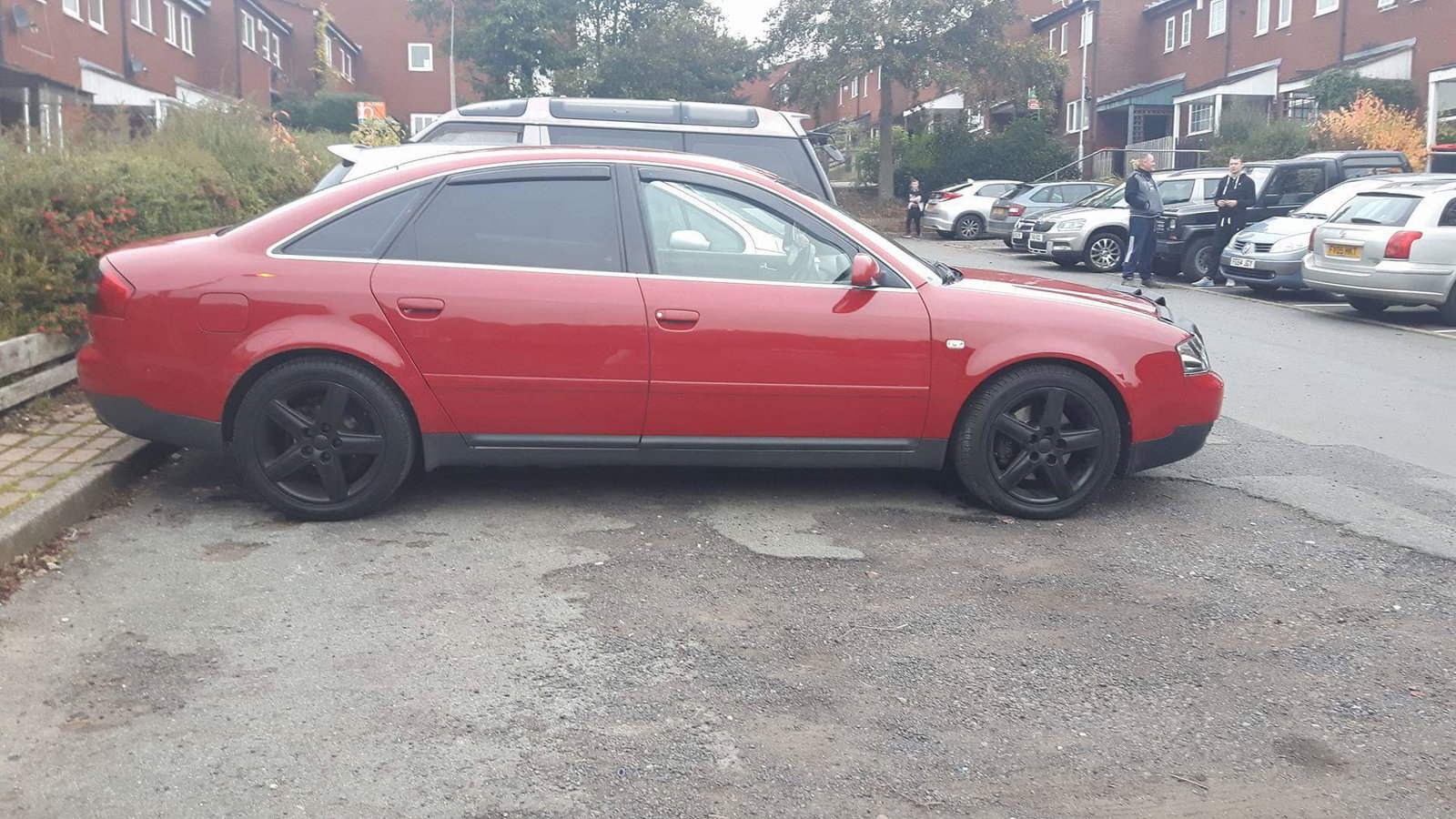
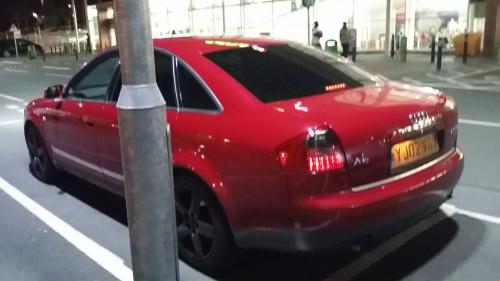
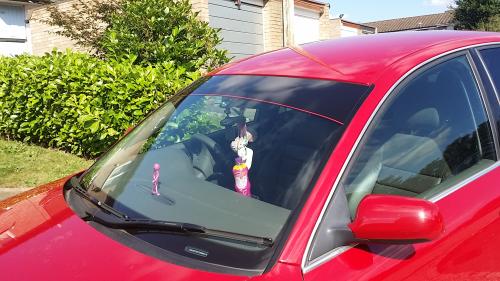
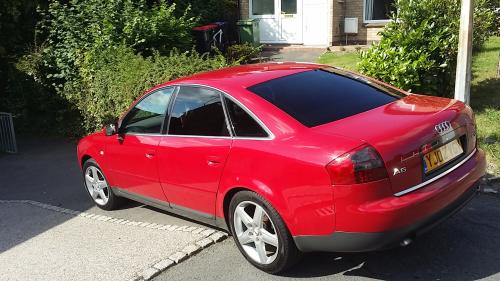
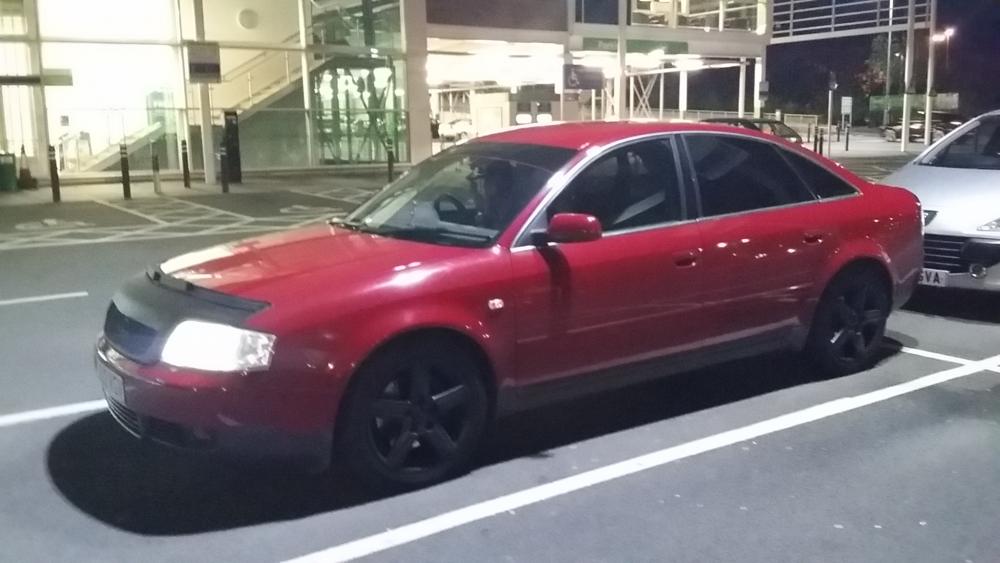
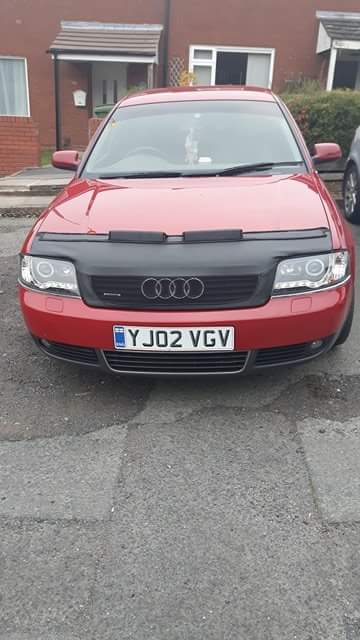
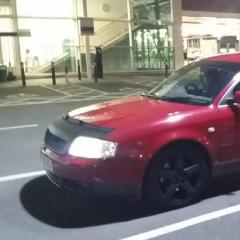
  1. My babi now has had new wing due t rust cheaper to replace ..new tyres all round ..new brakes n disks..sun strip..window tints ..wind deflectors ..all badges at rear sprayed black..bonnet bra..new rear lights ..new front lights..wheels referbed and from silver to black one happy girl :)
  2. Yes lol my nxt is an audi tt hopefully in next few weeks xx
  3. What car dod u drive bfr your audi Mine was 3 hyundai coupes and 3 mitsubishi fto's amongst others
  4. Thanku were do i post them
  5. donna h changed their profile photo
  6. I had this faulty fuel filer mine had slightest bit of a dent u cud barely see changed it again and car was fine
  7. Just poppin by to say hi i have 2002 a6 2.5tdi quattro sport xx hey all xx


Background Picker
Customize Layout

Account

Navigation

Search

Search

Configure browser push notifications

Chrome (Android)
  1. Tap the lock icon next to the address bar.
  2. Tap Permissions → Notifications.
  3. Adjust your preference.
Chrome (Desktop)
  1. Click the padlock icon in the address bar.
  2. Select Site settings.
  3. Find Notifications and adjust your preference.