denviks
Members
-
Joined
-
Last visited
Everything posted by denviks
-
Morning. This is something I'm also considering as my mpg is pants since having the emissions update done. While the extra power will be nice I am more concerned with my miles per gallons. Seriously considering it now
-
hi all. i have standard H7 bulbs in my headlights and i find them quite dull at night. ive come from a range rover with xenons to my audi with standard lights and i dont like the fact i cannot see. has anyone fitted a hid kit to theirs? or maybe LED bulbs? looking for some inspiration to be honest as i cannot live with these lights
-
i have asked a local company about that and he has said i should see around an extra 70-80 miles per tank after a remap .... as well as the power gain. sat trying to decide next move if im honest
-
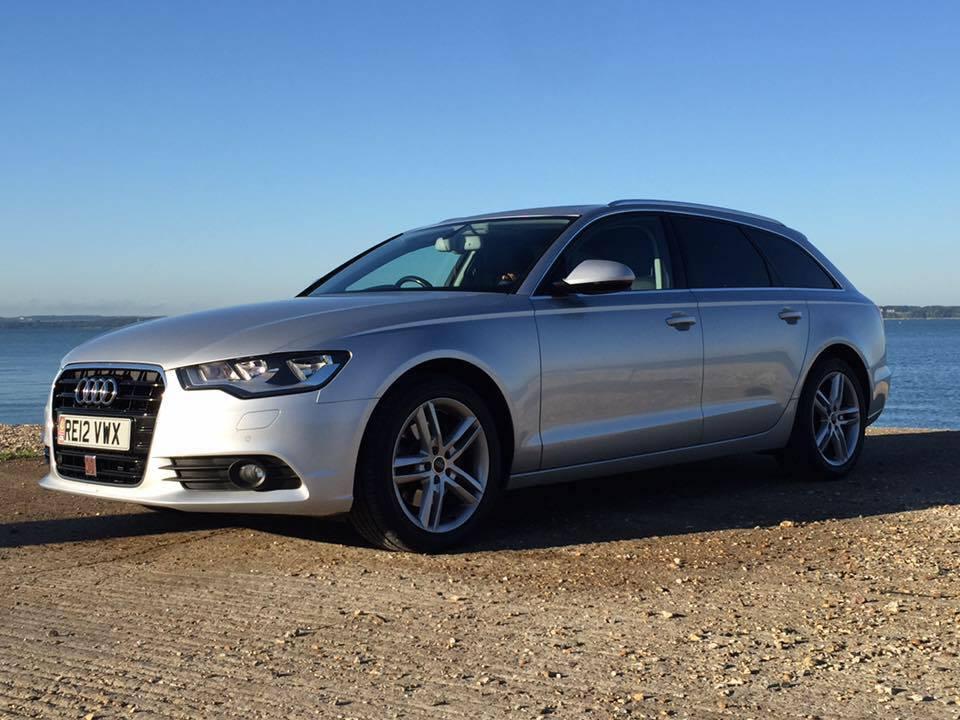
hi all.... new to the forum today , my name is den . ive owned my a6 c7 avant for about 4 month now and love it. done a few things to it now including window tints, full interior led upgrade , upgraded external bulbs , s line alloys etc my next mod will be upgrading my leather interior to heated seats.... i have them sat in the garage waiting for me to be brave one morning ... anyway i just wanted to stick my head in and say hello
-
hi, im getting around the same as you. around the 35... i was hoping for alot better to be honest.