Ghani
Members
-
Joined
-
Last visited
Everything posted by Ghani
-
Hi Everyone, Just bought an A7 moving on from 7 years relationship with my A4 B8 TDI due to ULEZ restrictions like a lots of folks out there. Loving my new A7 to bit, the comfort, power and smooth road stand, been looking at one of those for a while.
-
What’s the project you are working on ?
-
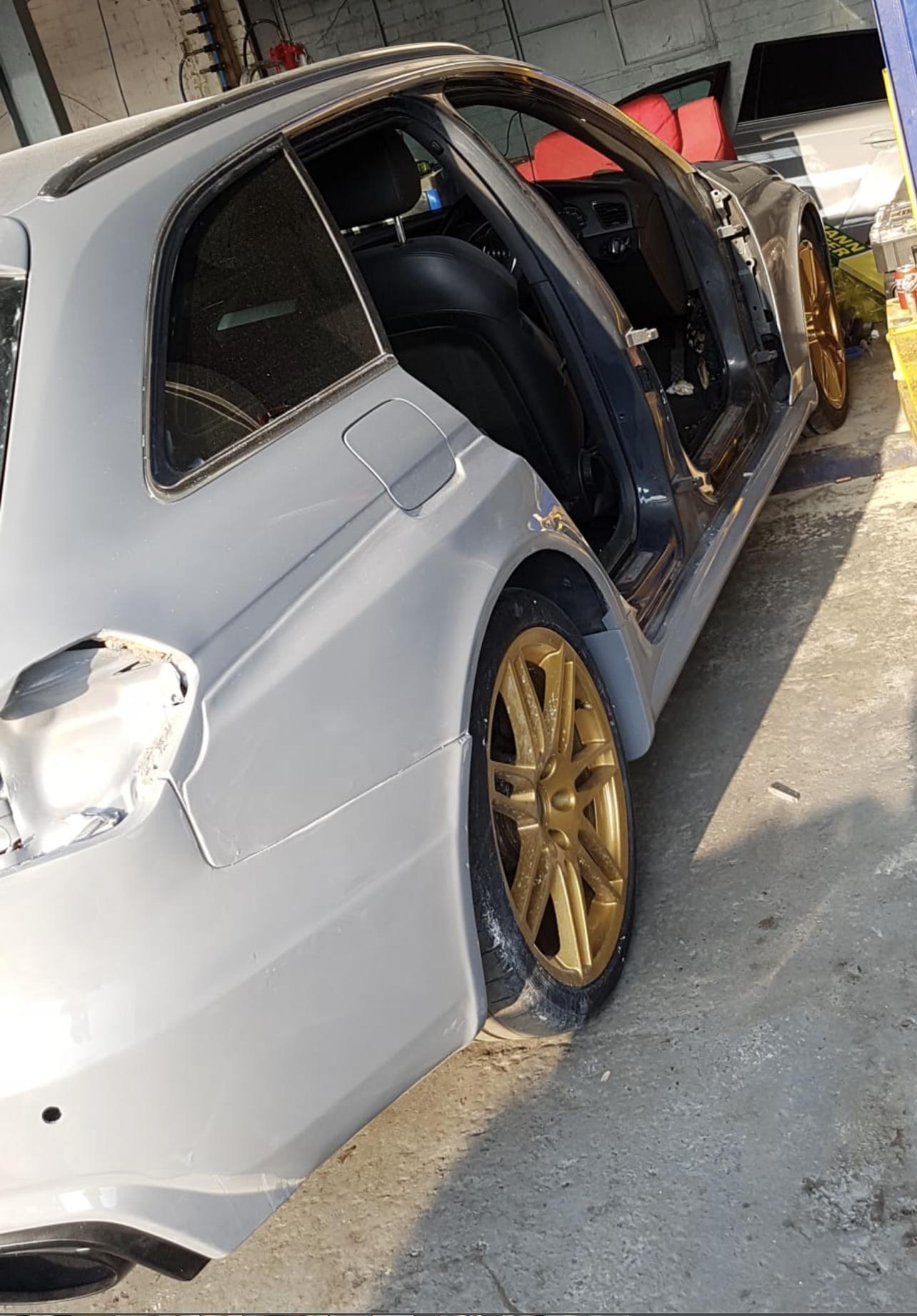
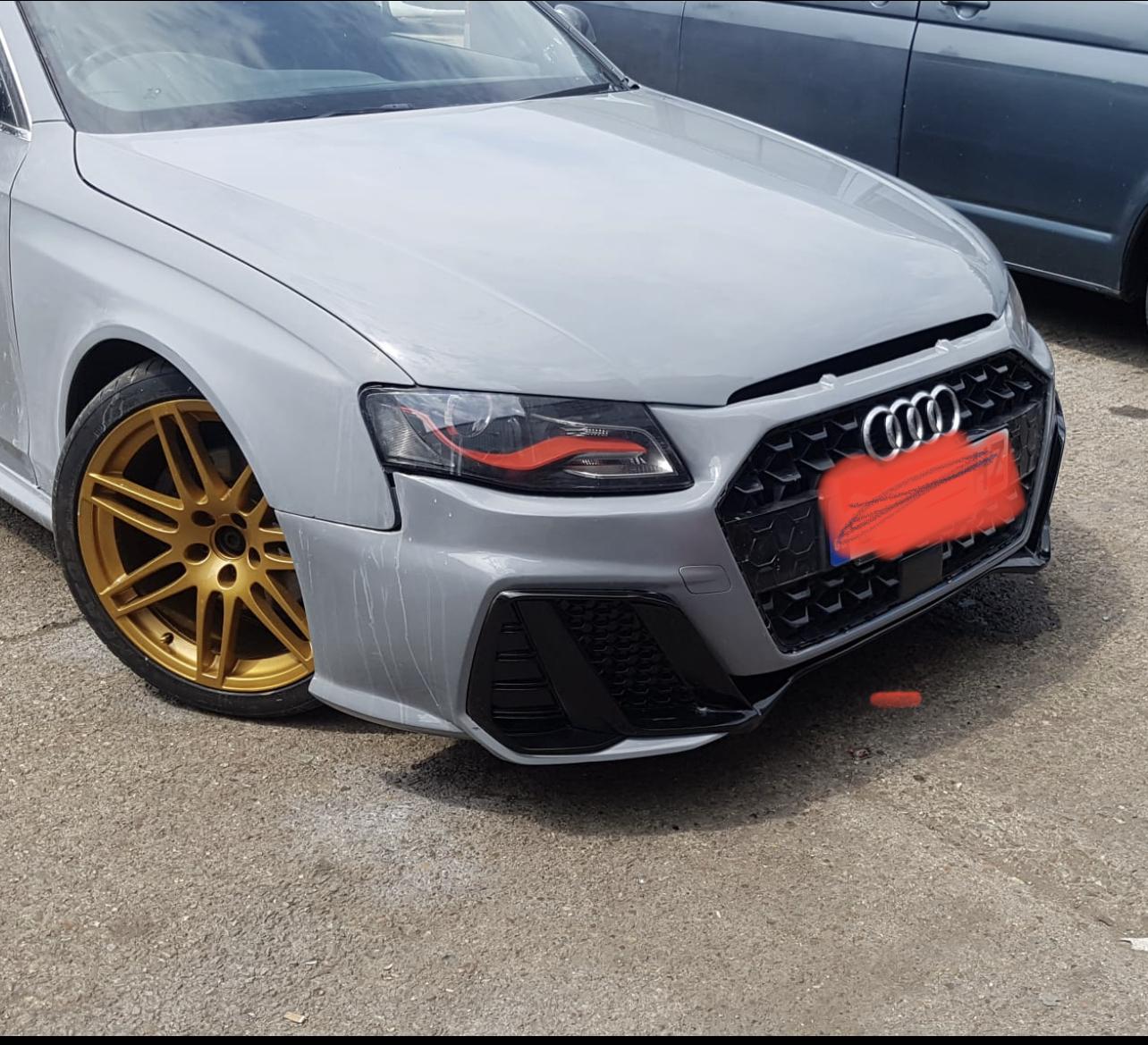
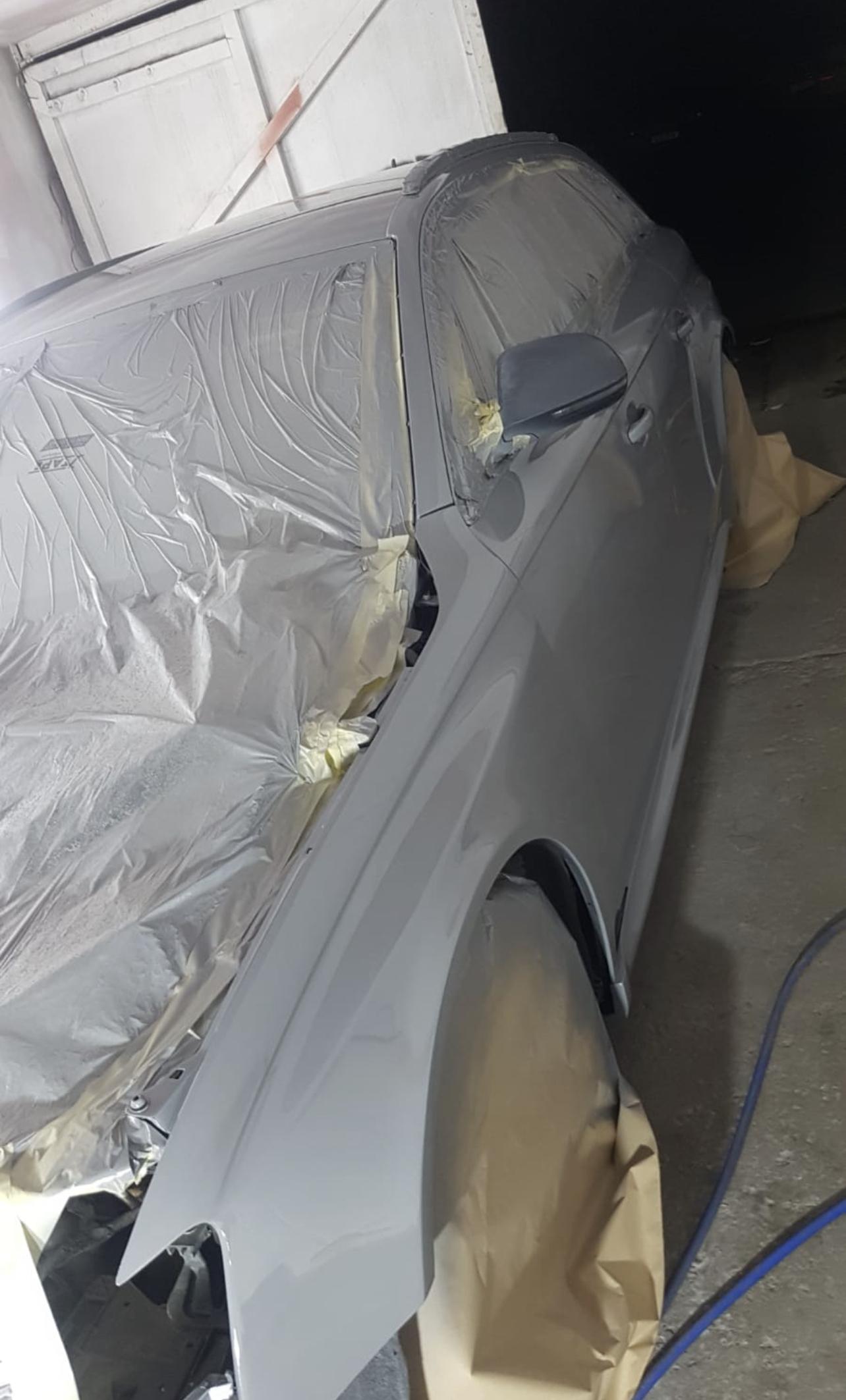
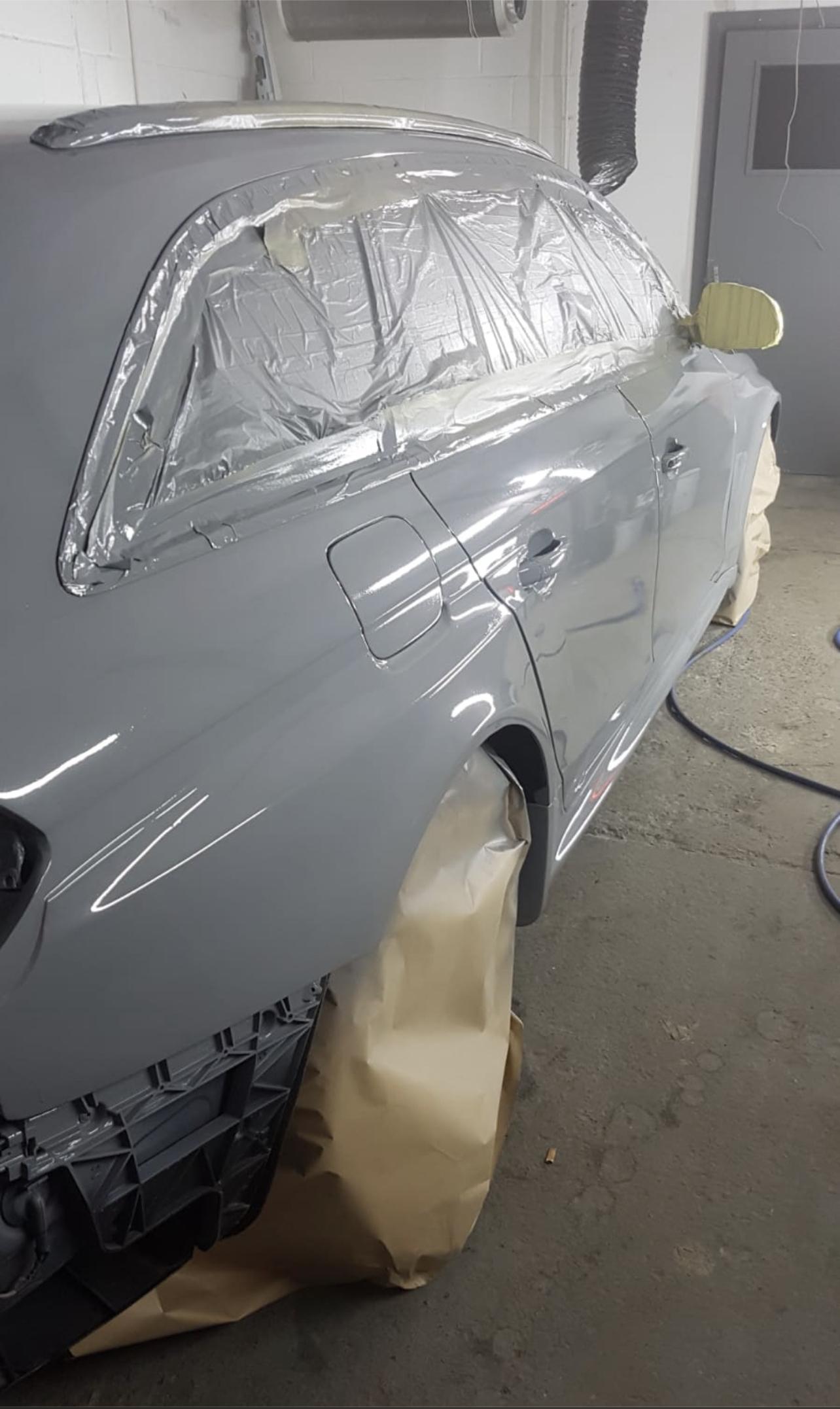
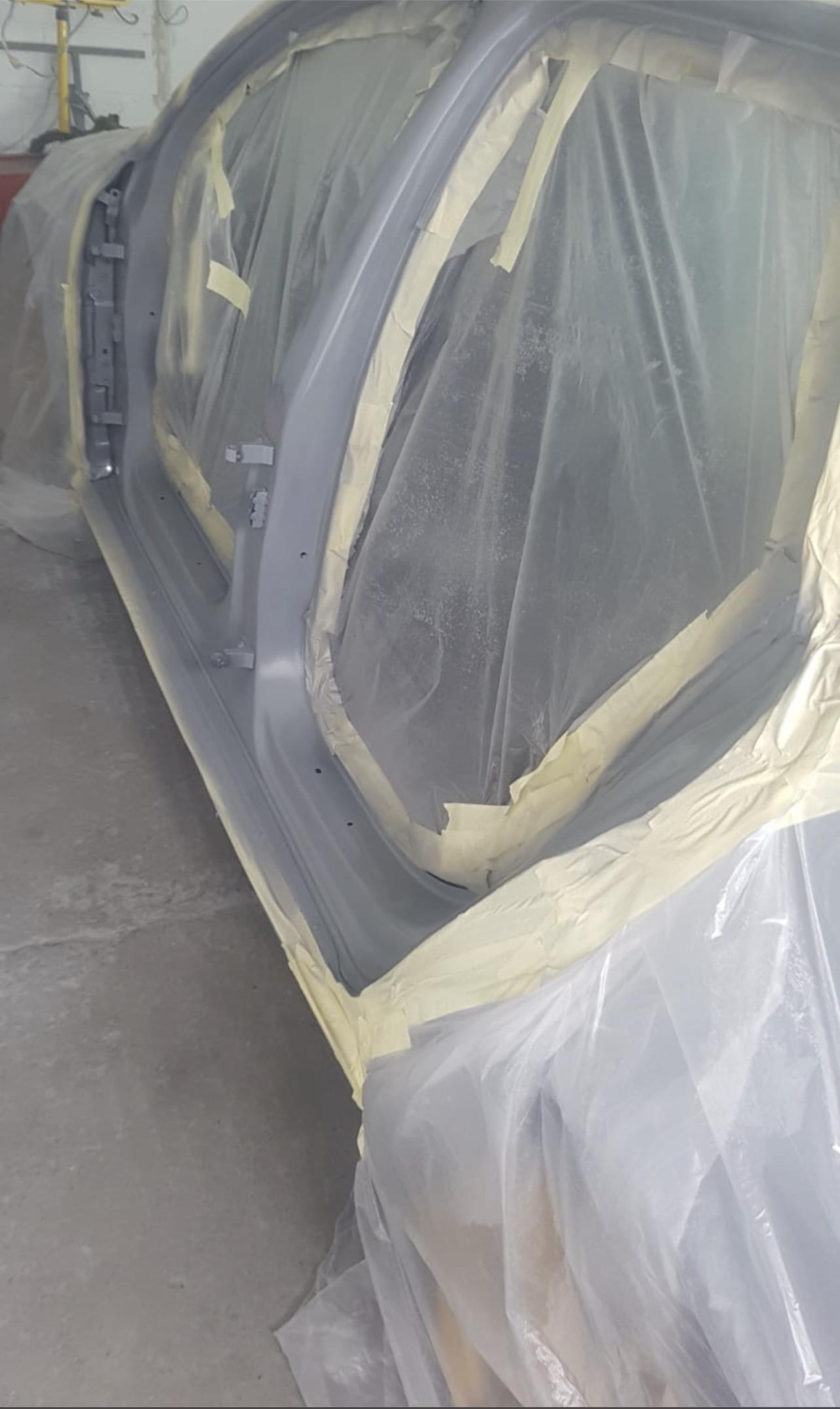
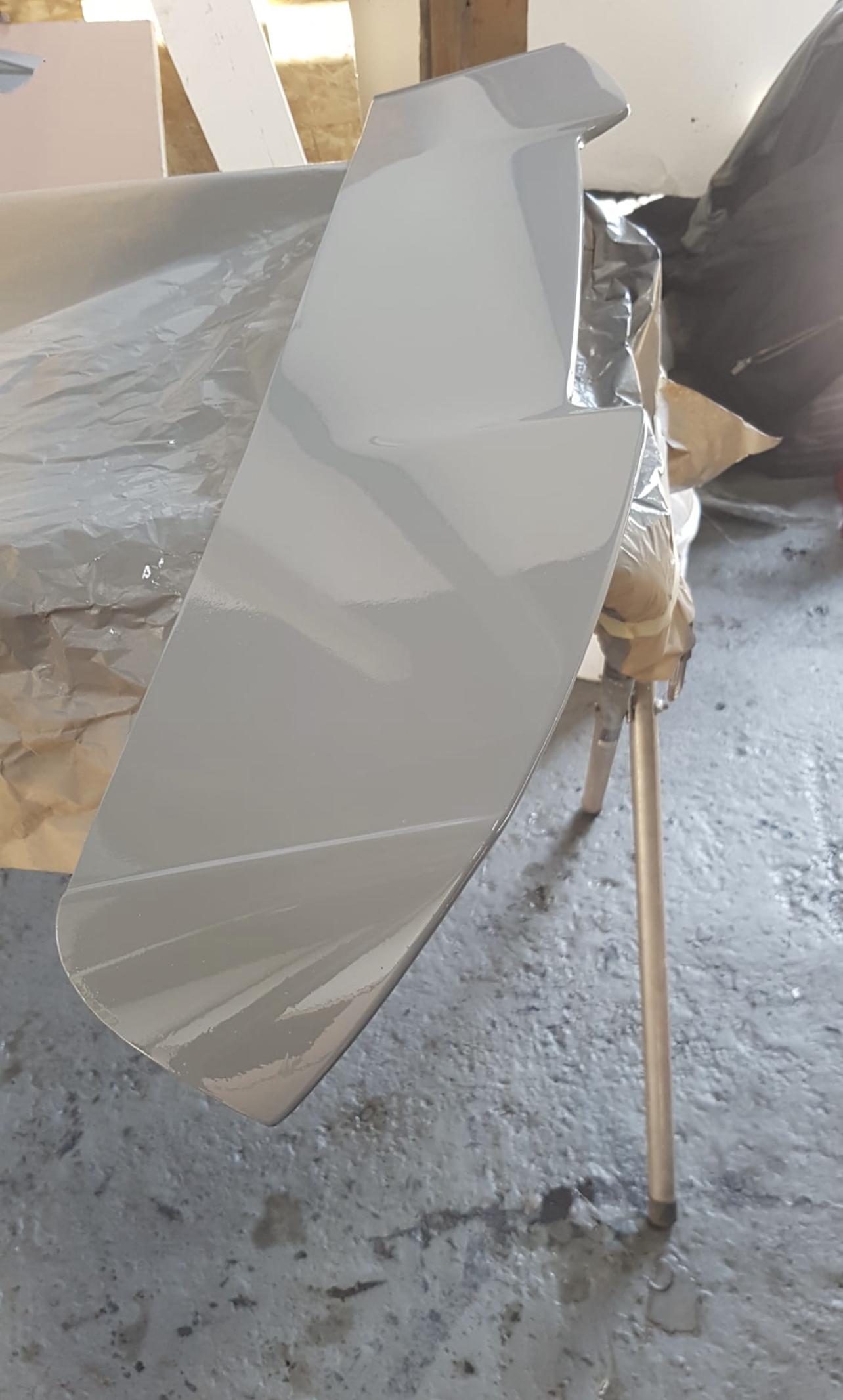
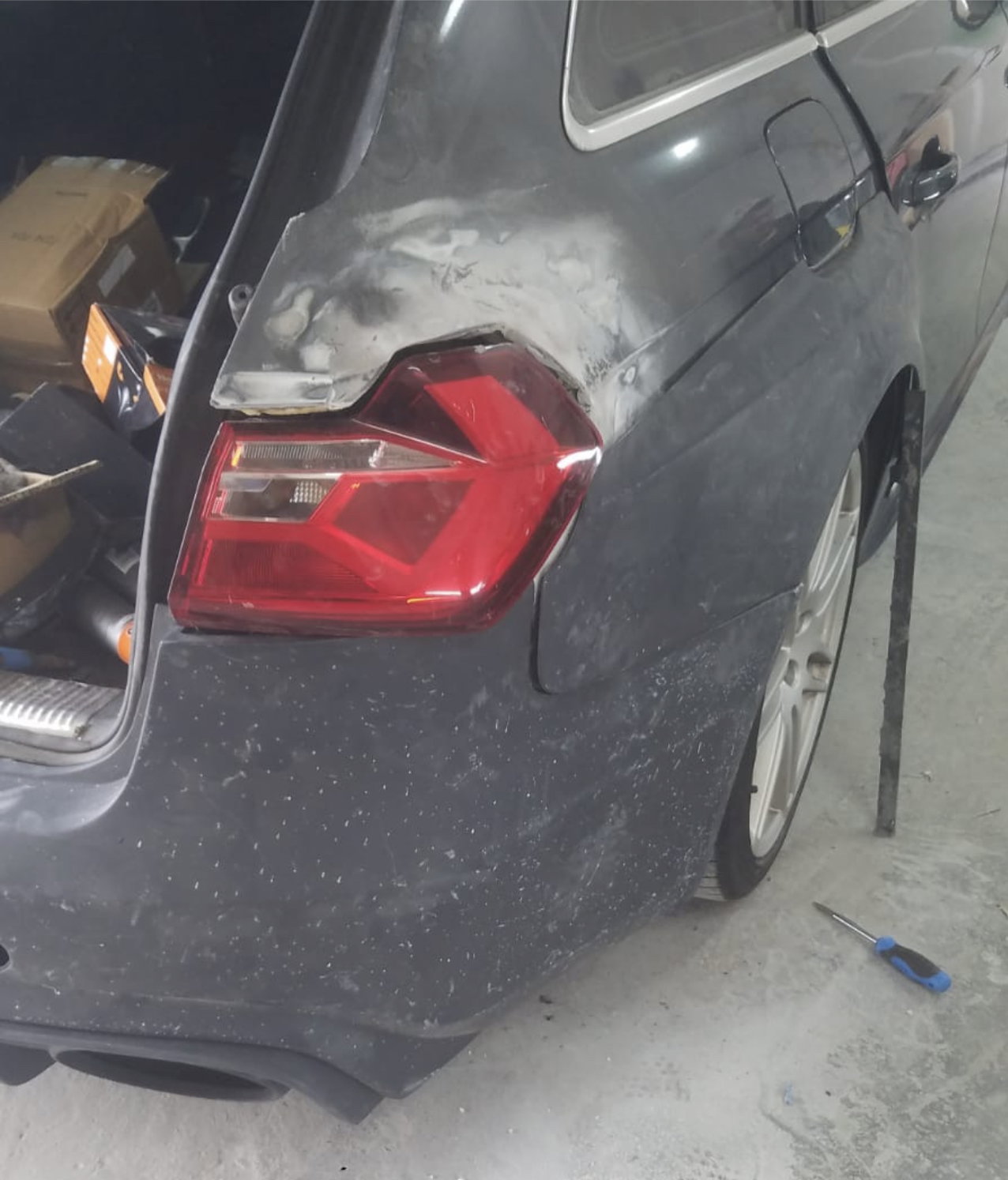
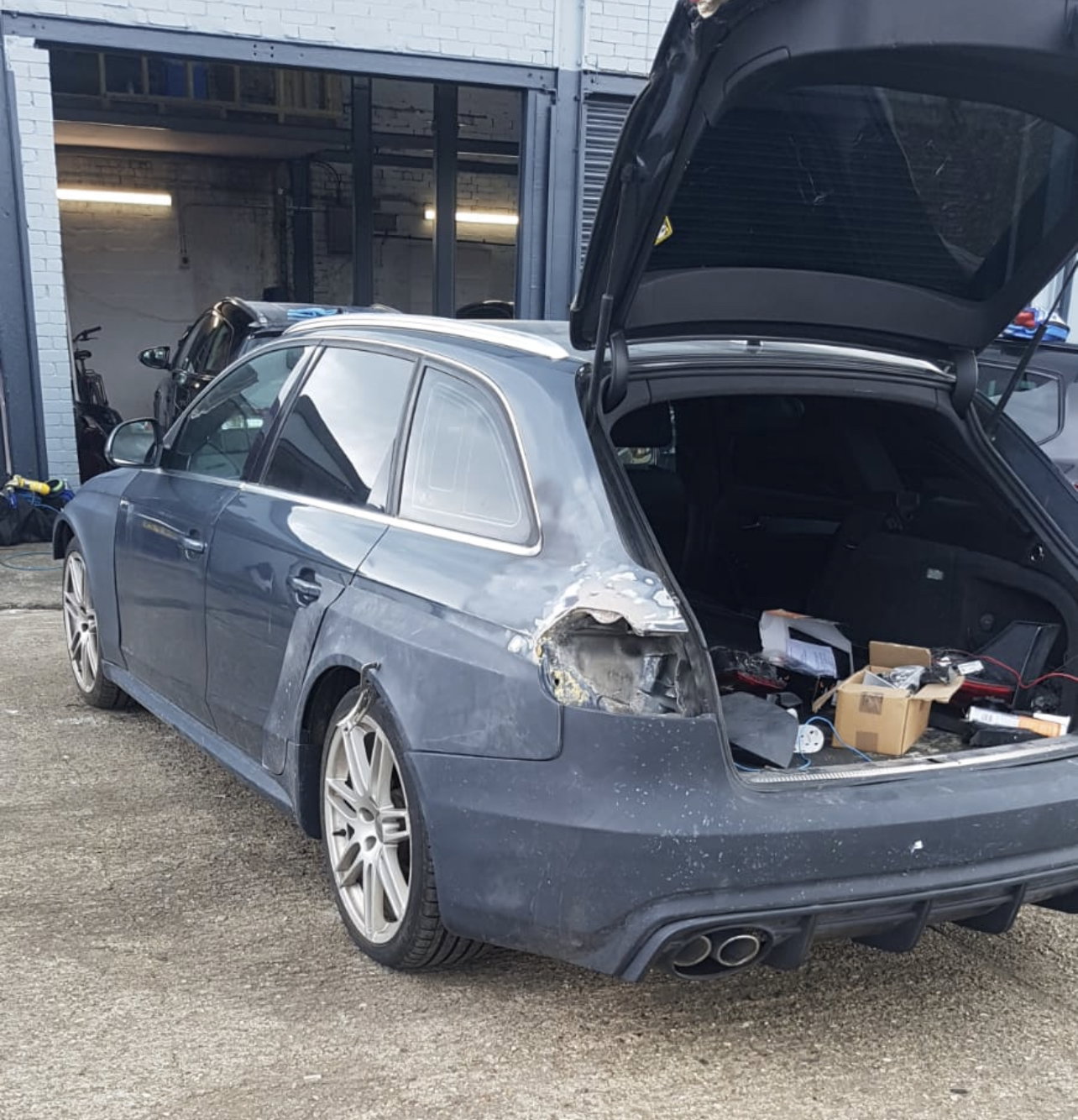
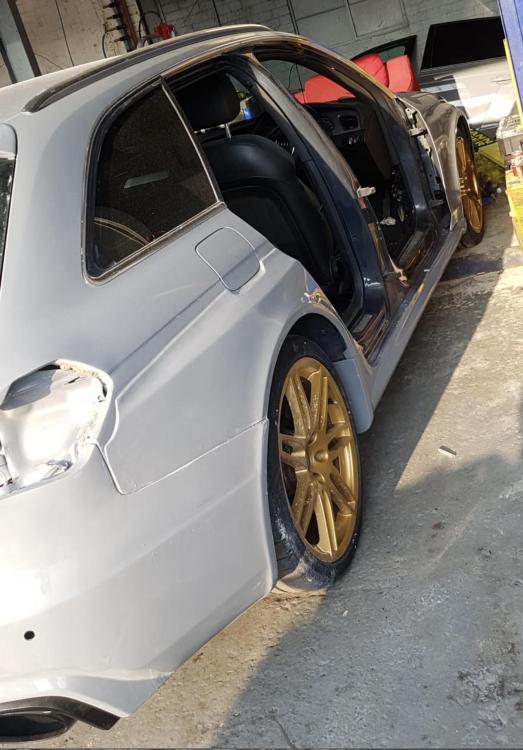
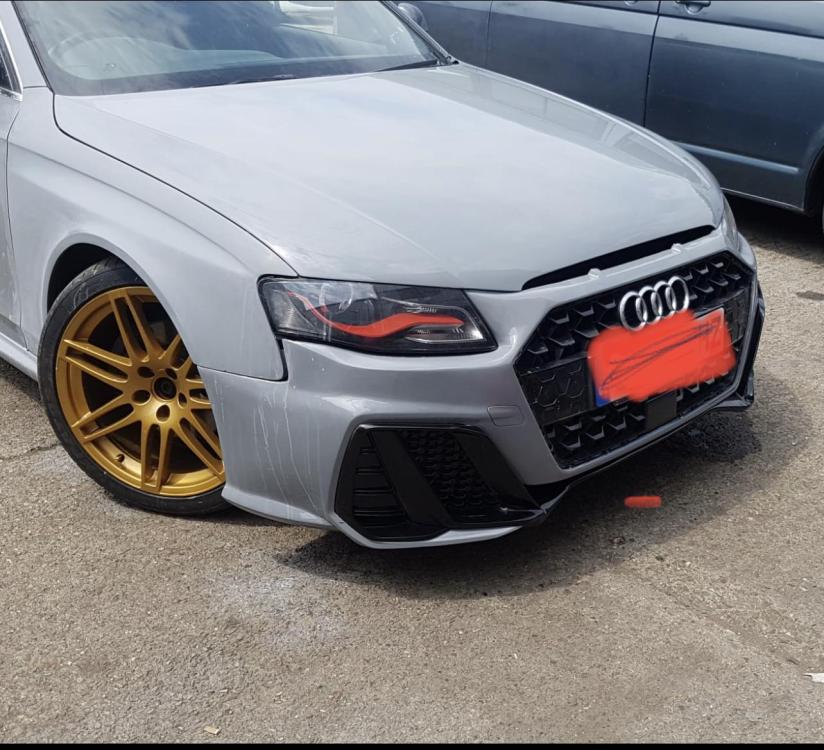
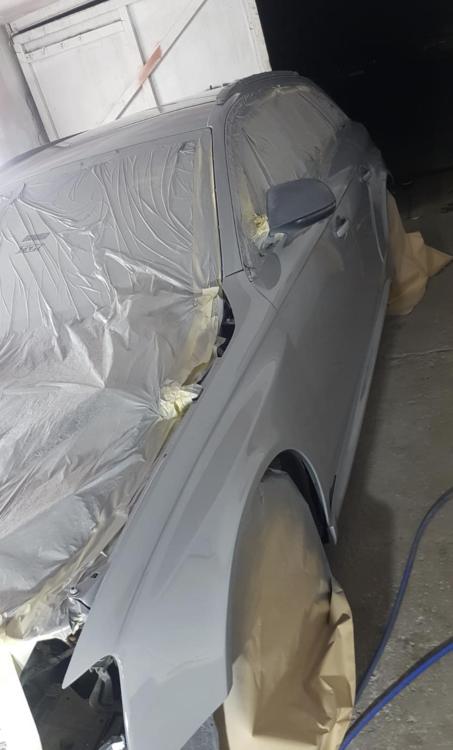
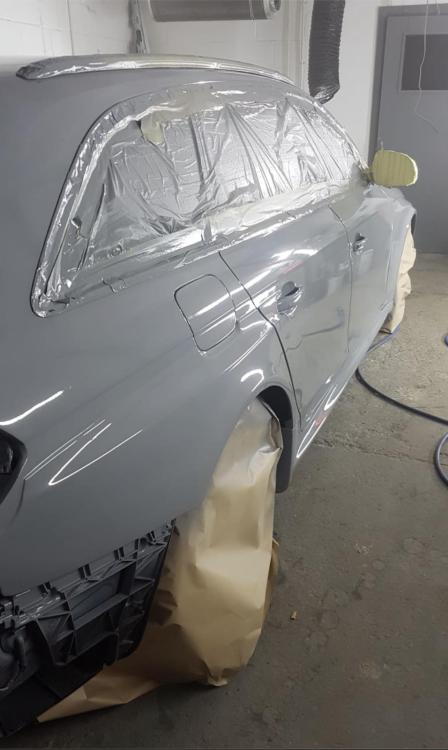
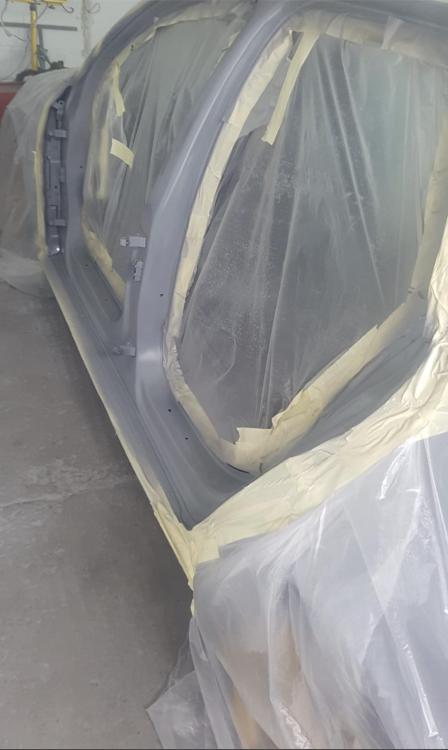
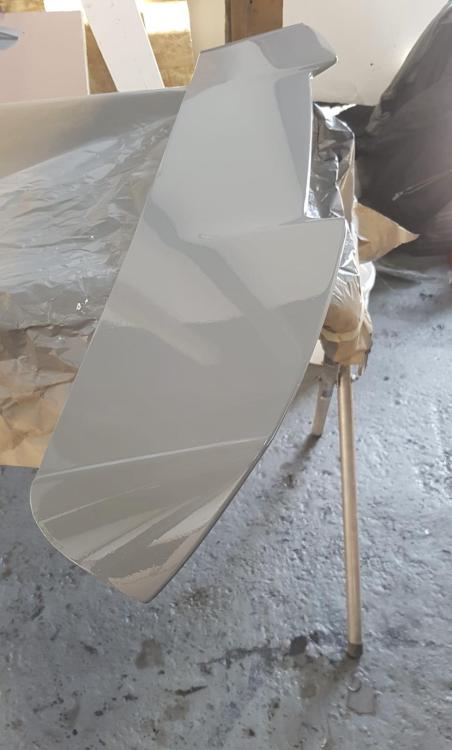
Have attached some pictures, progress is been slow but moving forward
-
Same here 😁😁 can’t wait
-
Yes, wider wheel will be really nice!! Budget is getting tight as I have also bought RS double exhaust and planning to have the car on Coilovers and paint the wheels in rusted gold.
-
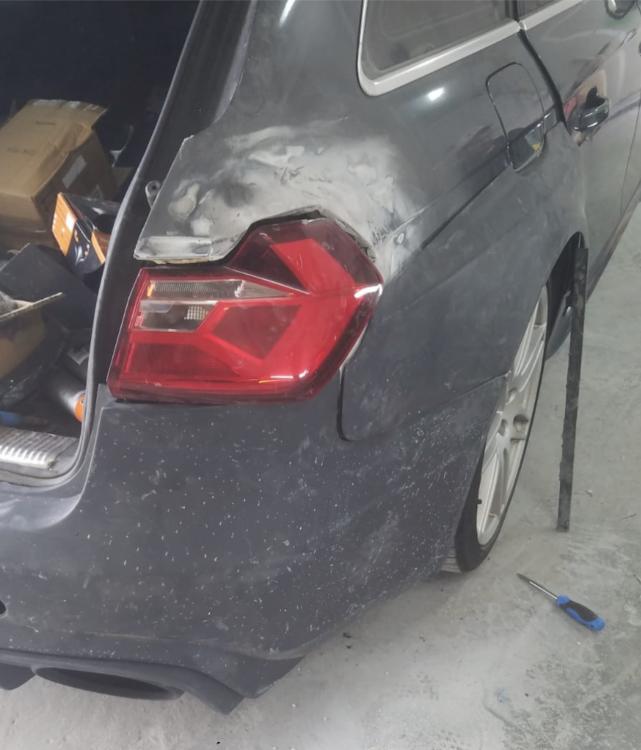
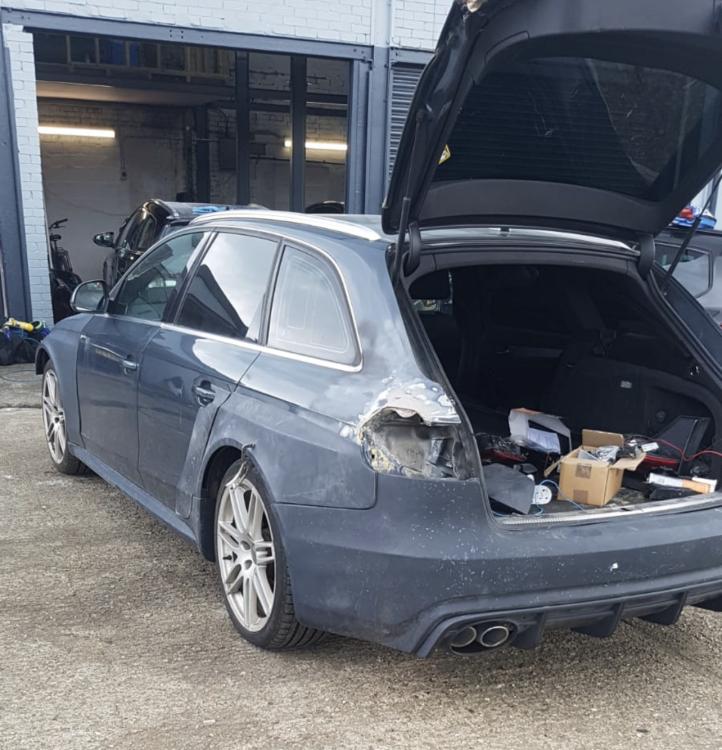
Still lots to go, changing the colour to Nardo kind of grey and also retro-fitted Audi A1 rear light
-
Hi Everyone, Currently looking at options for wheel spacers for my beloved B8 avant, it is currently undergoing a revamp at the bodywork shop with the addition of RS4 body kit. Some guidance would be much appreciated. Also thought of coilovers, I quite like where the car sit right now as it is factory lowered. Thanks