TIM K
Members
-
Joined
-
Last visited
-
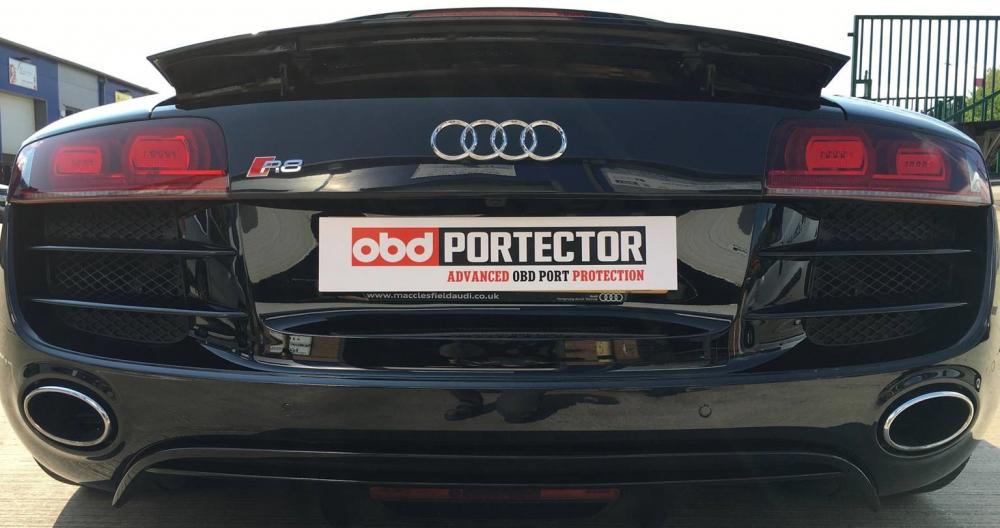
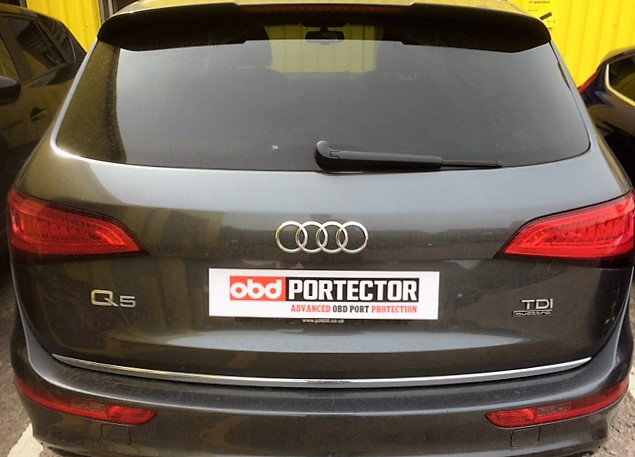
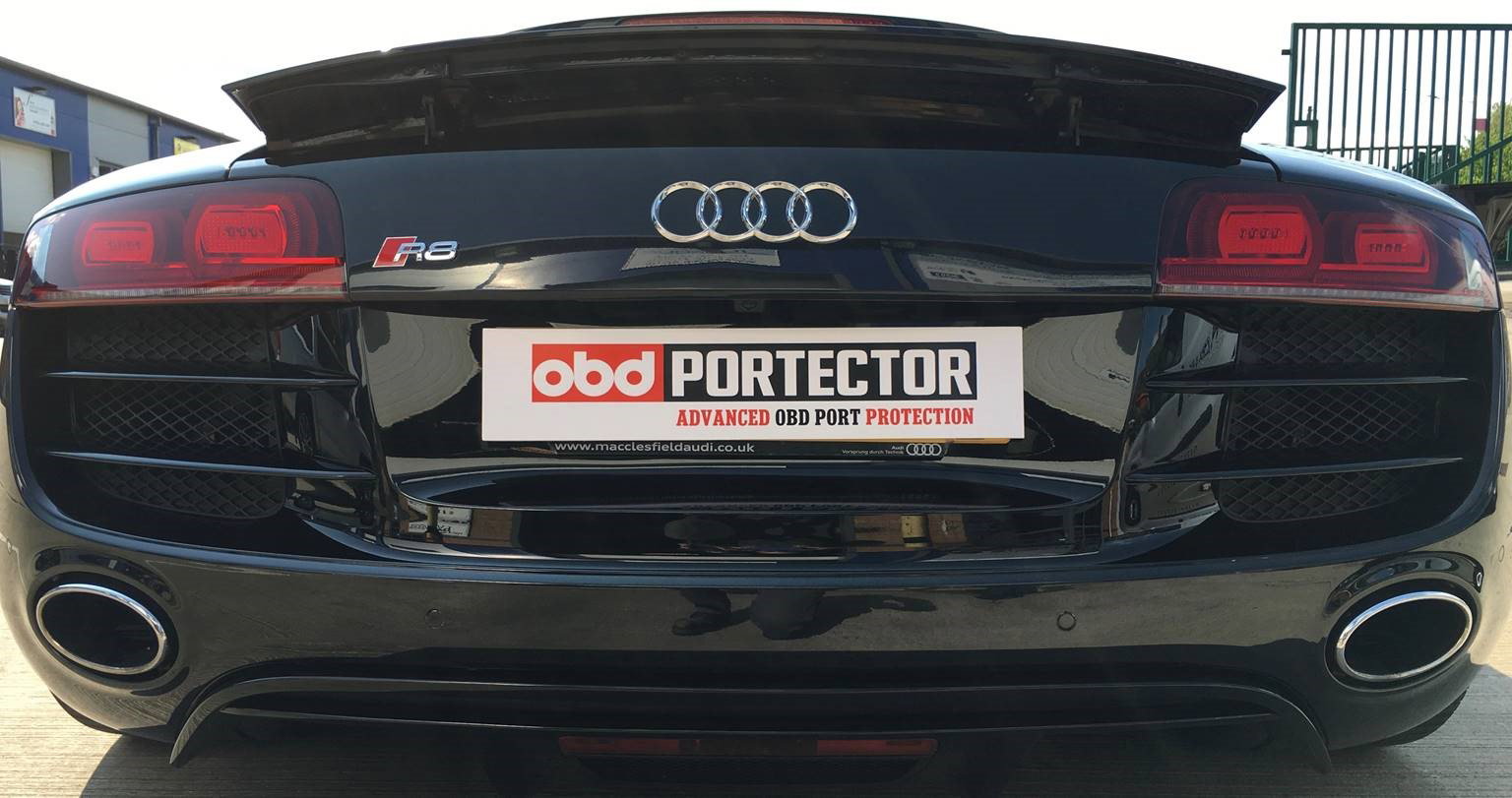
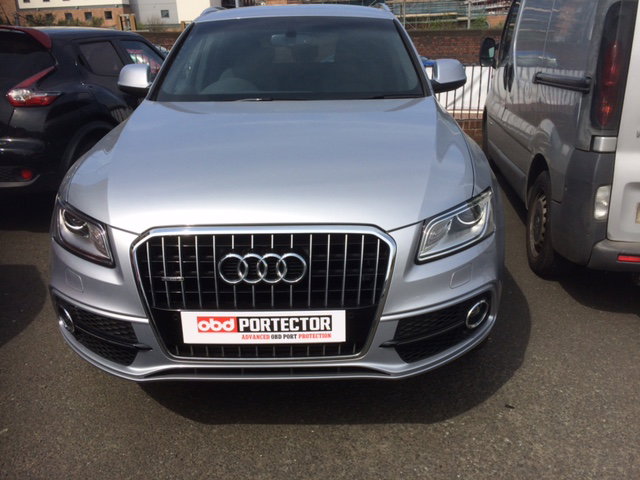
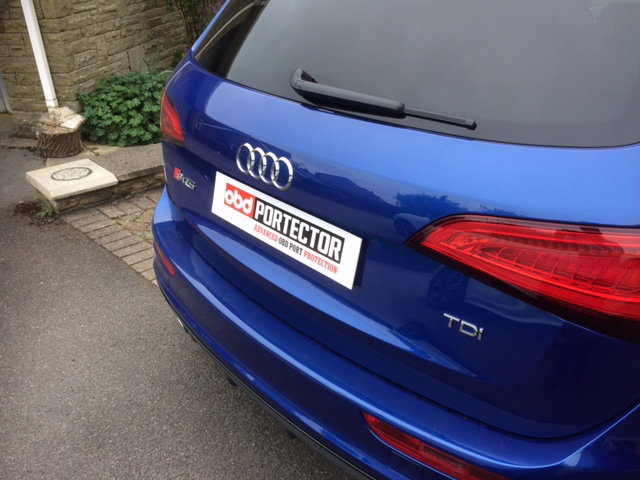
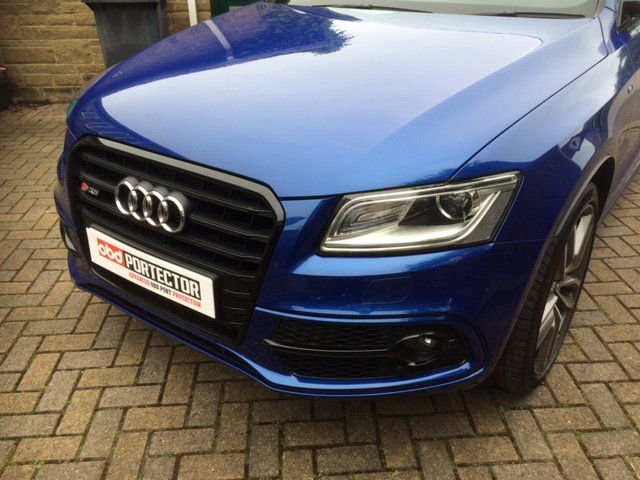
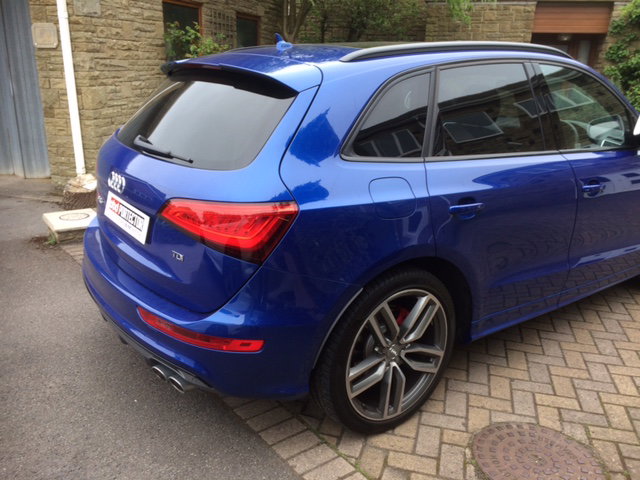
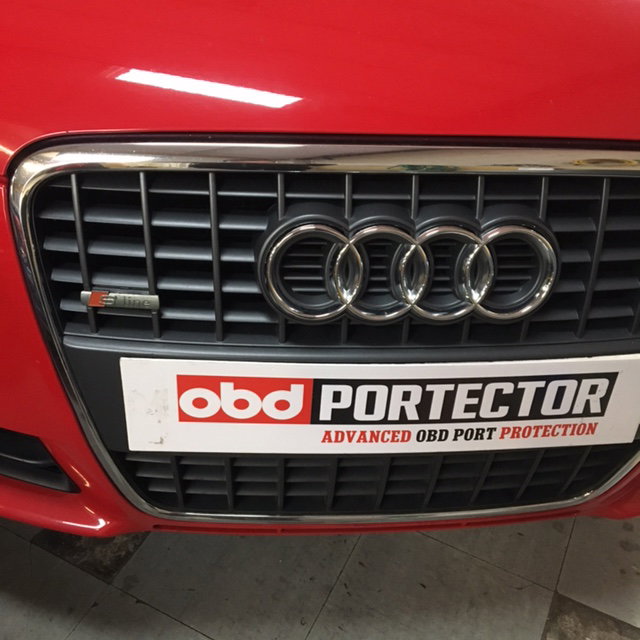
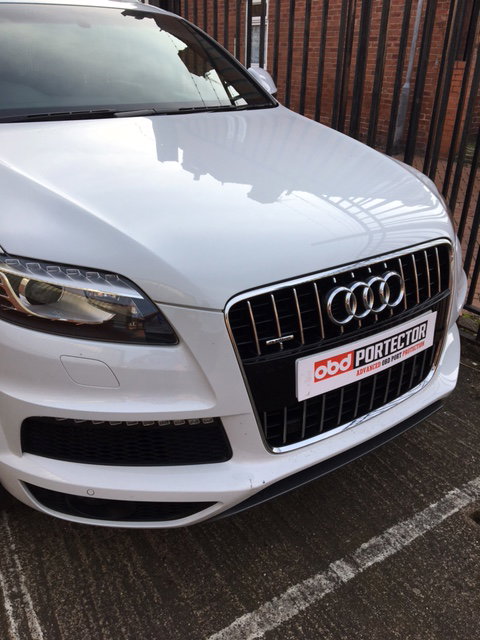
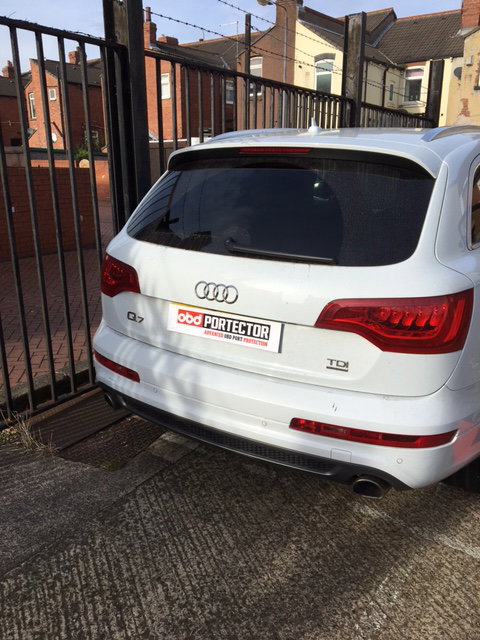
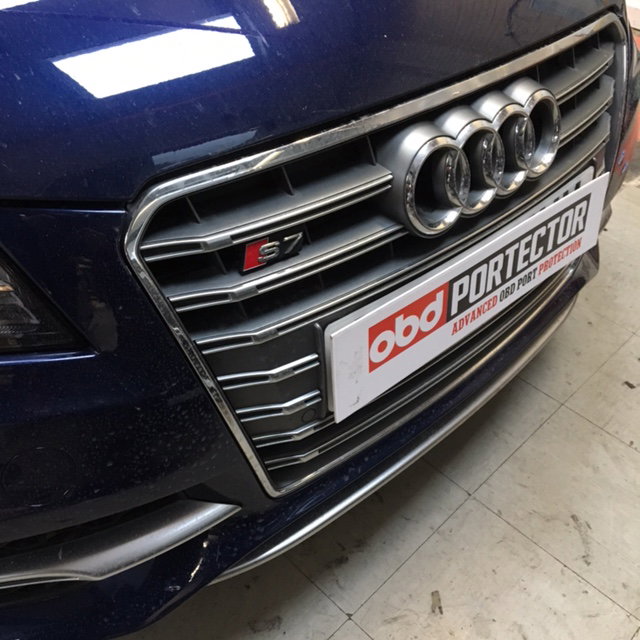
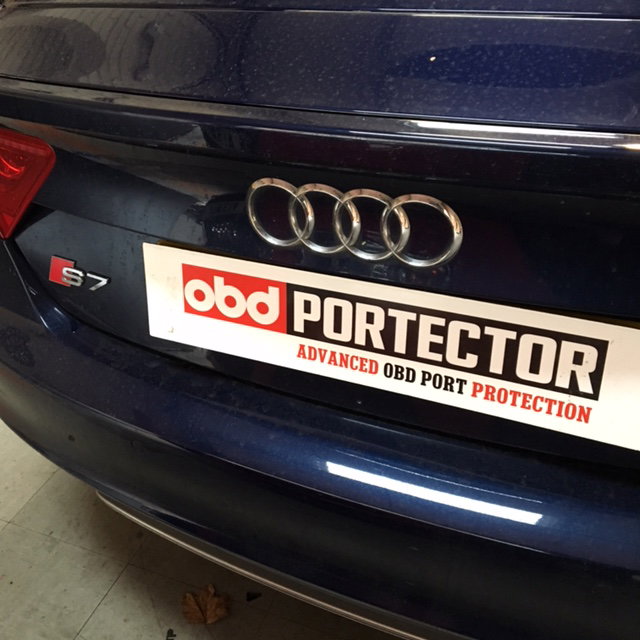
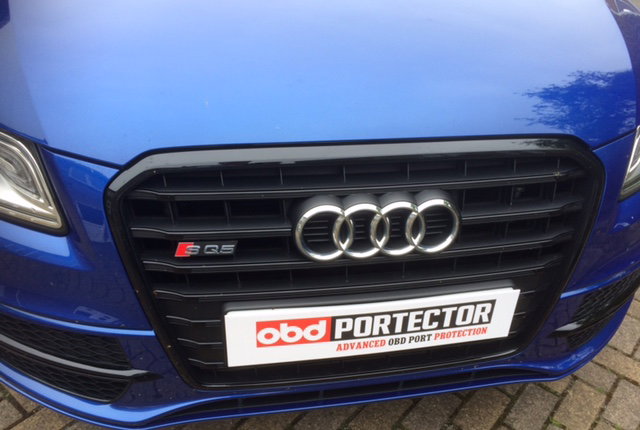
Thanks Trevor, I am going down to Newport to do the S4 with Darren next Monday and also meeting with the Editor to hopefully run a feature on the kit and a special offer for all your members. I have included some more Audi pictures of vehicle that are already installed and protected with Portector kits. Cheers, Tim
-
-
TIM K changed their profile photo
-
Hi all, found the forum via Darren in Newport, new to the forum but not new to the brand had my first Audi 80 Sport back in 1995 and been an Audi convert since then. We have developed over the last 2 years a product called Portector, the kit stops the ever increasing methods of theft by electronic compromise of the OBD of the vehicle and is the only current product to be Thatcham Approved to the new TQA Thatcham Criteria for protection against opportunist theft (to give it it's long winded title). Enclosed some pictures and info below, I hope this is of interest? All the best, Tim