





DAVE-IV
Members
-
Joined
-
Last visited
Everything posted by DAVE-IV
-
Totally agree Trevor, I'll get VAGCOM and start from there :)
-
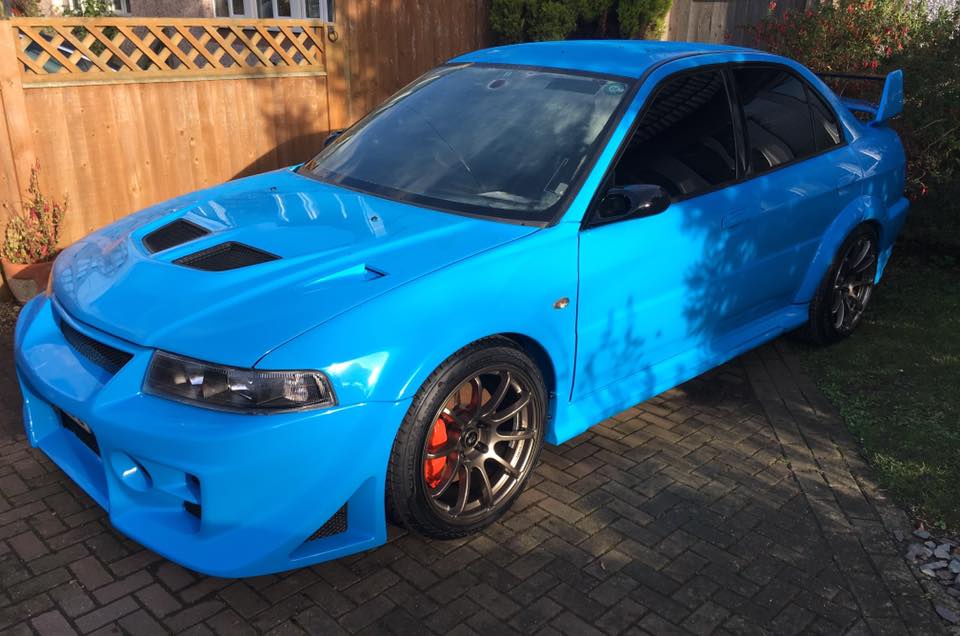
And here's my sunny day toy :)
-
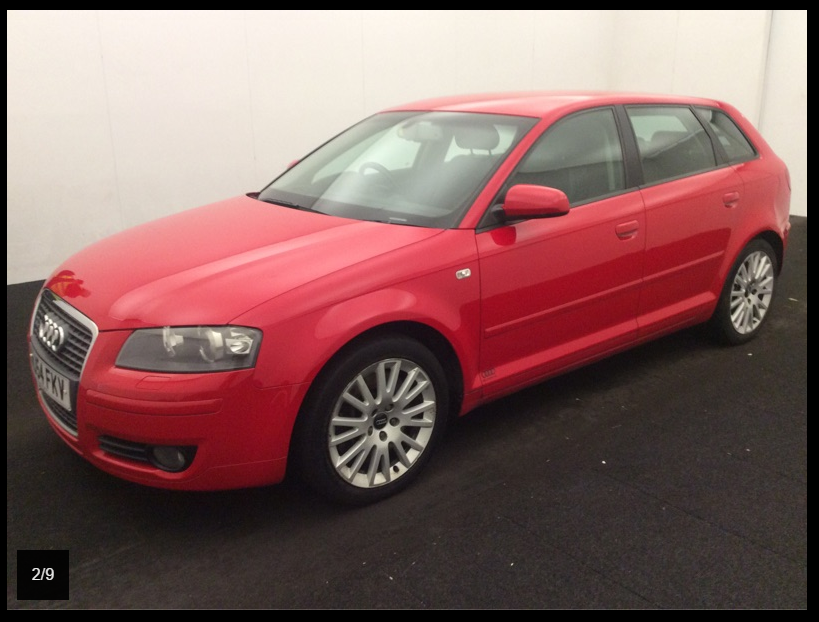
Thanks, this is my 3.2 daily
-
Thanks for the welcome :) Only one Audi I really want (and will have) and that's an Audi R8 awesome machines :)
-
Thanks for the advice, it definetly needs scanning hence why I'd like to get a work version on VAGCOM :) and try myself. It's am odd one really but I don't think it's the chain (or hope it isn't)........If I start the car and don't touch the throttle it'll tick over fine, if I touch the throttle and then let it idle it is rough and will even die on occasions. Thanks Dave
-
Hello guys, Just got myself a 2004 A3 3.2 V6 with 102,000 miles, DSG. It's a great fun little car but it has an idle issue, it idles really erratically making it a nightmare to drive / reverse at low revs. Is this a common problem? I'm no mechanic but I'm not too bad with the spanners so looking for advice so I can try and rectify the problem myself so any so any help will be greatly received. Also looking at getting a working version of VAGCOM for not stupid money if anyone can share a link please? Many Thanks Dave
-
Hi, I'm new to the forum and will be here to seek advice. Previously had a VW Bora 1.9tdi (150) but someone drove into it :( so have replaced it with a toy for a while, got myself an A3 3.2 V6. I've added this to the family Audi stable of a 2002 1.8 180 TT, a 2007 A3 2.0tdi (170) and a 2009 A4 2.0tdi. Thanks Dave
