




Skip to content
View in the app

A better way to browse. Learn more.

Audi Owners Club (UK)

A full-screen app on your home screen with push notifications, badges and more.

To install this app on iOS and iPadOS
  1. Tap the Share icon in Safari
  2. Scroll the menu and tap Add to Home Screen.
  3. Tap Add in the top-right corner.
To install this app on Android
  1. Tap the 3-dot menu (⋮) in the top-right corner of the browser.
  2. Tap Add to Home screen or Install app.
  3. Confirm by tapping Install.

Hevah91

Members
  • Joined

  • Last visited

Everything posted by Hevah91

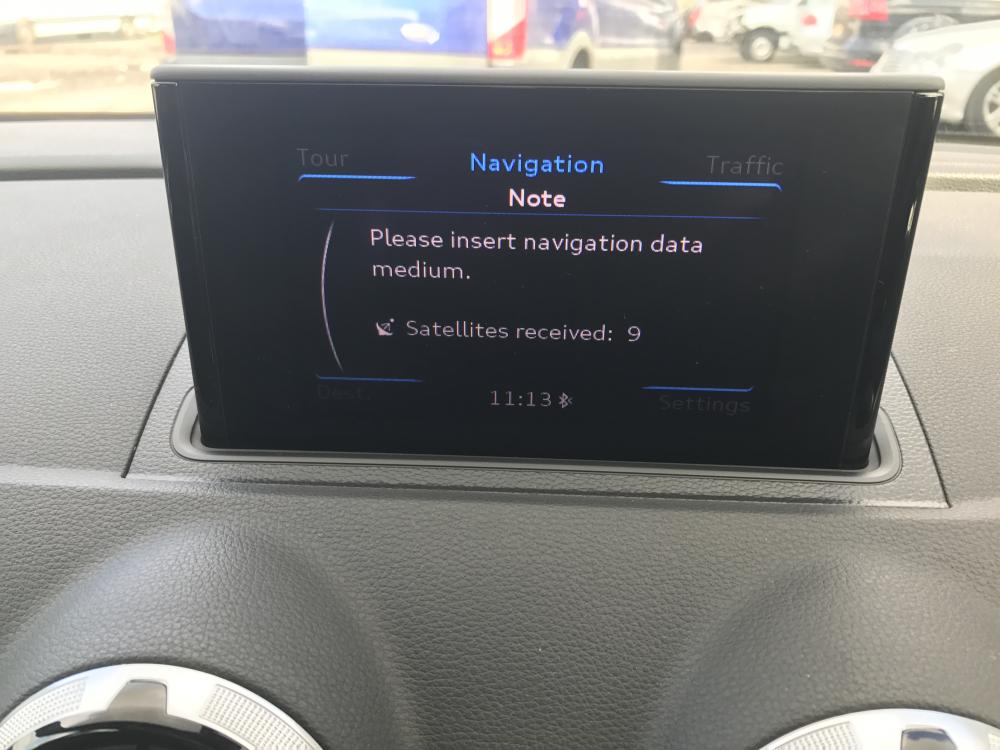
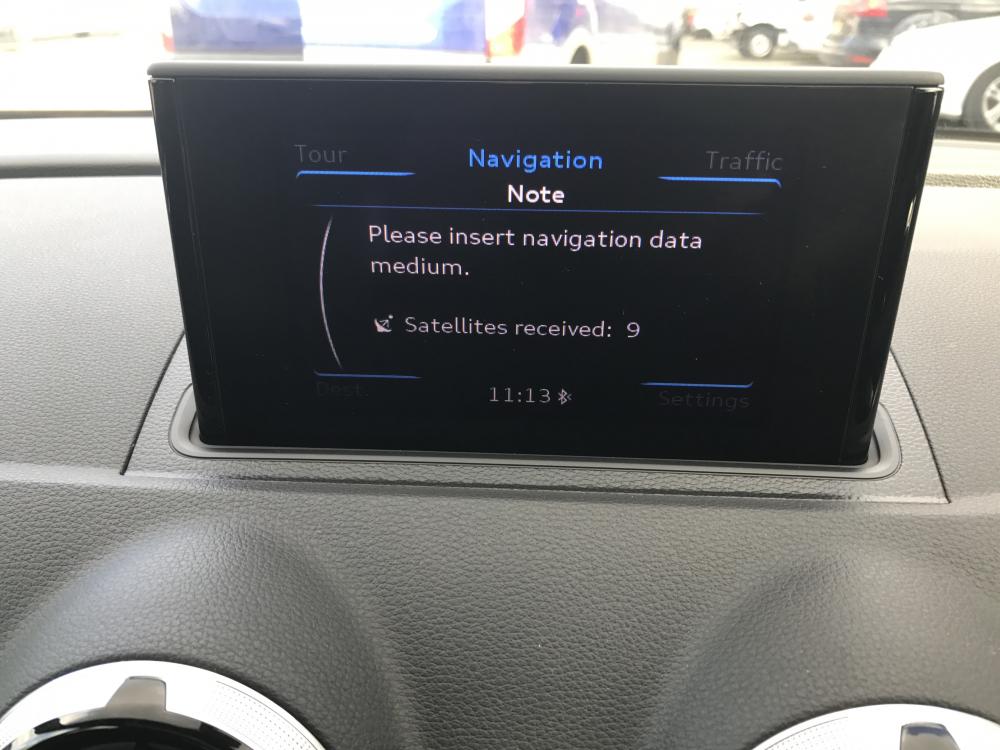
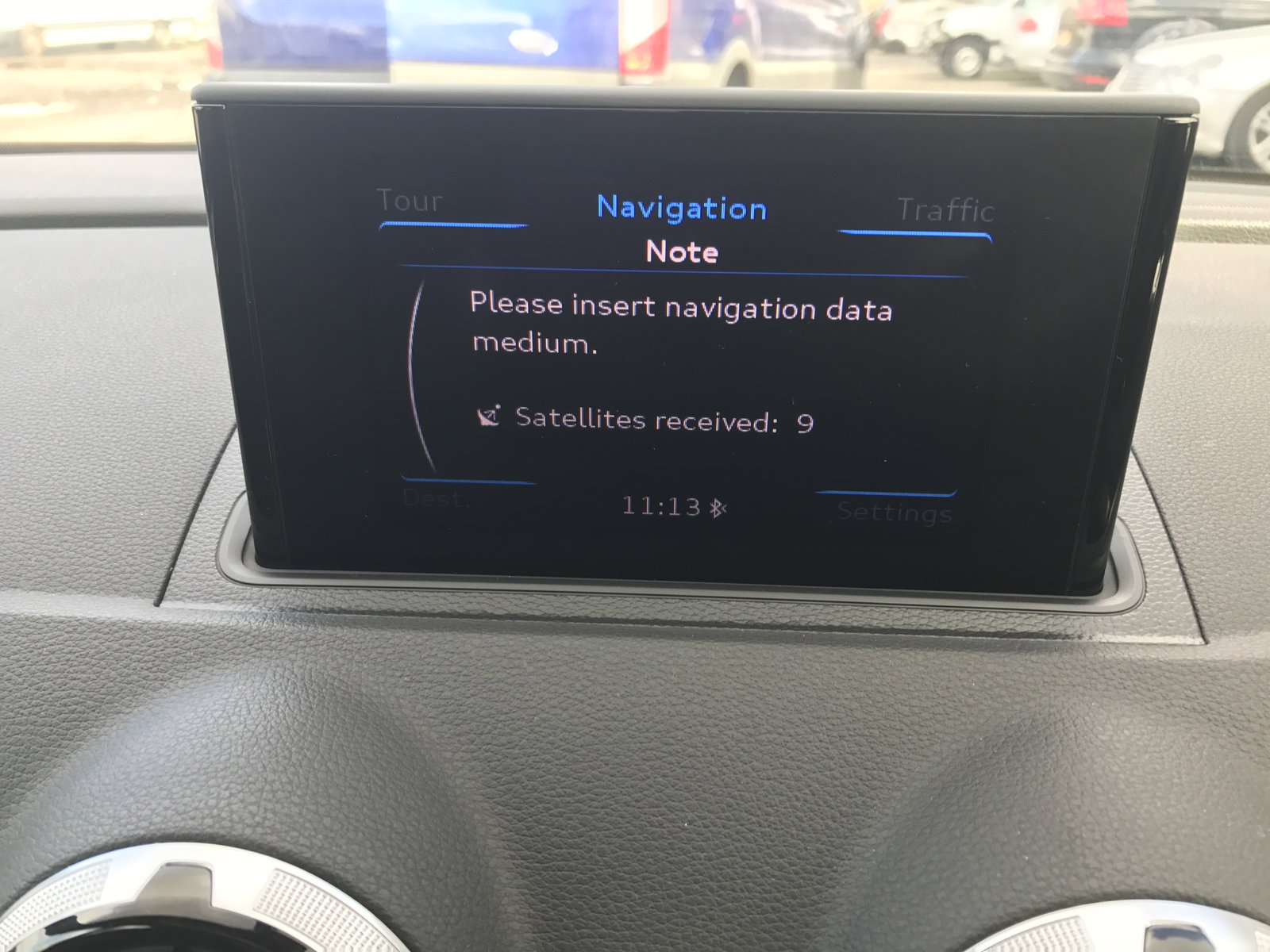
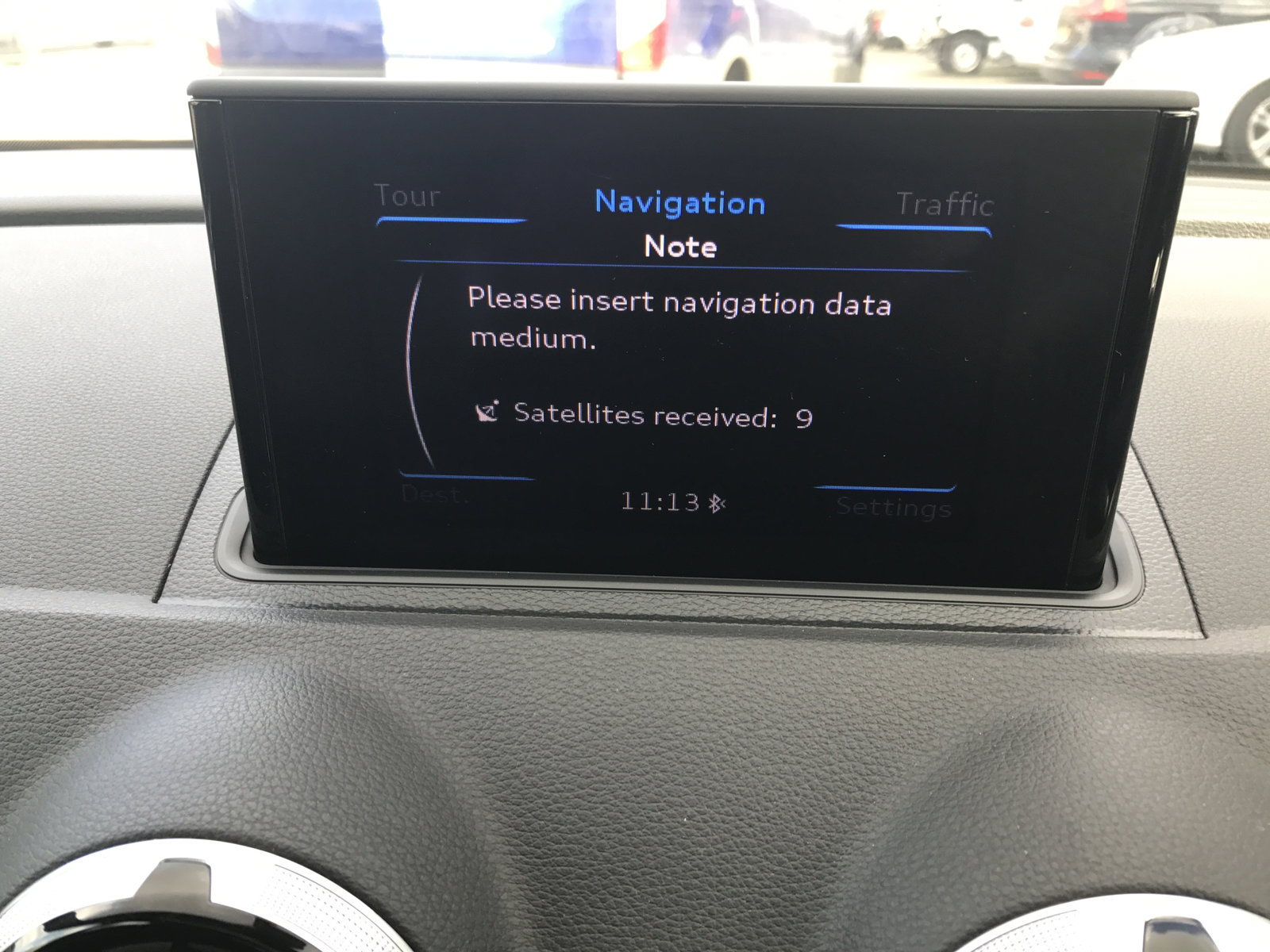
  1. HI ALL IM HOPING SOMEONE CAN HELP ME, I HAVE A FEW QUESTIONS IVE BOUGHT A AUDI A3 S LINE 2.0 TDI A FEW DAYS AGO IVE TURNED ON THE SAT NAV AND IT SAYS THE BLOW ( PLEASE SEE THE PICTURE) NOW I NO THIS IS DUMB BUT IS THE SD CARD FOR THE SAT NAV NORMALLY IN THE SD CARD HOLDER IN THE GLOVE BOX OR SOME WERE ELSE? CAUSE ITS NOT IN ANY OF THEM SLOTS? IS THAT WHY I GET THE ERROR MESSAGES ON THE PHOTO? OR IS IT SOME OTHER ISSUE? IN THE OWNERS BOOKLET I HAVE THE SAT NAV BOX AND CODE FOR THE SD BUT NO SD CARD WHICH MADE ME HOPE IT WAS IN THE CAR IF ANYONE CAN HELP ME I WOULD REALLY APPRECIATE IT THAN YOU HEATHER
Background Picker
Customize Layout

Account

Navigation

Search

Search

Configure browser push notifications

Chrome (Android)
  1. Tap the lock icon next to the address bar.
  2. Tap Permissions → Notifications.
  3. Adjust your preference.
Chrome (Desktop)
  1. Click the padlock icon in the address bar.
  2. Select Site settings.
  3. Find Notifications and adjust your preference.