godacre
Members
-
Joined
-
Last visited
Everything posted by godacre
-
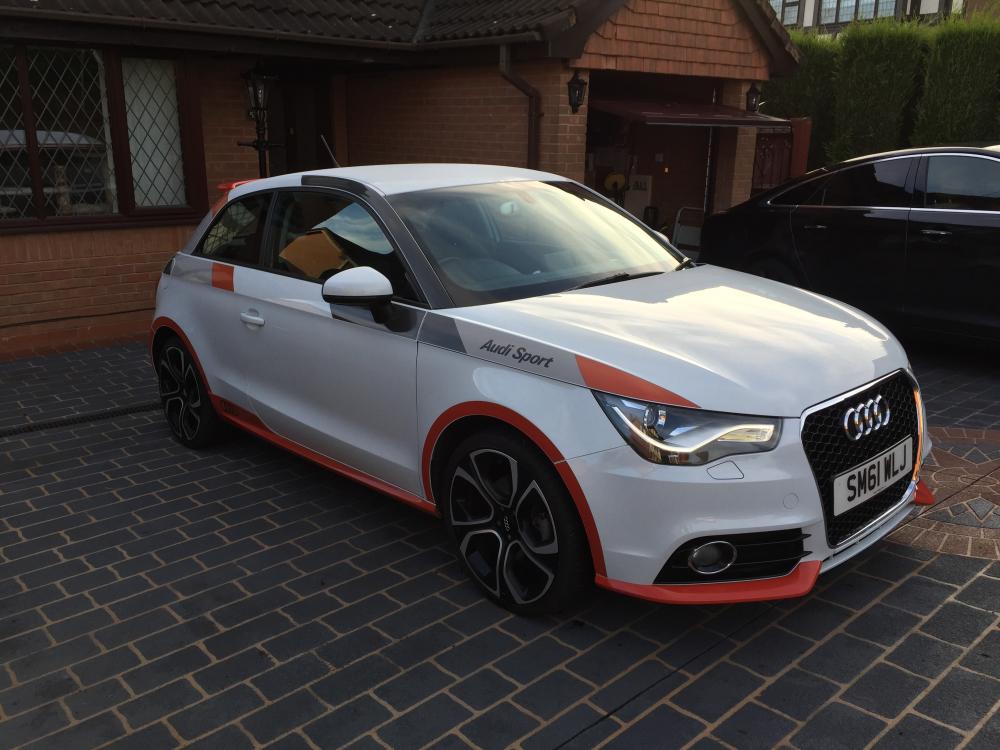
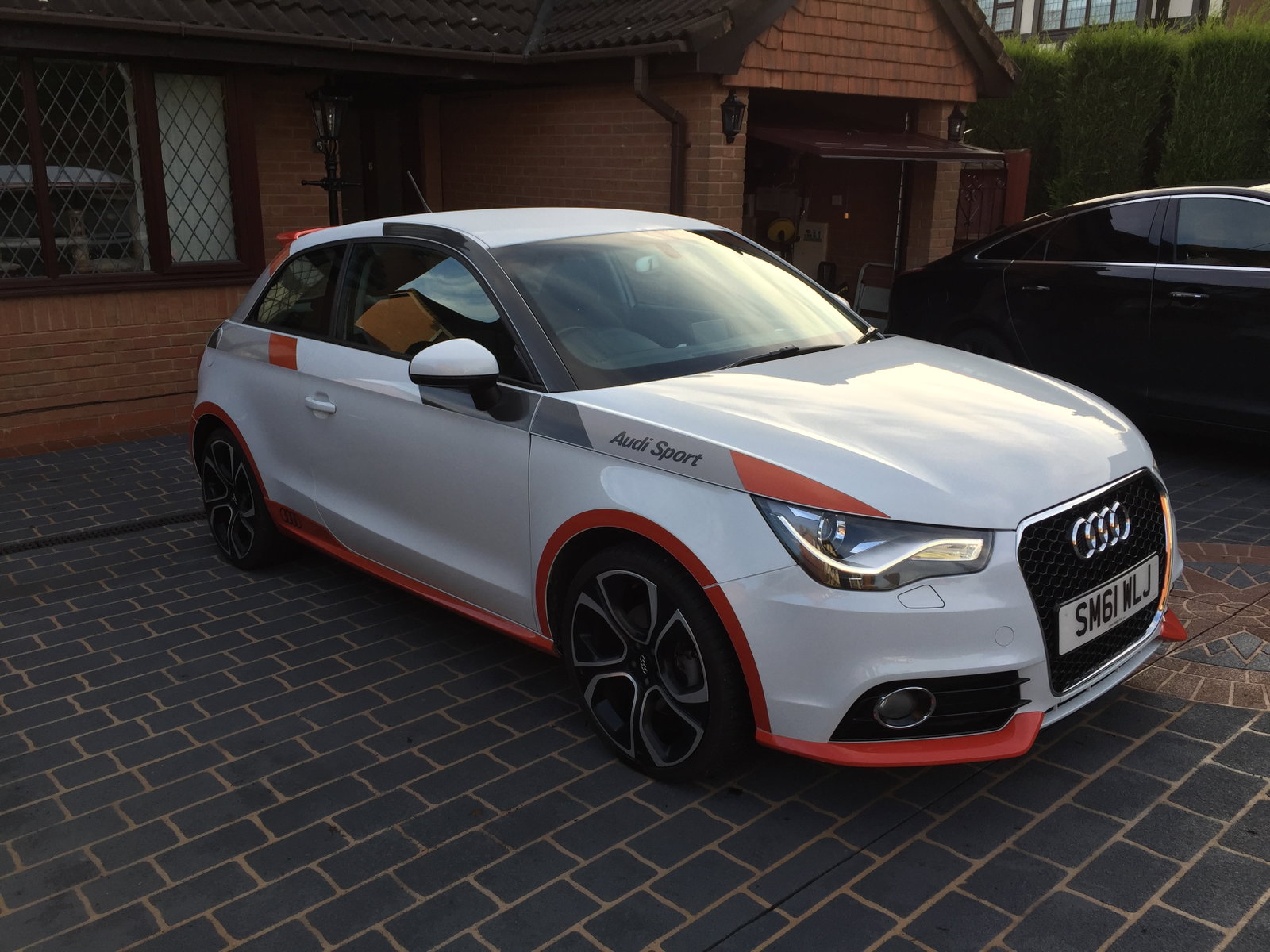
After having my A1 Competition line for just over a year I am now looking to sell to upgrade. I originally bought the car from a Lexus Dealership who acquired it via part-ex. Competition line's are a real head turner as is, however I also had an RS style grill retrofitted to complete the look. This comp line also came with the LED pack from the factory, which switched out the standard halogen front and rear lights with the much nicer looking xenons with DRLs. It is rare to find competition lines with this. The car is in good shape and is mechanically sound. Full audi speaker system, sat nav prepped, MOT until 10/2017 with no advisories, £0 road tax, interim service completed at 51315 miles by VAG specialist, FSH, 3 owners. I am based in Shropshire. Really a one of a kind spec, a real head turner. Images can be found through the below link. £10,000 https://www.gumtree.com/p/cars-vans-motorbikes/audi-a1-competition-line/1219149075