Skip to content
View in the app

A better way to browse. Learn more.

Audi Owners Club (UK)

A full-screen app on your home screen with push notifications, badges and more.

To install this app on iOS and iPadOS
  1. Tap the Share icon in Safari
  2. Scroll the menu and tap Add to Home Screen.
  3. Tap Add in the top-right corner.
To install this app on Android
  1. Tap the 3-dot menu (⋮) in the top-right corner of the browser.
  2. Tap Add to Home screen or Install app.
  3. Confirm by tapping Install.


Lbucks2004

Members
  • Joined

  • Last visited

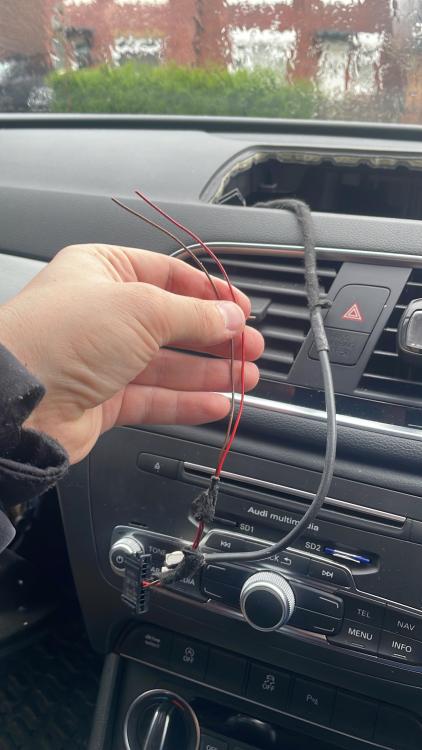
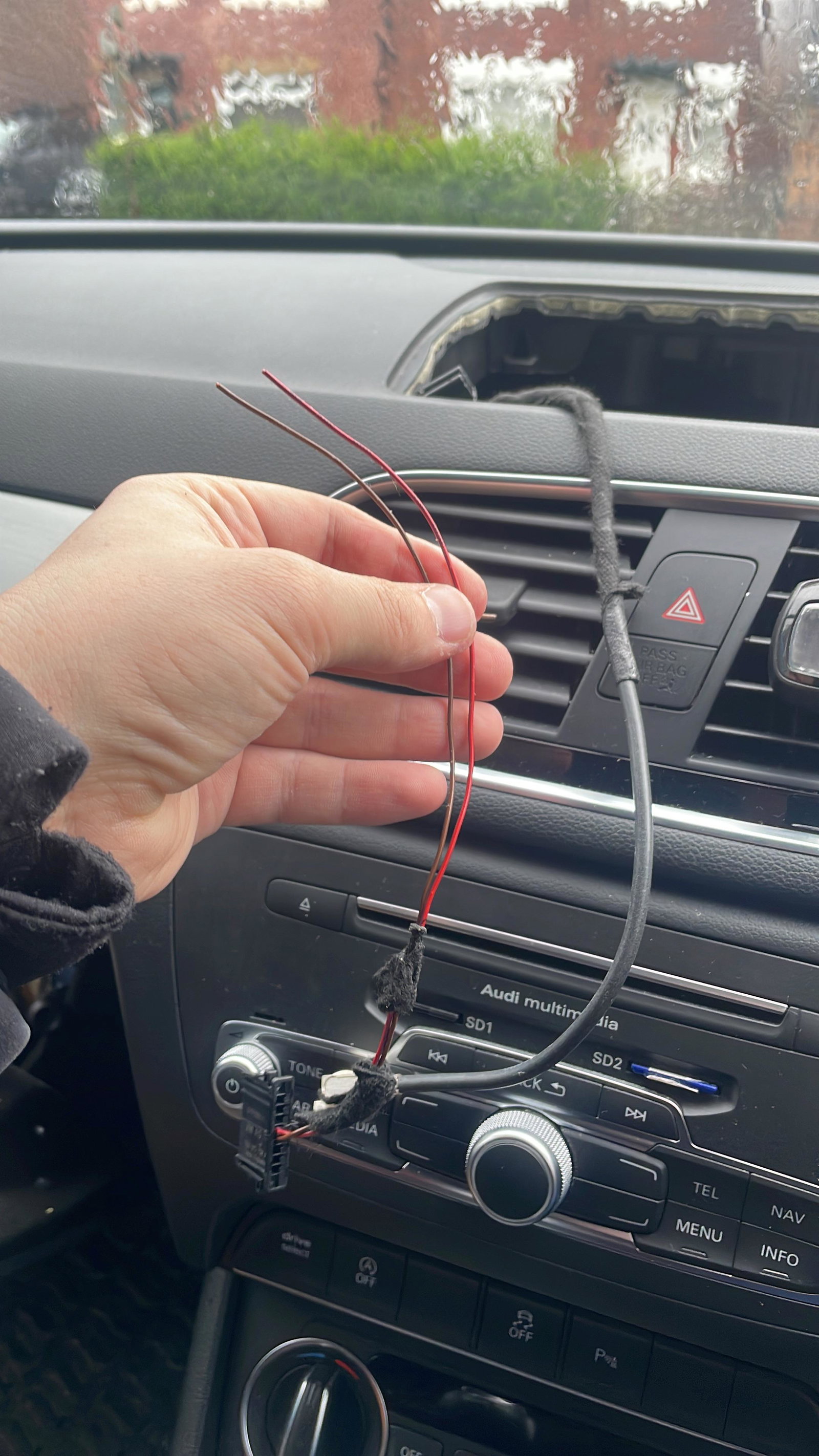
  1. Fault found and fixed
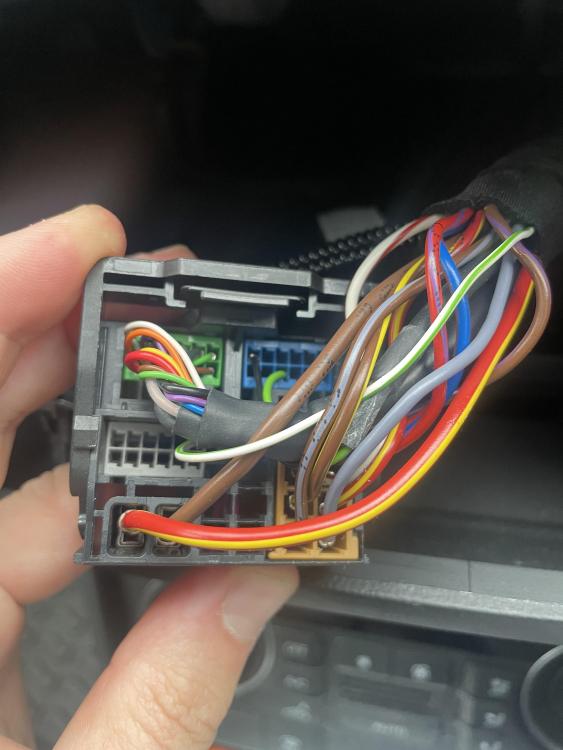
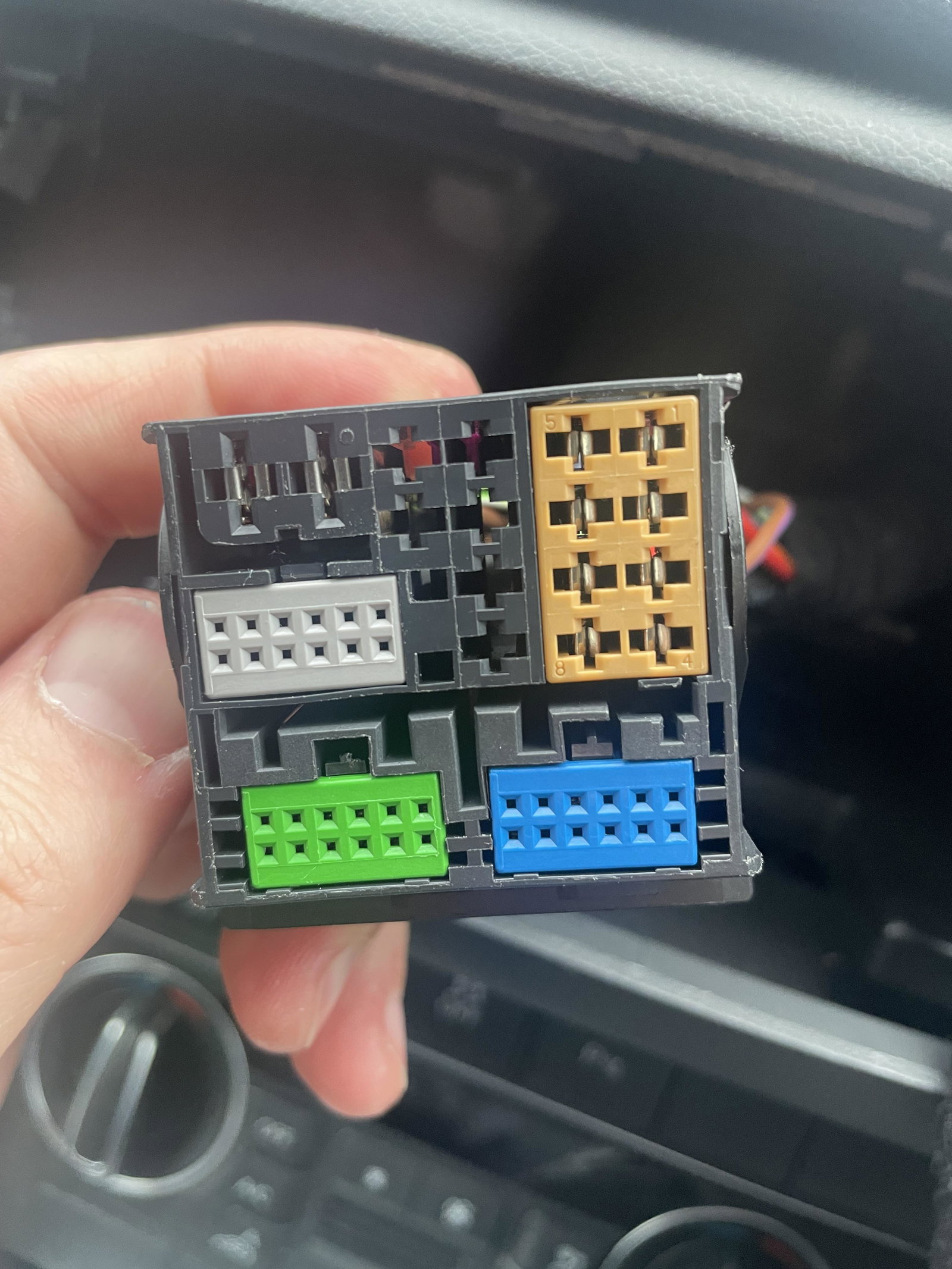
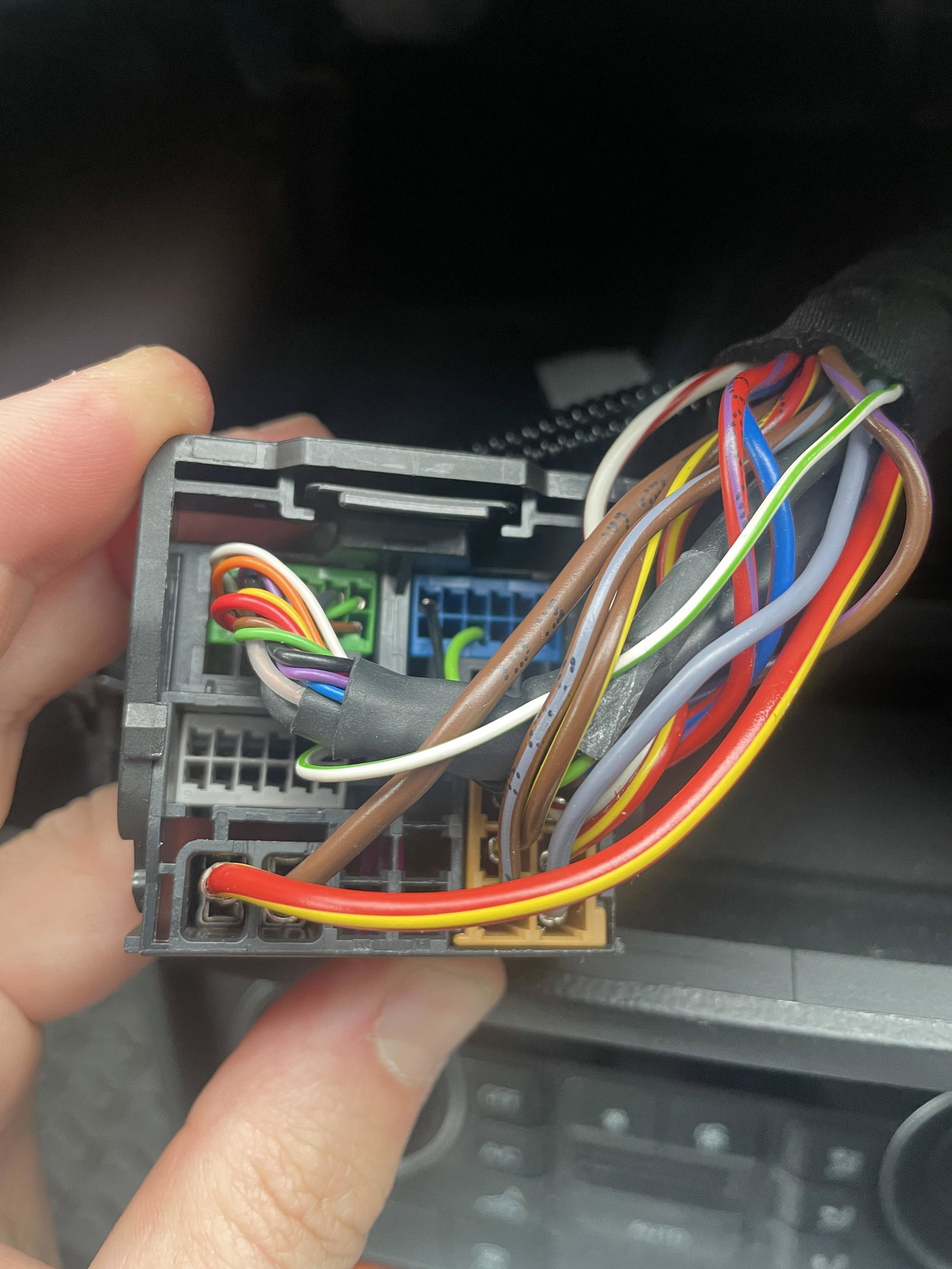
  2. Hi my 2017 Q3 as screen backlights have gone and it’s now black, I read that the wiring can snap due to the constant twisting of the screen. As anyone got any idea which wire from the back of the multimedia unit controls the power so I can check it with my multimeter. thanks
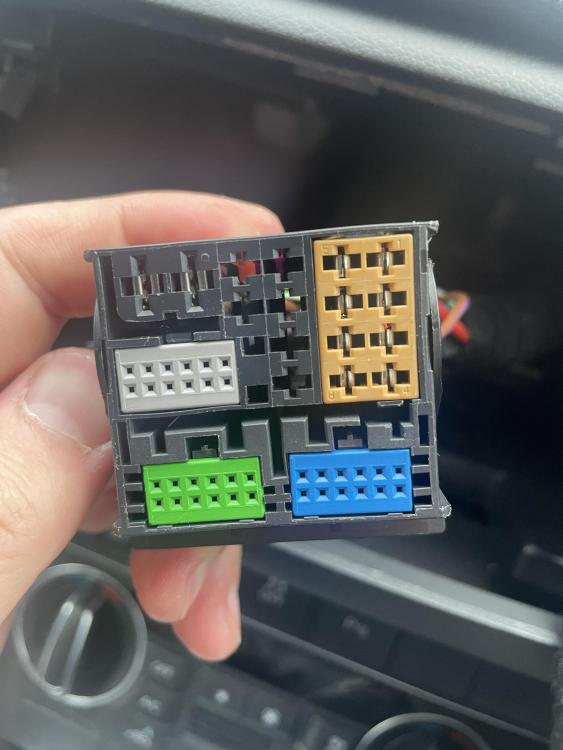
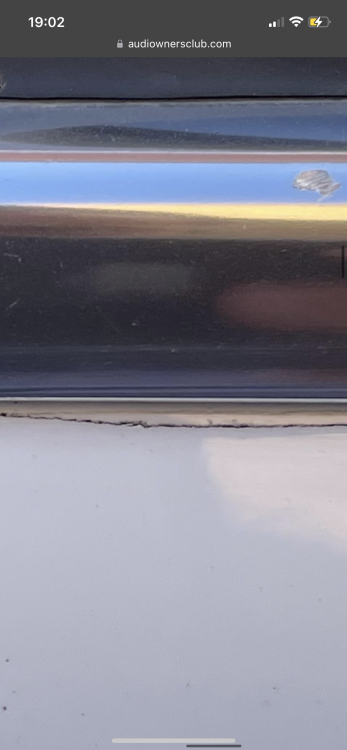
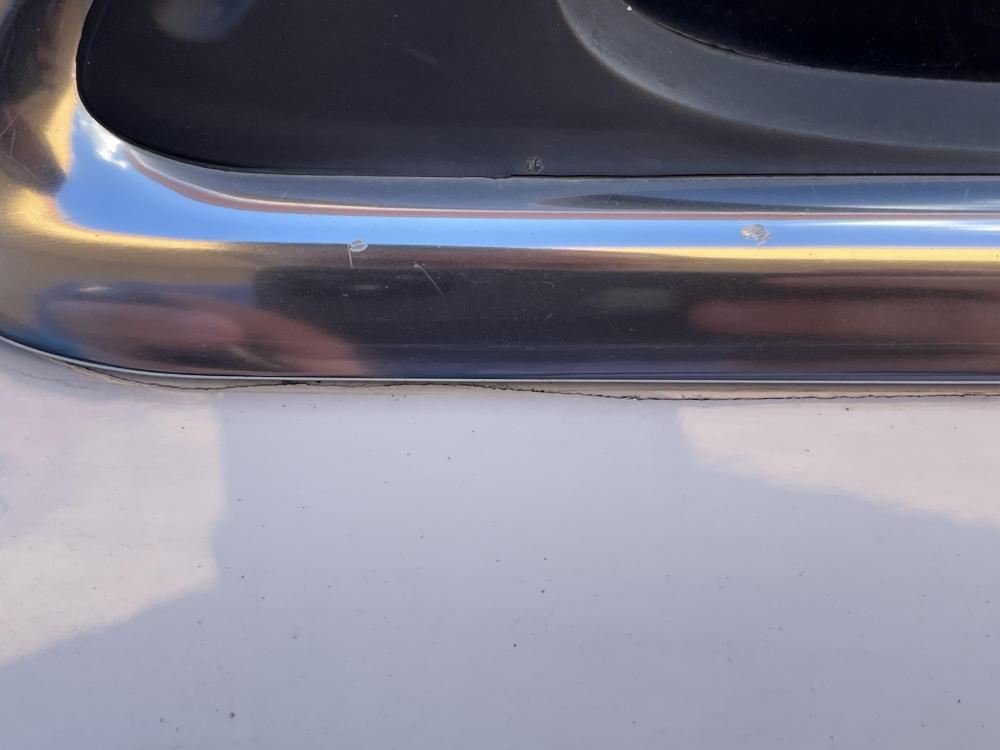
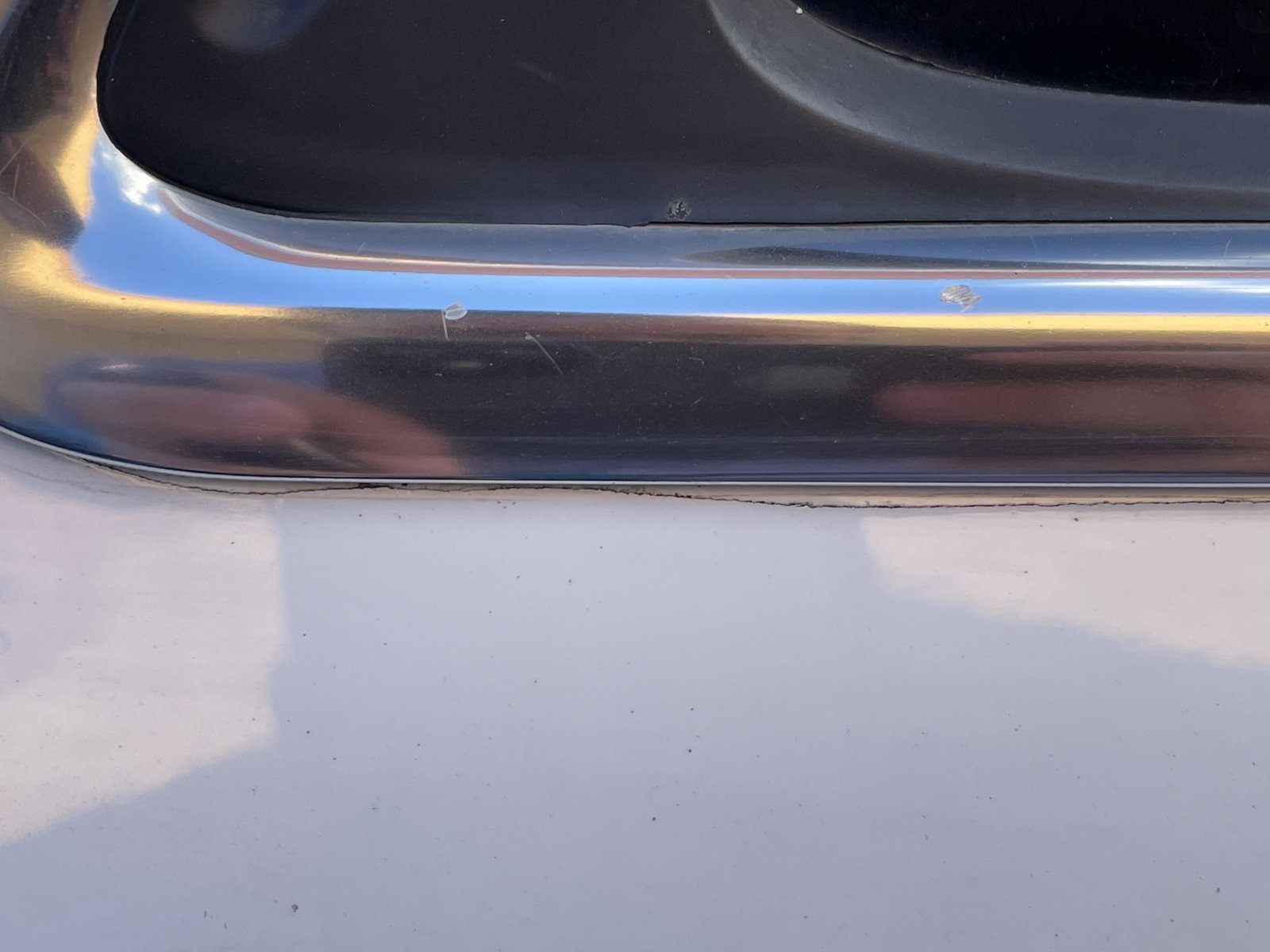
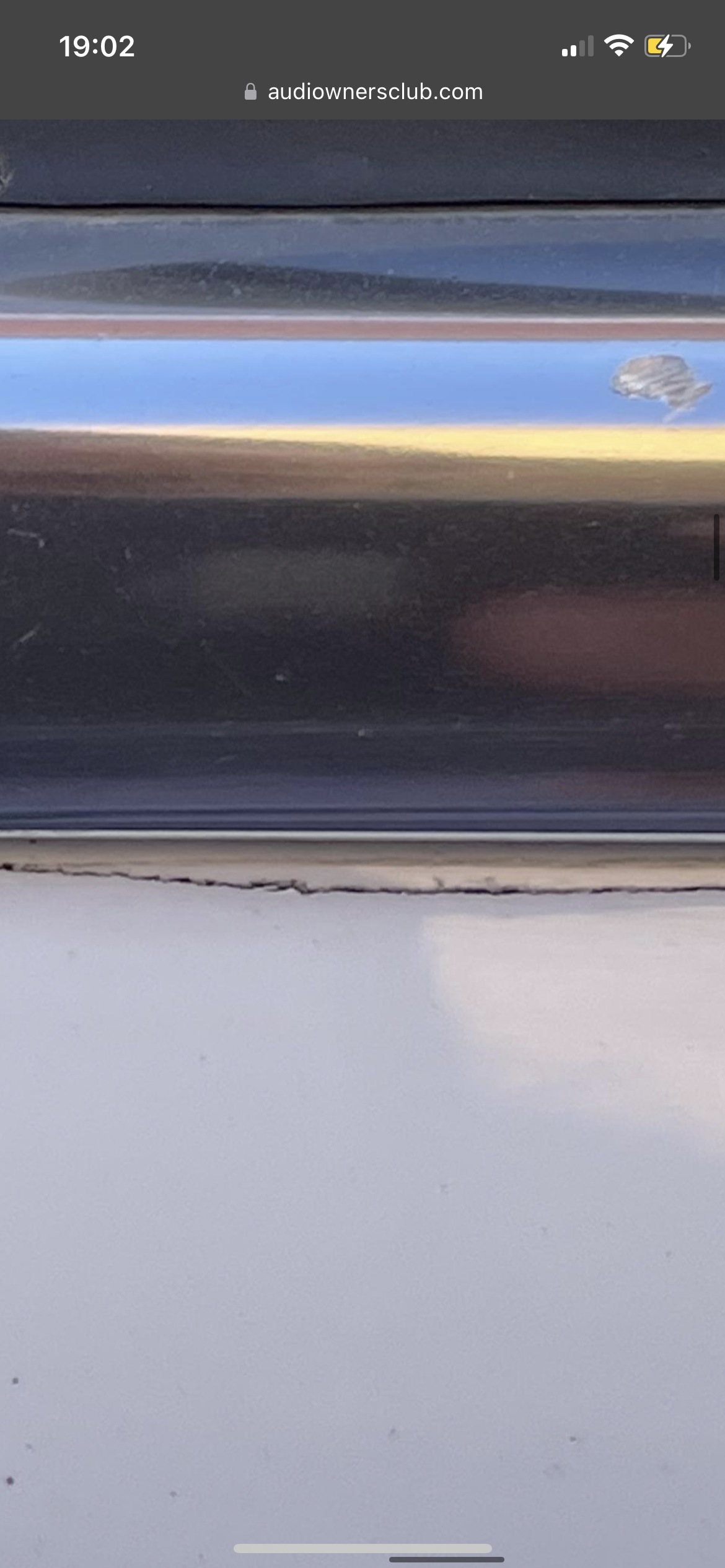
  3. It’s definatly a crack
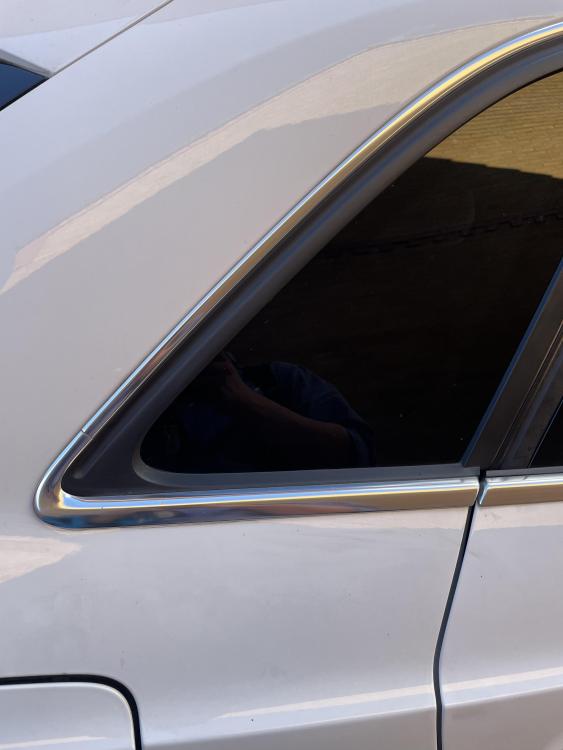
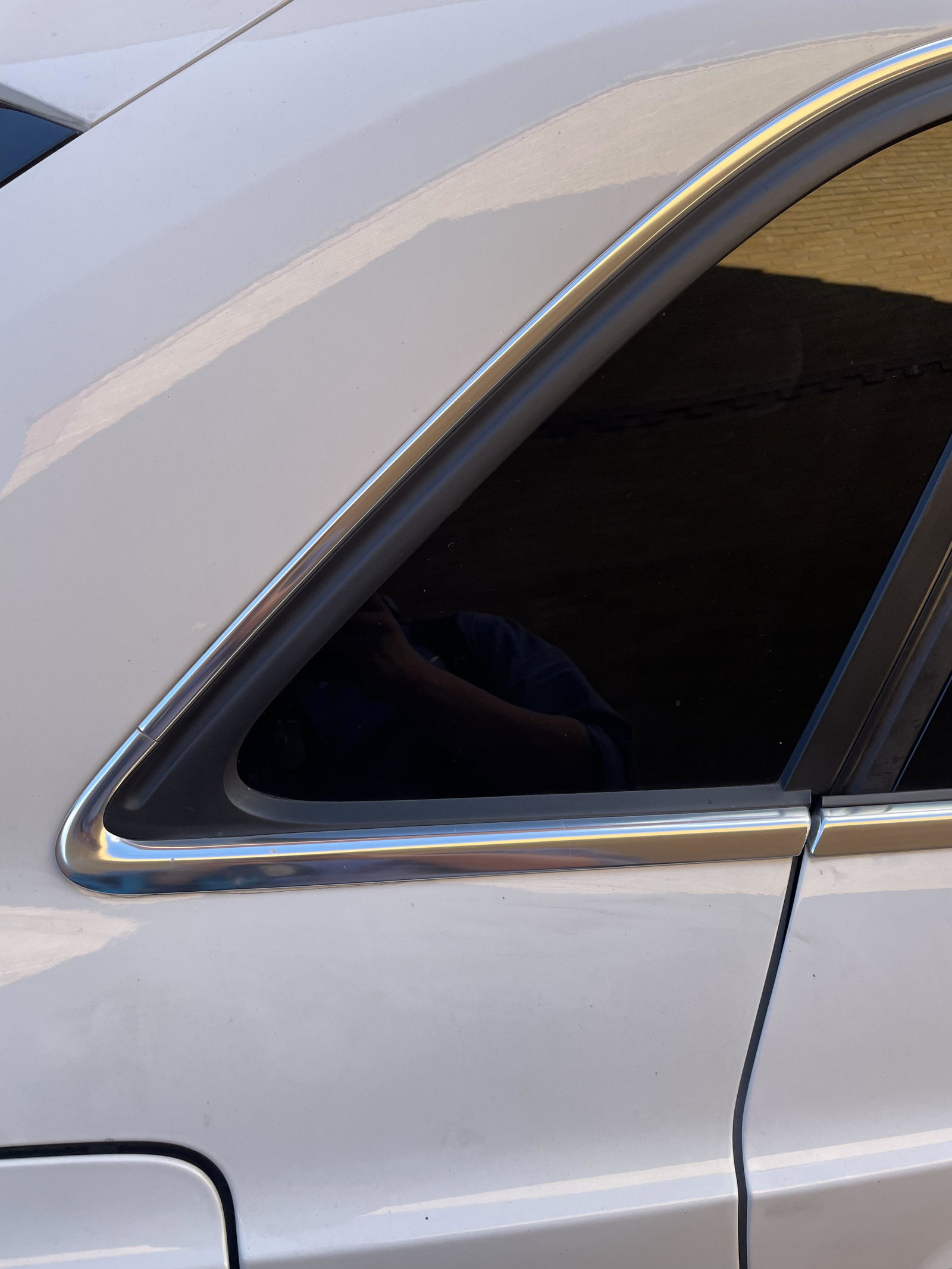
  4. Anyone had the paint under the back window on a Q3 crack like this ?
  5. Lbucks2004 posted a topic in Audi Q3 Club
    Anyone point me in the direction of some gd seat covers for front and back ? thanks
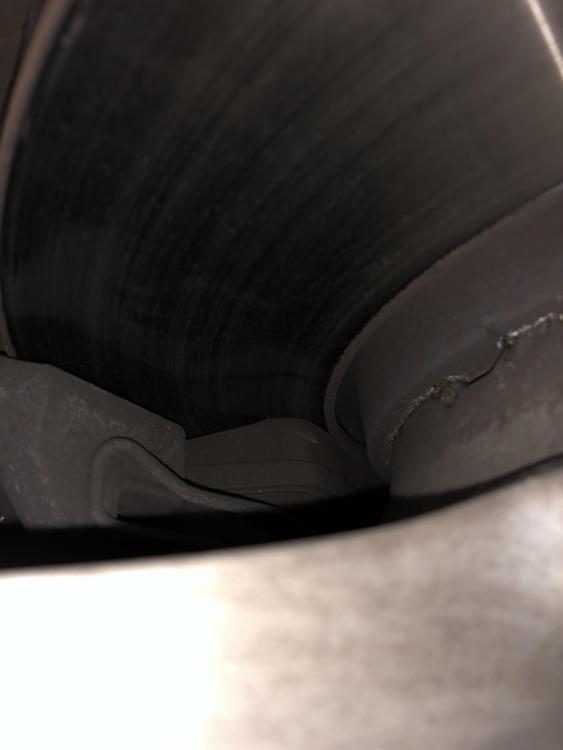
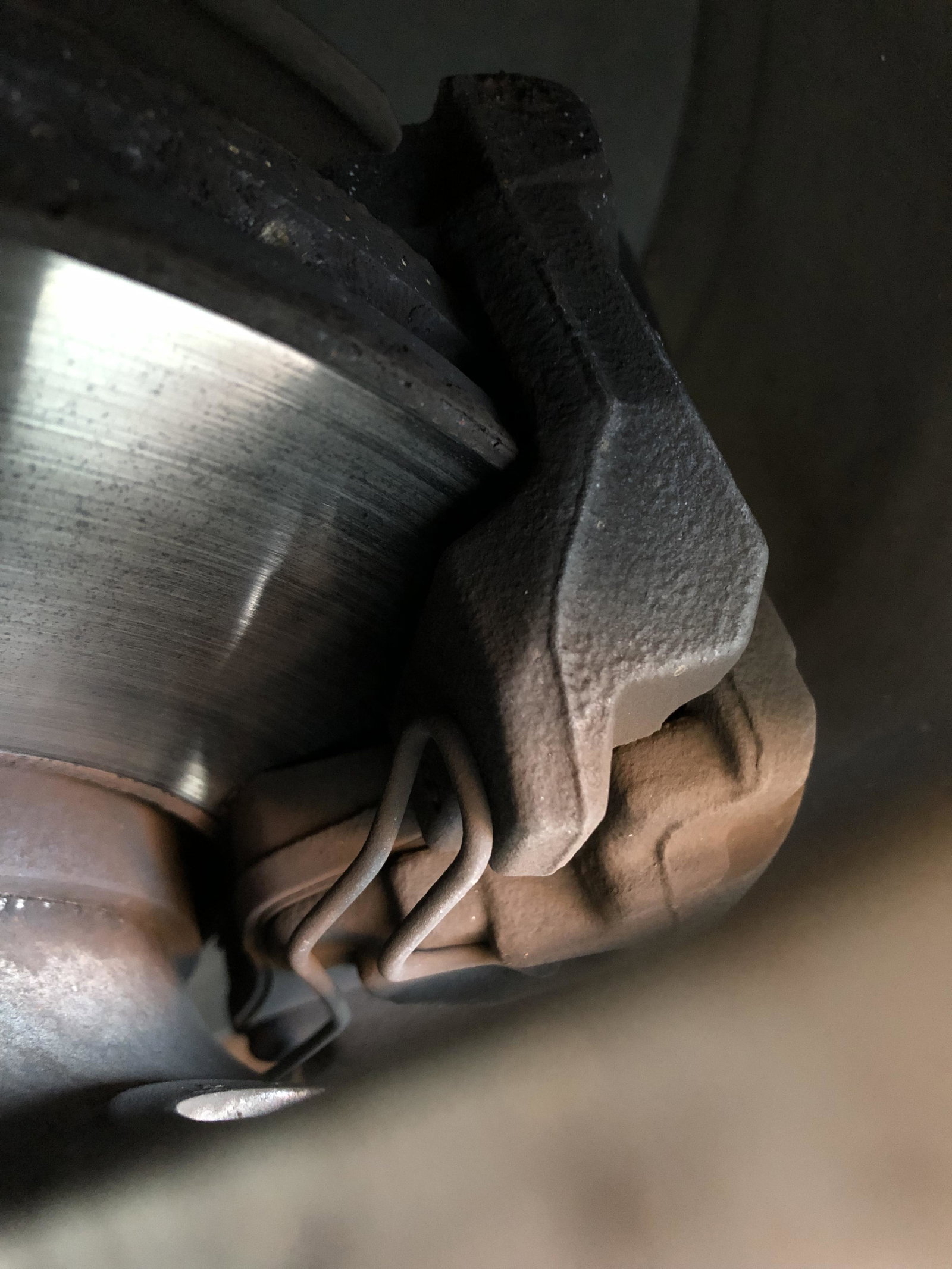
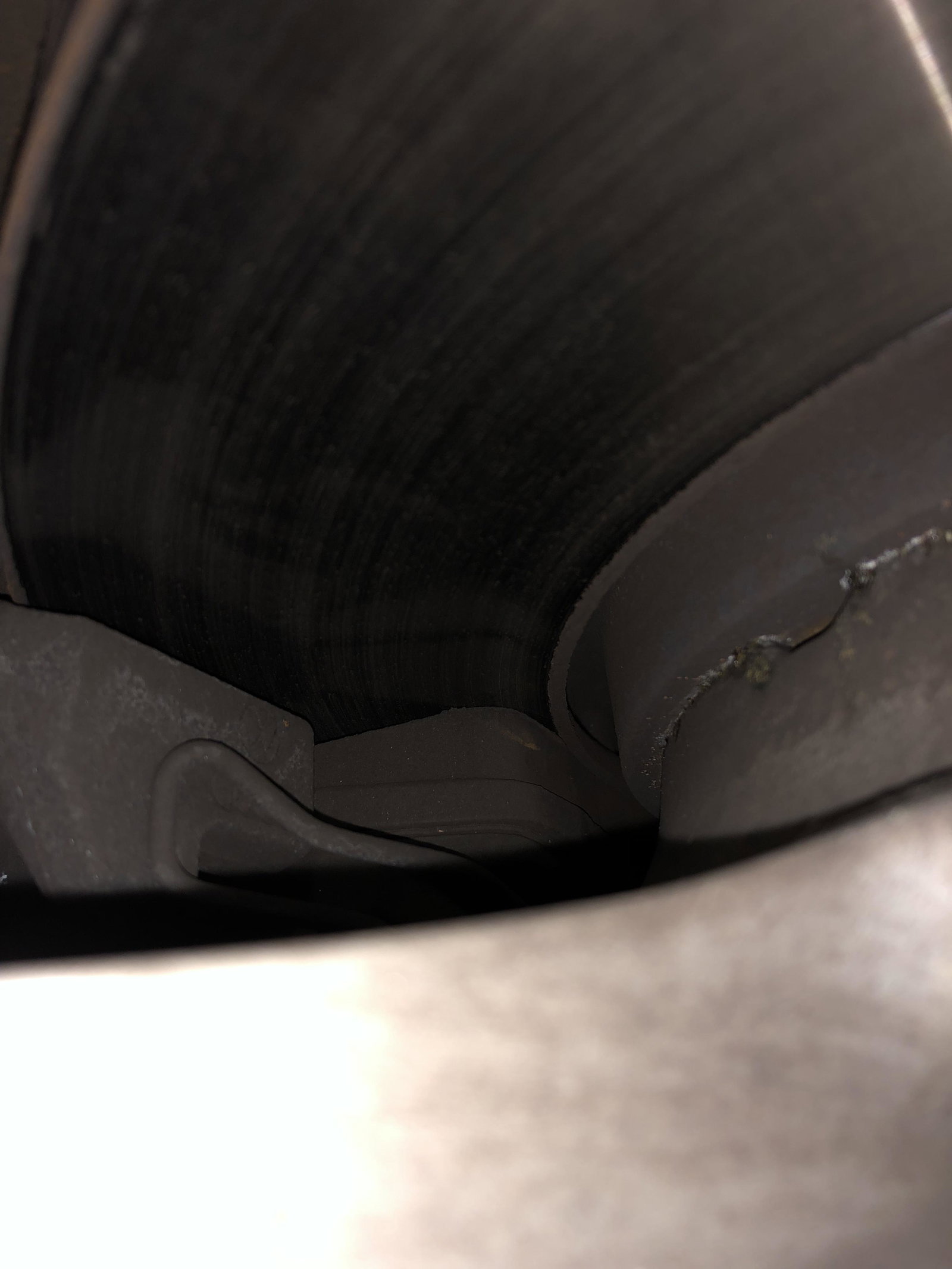
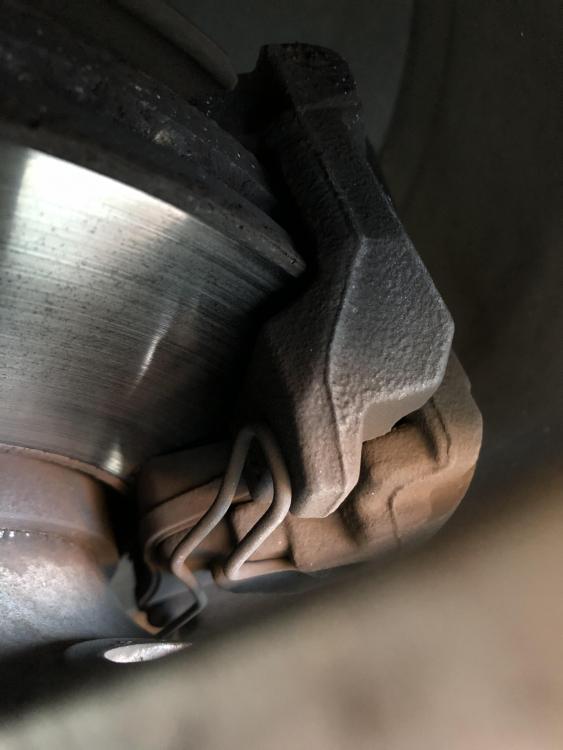
  6. Making a grinding sound when pressed look fine in the pics can it just be the cold weather ?
  7. Lbucks2004 posted a topic in Audi A1 Club
    I'm on the SD card sat nav option, is there anyway I can get speed camera on my there? Thanks
  8. Lbucks2004 posted a topic in Audi A1 Club
    Bought a 2016 A1 sline with 17" alloys, do I go for the 18" space saver or 16", where's best to go around Manchester area. Thanks
Background Picker
Customize Layout

Account

Navigation

Search

Search

Configure browser push notifications

Chrome (Android)
  1. Tap the lock icon next to the address bar.
  2. Tap Permissions → Notifications.
  3. Adjust your preference.
Chrome (Desktop)
  1. Click the padlock icon in the address bar.
  2. Select Site settings.
  3. Find Notifications and adjust your preference.