





Rwalsh
Members
-
Joined
-
Last visited
Everything posted by Rwalsh
-
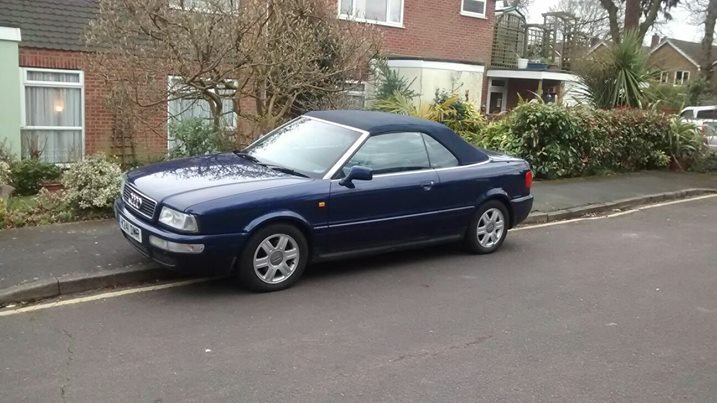
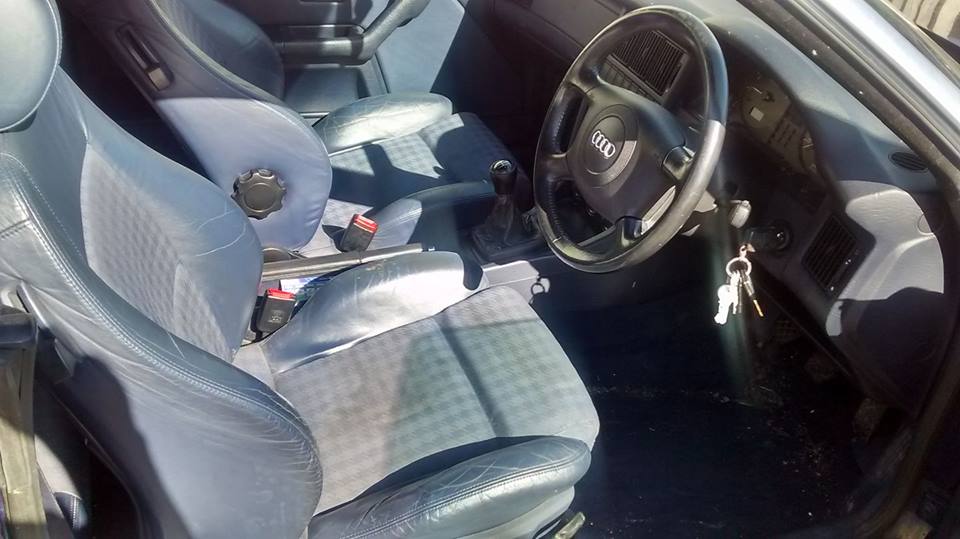
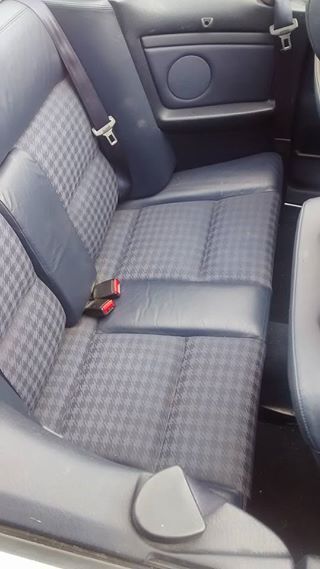
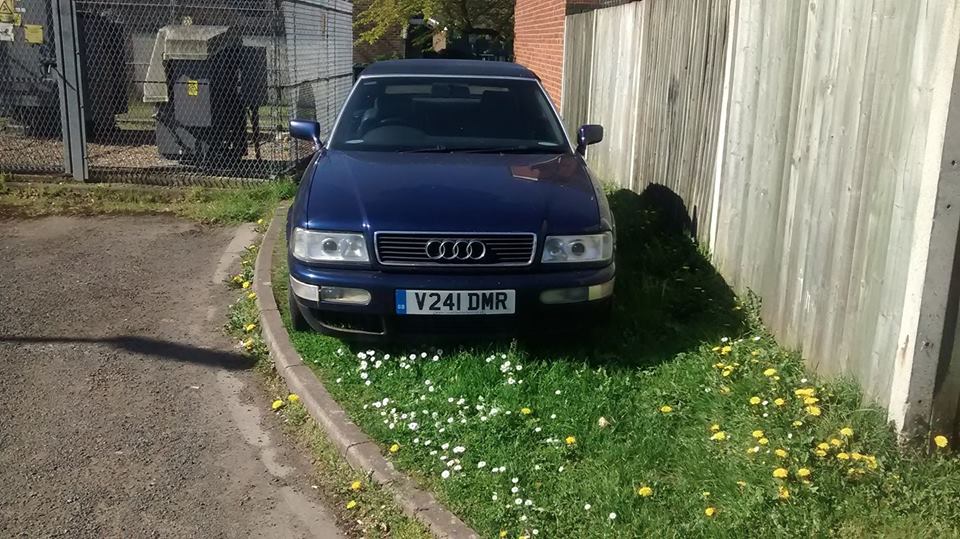
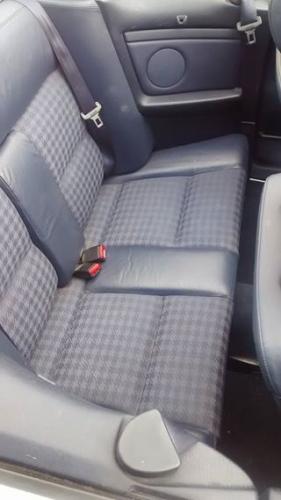
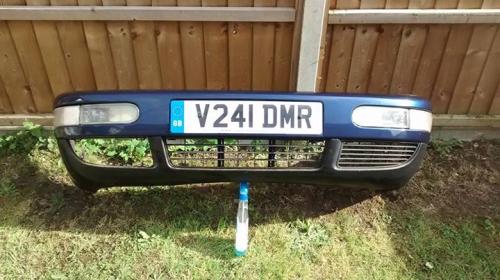
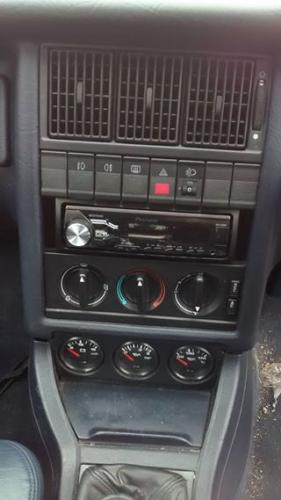
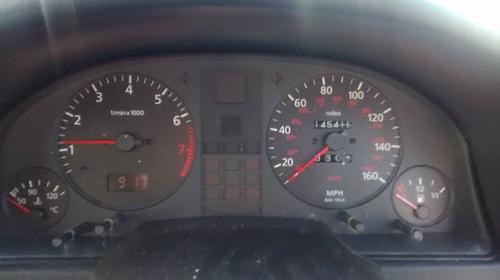
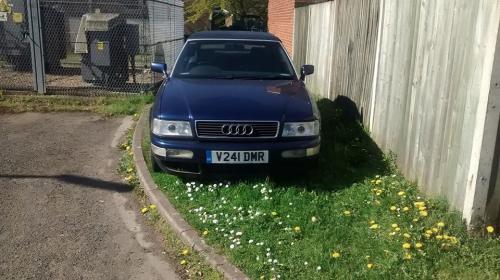
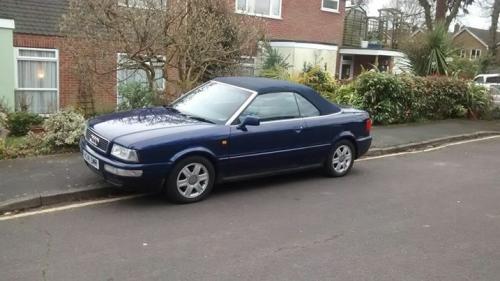
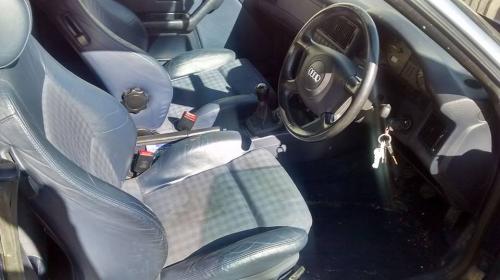
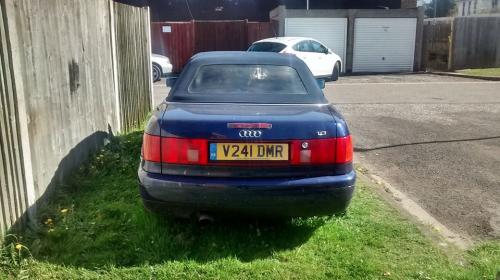
Breaking Audi 80 cabriolet 1.8 manual azure/royal blueGood Engine and gearbox Electric roof in good condition rear window nears replacingRoyal Blue half leather interiorMessage me for parts and pricesHeadlights soldAll Rear lights soldDrivers side window motor soldFogs lights soldPassenger indicator soldPassenger kick panel sold Email [email protected]
-
Breaking Audi 80 cabriolet 1.8 manual azure/royal blueGood Engine and gearbox Electric roof in good condition rear window nears replacingRoyal Blue half leather interiorMessage me for parts and pricesHeadlights soldAll Rear lights soldDrivers side window motor soldFogs lights soldPassenger indicator soldPassenger kick panel sold Contact me via email - [email protected] Car located in Camberley Surrey
-
 17990908_10154663275599492_2177340727019196474_n.jpg
-
 17904244_10154663275734492_6007473826437850018_n.jpg
-
 17903672_10154663275829492_5584118532259039835_n.jpg
-
 17862706_10154663275929492_6418088692956859940_n.jpg
-
 17862567_10154638076299492_642660059025965816_n.jpg
-
 17807492_10154636144639492_3460116942608620137_o.jpg
-
 17800453_10154638073079492_4410003978329457044_n.jpg
-
 17800277_10154638076369492_4633554551610486285_n.jpg
-