NickyH86
Members
-
Joined
-
Last visited
Everything posted by NickyH86
-
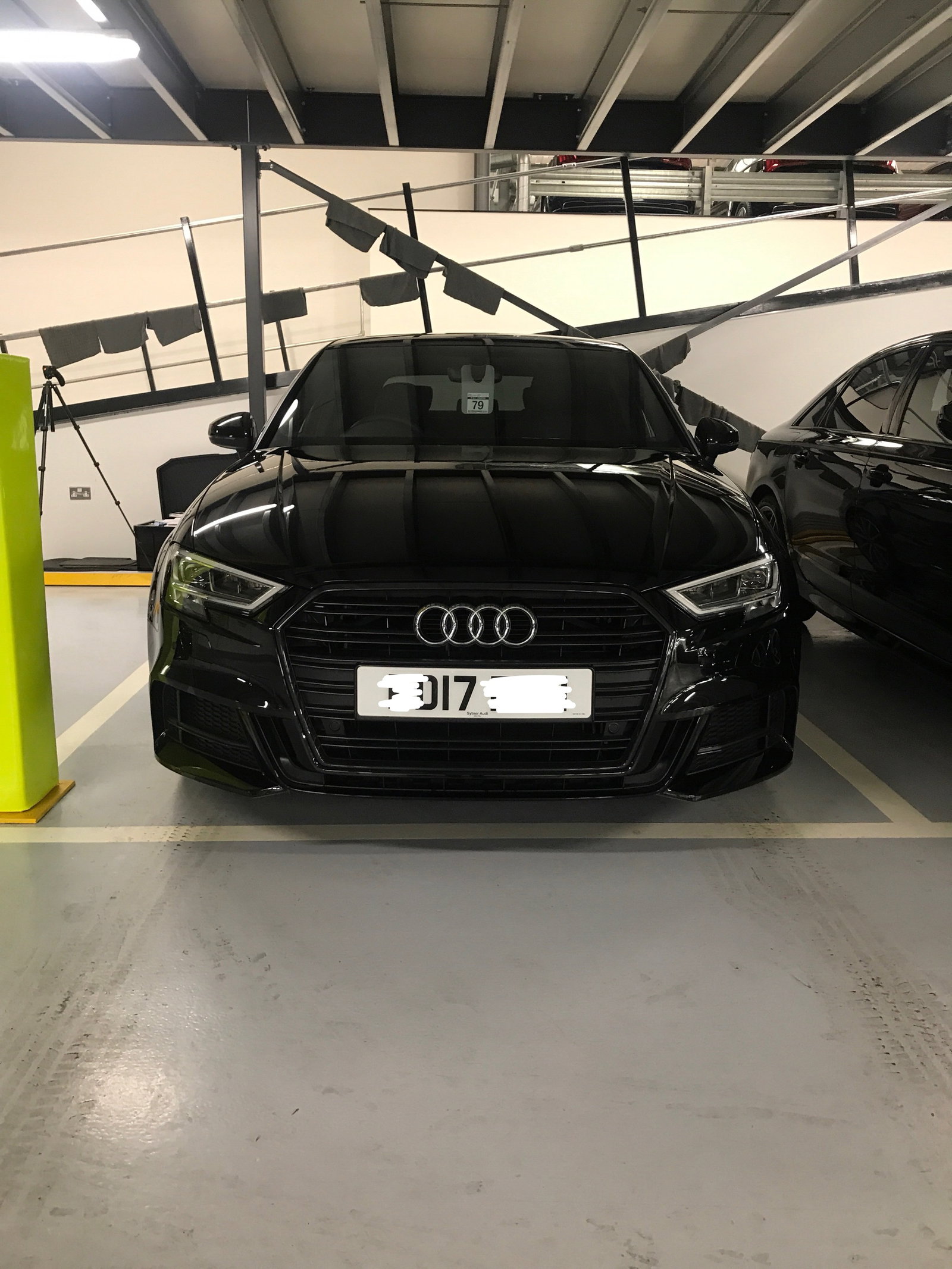
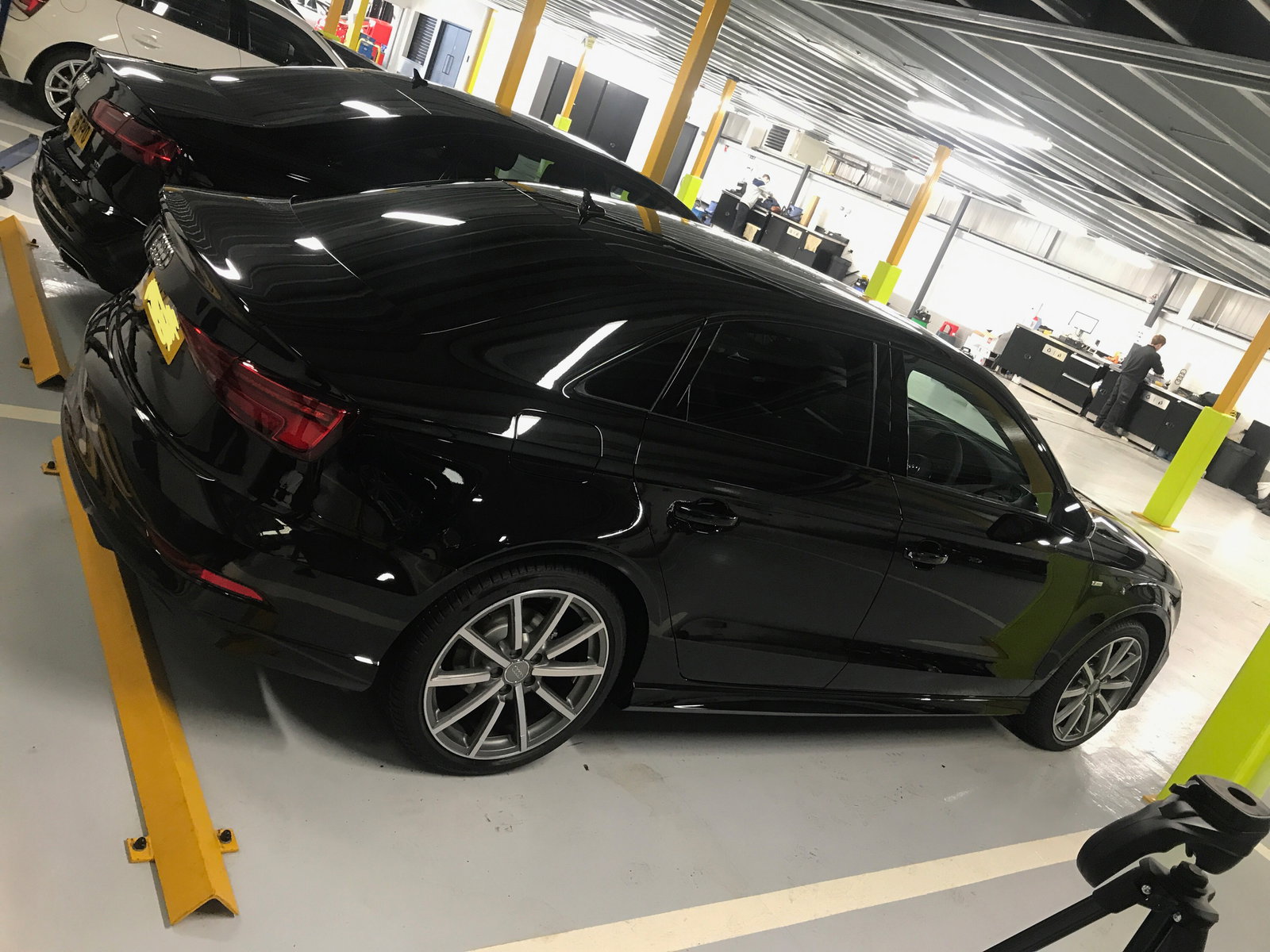
He's beautiful just need a good blast in him no, not had chance to get out properly yet because of work 😩 Thank you all xx enjoy your audi's Steve I'll look up them events now xx
-
Finally got it whoop whoop beautiful car
-
Oh my days they are beautiful!!! Honestly it's killing me now, so flipping excited, patience never has been a strong point of mine 😁😁😁 spoke to my dealer, he says he's spoken to the port and they are shipping it Monday/Tuesday, whoop not long now till I get my hands on it! Thanks everyone xxx
-
I ordered on the 04/03/17, was told delivery to be expected W/C 15th or 22nd im just being impatient I know I am 😁 Thank x
-
Hi guys and gals, I ordered an A3 saloon black edition, I know all about the codes etc it's been stuck on 38 (at the port in Germany) since 9th April, apparently I'm on for mid may delivery, killing me now do you think this is realistic delivery as I just can't see it! Advice pleeeease 😁😁😩😩