Ali201048766442
Members
-
Joined
-
Last visited
-
Please say you have the virtual cockpit....? Smashed it, I've been looking at those
-
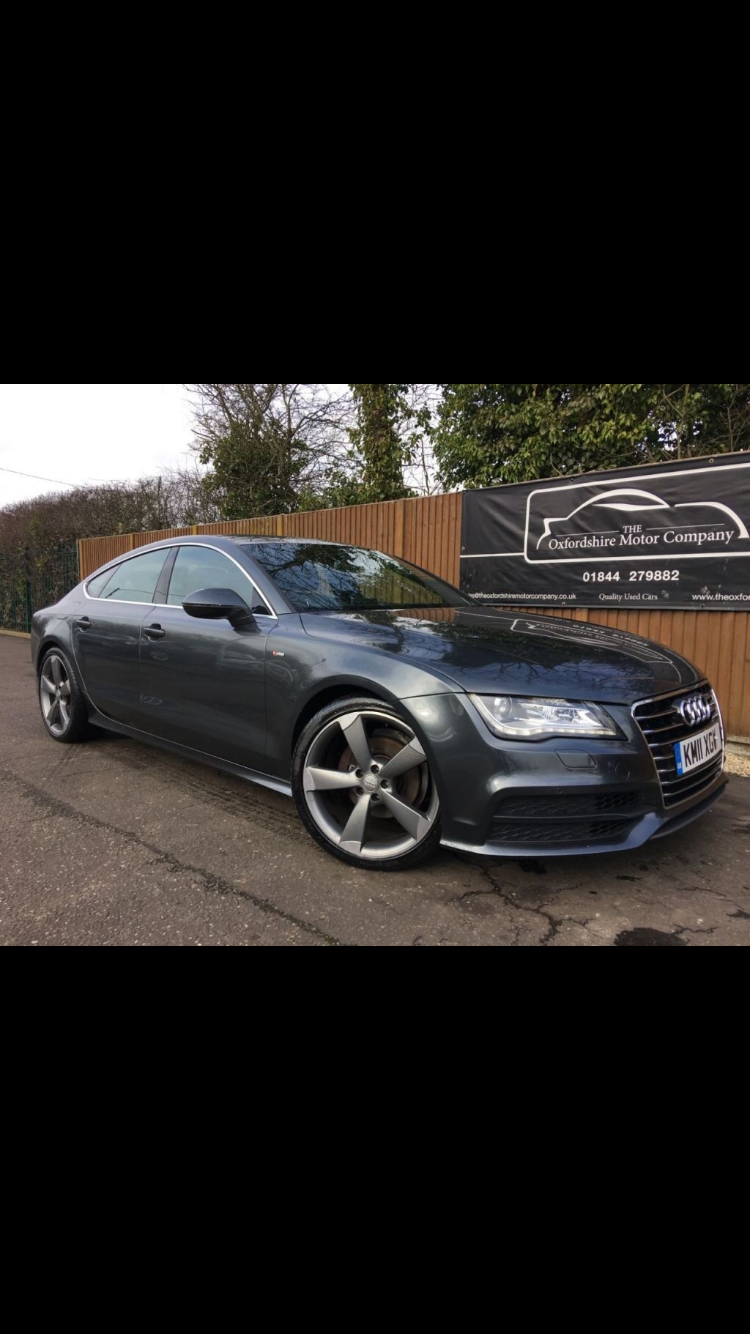
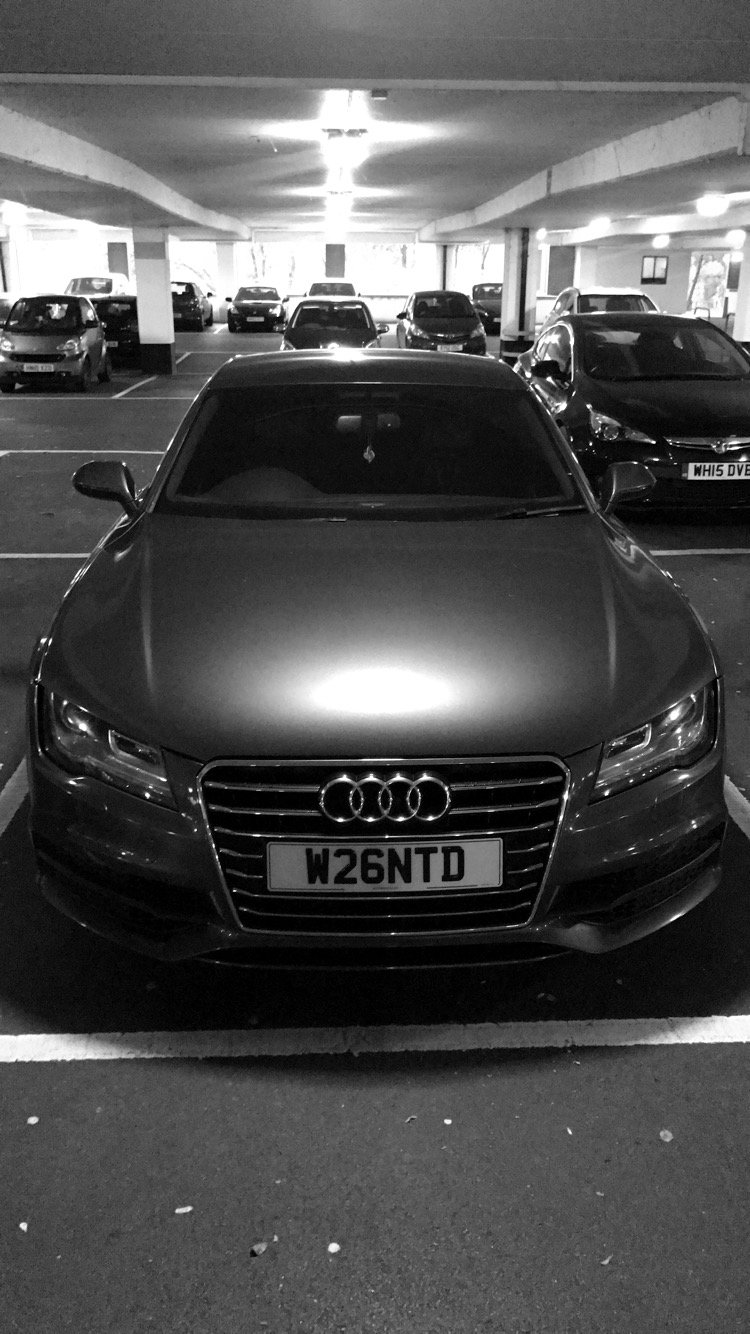
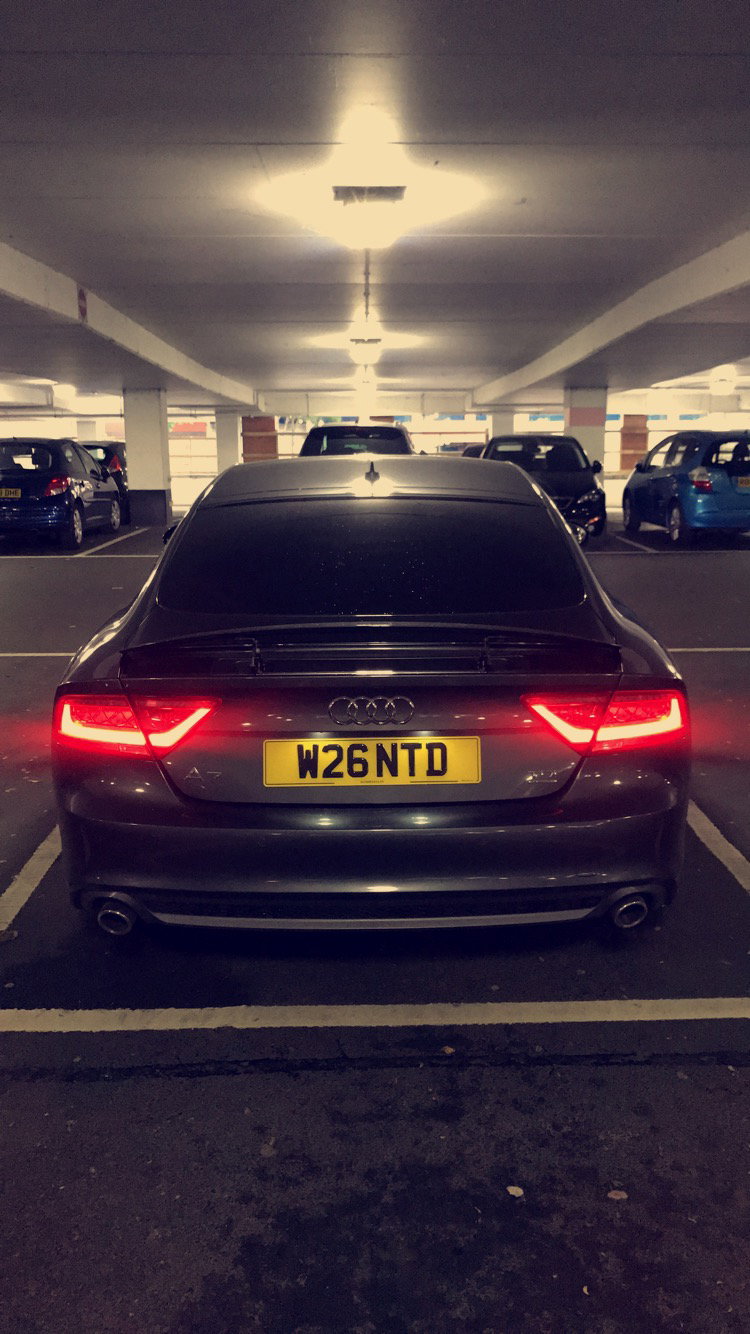
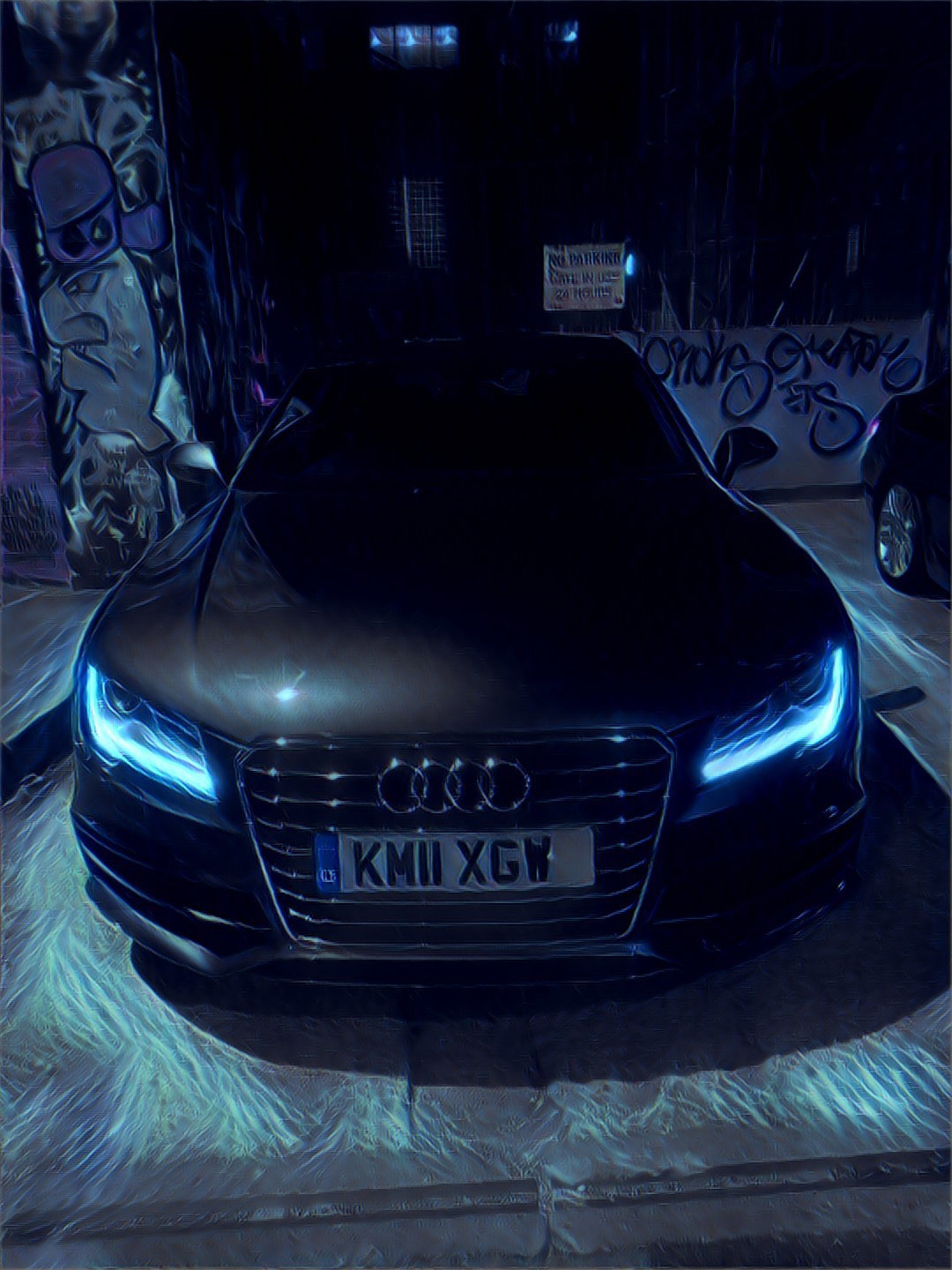
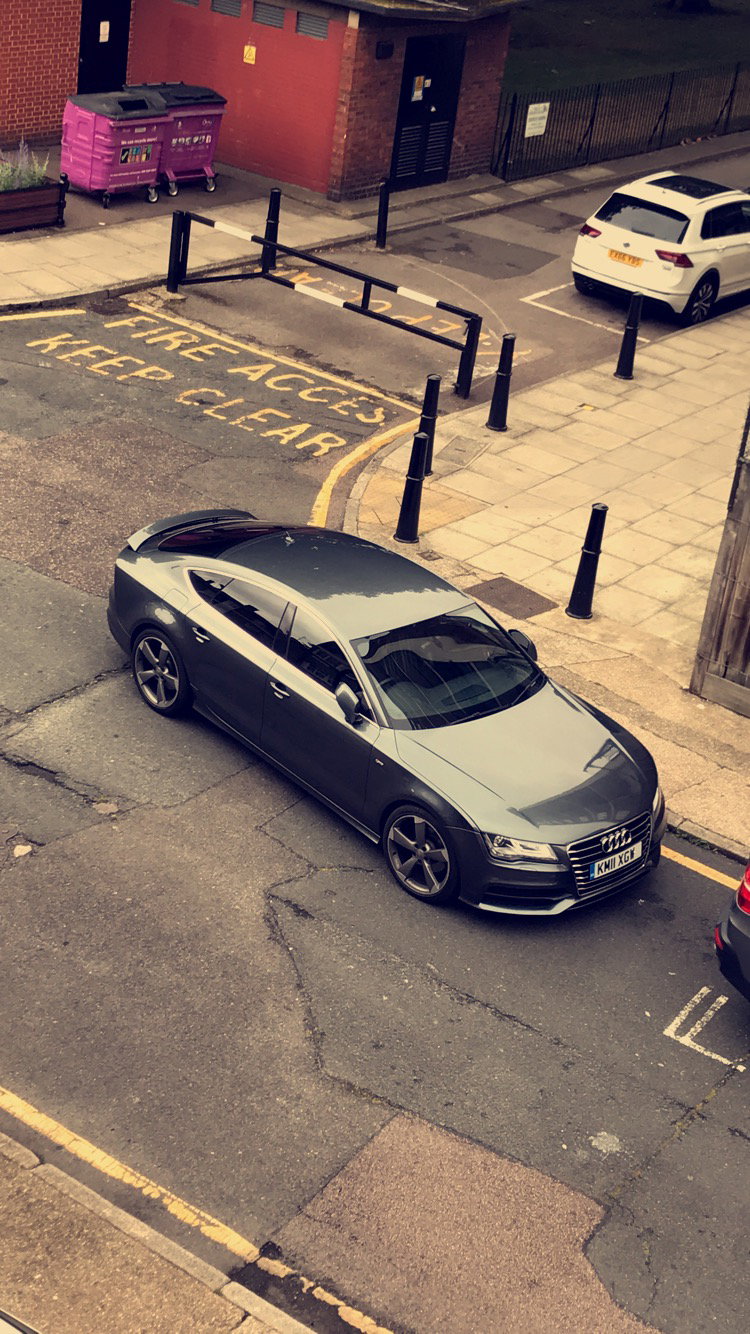
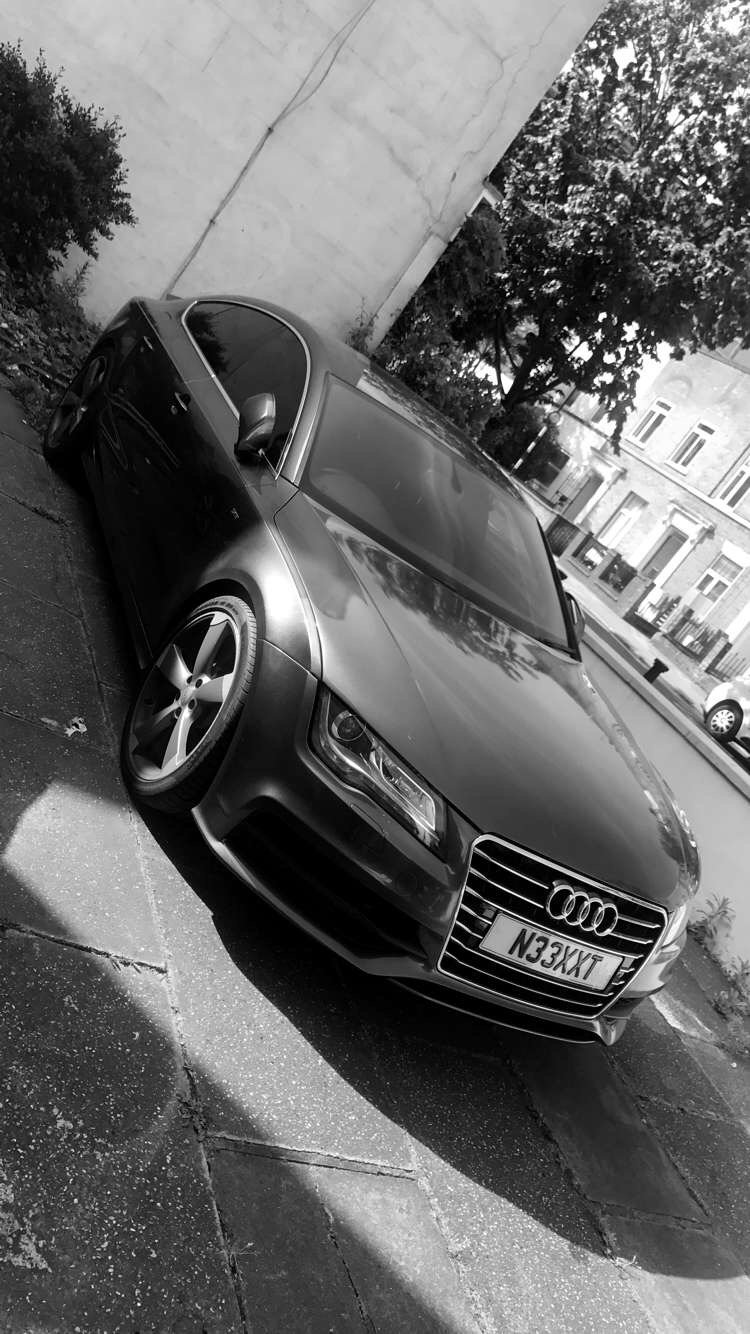
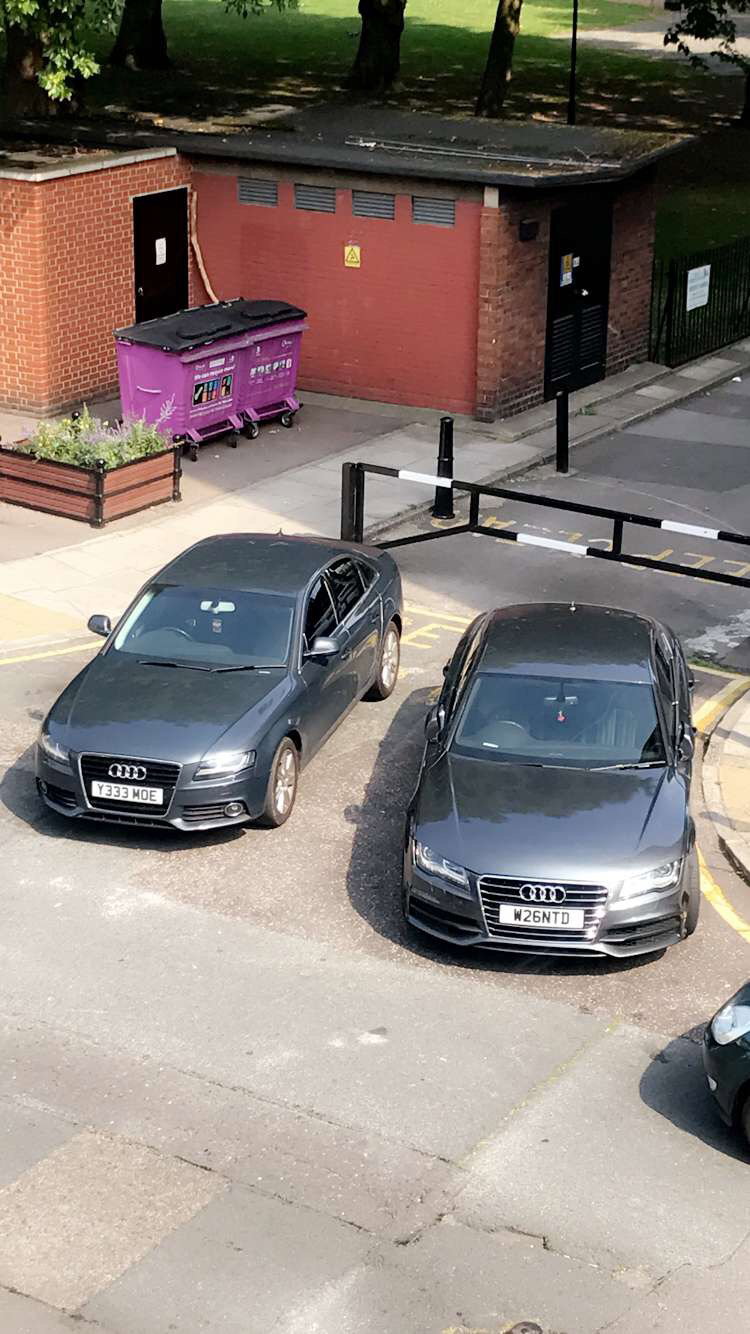
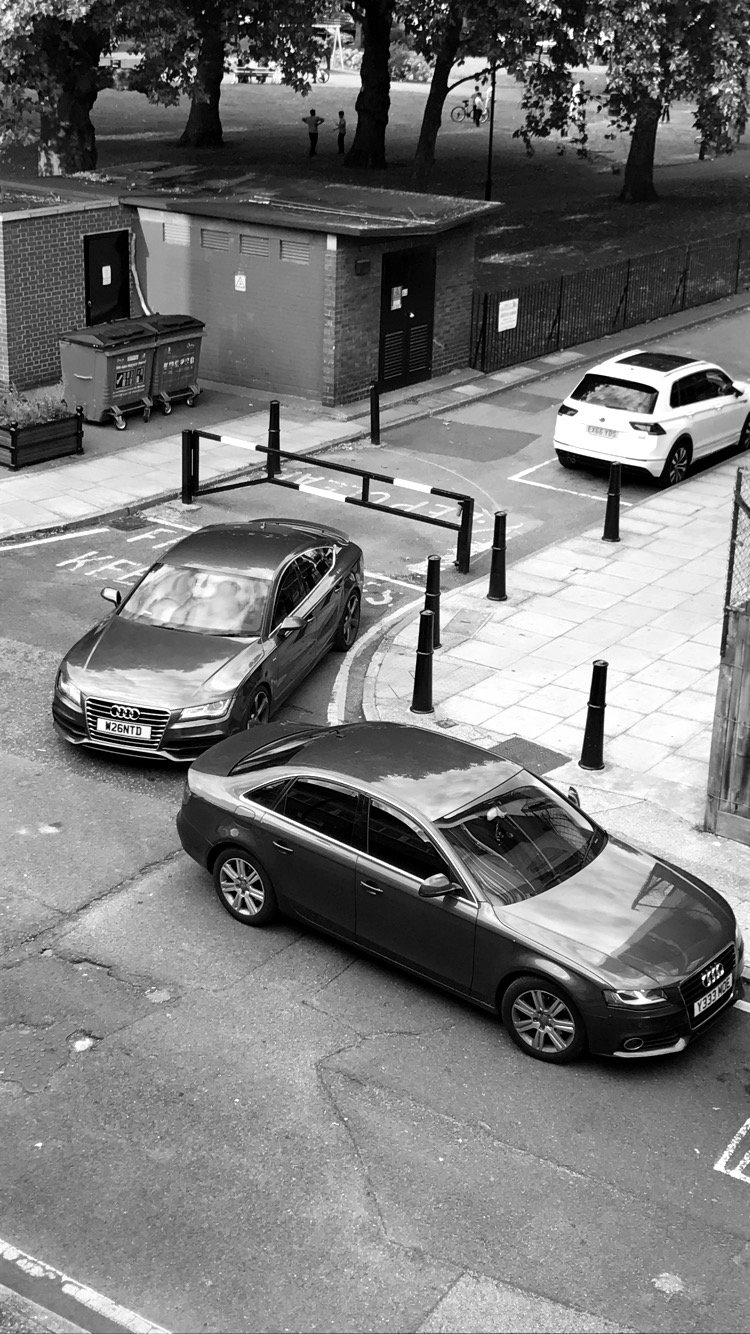
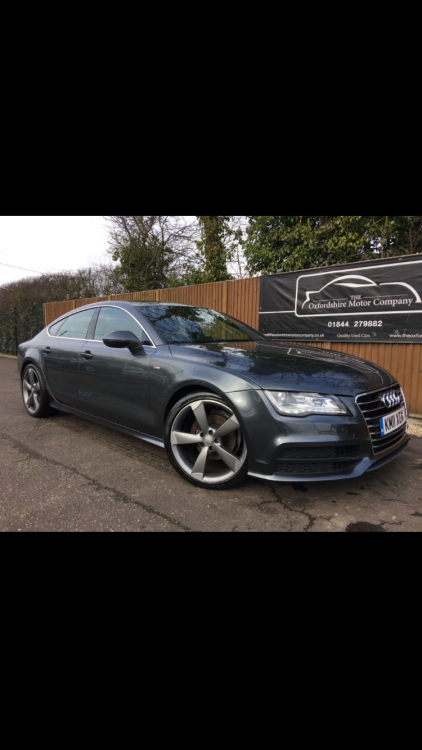
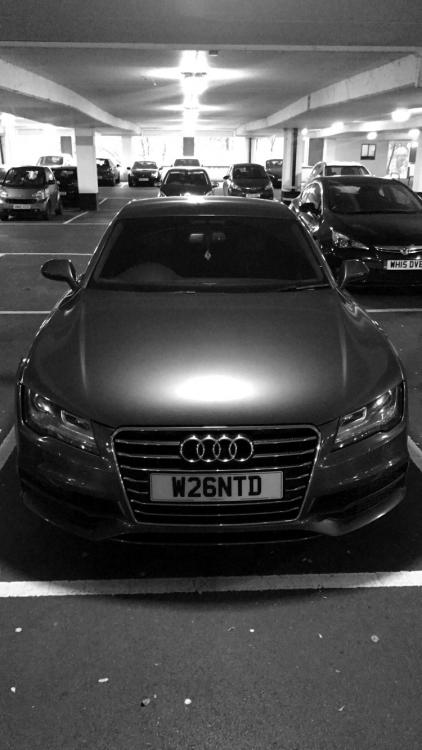
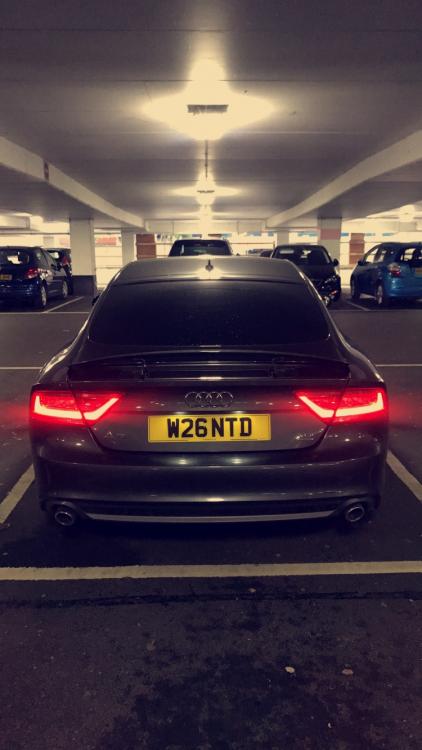
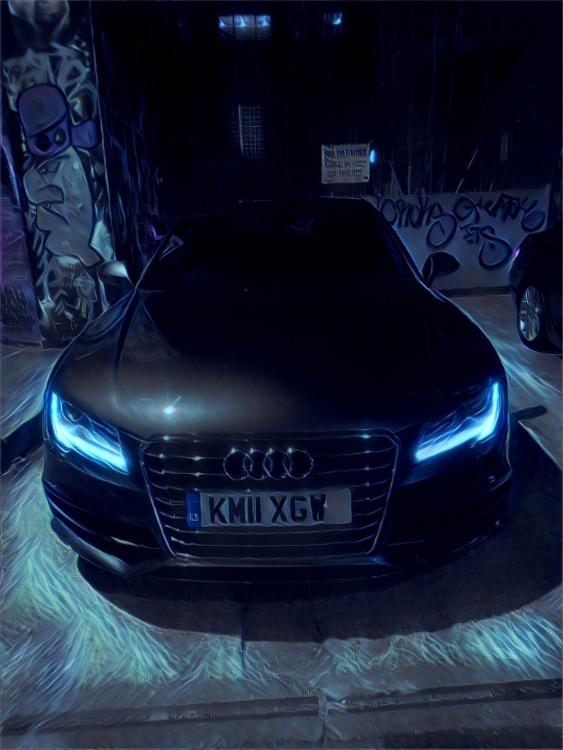
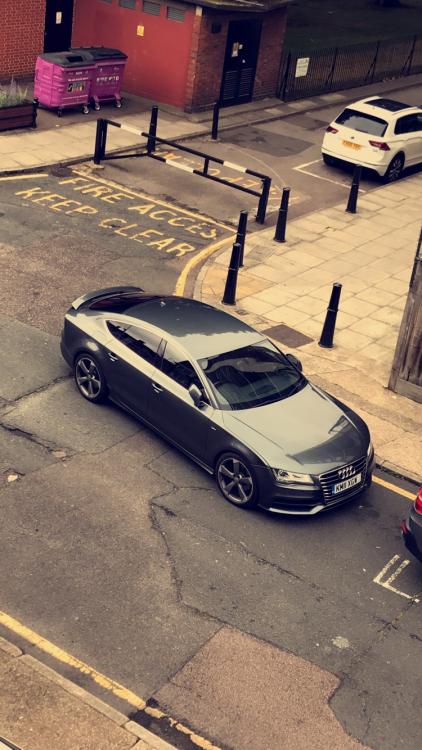
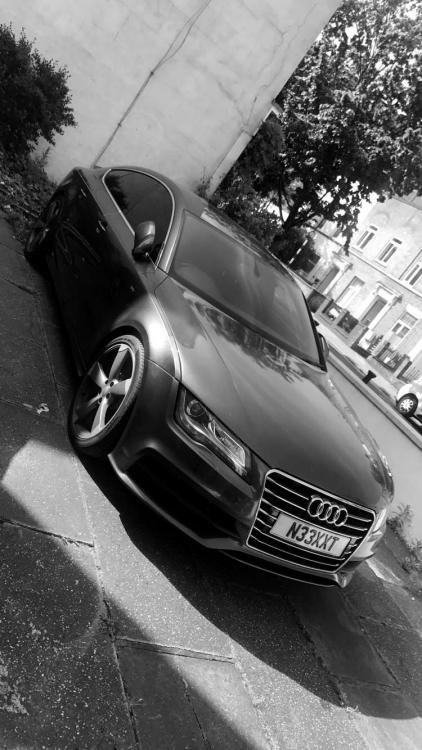
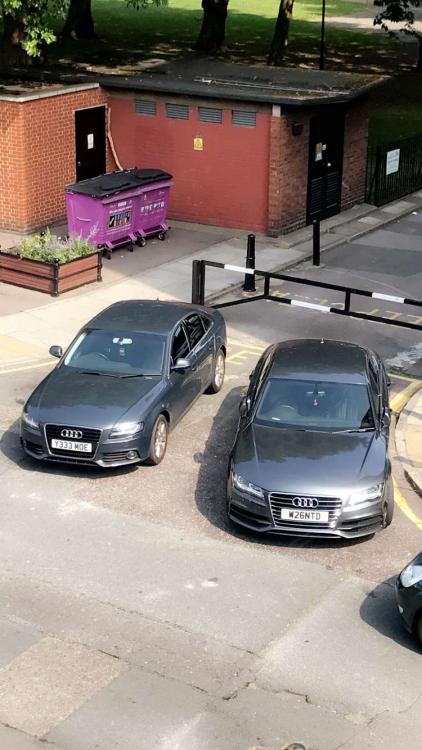
Hey guys just wanted to share sum updated pics of my A7, since I've only posted the traders pic. Anyways it's been 6 months now and I've come to the conclusion that it's gotta be Quattro for life. Also thinking of a remap 🤔 A couple pics of my little brother B8 A4 aswell.
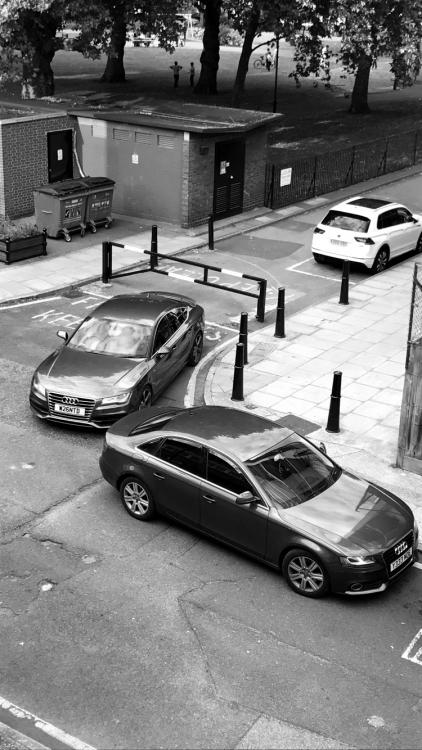
-
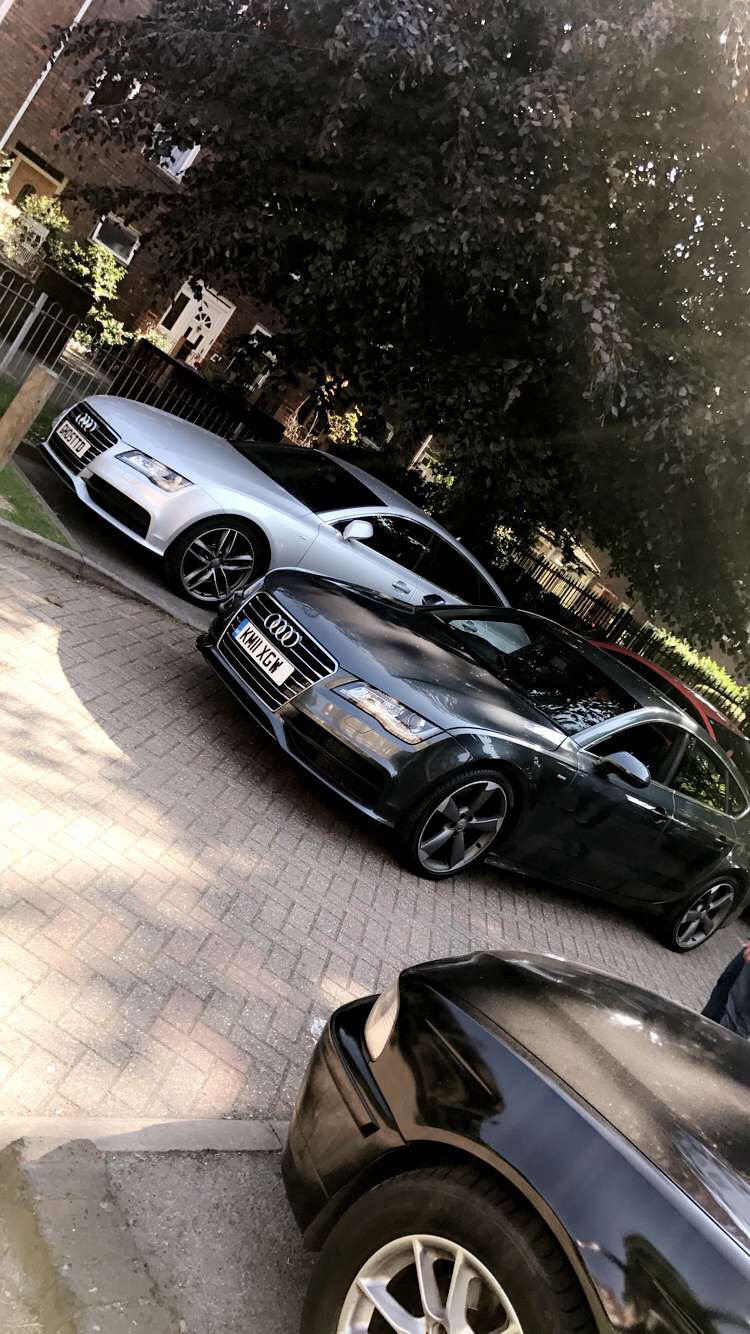
Also he's a pic of my one..... also silver one one is for sale....
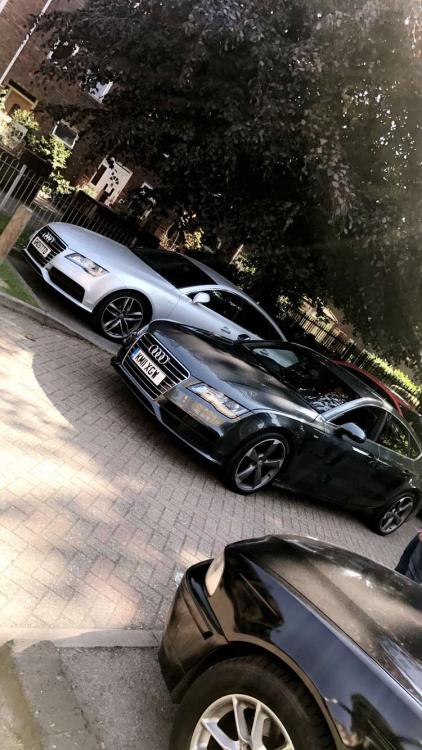
-
Hey I'm new to the site and I know a company that could do everything you require. i have never tried them but hear very good things about them. give them a shout www.audi-retrofits.co.uk if your on instagram than look them up under Audi retrofits and see some of their work. anyways all the best
-
Hey everyone. New to the site as I have just bought my second Audi. anywsys can't wait to catch up with everyone and here's a pic of my new Audi.