




Skip to content
View in the app

A better way to browse. Learn more.

Audi Owners Club (UK)

A full-screen app on your home screen with push notifications, badges and more.

To install this app on iOS and iPadOS
  1. Tap the Share icon in Safari
  2. Scroll the menu and tap Add to Home Screen.
  3. Tap Add in the top-right corner.
To install this app on Android
  1. Tap the 3-dot menu (⋮) in the top-right corner of the browser.
  2. Tap Add to Home screen or Install app.
  3. Confirm by tapping Install.


Noirpool

Members
  • Joined

  • Last visited

  1. Thanks chaps, yes really love it. I actually bought it without seeing it as there was so much interest and when i went to see it, it was like brand new! :-)
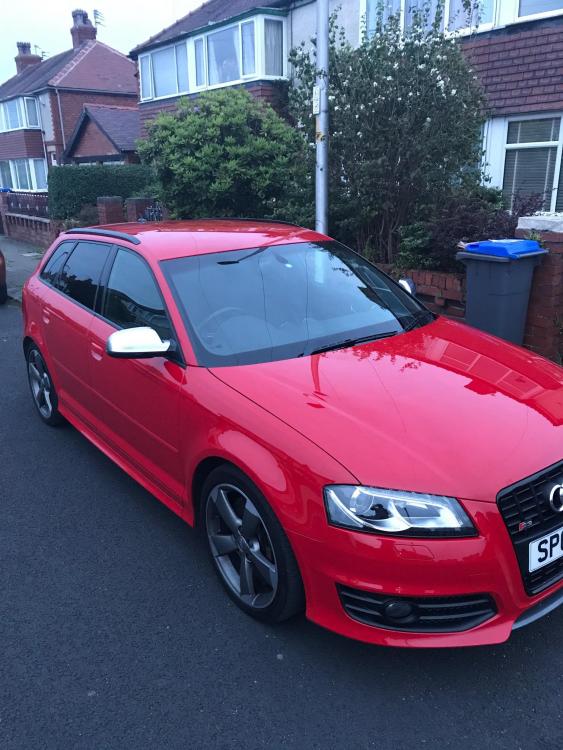
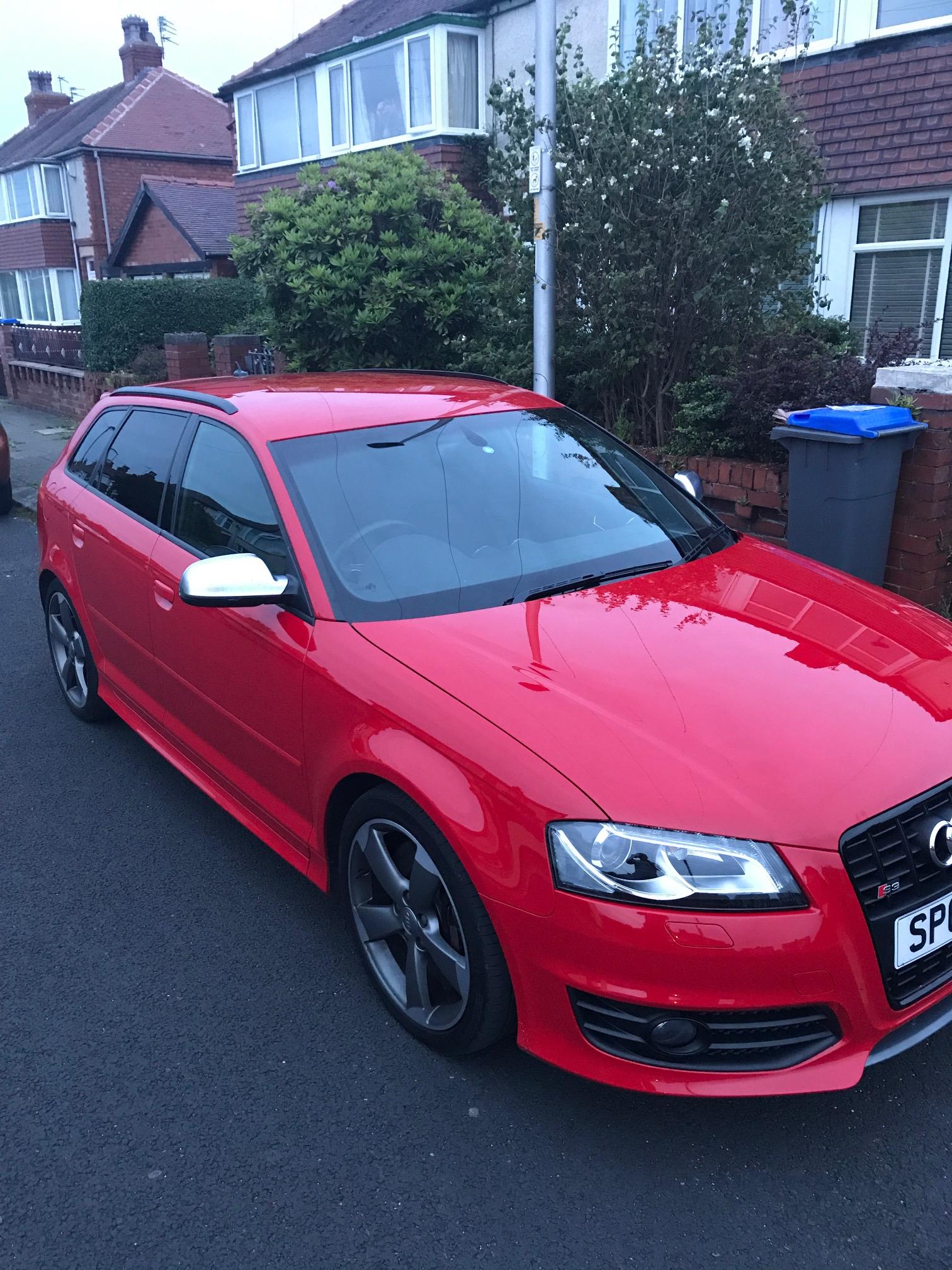
  2. Morning all, I have just bought an Audi S3 Sportback, 2012, FASH with 17,000 miles on the clock and I am freaking loving it! Big step up from my VW Golf GTI. Quick question and I know this has probably been done to death on here, but I need some advice on which lead to buy for the AMI. I have an iPhone7 and I want to be able to play music and also charge and also if possible work using the multifunction steering wheel and if it all possible, video and album art?? Trouble is I don't have a clue what MMI version I have or what colour lead to buy... green, yellow, red, white? There seems to be so many out there? Thanks for your help. PS - attached is a pic of the new car :-)


Background Picker
Customize Layout

Account

Navigation

Search

Search

Configure browser push notifications

Chrome (Android)
  1. Tap the lock icon next to the address bar.
  2. Tap Permissions → Notifications.
  3. Adjust your preference.
Chrome (Desktop)
  1. Click the padlock icon in the address bar.
  2. Select Site settings.
  3. Find Notifications and adjust your preference.