Dark_phiba
Members
-
Joined
-
Last visited
Everything posted by Dark_phiba
-
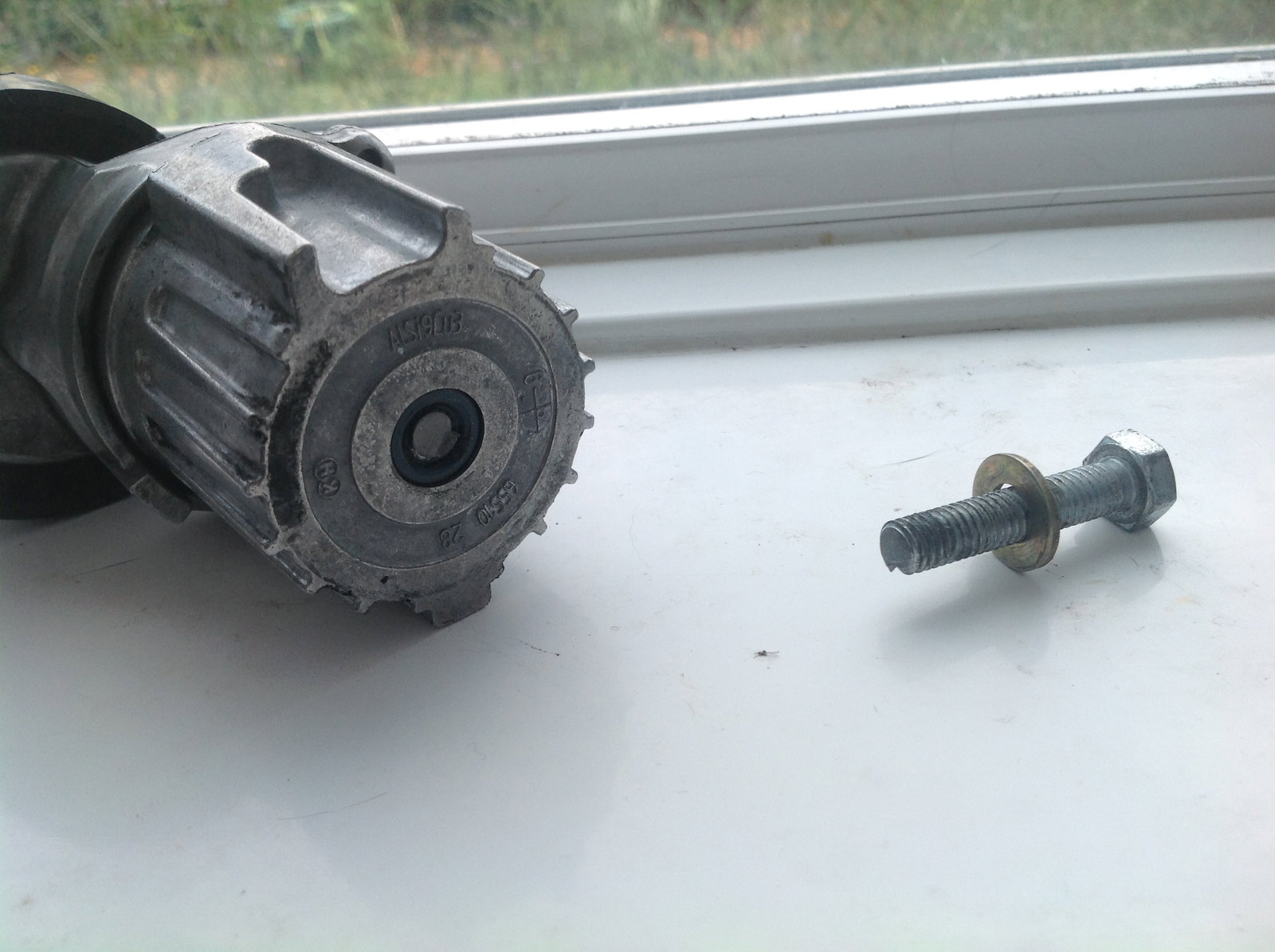
Thanks for the replies guys, I did some looking around, it may very well be an incorrect bolt, it looks like I'll be taking the day off work tomorrow to go in and chat the the garage that carried out the repairs. i don't know where they source their parts from, I know I stopped using euro car parts a long time ago due to the "quality" of their merchandise. I'll post an update when new information becomes available again, many thanks
-
-
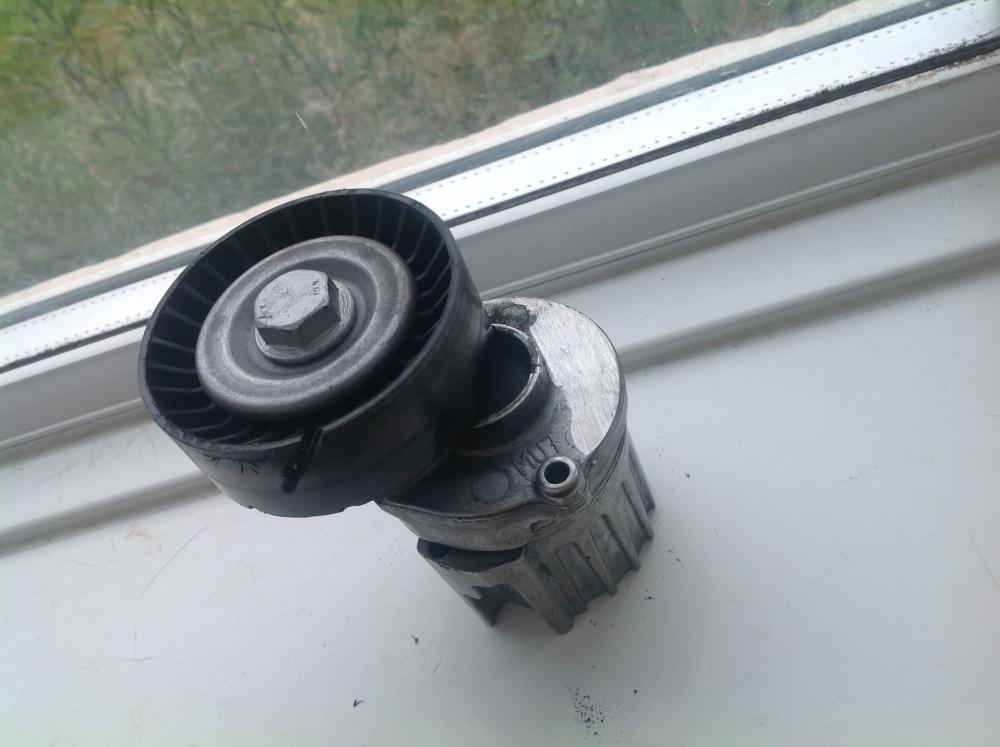
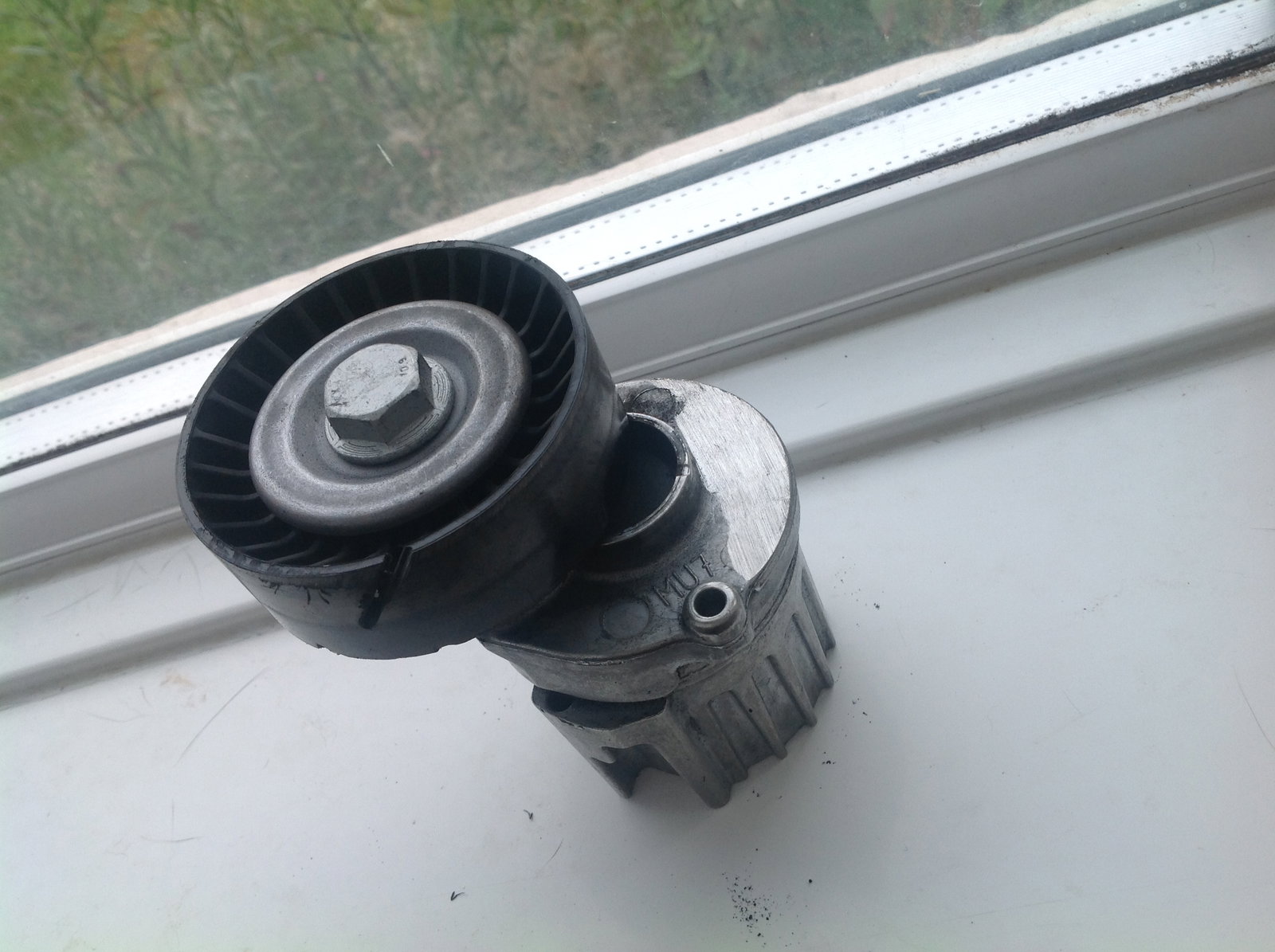
Hey all, first time post, only recently started having issues with my A4 couple of months ago, I had my serpentine belt tensioner arm replaced, as the bolt holding it in place had sheared off, now two and a half months later, it has happened again, new part, same issue, this time, I have the tensioner arm out, and as you can see from the pic, what appears to be a cut in the plastic. I'm guessing this is what caused the first, I just couldn't get to it to see. anyone seen this before, have an idea what could be causing the damage, I have inspected the belt, seems to be no wear on it at all, no damage not even fraying anywhere? I have it booked in for Monday, but would appreciate any thoughts