Skip to content
View in the app

A better way to browse. Learn more.

Audi Owners Club (UK)

A full-screen app on your home screen with push notifications, badges and more.

To install this app on iOS and iPadOS
  1. Tap the Share icon in Safari
  2. Scroll the menu and tap Add to Home Screen.
  3. Tap Add in the top-right corner.
To install this app on Android
  1. Tap the 3-dot menu (⋮) in the top-right corner of the browser.
  2. Tap Add to Home screen or Install app.
  3. Confirm by tapping Install.

Lauratate81

Members
  • Joined

  • Last visited

Everything posted by Lauratate81

  1. Thanks for the reply , it's a Audi a1 sline 1.6 tdi , 2010
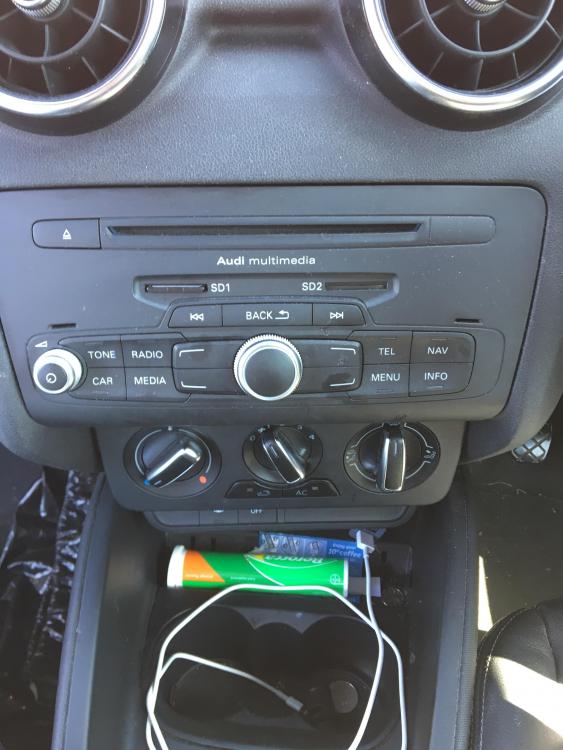
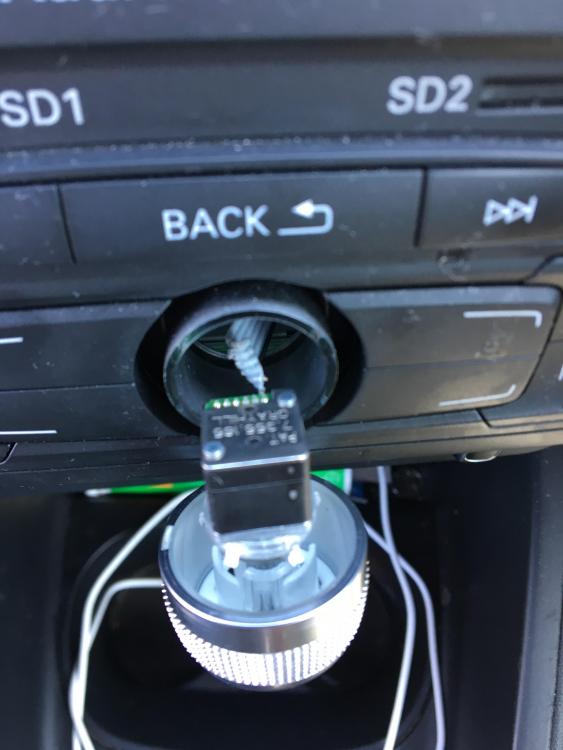
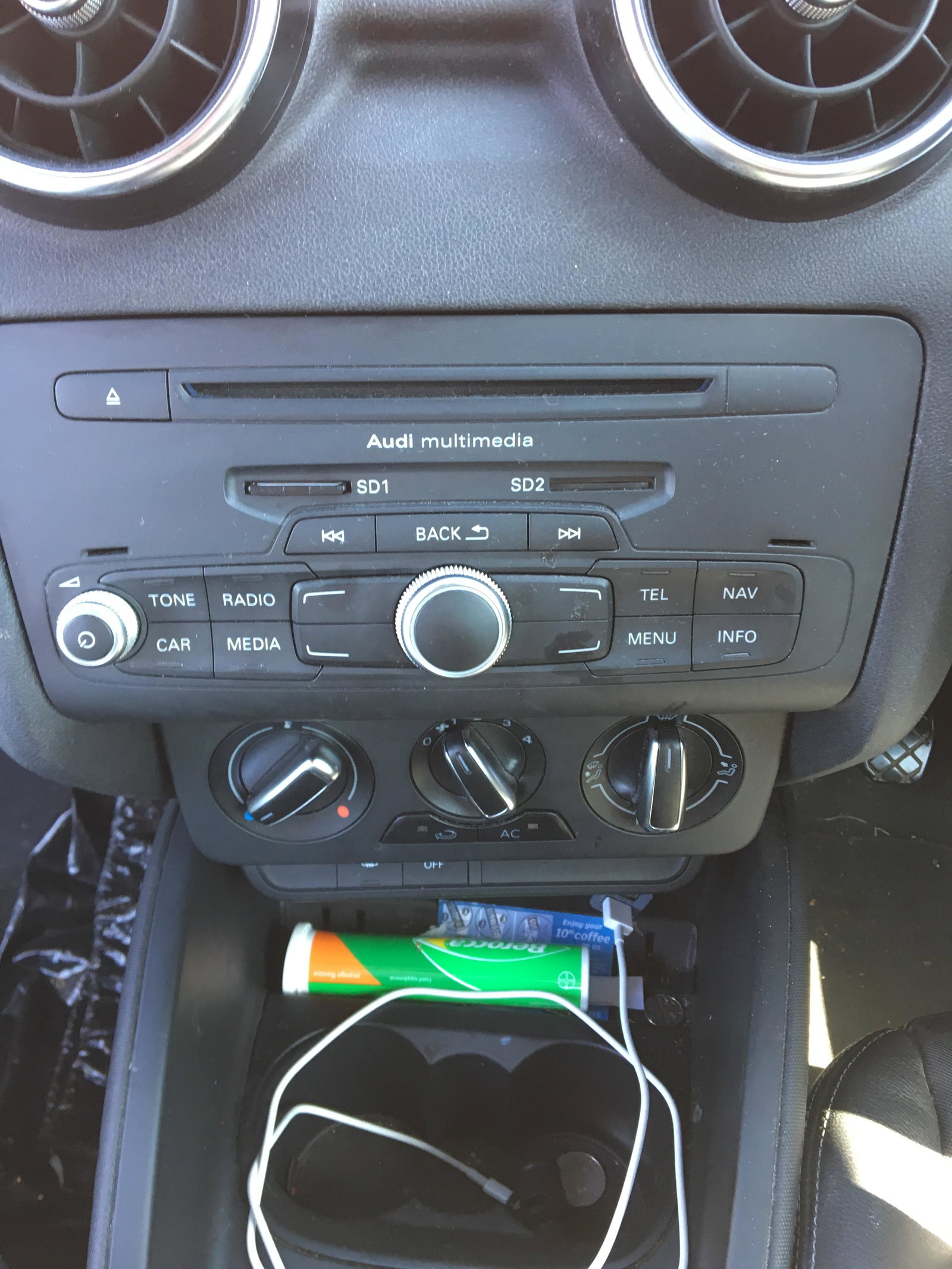
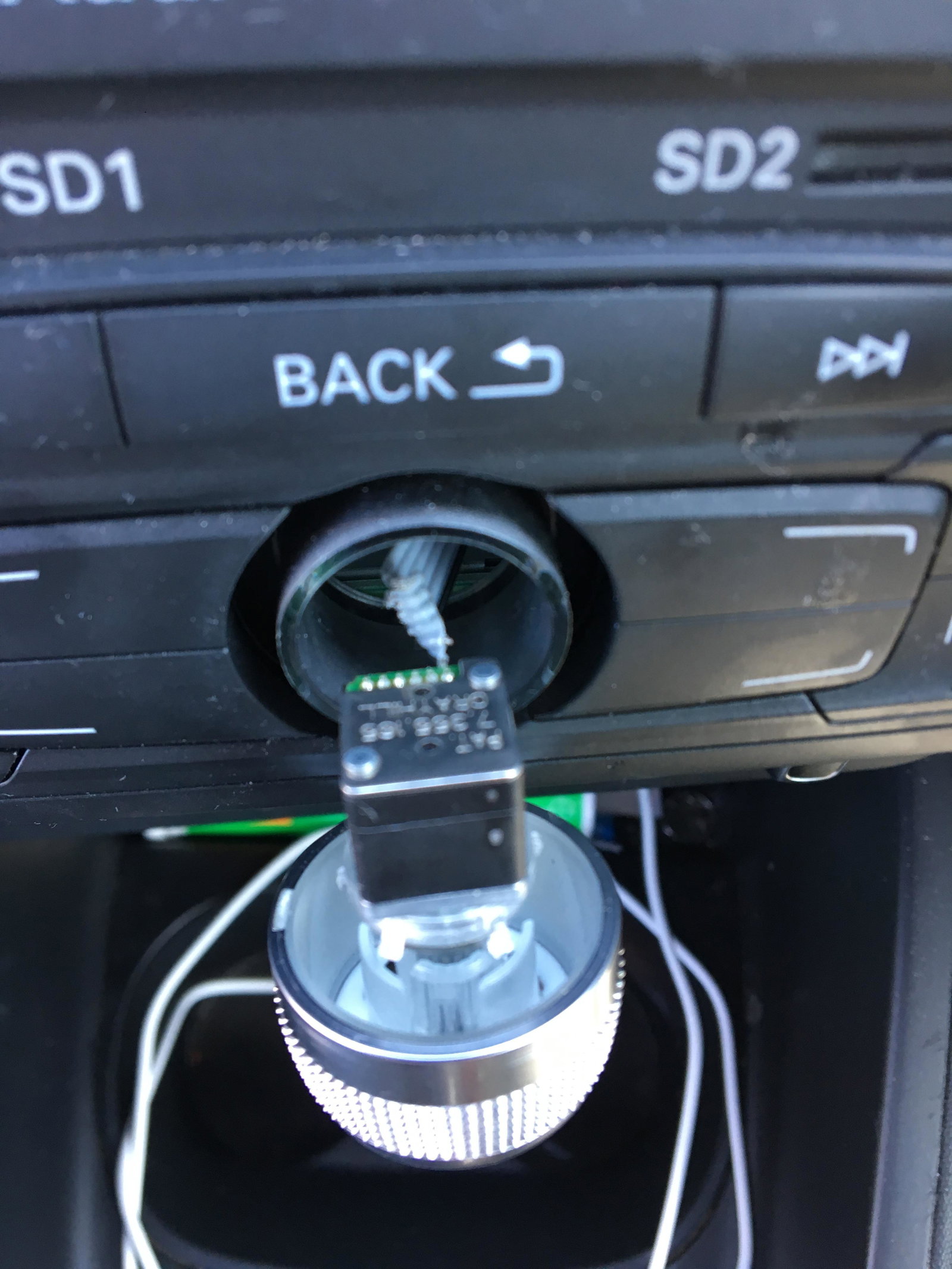
  2. My main button on my mmi unit is broke , I have pulled it out & looked behind & the wires connecting the button to the unit are snapped , making my sat nav useless . I have heard that Audi can't repair this problem but will raplace the whole unit for a small fortune , I have looked on eBay for a replacement unit , does anyone know if I was to purchase one of thease can it just be installed or does it have to be programmed to my car , I once tried my sd sat nav card in a friends car who has the same model but the sat nav did not work so I'm wondering if I would have a problem using the sat nav sd card in a new replacement mmi unit ? Does anyone have any experience with this ?


Background Picker
Customize Layout

Account

Navigation

Search

Search

Configure browser push notifications

Chrome (Android)
  1. Tap the lock icon next to the address bar.
  2. Tap Permissions → Notifications.
  3. Adjust your preference.
Chrome (Desktop)
  1. Click the padlock icon in the address bar.
  2. Select Site settings.
  3. Find Notifications and adjust your preference.