JClark
Members
-
Joined
-
Last visited
-
JClark changed their profile photo
-
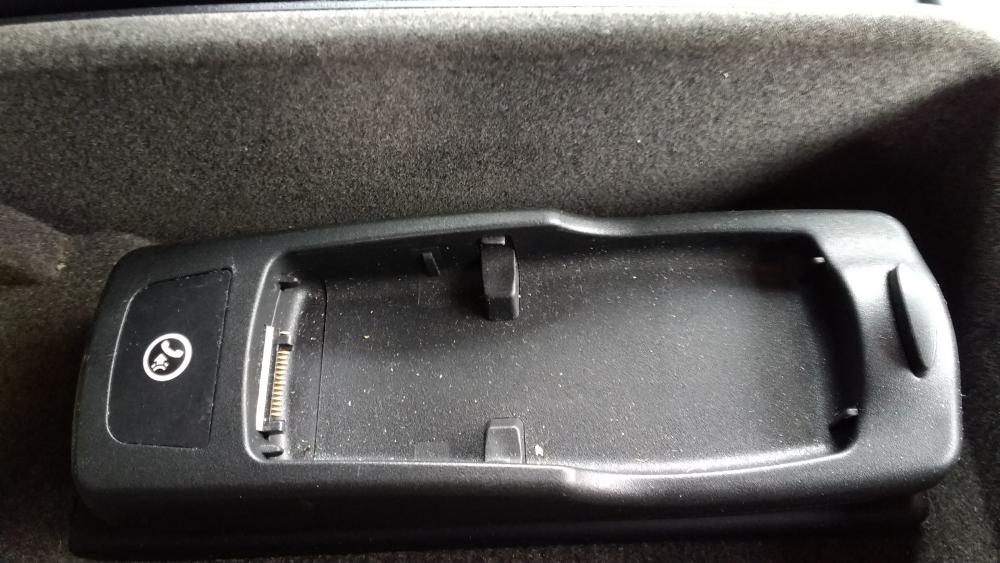
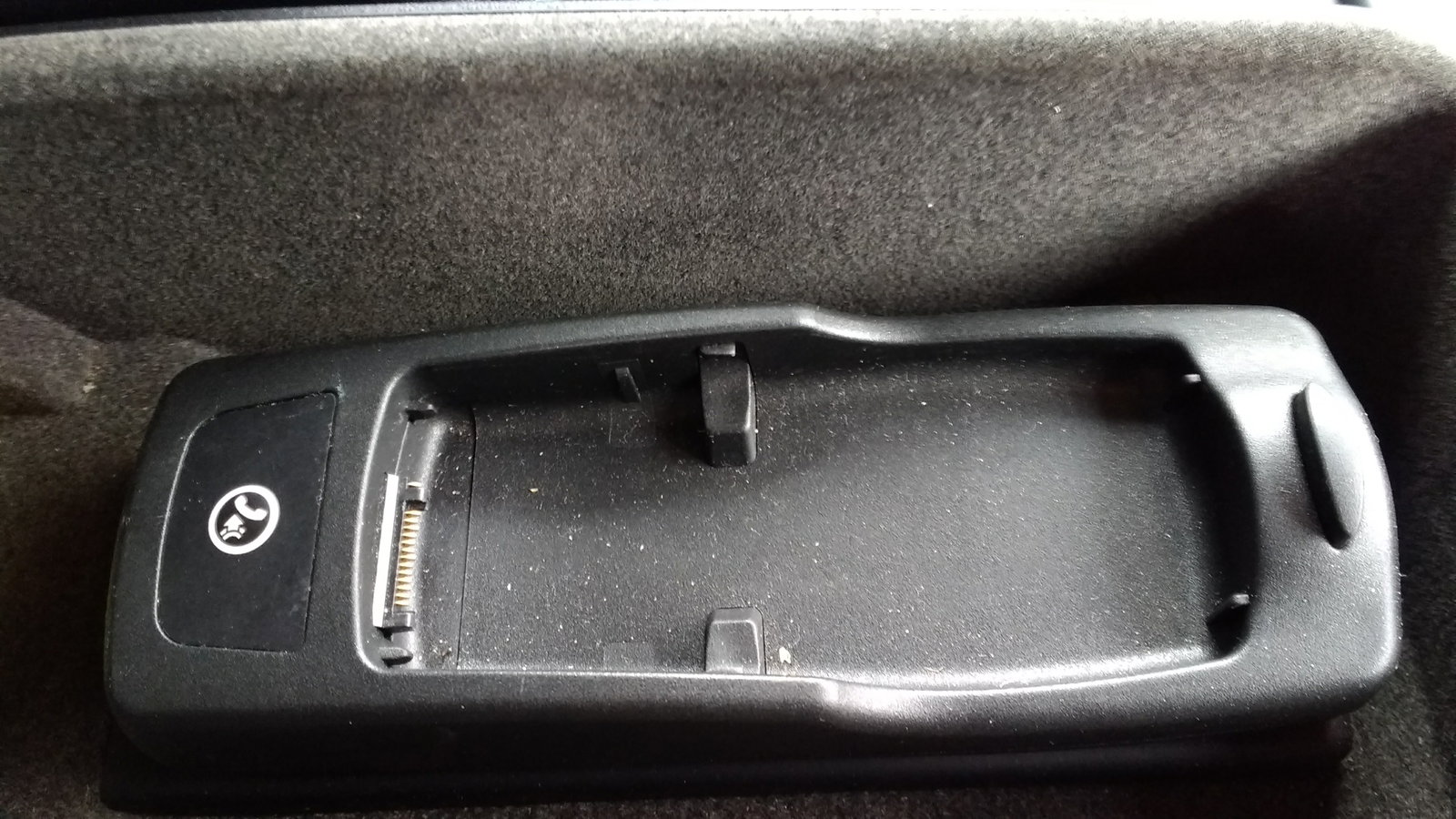
Hi. Thanks for the reply. How does it connect to the radio though?
-
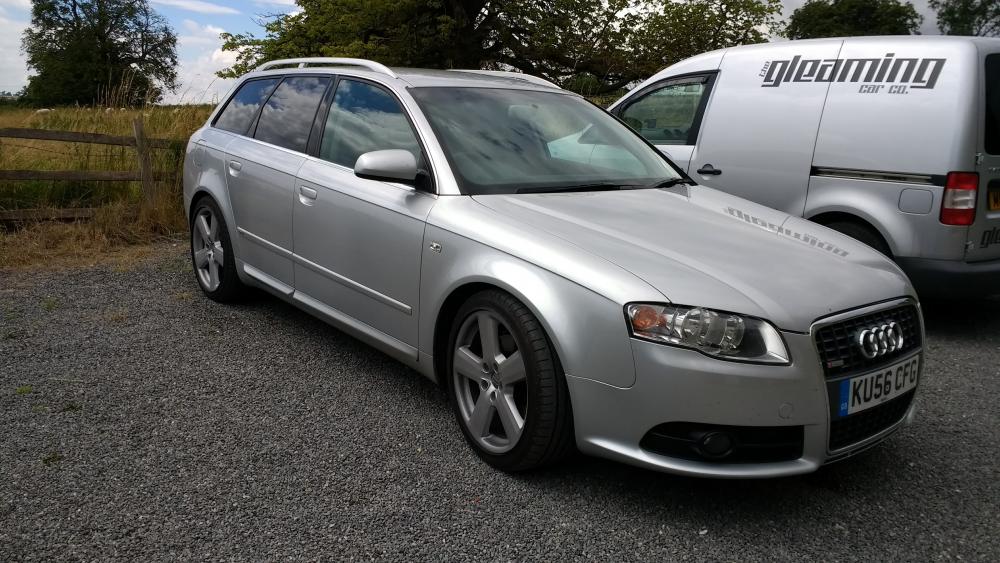
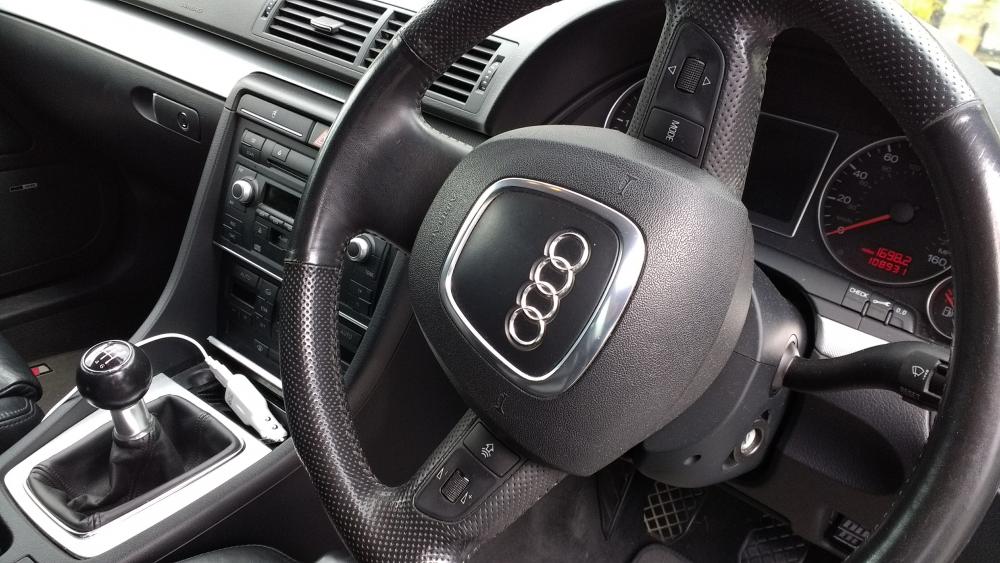
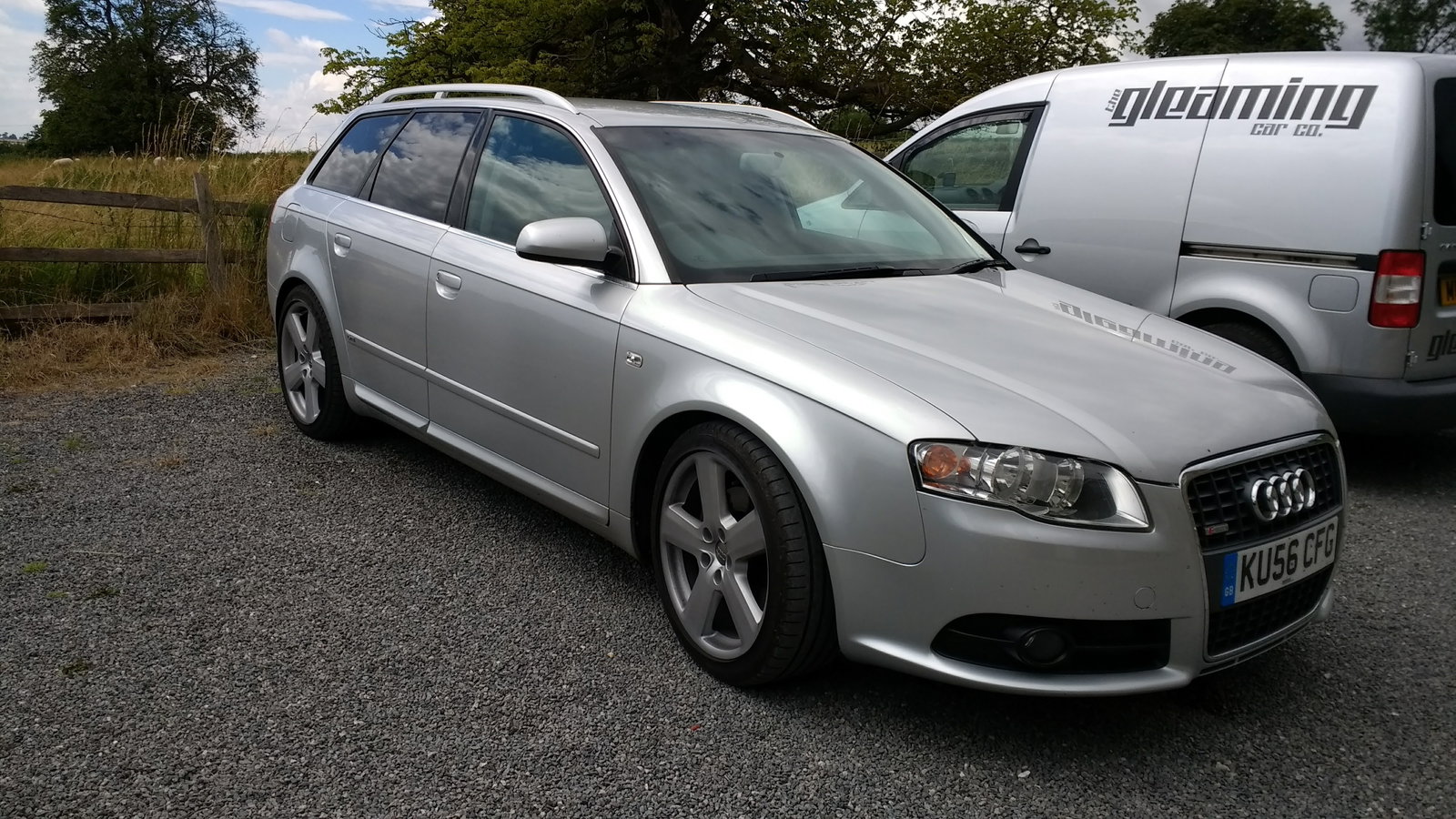
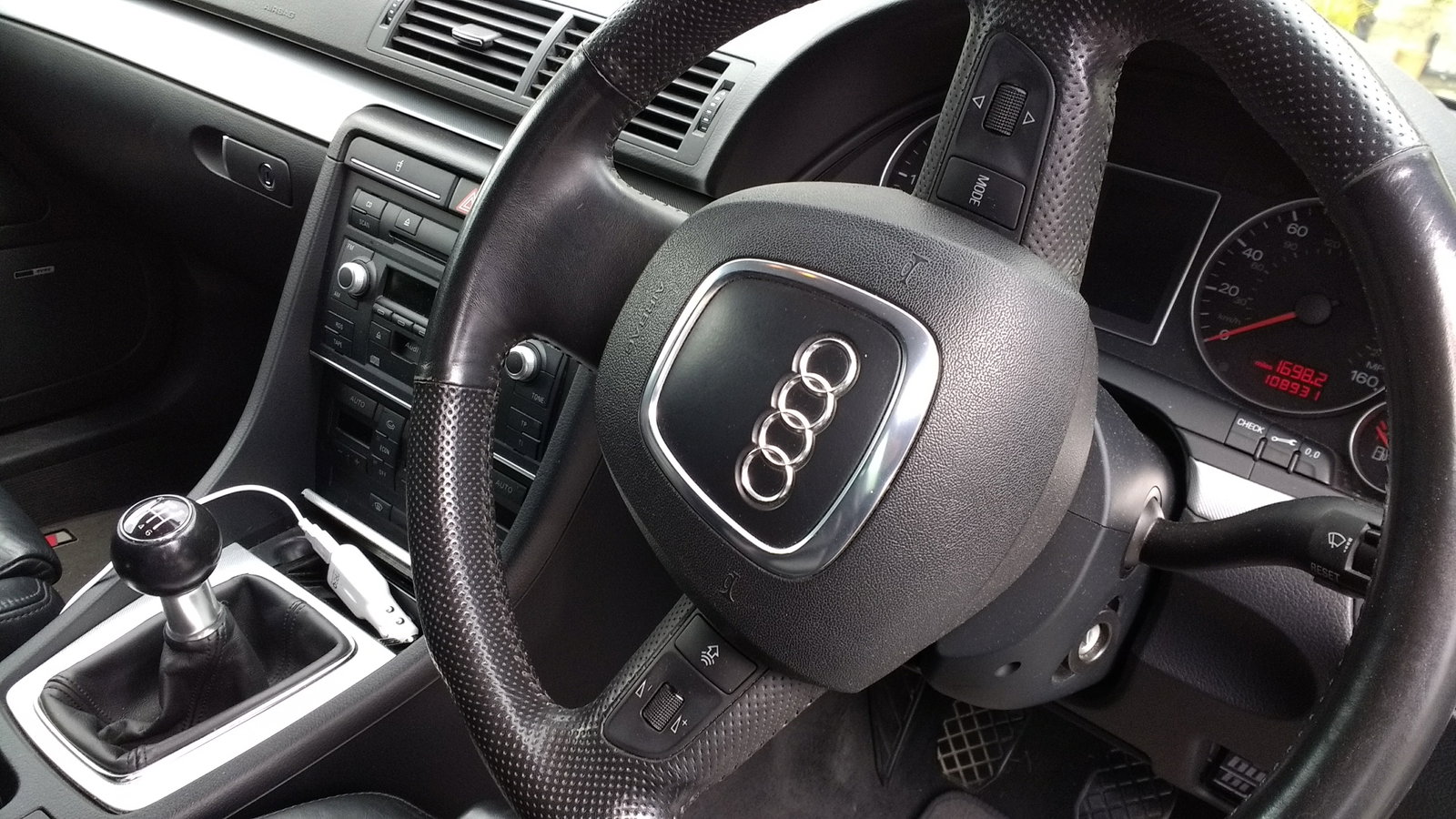
Hi all. Quick introduction and advice required pretty please. "She" is a 2006 2lt TDi 170ps that I have had for around 9 months. Recently remapped which has certainly injected some life into her. Despite me doing a few searches there is one element that confuses me and annoys and just kind of want a definitive answer regarding the sound system. It is Bose / Symphony with full steering wheel controls including Bluetooth phone connectivity - steering wheel control for this too. However no aux socket and despite phone connecting fine for calls the only music I can get is via the 6 CD changer/radio as phone wont play music through the car. So is this just a permanent no go area or what are the options open to me? I see some aftermarket ICE units state they are steering wheel compatible (as don't want to loose that feature).