




Skip to content
View in the app

A better way to browse. Learn more.

Audi Owners Club (UK)

A full-screen app on your home screen with push notifications, badges and more.

To install this app on iOS and iPadOS
  1. Tap the Share icon in Safari
  2. Scroll the menu and tap Add to Home Screen.
  3. Tap Add in the top-right corner.
To install this app on Android
  1. Tap the 3-dot menu (⋮) in the top-right corner of the browser.
  2. Tap Add to Home screen or Install app.
  3. Confirm by tapping Install.

vaughany01

Members
  • Joined

  • Last visited

  1. It usually says wen ther is traffic or accitent and divertd arround them if possible.just annoying more than anything haha
  2. Morning iv had a look through settings and its set to the fastest option
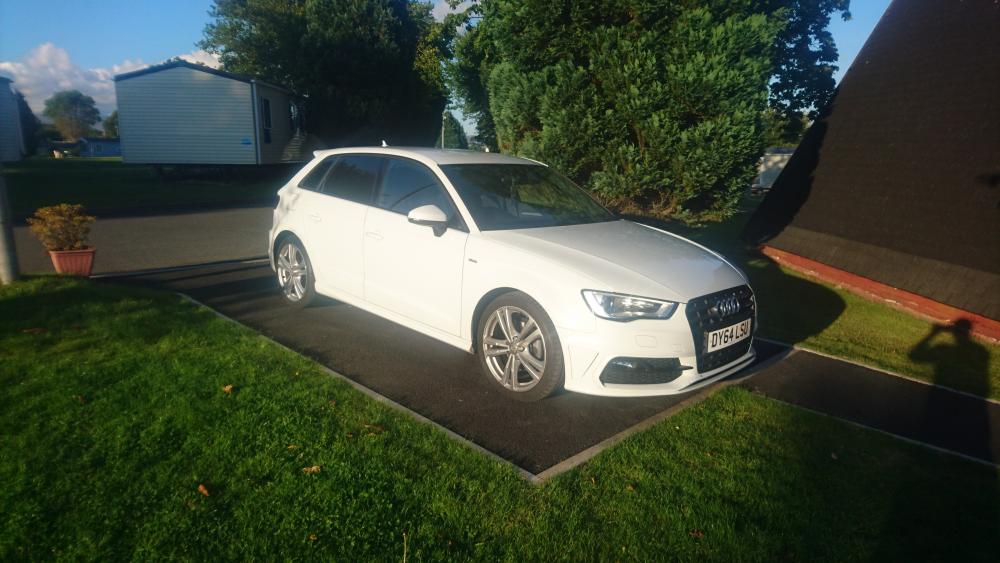
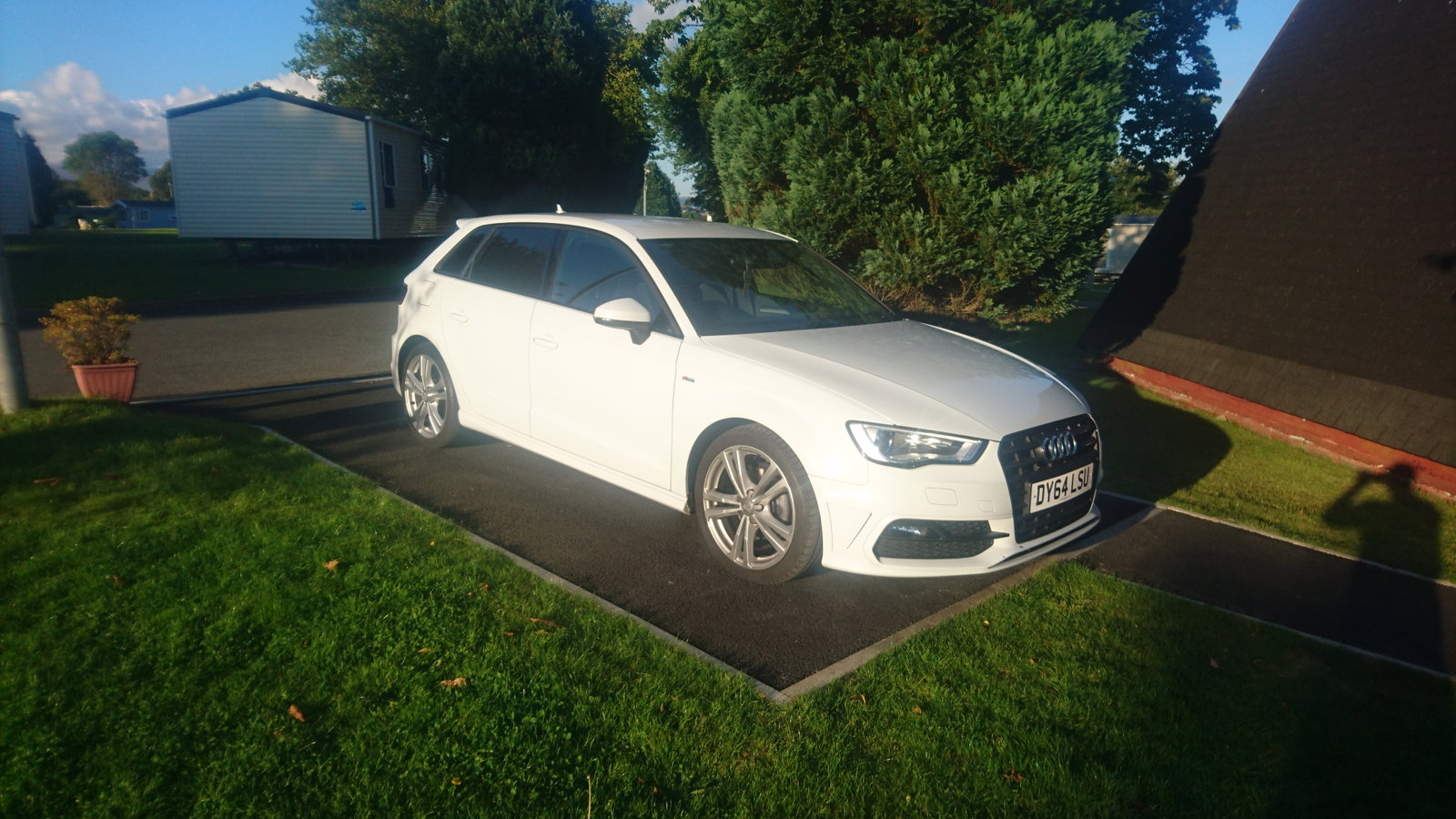
  3. Hi all new to site and need help/advice. Iv recentley bought the a3 sline tdi and i am having problems with the mmi system. Its finding the route but sending me the long way arround eg comeing from chorley to Pwllheli using the m6 and the m56 the mmi told me get off motorway and go through mould when i could of carried on the m56 wich would of been much quicker. thanks in advance


Background Picker
Customize Layout

Account

Navigation

Search

Search

Configure browser push notifications

Chrome (Android)
  1. Tap the lock icon next to the address bar.
  2. Tap Permissions → Notifications.
  3. Adjust your preference.
Chrome (Desktop)
  1. Click the padlock icon in the address bar.
  2. Select Site settings.
  3. Find Notifications and adjust your preference.