Skip to content
View in the app

A better way to browse. Learn more.

Audi Owners Club (UK)

A full-screen app on your home screen with push notifications, badges and more.

To install this app on iOS and iPadOS
  1. Tap the Share icon in Safari
  2. Scroll the menu and tap Add to Home Screen.
  3. Tap Add in the top-right corner.
To install this app on Android
  1. Tap the 3-dot menu (⋮) in the top-right corner of the browser.
  2. Tap Add to Home screen or Install app.
  3. Confirm by tapping Install.


carse1_1

Members
  • Joined

  • Last visited

Everything posted by carse1_1

  1. Hi Gareth, Thanks very much for the advise, help & support it is really appriciated
  2. Hi Gareth, As I am not able to change the posting, as an Admin can you delete the post then please
  3. Hi Gareth, I am a little confused but also interested. Why would you think posting the pictures on an open forum is an issue? and how does this differ from it being parked on the street. Please take this question in the spirit as it is meant, this is in no way a criticism of your post but I am unsure of any threats this presents etc... I am very eager/open to learn (Additionally the site will no longer let me edit the pics so i cannot make any changes suggested anyway) Martin
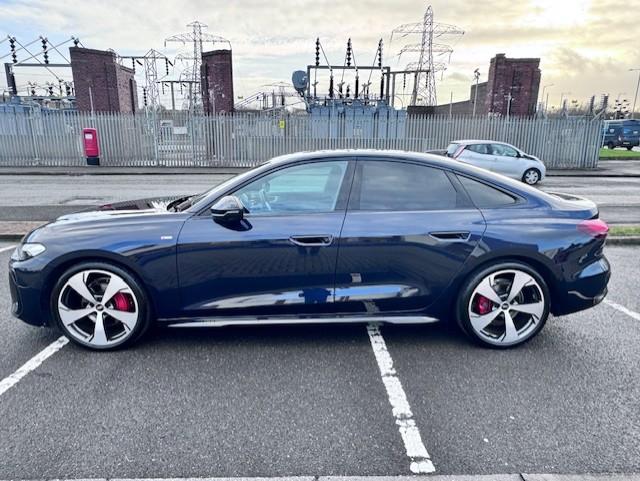
  4. Just collected a New B10 A5


Background Picker
Customize Layout

Account

Navigation

Search

Search

Configure browser push notifications

Chrome (Android)
  1. Tap the lock icon next to the address bar.
  2. Tap Permissions → Notifications.
  3. Adjust your preference.
Chrome (Desktop)
  1. Click the padlock icon in the address bar.
  2. Select Site settings.
  3. Find Notifications and adjust your preference.