Andyovsheff
Members
-
Joined
-
Last visited
-
Mines the double din one, do all head units have CD changer sockets to add this lead.
-
Ye have them but nerd rears.
-
Hi. Is there anyway of getting my android to play through the Audi concert I'm my 2007 A3, I don't have any connections in glove box like others I've seen.. When it comes to aftermarket headunits is it just chuck in go or is it going to one of those were I have to buy a million leads e.c.t..
-
I'm going Coilovers the 100mm rear 70mm front...then on to wheels.. Got a few rust patches that need sorting.
-
Mines the 170..can't believe how quick it is..
-
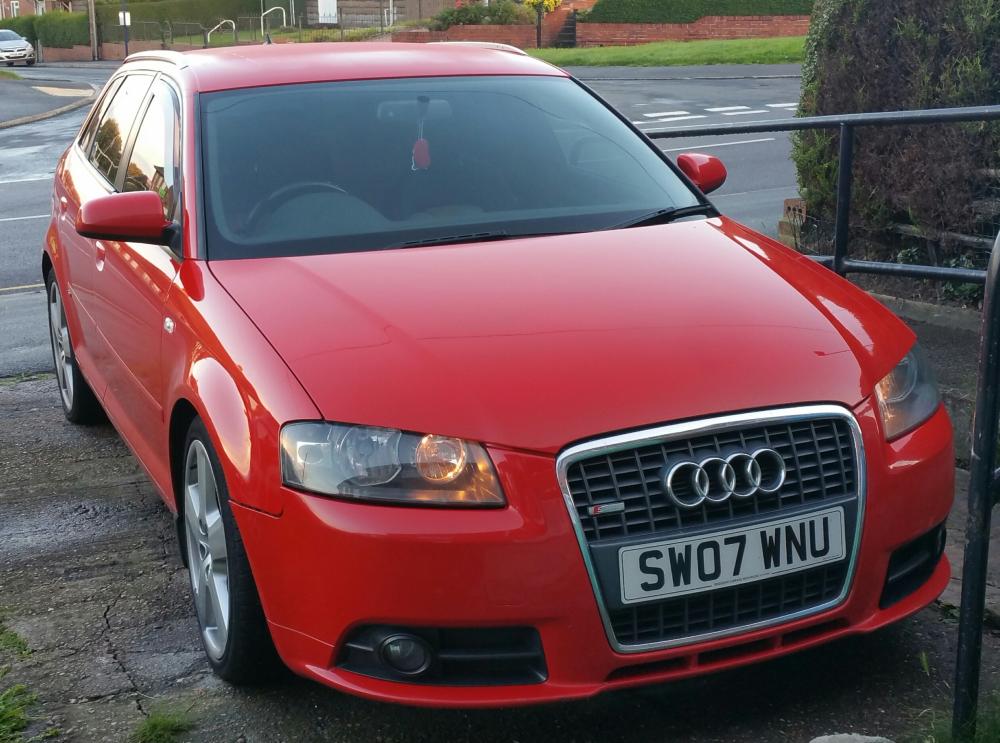
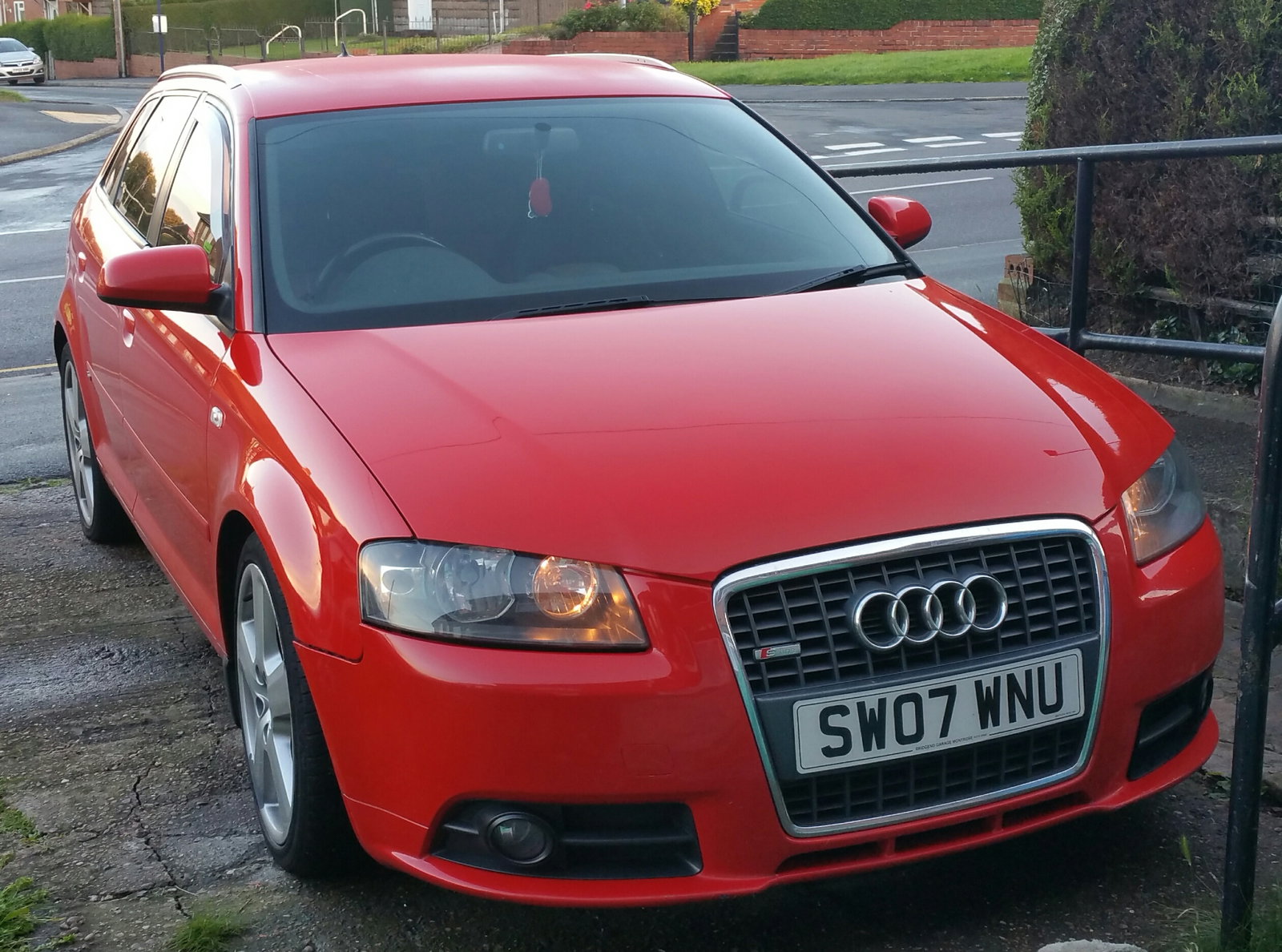
New member first time Audi owner. Always had vauxhalls till I bought an insignia, got bored fast and wanted something different, so got a 2008 A3 2.0tdi sportback sline quattro... I can't believe I didn't get an Audi sooner, well impressed with how it feels , and the power WOW.. I'll be posting when mods commence, suspension first.