




Skip to content
View in the app

A better way to browse. Learn more.

Audi Owners Club (UK)

A full-screen app on your home screen with push notifications, badges and more.

To install this app on iOS and iPadOS
  1. Tap the Share icon in Safari
  2. Scroll the menu and tap Add to Home Screen.
  3. Tap Add in the top-right corner.
To install this app on Android
  1. Tap the 3-dot menu (⋮) in the top-right corner of the browser.
  2. Tap Add to Home screen or Install app.
  3. Confirm by tapping Install.


Horrgakx

Members
  • Joined

  • Last visited

Everything posted by Horrgakx

  1. I wish they’d do a decent instruction manual which explains exactly how it all works and all the permutations... Ive not seen anything that’s been able to explain it all. It appears to be locked away as a black magic algorithm in the electronics somewhere.
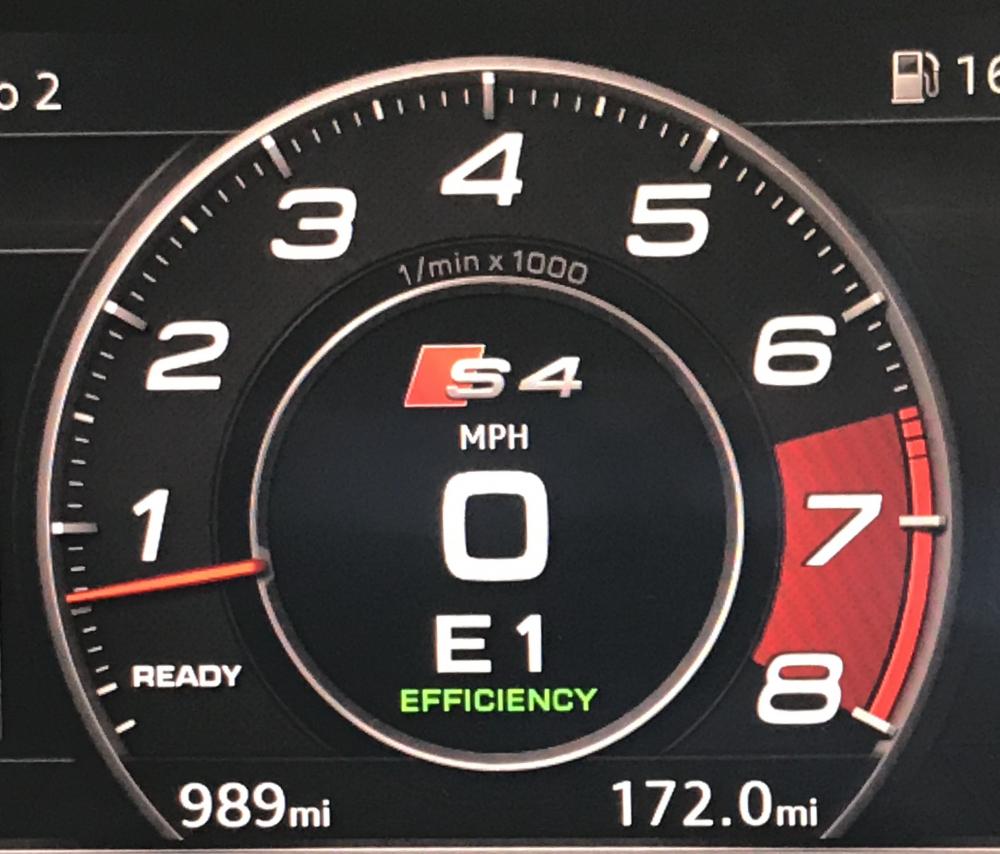
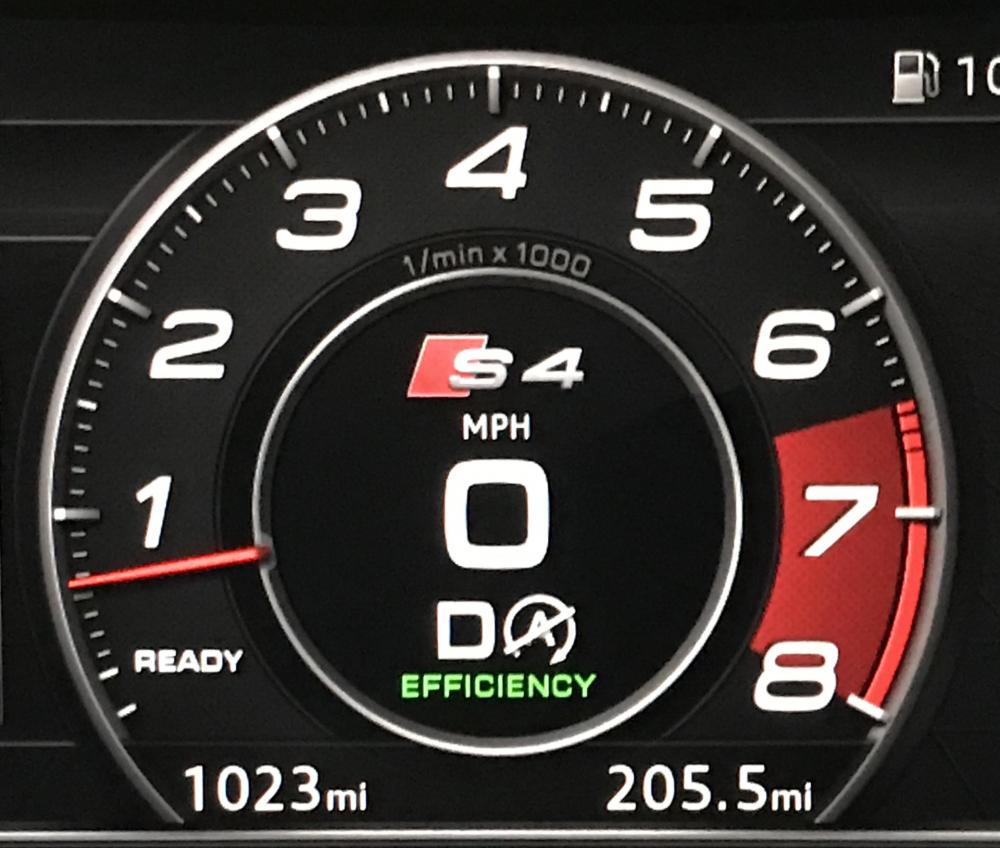
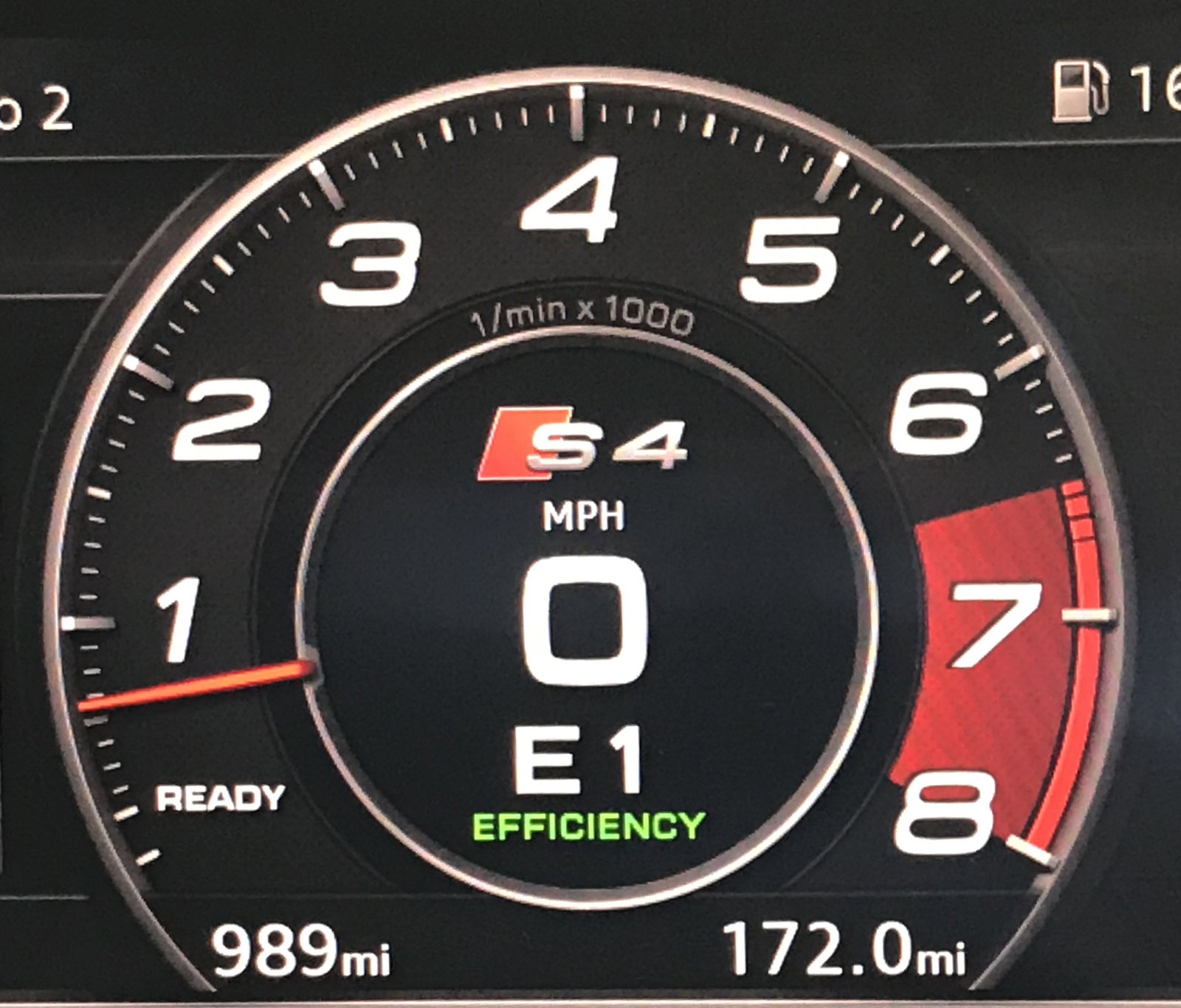
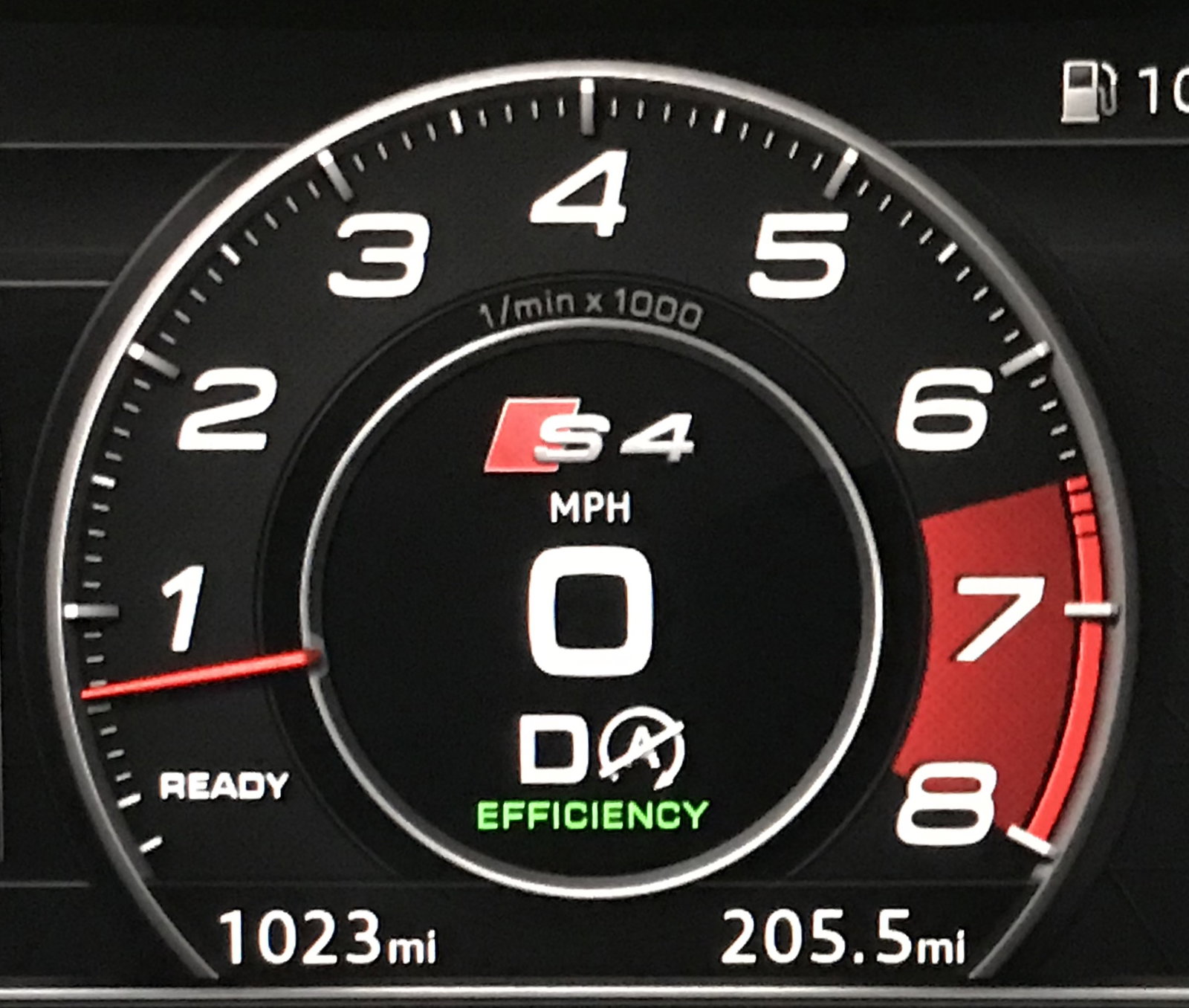
  2. Hi all - first post ;) i picked up my S4 a couple of weeks ago and I’ve not fully sussed it out yet. One of the things bugging me is why, in Efficiency mode, sometimes it displays E followed by the gear number and sometimes it displays D followed by the gear number. Whats the difference between D and E? (Pics attaches hopefully). Note, the picture showing D has the auto start/stop inactive next to it so ignort that and pretend it’s a number :)
Background Picker
Customize Layout

Account

Navigation

Search

Search

Configure browser push notifications

Chrome (Android)
  1. Tap the lock icon next to the address bar.
  2. Tap Permissions → Notifications.
  3. Adjust your preference.
Chrome (Desktop)
  1. Click the padlock icon in the address bar.
  2. Select Site settings.
  3. Find Notifications and adjust your preference.