A4_666
Members
-
Joined
-
Last visited
-
Thank you for the welcome Trevor and Bradley.
-
Thank you niedzial1983, I thought that is what it is after fishing around on the Internet your help is very much appreciated. Ian
-
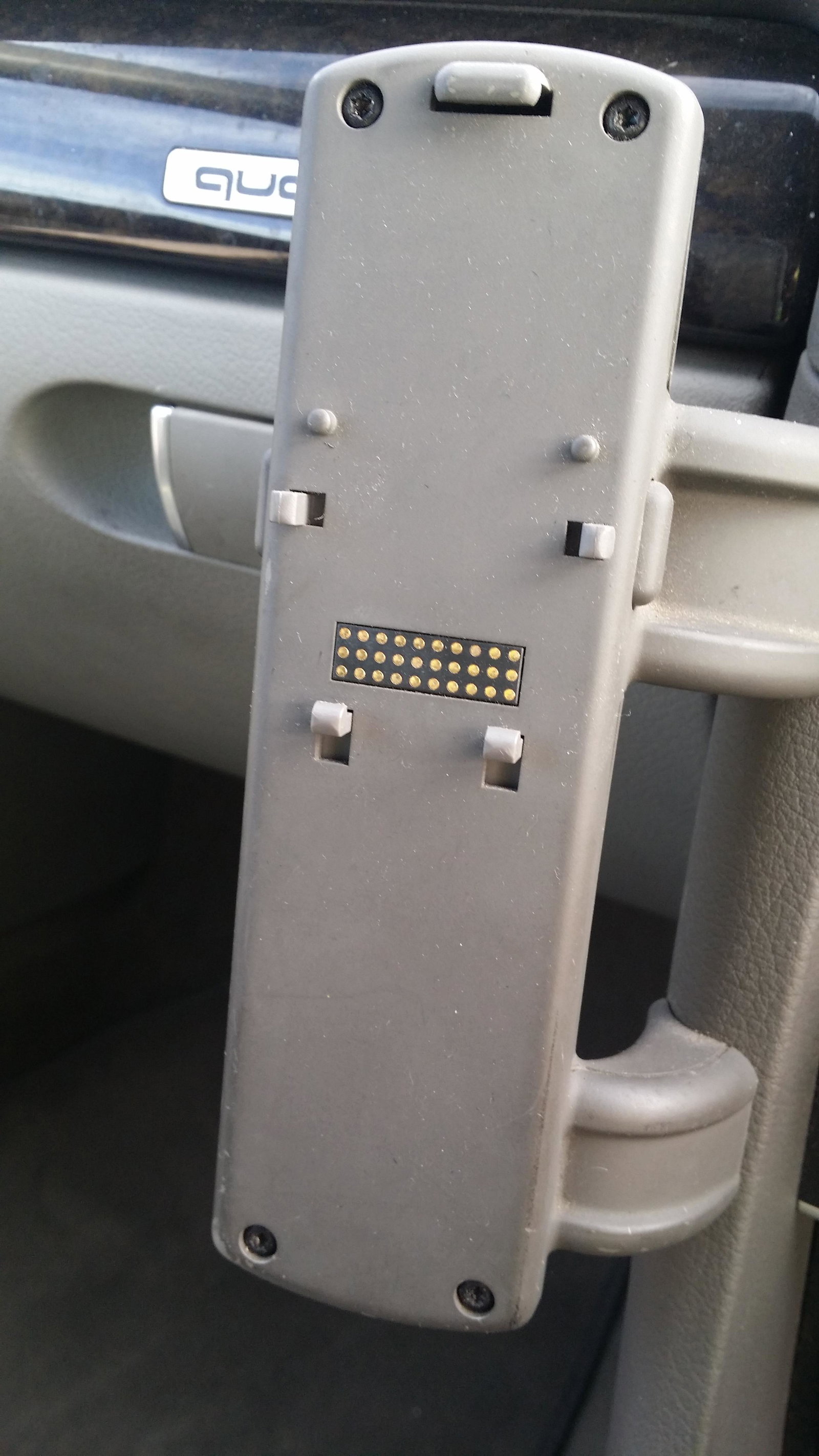
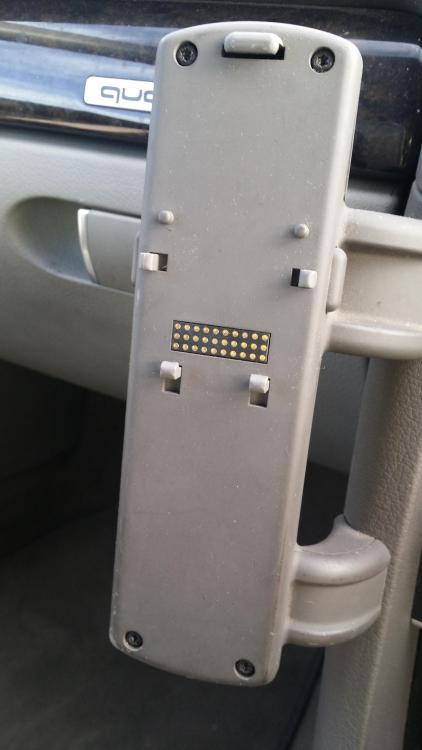
Hi Steve, thank you for your reply. I can't see any wiring to it at all, it is a very good job, which is why I think it is an Audi fit rather than an after market. I'll dig a little deeper and see what I can unearth about it. There is no charger or anything else that I can see, it is very strange...lol. Cheers Steve. Ian
-
Hi all, I wonder if anyone can tell me if this in the photograph is part of telephone equipment? It looks like it has been factory fitted. If it does happen to be for a telephone, can anyone tell me what telephone it is for please? Cheers
-
-
No problem Jacques, sorry it couldn't have been more. How is it going now?
-
-
-
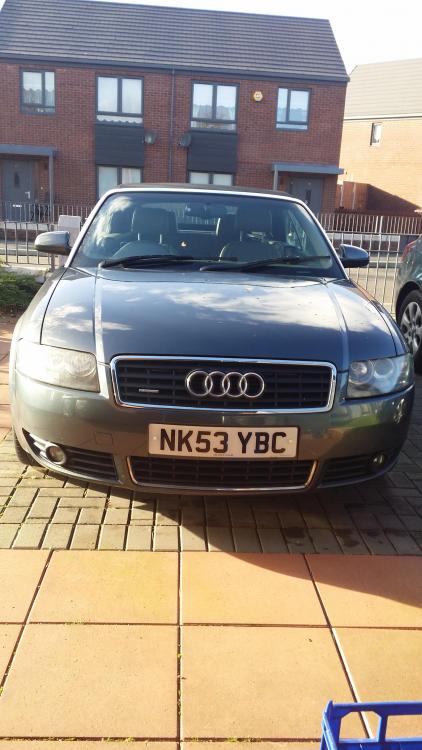
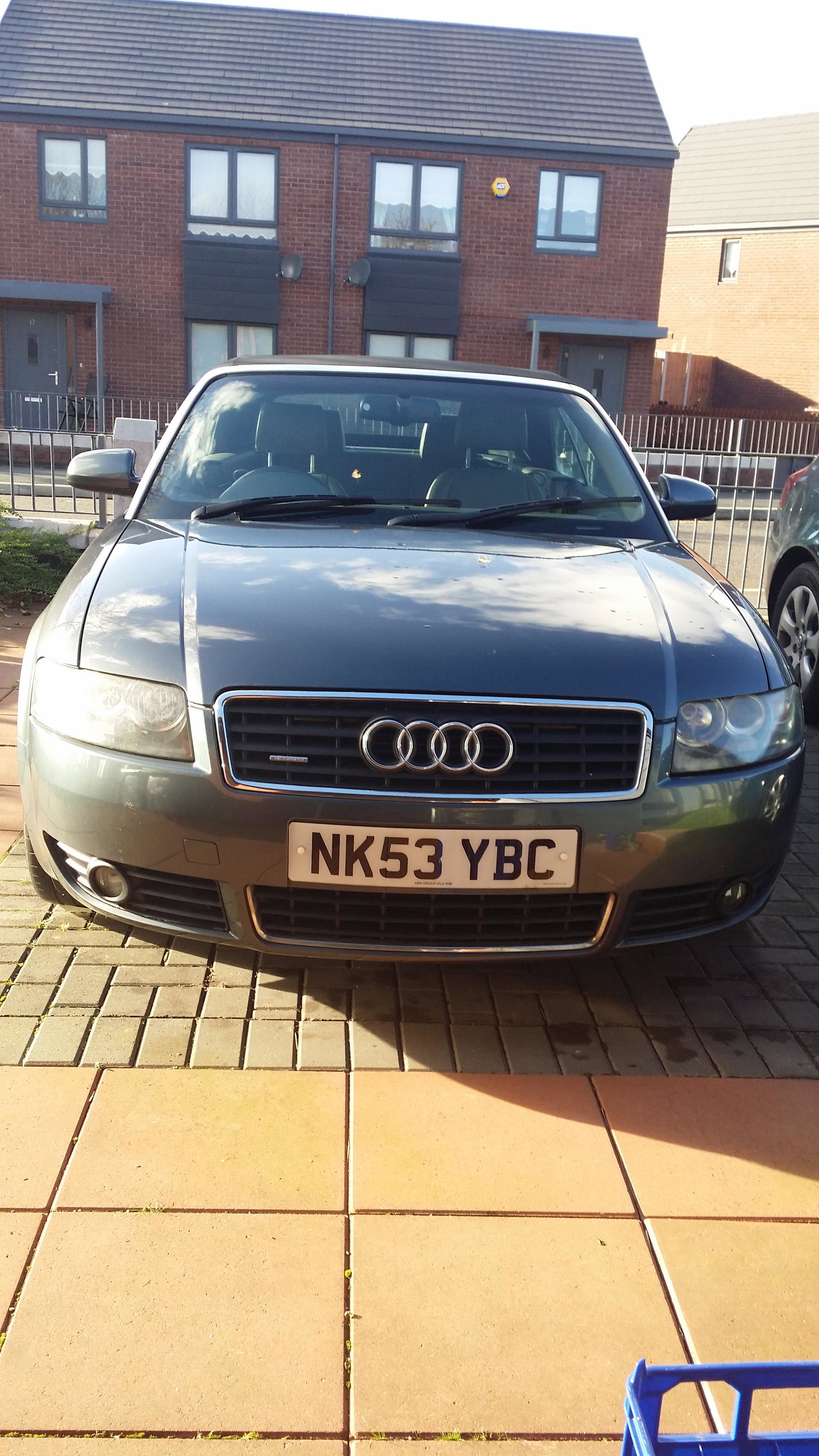
Hello everyone, thought I would introduce myself. I'm Ian, and live in a nice sunny Liverpool, let's hope the sun lasts. I have just last night become the proud owner of a beautiful 2004 53 reg Audi A4 3.0 Quattro Convertible with just 57,000 miles from new. The roof isn't working at present, but a friend is going to look at it hopefully tomorrow, and try the manual reset procedure, fingers crossed. It has just had the Comfort Control Module replaced, so I am hoping that was the cause of the roof being inoperative. I am actually disabled and a wheelchair user, so doing things like the roof reset is beyond my limited mobility, hence the friend trying it tomorrow. I will no doubt be a regular on here so I can pick the brains of you all for other things later down the line. So Hi, and I look forward to getting to know everyone and attend some meets next year. Ian