




Skip to content
View in the app

A better way to browse. Learn more.

Audi Owners Club (UK)

A full-screen app on your home screen with push notifications, badges and more.

To install this app on iOS and iPadOS
  1. Tap the Share icon in Safari
  2. Scroll the menu and tap Add to Home Screen.
  3. Tap Add in the top-right corner.
To install this app on Android
  1. Tap the 3-dot menu (⋮) in the top-right corner of the browser.
  2. Tap Add to Home screen or Install app.
  3. Confirm by tapping Install.

Phil.w

Members
  • Joined

  • Last visited

Everything posted by Phil.w

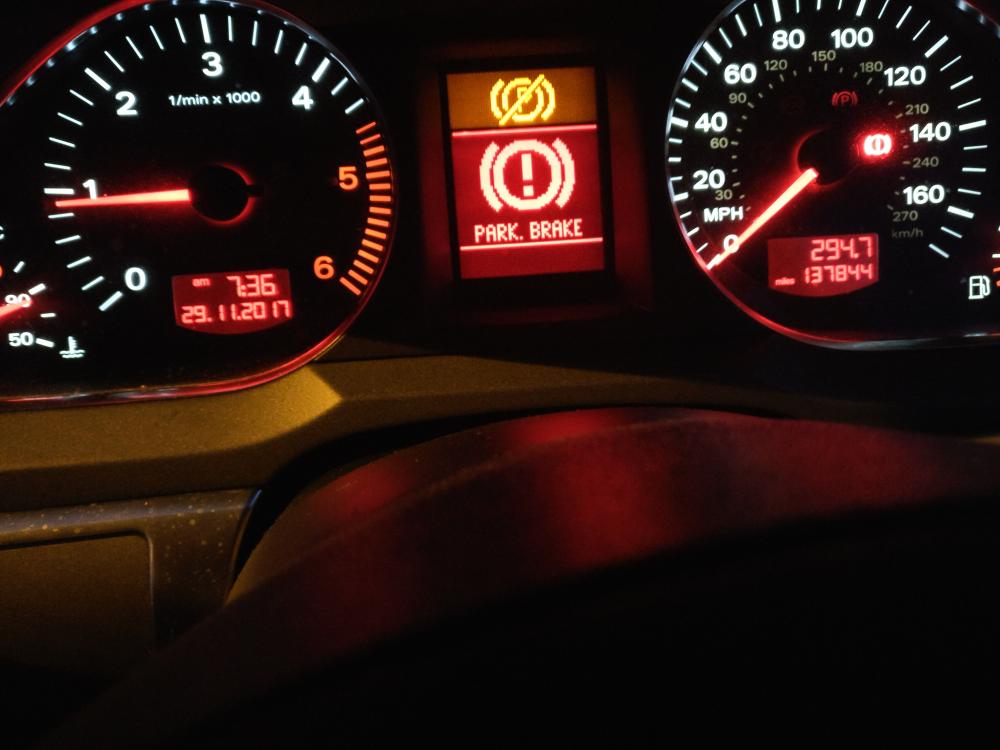
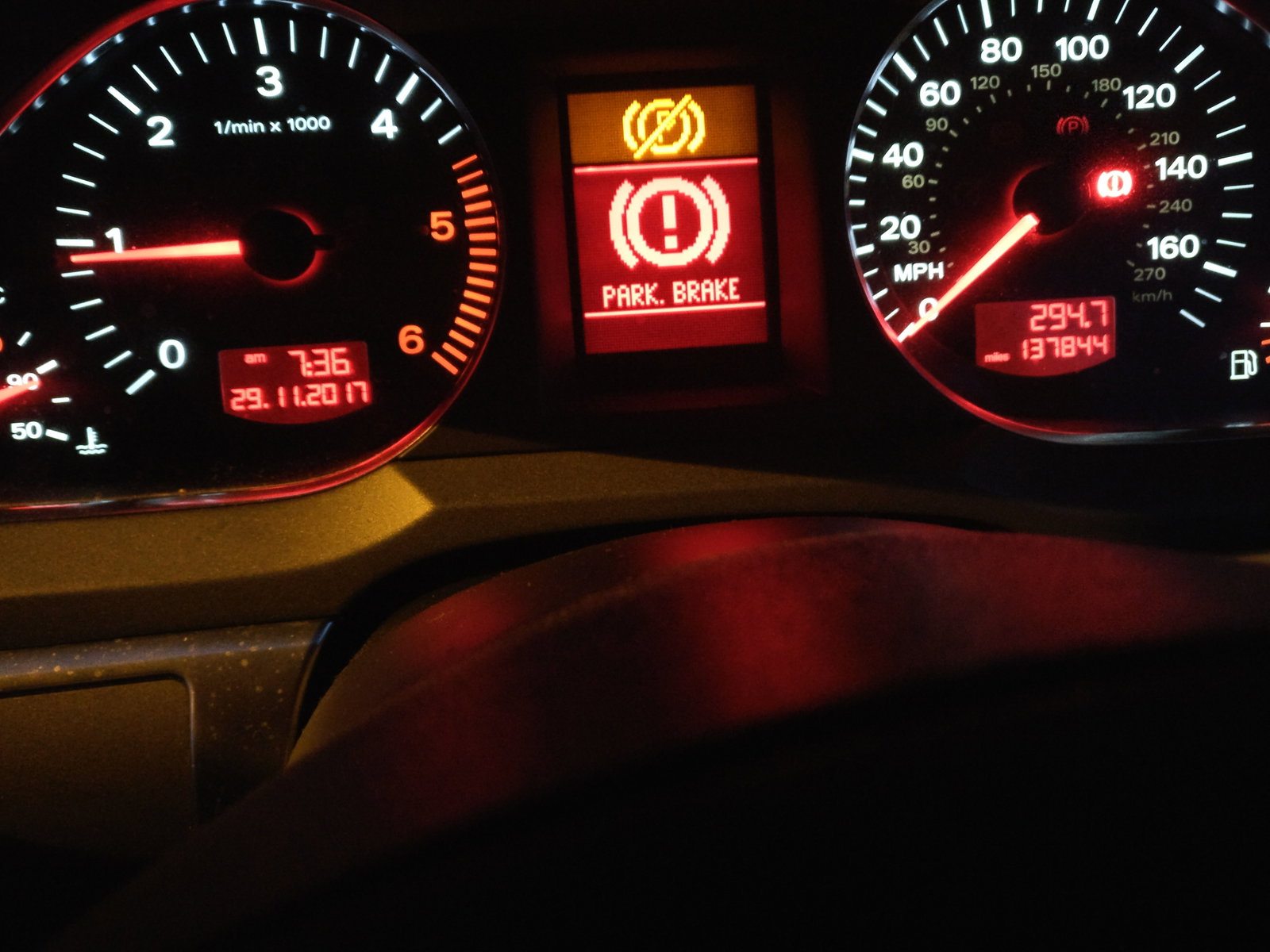
  1. Looking a bit of help, changed the rear brake pads and now handbrake isn't working warning lights all over the dash and constant warning tone when driving. Brake caliper opened ok and pads replaced, caliper closed fine but half way through test it failed with warning lights and beeping, if you drive there's a constant warning tone until you stop. Could this problem be broken connection in the loom?


Background Picker
Customize Layout

Account

Navigation

Search

Search

Configure browser push notifications

Chrome (Android)
  1. Tap the lock icon next to the address bar.
  2. Tap Permissions → Notifications.
  3. Adjust your preference.
Chrome (Desktop)
  1. Click the padlock icon in the address bar.
  2. Select Site settings.
  3. Find Notifications and adjust your preference.