


Leaderboard


Popular Content
Showing content with the highest reputation on 07/18/2016 in Posts
-
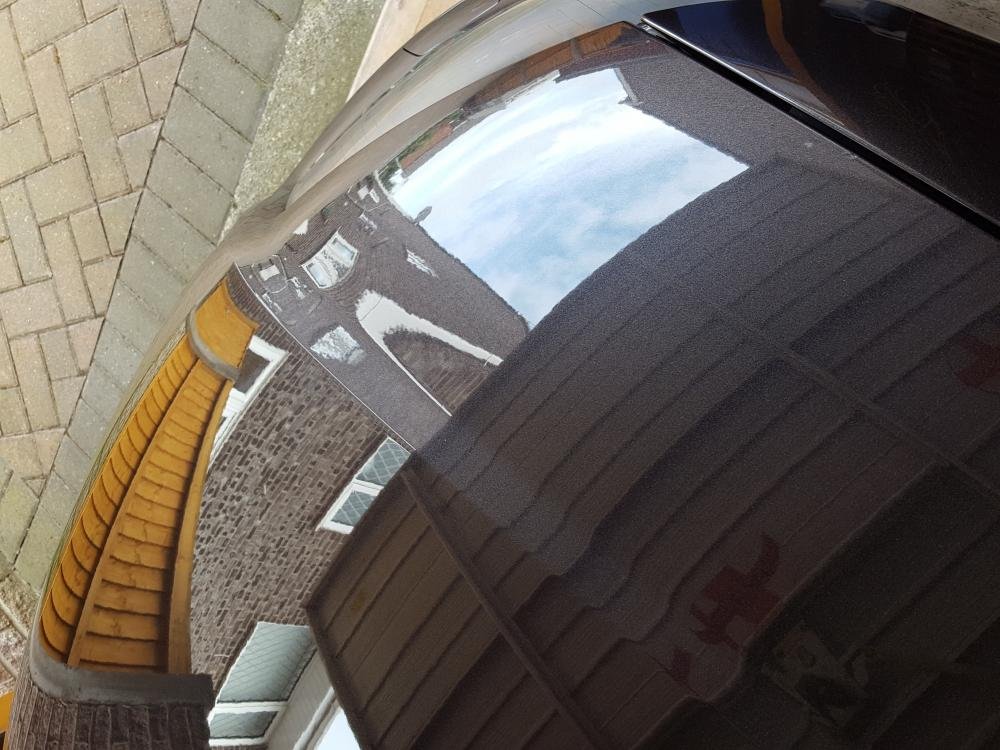
1 pointHi Mark hows it lookin not bad for 10 years old had it from new i think 6mm wax on it lol
 1 point
 -
1 pointHi Having completed a retro armrest mod to my first A1 I can say it's a reasonably easy job as long as you follow a few guidelines in the link below. I would recommend buying the genuine Audi armrest and not to bother with the eBay cheap imports. Stoke Audi Parts were always very helpful and will deliver. The instructions below are worth reading. One extra piece of advice is to tape each screw to the screwdriver when you come to secure the main armrest bracket to the floor pan. If you don't and they fall off and drop down the gap, you'll never find them. http://www.a1-forum.co.uk/a1forum/viewtopic.php?t=2324 Good luck1 point
-
Fixed it. It needed a new Pressure relief valve. It's got rid of a few other issues as well. Other symptoms included, car wobbling side to side at a stand still, which got progressively worse. engine on or around 1200 revs after start up first thing, also it would judder a little when setting off in first like it was about to stall for a split second before I got going. Car running mint now. :)1 point
