


Leaderboard


Popular Content
Showing content with the highest reputation on 11/23/2016 in Posts
-
1 pointThanks Trevor, I am going down to Newport to do the S4 with Darren next Monday and also meeting with the Editor to hopefully run a feature on the kit and a special offer for all your members. I have included some more Audi pictures of vehicle that are already installed and protected with Portector kits. Cheers, Tim
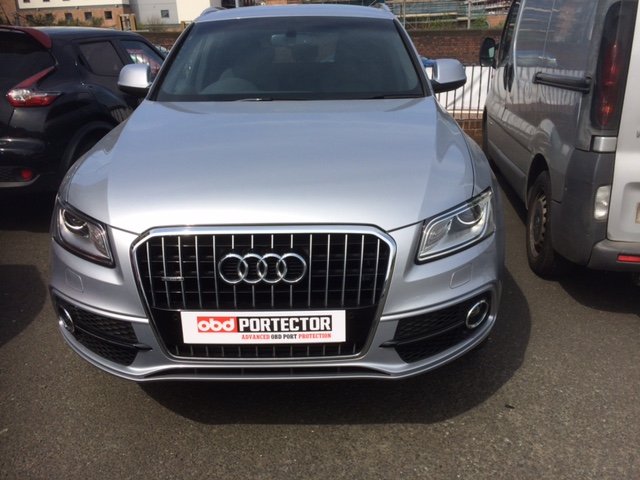
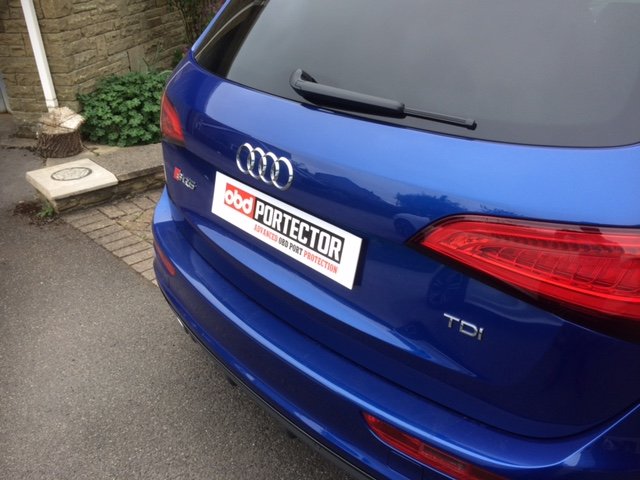
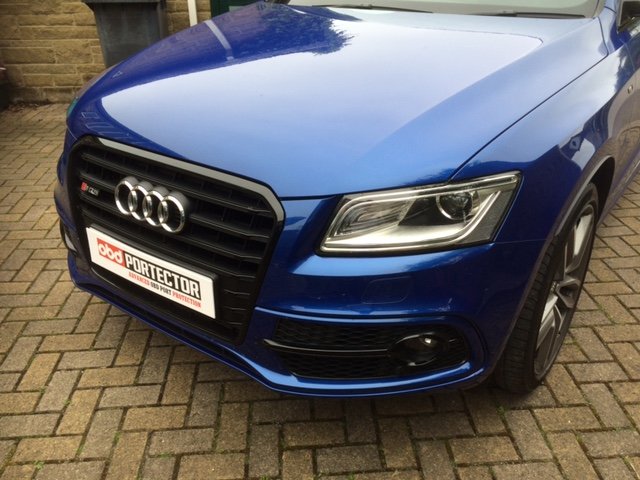
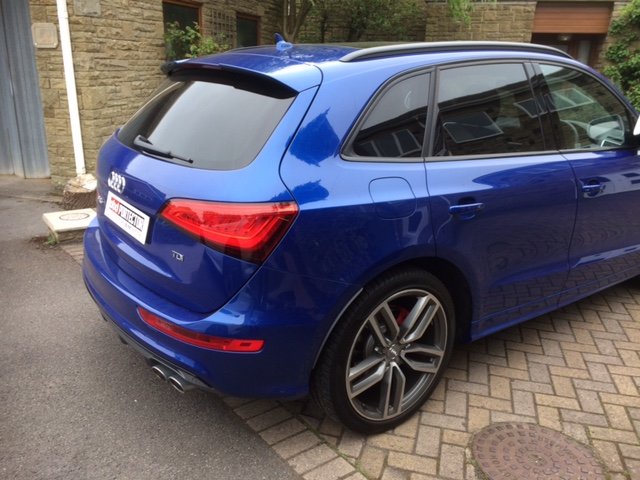
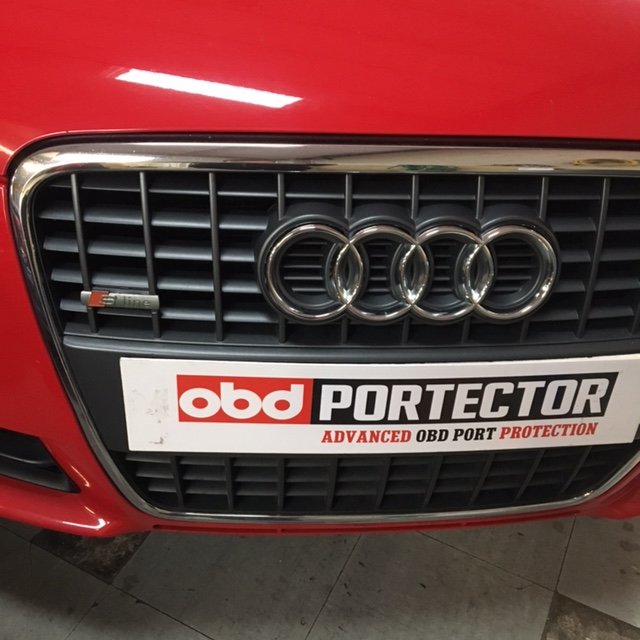
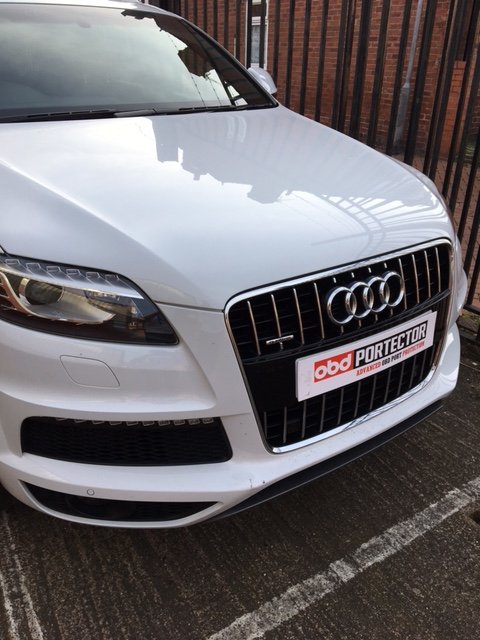
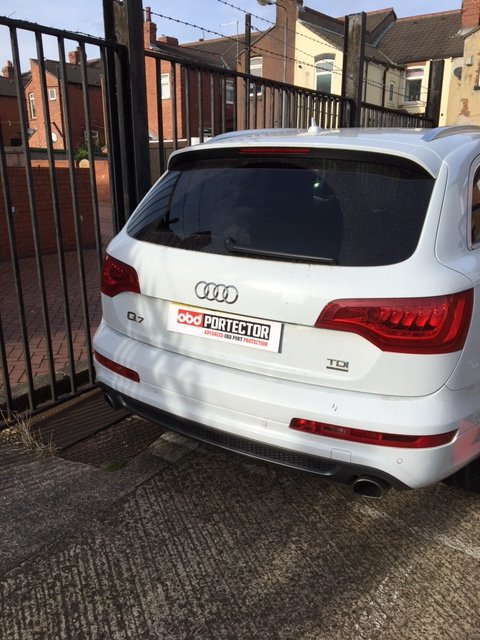
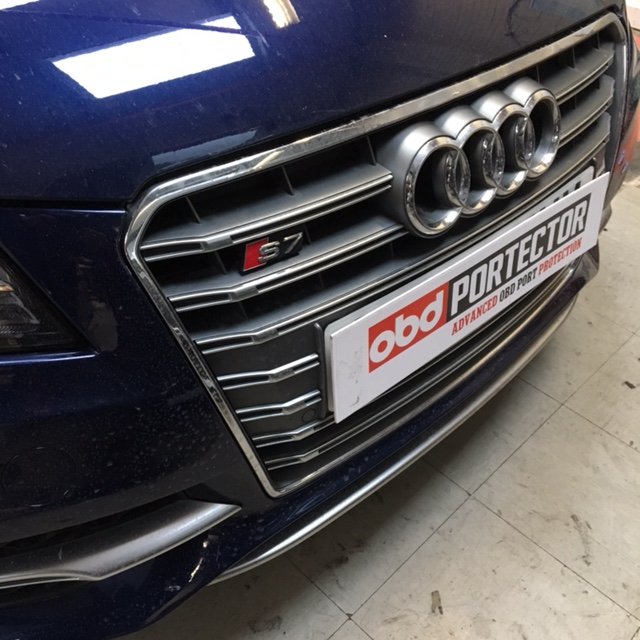
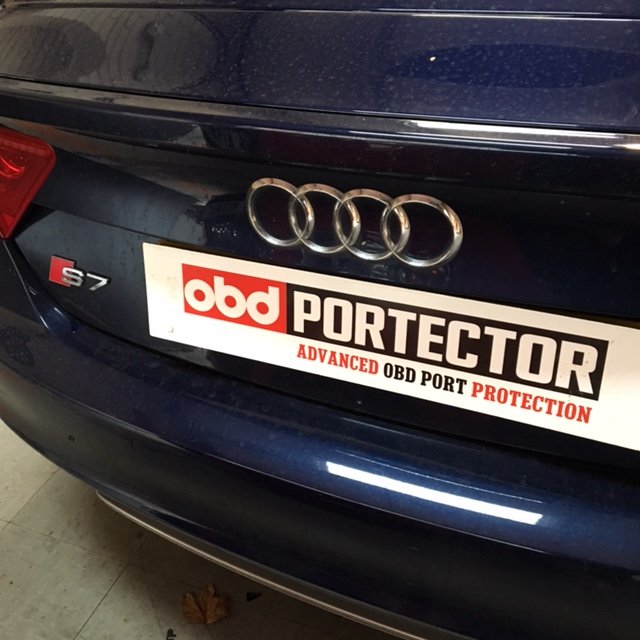
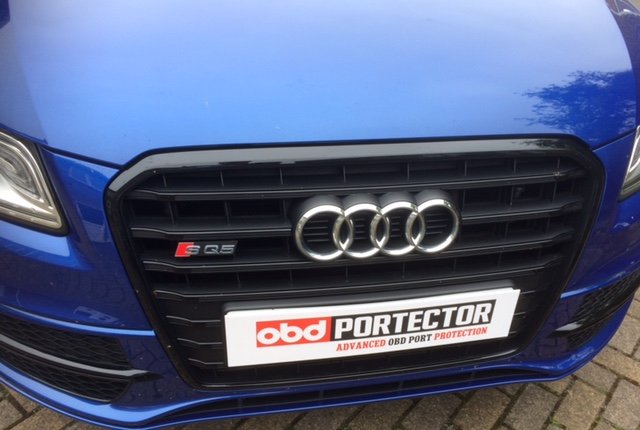 1 point
 -
1 pointMy Car is not going to be clocking up loads of miles so i`m thinking of just replacing the run flats with mid range tyres for now as the high performance tyres are a bit out of my budget at this silly time of the year with xmas.1 point
-
1 pointHi David It's in beautiful condition, you should have no problem selling it. Not sure of what it is worth, and think maybe the best way is to list it on eBay and see what offers come in but you can always remove it before the end if it doesn't reach the price you want. Let us know how you get on with the sale Cheers Trevor1 point
