


Leaderboard



Popular Content
Showing content with the highest reputation on 09/01/2017 in Posts
-
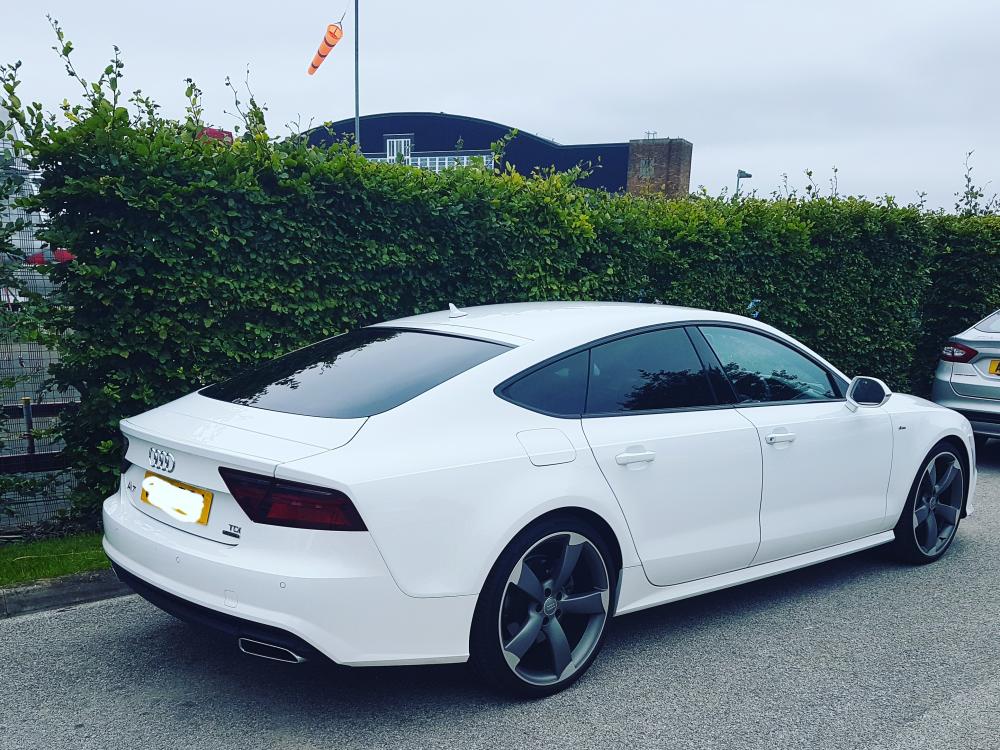
1 pointHi everyone, just joined. Picked up my A7 black edition in ibis white last week and I am absolutely in love with it. What a machine! I had been looking for something special and then I came across this. It was the only car that was exciting me so I went for it. So glad I did. Drives like a dream, interior is gorgeous and looks stunning to me. I am now a big fan of Audi again. 😀 Mark
 1 point
 -
1 point
-
Welcome to the forum Penny :) youll find the members on here are a friendly and helpful bunch :) I'm definitely with Ed and Gareth on this one! Don't have it done!! Audi can't force you too and it's not a legal requirement for it to be carried out as far advise you were aware the car was legal at the time of purchase. It doesn't affect your tax, Audi basically just complete on online form to show your car has not had it done and you saying no doesn't affect your rights. The recall often throws up issues with your car with egr, egr coolers and even the DPF and other things which are often £1000+ repair. I speak from experience as I have worked at a Volkswagen service department!! I would never have it done!!! Cheers steve1 point


