


Leaderboard
-
Omar A4 B9
Members1Points12Posts -
Ollie795
Members1Points11Posts


Popular Content
Showing content with the highest reputation on 09/02/2020 in Posts
-
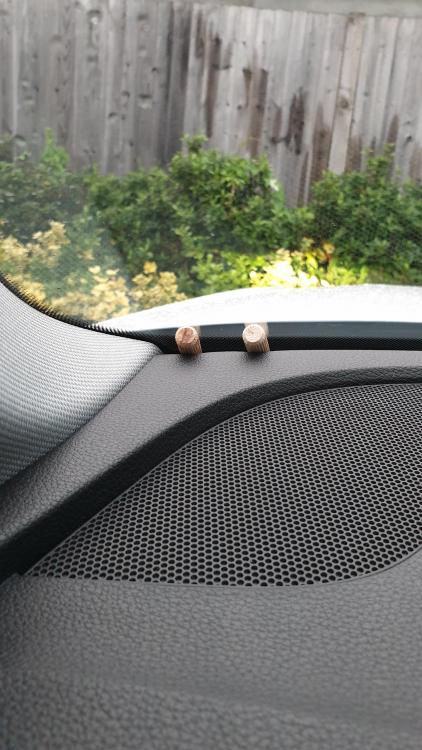
Hi Gareth, Thanks for the reply. I'm very pleased to say I finally resolved the rattle. I managed to recreate the sound while the car was stationary and after much trial and error I realised that pressing down hard on the dash near the A pillar and windscreen totally resolved the issue. I have a temporary fix in place (pic below) but will take it in to Audi for a proper fix. All the best, Omar
 1 point
 -
Ok so I feel like a muppet! I got the idea that the yellow circle symbol with 3 dots either side was to do with low oil pressure given that when you press the check button on the dash it shows this symbol at the top of the display and below it the low oil pressure alarm, turns out its actually just the front brake pad sensor alarm! panic over! 😅1 point
