Leaderboard




Popular Content
Showing content with the highest reputation on 09/14/2025 in Posts
-
1 pointHello everyone, I thought I’ll share something here with people that might experience same problem as I did. Recently I’ve got a message on my MMI saying I have to enter my user login details again for some reason and I was not been able to do that. Every time I was putting in my email address and password, a message would come, saying: You could not be logged in at this moment, try again later. Or something like that. I’ve tried everything, log out from My Audi app, log back in, clear catch on my storage for Audi app, delete the Audi app, add new user, remove user key, literally everything I thought would help. Nothing worked, and I was driving my car under guest user for a while until today when I had enough of it and sat down again and started from the beginning, determined to crack this issue and I succeeded. What I did was: 1. Delete the app on the IPhone. 2. Reinstall the app back on the phone. 3. Reset the password via forgot my password after you type in your username. 4.. Remove the vehicle on My Audi app and add the vehicle back in, remember you need the vehicle identification code to do this. follow the steps from the app to add your car. 5.Factory reset your MMI or reboot to normal mode, you know, two fingers on RH on top of the screen. 6. When reset has been successful, log in with select user, or add new user, login in using your username and the password which you have reset earlier. This is what I did and it helped me to login and my Audi app is working normal too. I hope this will help other people with the same issue I had. all the best1 point
-
1 pointWell, mine is finally working. I gave up myself after trying multiple different tricks ... reinstalls etc. But, I was able to locate a private dealer. This guy worked as a mechanic at the VW group for 25 years and has now gone off on his own and set up a VW group-approved garage. He actually knows what he is talking about (for example the protocol for comms on the Q3 is the old slower one as opposed to the other models). Anyway, he updated my software and was able to fix the key user etc login issue; and recover all my radio, navigation favorites from my account at Audi. So, I am now a happy man!1 point
-
1 pointHi there, I’m sorry to hear you are having problems, I don’t know what advice to give you other than what I said at the start of this topic, not long ago I came across to that problem again, I followed my own advice and it did not work not matter what I was doing, chose not to pay attention to that and I was driving under guest option for ages until One day when it fixed itself, since then I had no problems and works every time I chose to look into, at the end of the day it’s just an app and it’s used more for convenience other than anything, as long as my car starts and I can drive it when I need too then I won’t waste any more energy in trying to fix what Audi is failing at. More important things in life to get worried for. 👍👍1 point
-
1 point
-
1 pointYer I’ve opened the old motor up and it’s a mess, so new one has been ordered 👍1 point
-
1 pointAt least it was an easy fix. I'll know what to do if it happens again. I'm on a 3 month plan..but have lost the first month messing around with my phone and apps. I've asked Cubic to credit my missing month.mi hadn't actually used the data. See what they say.1 point
-
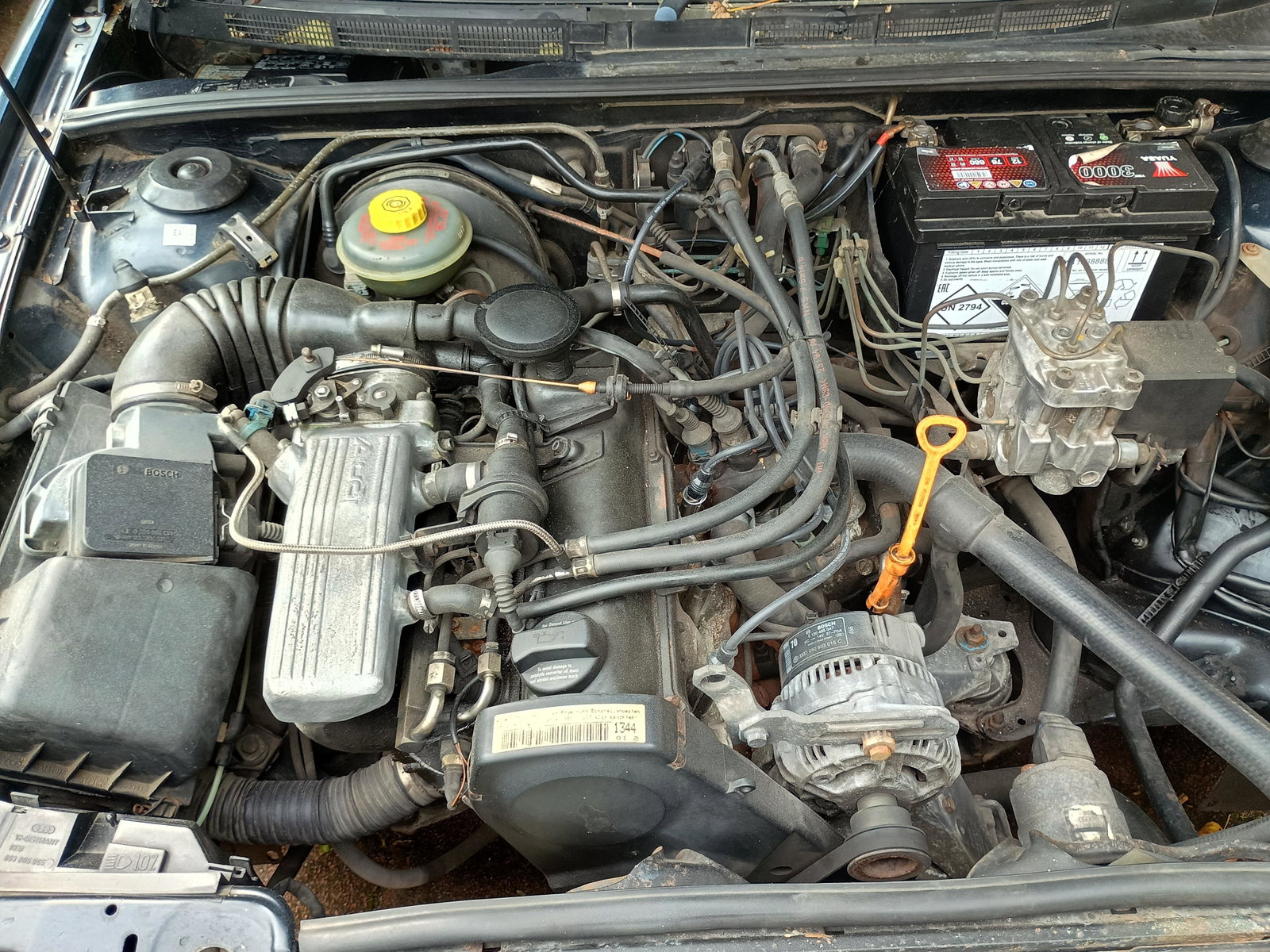
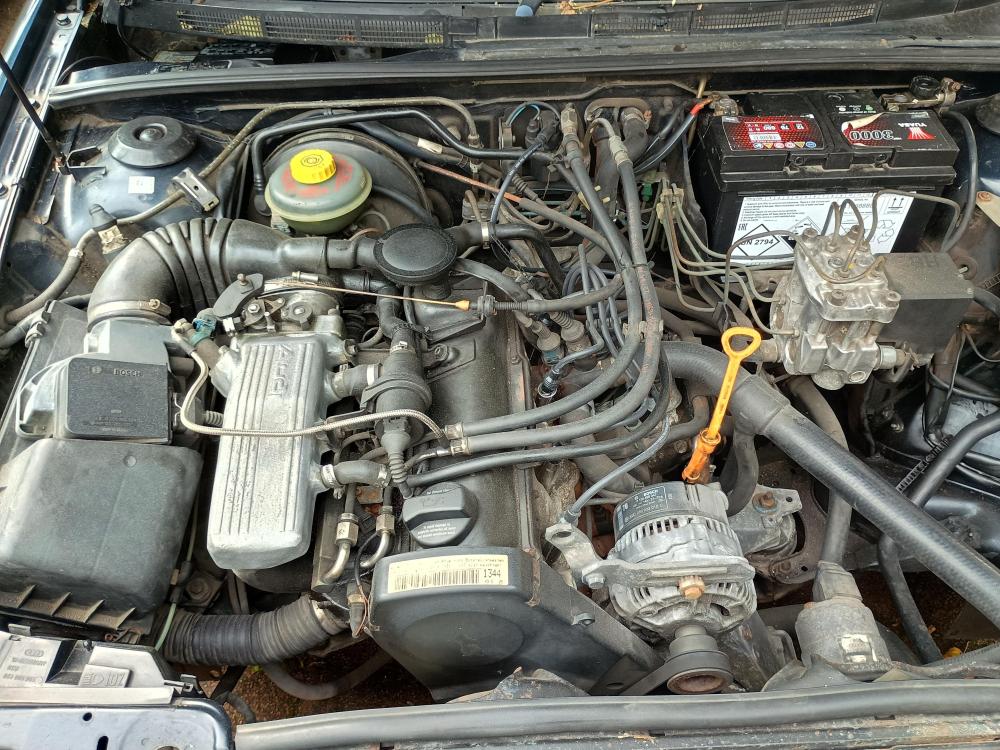
1 pointEngine bay cleaned up reasonably well. Found a dodgy connector to the distributor stopping the engine from starting, so awaiting a small brush and dielectric grease to try to remedy humidity getting to that connector.
 1 point
 -
Had my 21 plate Q7 down tools with the same error as many of you have experienced. Dealing with the garage was as a bit of a pain, nothing was written down and no one wanted to place any blame on the part. However, I picked the car back up today with a new alternator and battery at zero cost to me from Stratford Audi. Now to follow up with Audi UK for recovery costs. Thanks for all the advice on this thread, helped a lot in saving me a significant bill.1 point
-
1 pointMy problem was all about the latest MMI system update. It was described in detail to me by a certified VW/Audi workshop (run by a guy who worked for the VW Group for 20 years). He explained how earlier updates caused said instability. And he will be doing a complete baseline installation & update on my Q3 in 10 days time. If need be he will even create a new profile for me (credentials are not the issue, but this is my 4th Audi in 17 years with same profile which has not worn well). Will keep you posted1 point
-
1 pointHi everyone, I recently faced an issue with logging into my Audi MMI account, which was quite frustrating as I rely on it for navigation, vehicle settings, and connected services. After some troubleshooting, I discovered that the problem was due to outdated app credentials and a pending software update on my MMI system. Once I updated both the MMI software and the myAudi app, everything worked perfectly. Clearing the app’s cache and re-entering my login details also helped. I’m sharing this experience so others can resolve similar login issues quickly and enjoy seamless access to their Audi’s connected features again.1 point
-
1 pointHI, Worthwhile trying, but didn't work for me. I redeployed the app and changed the pwd & got as the reset - did a "soft-reset" .. meaning holding the volume control knob for ± 15 secs . When it comes up I see it verifying my original/current key user (lets say XXX) for access ... and then I get the user dialog. XXX is still listed alongside 'Guest' but I cannot apply its settings (tech error) .. I cannot delete XXX .. and I cannot add a new user with the new password: "technical errors" everywhere. The only option I see is do a full factory reset (the nuclear option) .. but I understand I may need dealer approval with registering a new user 😞 So still stuck ... This whole key user thing has always been unstable; I had issues with my last Audi too and had to leave it at the dealer. In any case, if anyone has any suggestions/advice it would be welcome1 point