Skip to content
View in the app

A better way to browse. Learn more.

Audi Owners Club (UK)

A full-screen app on your home screen with push notifications, badges and more.

To install this app on iOS and iPadOS
  1. Tap the Share icon in Safari
  2. Scroll the menu and tap Add to Home Screen.
  3. Tap Add in the top-right corner.
To install this app on Android
  1. Tap the 3-dot menu (โ‹ฎ) in the top-right corner of the browser.
  2. Tap Add to Home screen or Install app.
  3. Confirm by tapping Install.

Slacky

Members
  • Joined

  • Last visited

  1. Thank you for the invite to be part of your display; however I've been a member of "club audi" for many years so will probably be on their stand , very kind of you to offer though Steve i'll come and say hello ,if we don't meet up before that is ... cheers
  2. Thanks ๐Ÿ‘
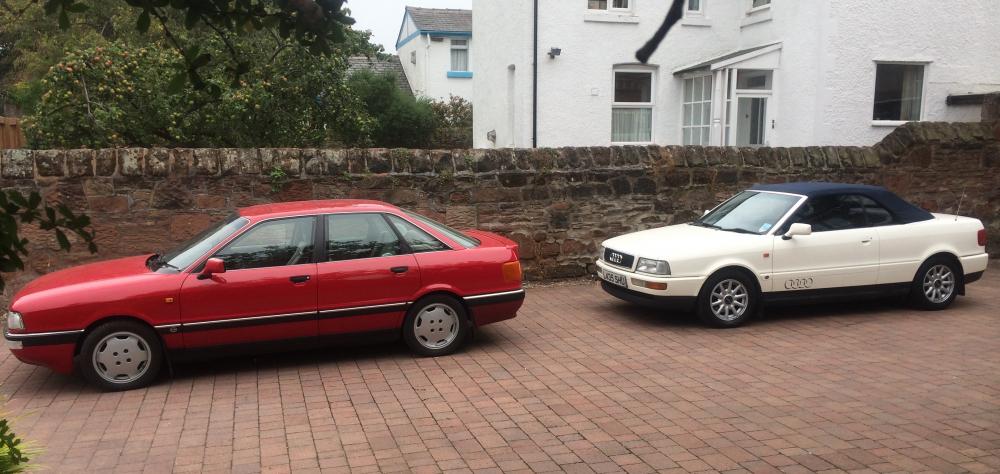
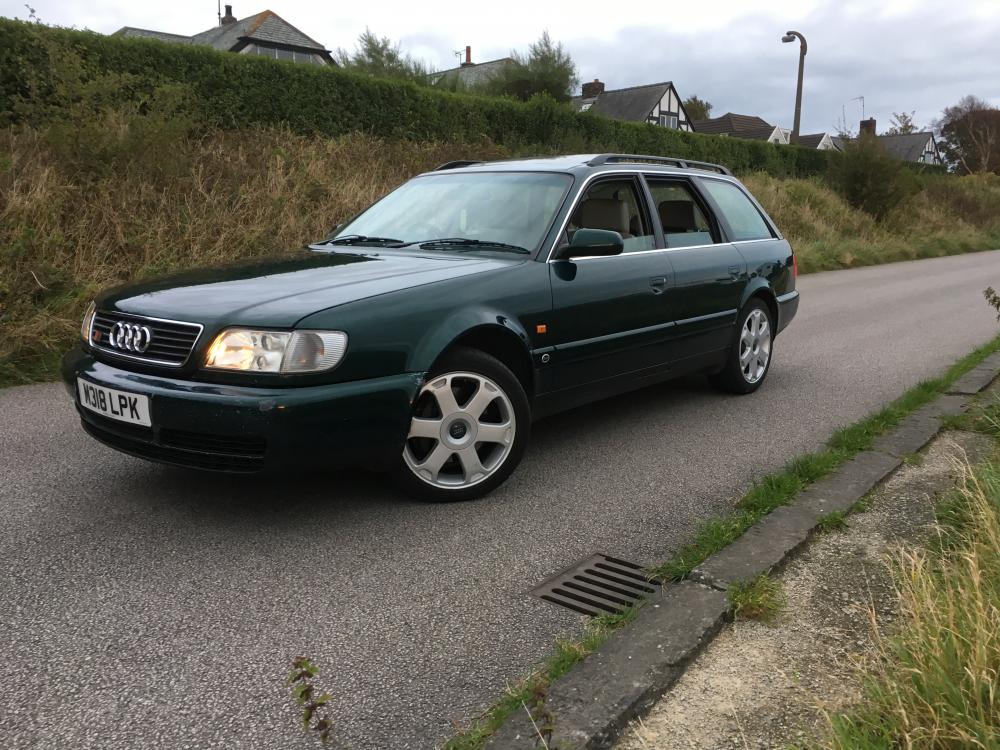
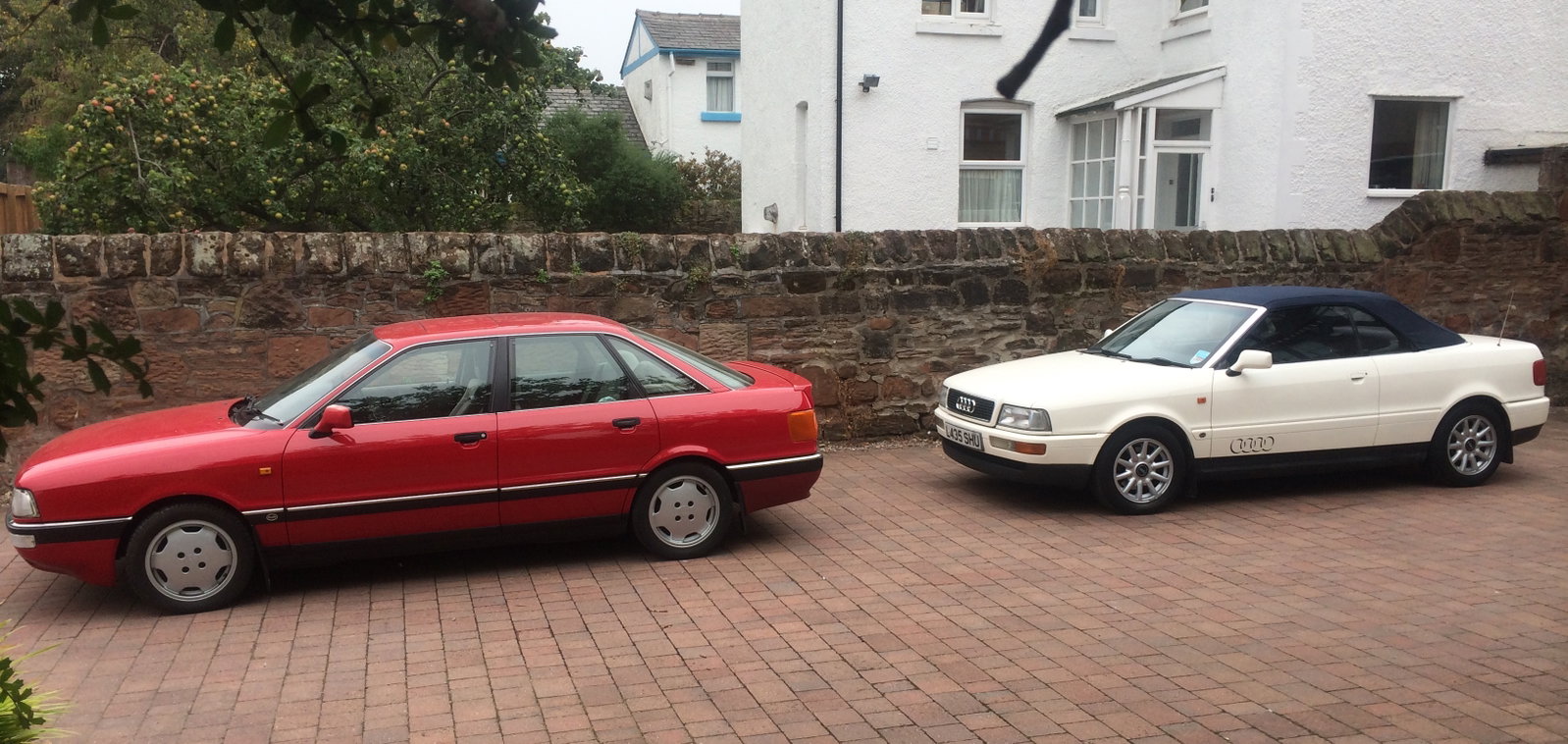
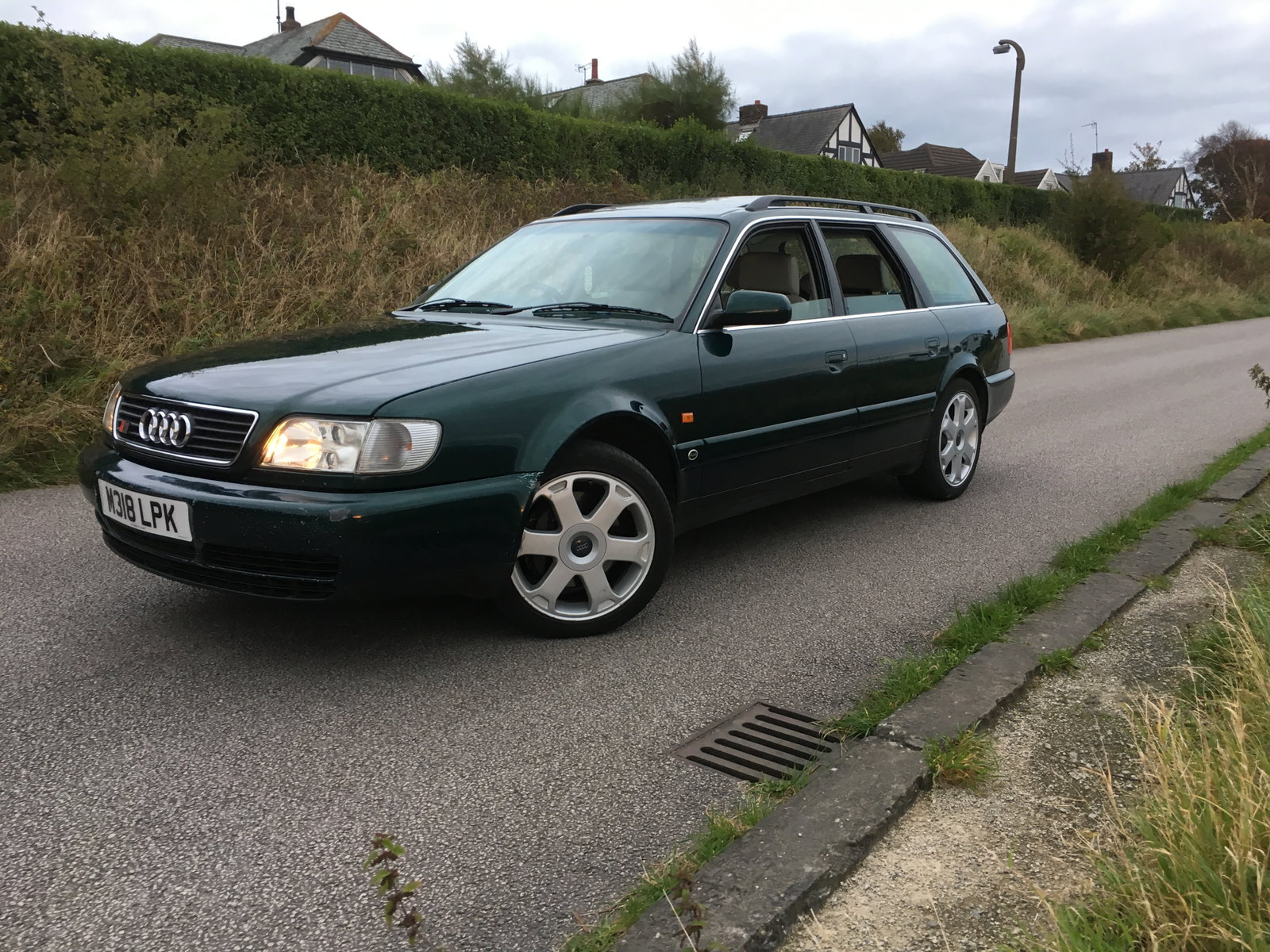
  3. Nice forum ๐Ÿ‘, just thought I'd introduce myself , been into Audi's since a kid , my Dad owned 5 & at the time group B was alive & kicking , which all meant I was hooked forever ๐Ÿ˜‚ Owned 10 of our own so far (I think) , currently have ,90q b3, audi cabriolet 2.3 & Urs6 , & enjoy them all ๐Ÿ‘ Cheers
  4. Thanks Steve , nice forum ๐Ÿ‘ As a club, do you go to Audi Driver International, at Castle Combe in sept/oct? thats a good uk event too ๐Ÿ˜‰
  5. Great trip , thanks for sharing ๐Ÿ‘ Try here it is a must also ๐Ÿ˜‰ http://www.quattrolegende.com


Background Picker
Customize Layout

Account

Navigation

Search

Search

Configure browser push notifications

Chrome (Android)
  1. Tap the lock icon next to the address bar.
  2. Tap Permissions โ†’ Notifications.
  3. Adjust your preference.
Chrome (Desktop)
  1. Click the padlock icon in the address bar.
  2. Select Site settings.
  3. Find Notifications and adjust your preference.