




Skip to content
View in the app

A better way to browse. Learn more.

Audi Owners Club (UK)

A full-screen app on your home screen with push notifications, badges and more.

To install this app on iOS and iPadOS
  1. Tap the Share icon in Safari
  2. Scroll the menu and tap Add to Home Screen.
  3. Tap Add in the top-right corner.
To install this app on Android
  1. Tap the 3-dot menu (⋮) in the top-right corner of the browser.
  2. Tap Add to Home screen or Install app.
  3. Confirm by tapping Install.

Y2AJ

Members
  • Joined

  • Last visited

Everything posted by Y2AJ

  1. Hi guys. I'm new to the forum so apologies if this question has been asked before. However, when I bought this car it had an RS3 grill on it. The grill unfortunately got damaged and I'm now looking to replace it. Called Audi and they said that the RS3 grill doesn't fit the standard A3. Does anyone know how I can get that original honeycomb look? I bought one off eBay but it's definitely not the same quality. Any help would be greatly appreciated. I'm attaching pics of what I believe is the original grill and the eBay one. The original one doesn't have a part number so I don't known if it is real or not. I can't seem to find the same thing. The badge as well was moulded into the grill whereas on the eBay one it sticks out like a sore thumb. Please help.
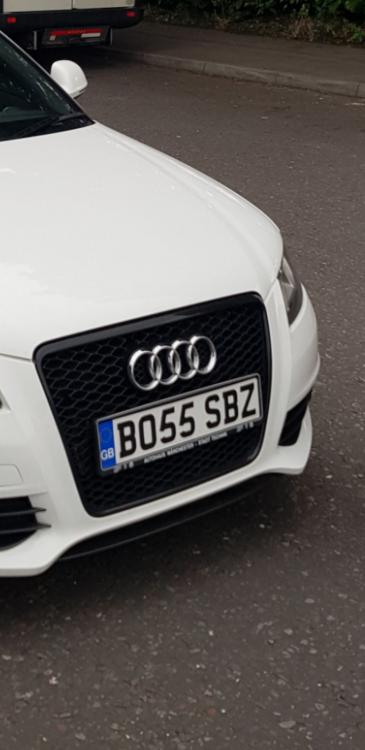
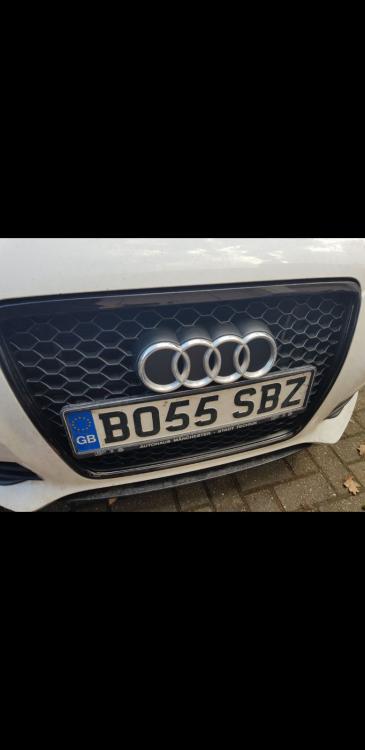
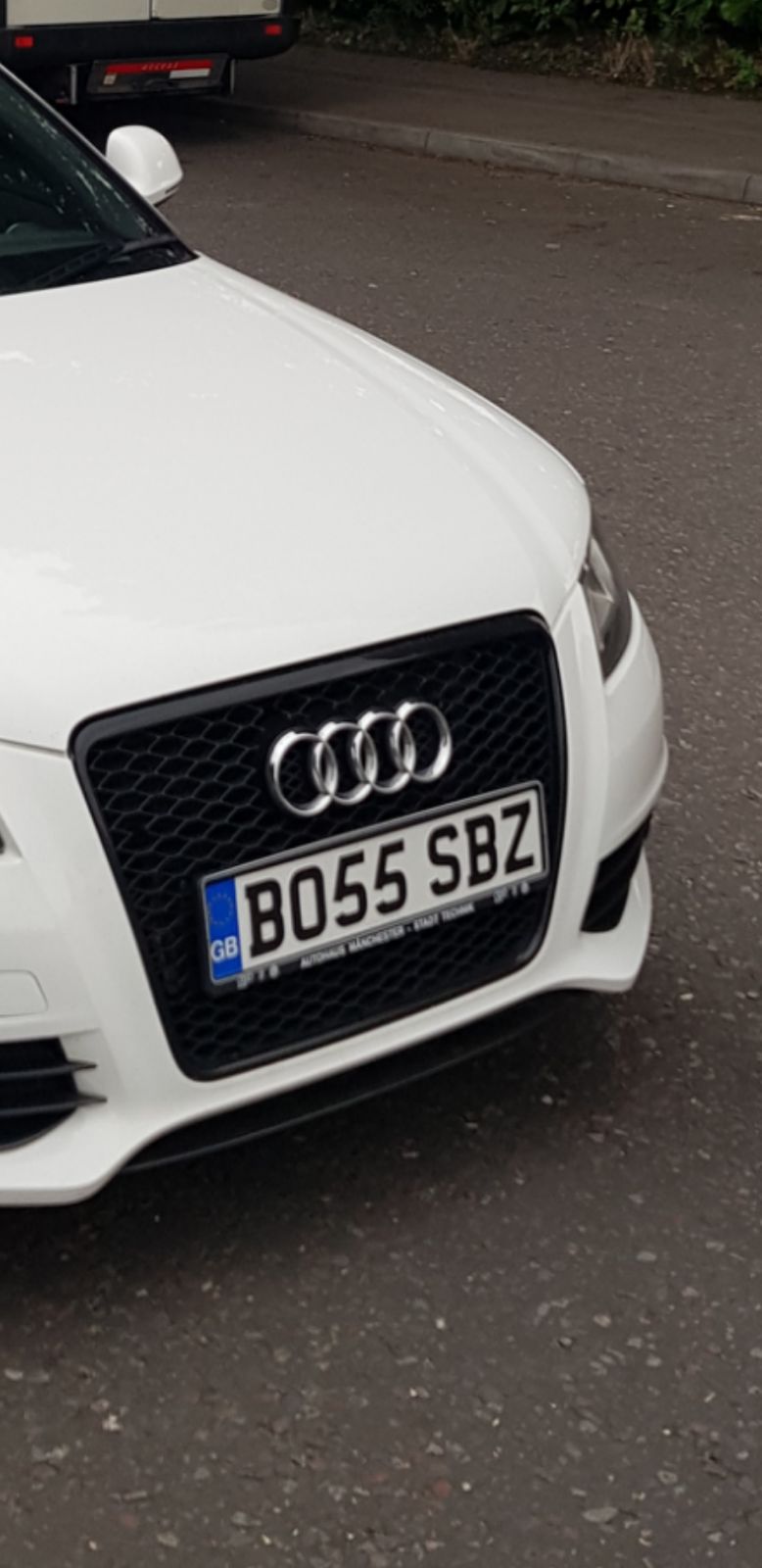
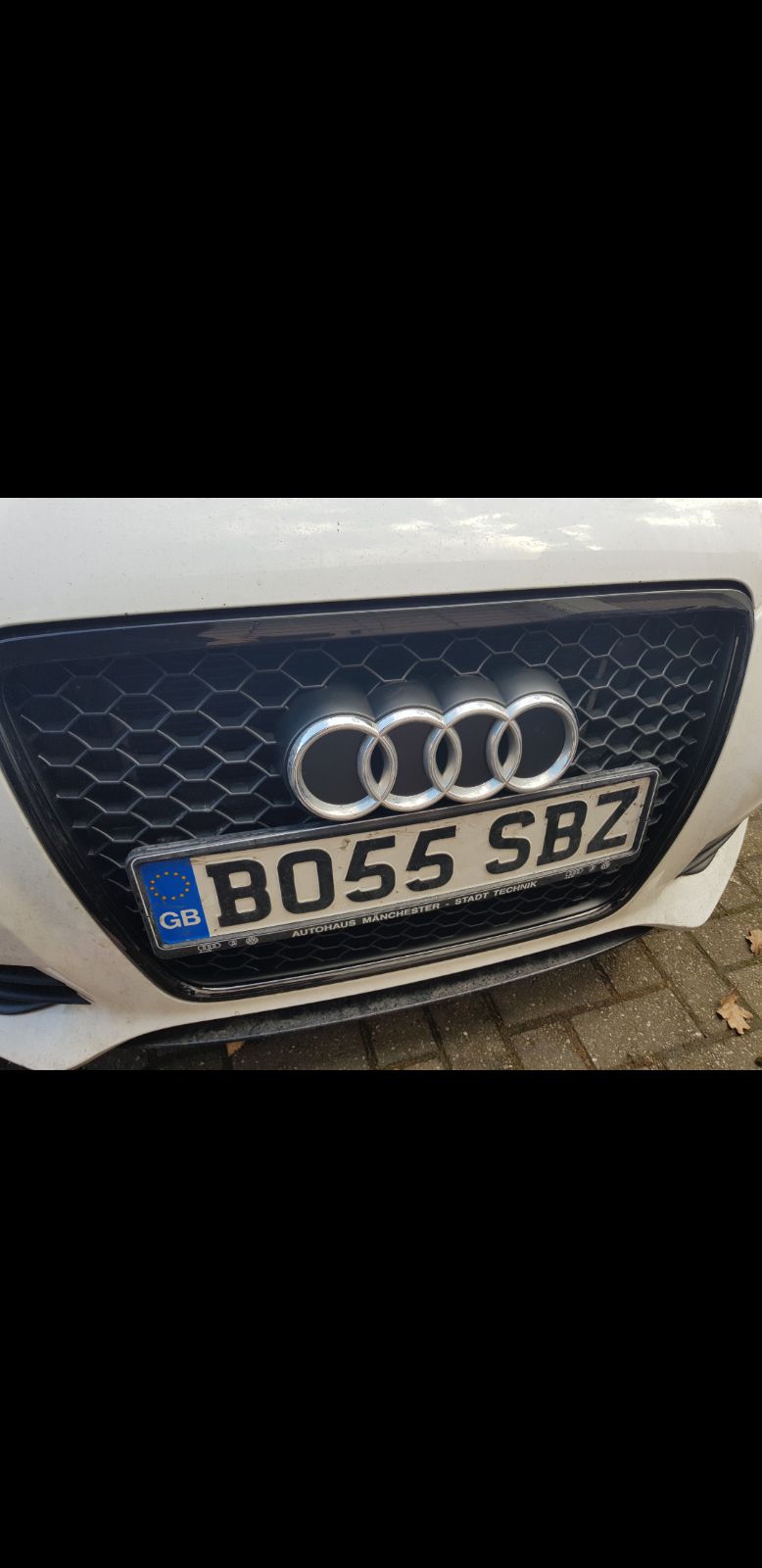
Background Picker
Customize Layout

Account

Navigation

Search

Search

Configure browser push notifications

Chrome (Android)
  1. Tap the lock icon next to the address bar.
  2. Tap Permissions → Notifications.
  3. Adjust your preference.
Chrome (Desktop)
  1. Click the padlock icon in the address bar.
  2. Select Site settings.
  3. Find Notifications and adjust your preference.