




Skip to content
View in the app

A better way to browse. Learn more.

Audi Owners Club (UK)

A full-screen app on your home screen with push notifications, badges and more.

To install this app on iOS and iPadOS
  1. Tap the Share icon in Safari
  2. Scroll the menu and tap Add to Home Screen.
  3. Tap Add in the top-right corner.
To install this app on Android
  1. Tap the 3-dot menu (⋮) in the top-right corner of the browser.
  2. Tap Add to Home screen or Install app.
  3. Confirm by tapping Install.


itzmichael

Members
  • Joined

  • Last visited

  1. Cheers guys, hopefully, all goes well with the pickup tomorrow... not 100% sure it's going to happen but we'll see
  2. Haha thanks, man! Still don't know how I've managed to pull this one off, But I ain't complaining. I think I've found where all my cash (or what is left of it) is going to be going when It comes to running it haha
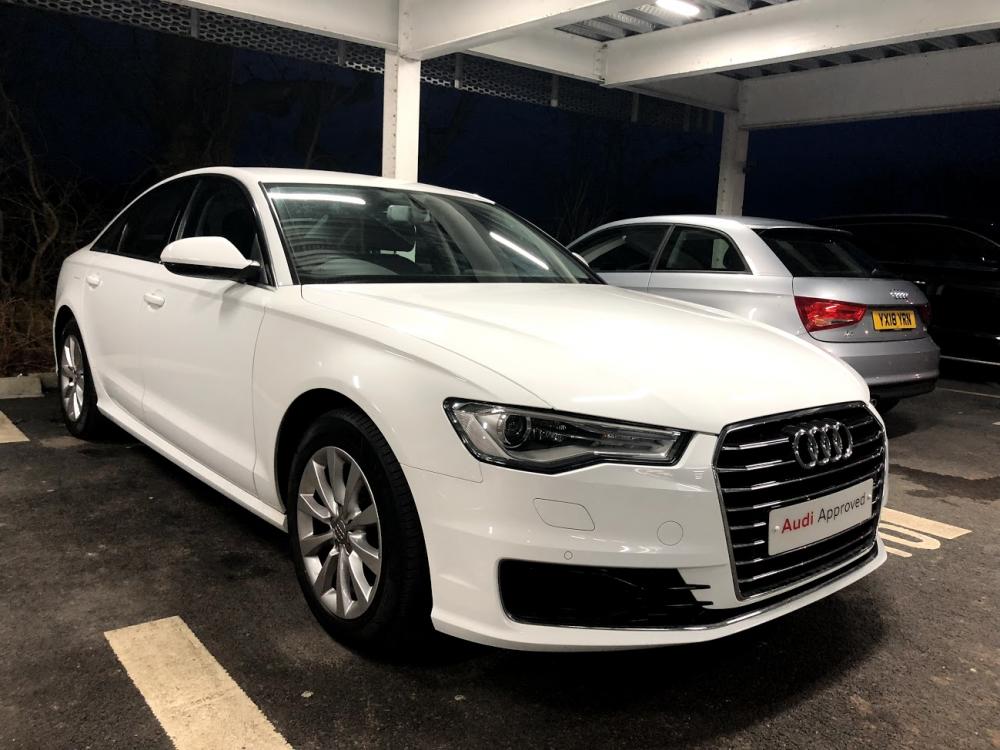
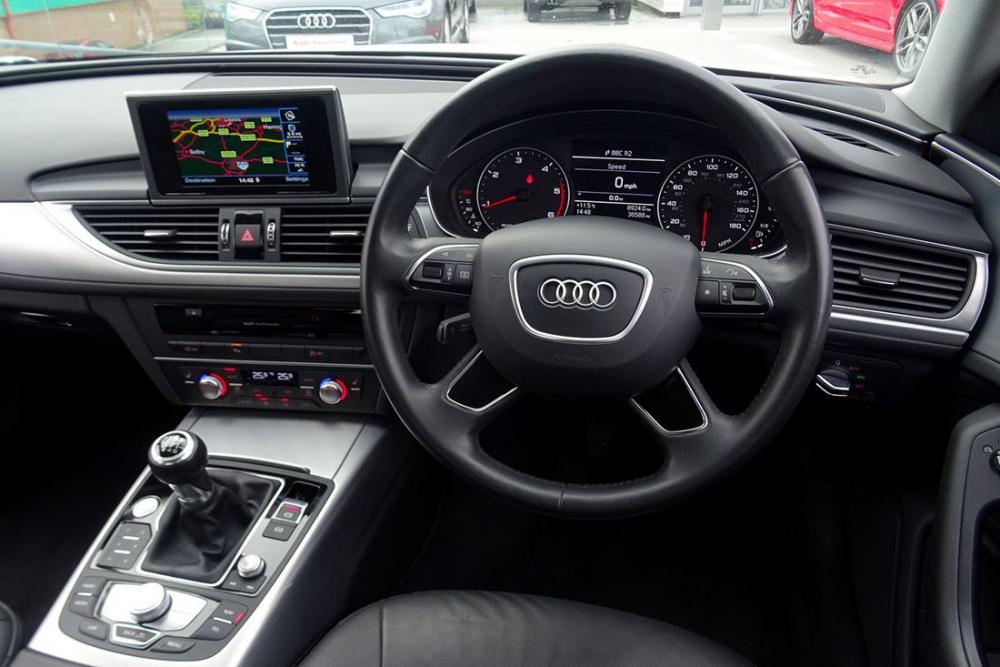
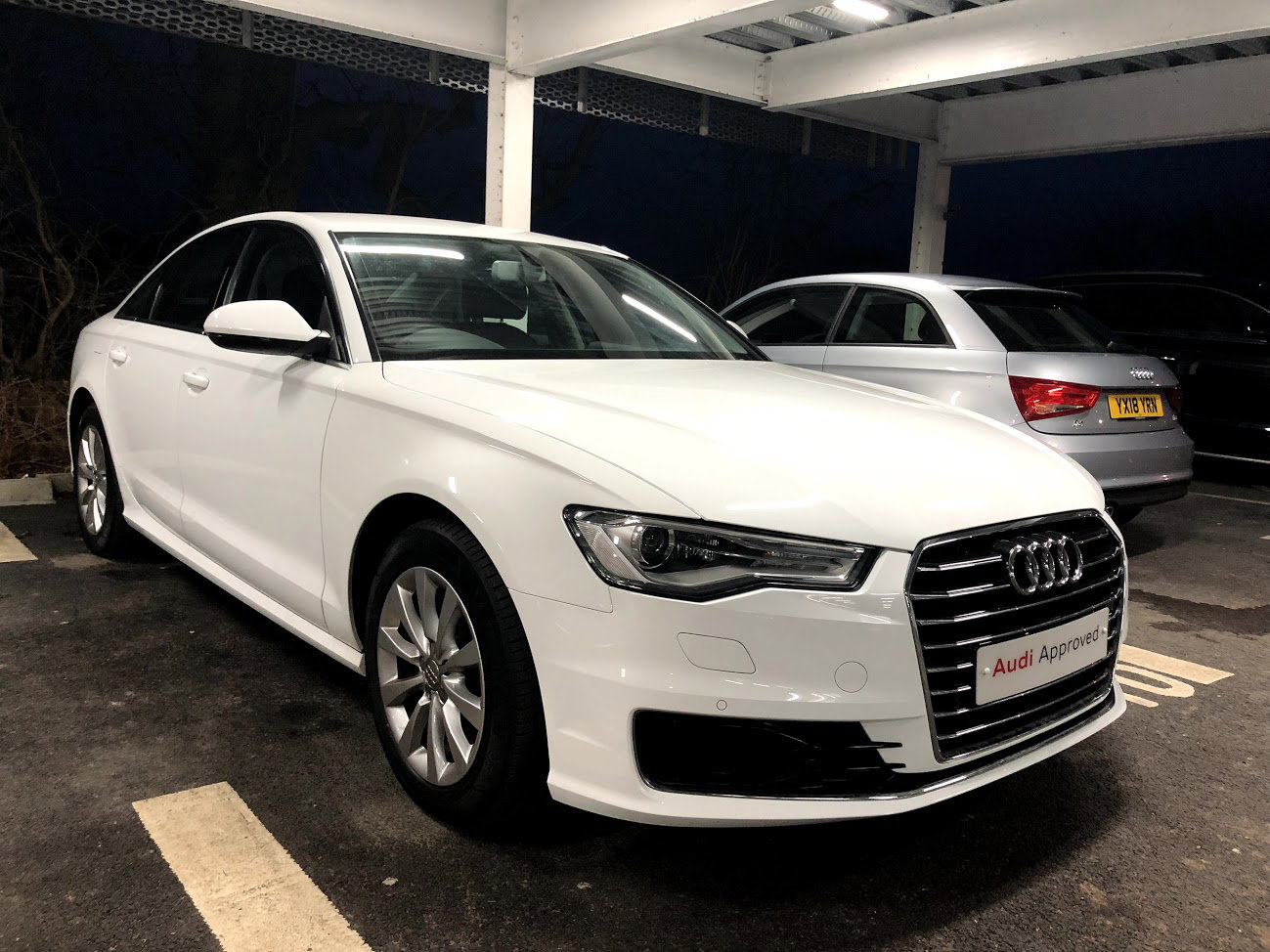
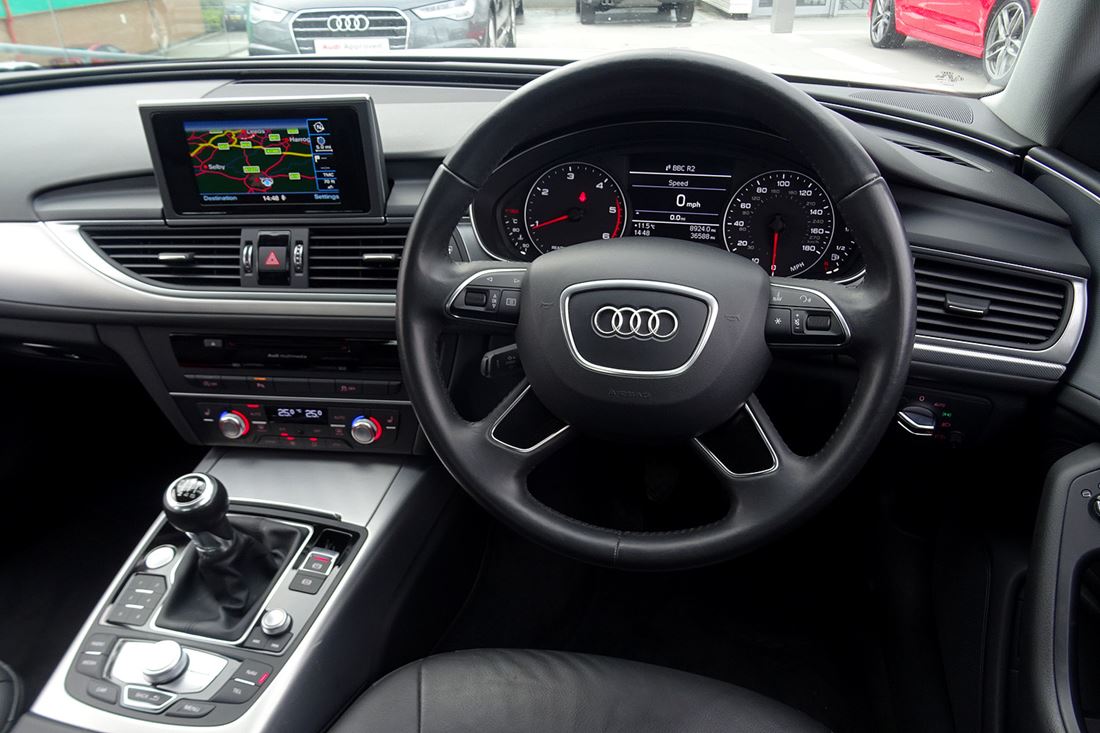
  3. Hey Guys, thought I'd pop a couple of pics of my newest purchase here. At 18, It's my second ever car and my first Audi (A huge step up from my previous...). Insurance isn't as bad as I'd have expected either. Pick up this tank on Wednesday next week and as you can guess I can't wait for the drive home!;) 64 Plate A6 2.0 Ultra TDI SE 190 - More pics to follow once I've collected it.
Background Picker
Customize Layout

Account

Navigation

Search

Search

Configure browser push notifications

Chrome (Android)
  1. Tap the lock icon next to the address bar.
  2. Tap Permissions → Notifications.
  3. Adjust your preference.
Chrome (Desktop)
  1. Click the padlock icon in the address bar.
  2. Select Site settings.
  3. Find Notifications and adjust your preference.