CFo
Members
-
Joined
-
Last visited
Everything posted by CFo
-
Thanks, but does't seem to cover it
-
I bought a 1 owner S5 cab recently. The MMI system seems like you need a degree in electronics. My current question, is: how do I replace the previous owners HOME address? Thanks
-
Hi Andy. I'm new here too, but on my 4th Audi. Enjoy your A3. Chris
-
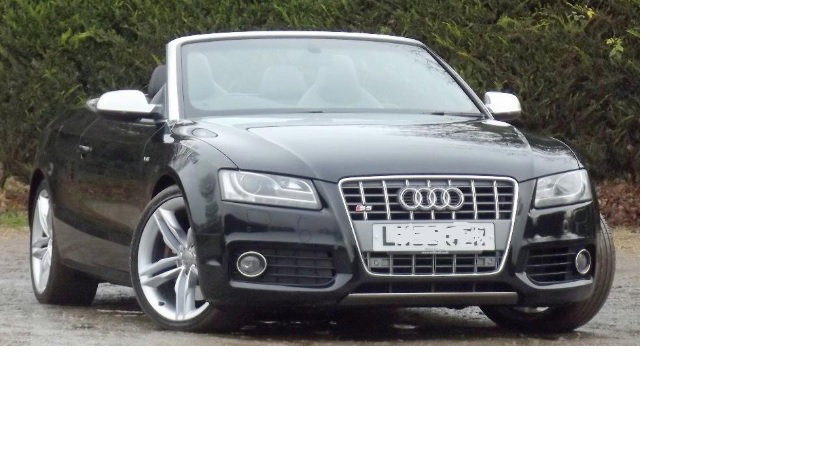
My 2009 S5 cabriolet.
-
Hello everyone. I have just acquired (Wednesday) this 2009 S5 cabriolet. One owner from new, full main stealer service history, 41k. Last 2 cars were Porsches, an early 996 911 (briefly, didn't get on with it) and a 997.2 Boxster (loved it but getting hard to get in and out with me poor old back - plus it was a manual and wife has auto only licence which wasn't handy for long trips). But had Audis in the past. In chronological order an A4 cab, a Mk1 TT coupe 3.2 and a Mk2 TT convertible. The S5 has just had an inaugural trip from London the the Isle of Skye via Manchester; 650 miles including a couple of hundred on twisty and hilly Scottish roads. The S5 certainly dispatched the odd grouping of slower moving vehicles very efficiently, especially in sport mode. Averaged 30 mpg which I thought reasonable given the performance and the, err... highish motorway cruising speed. So loving it so far.