mrcrs6
Members
-
Joined
-
Last visited
Everything posted by mrcrs6
-
Appreciate the advice, I'll borrow my wife's SLR and have a go at getting some high quality pics 👍
-
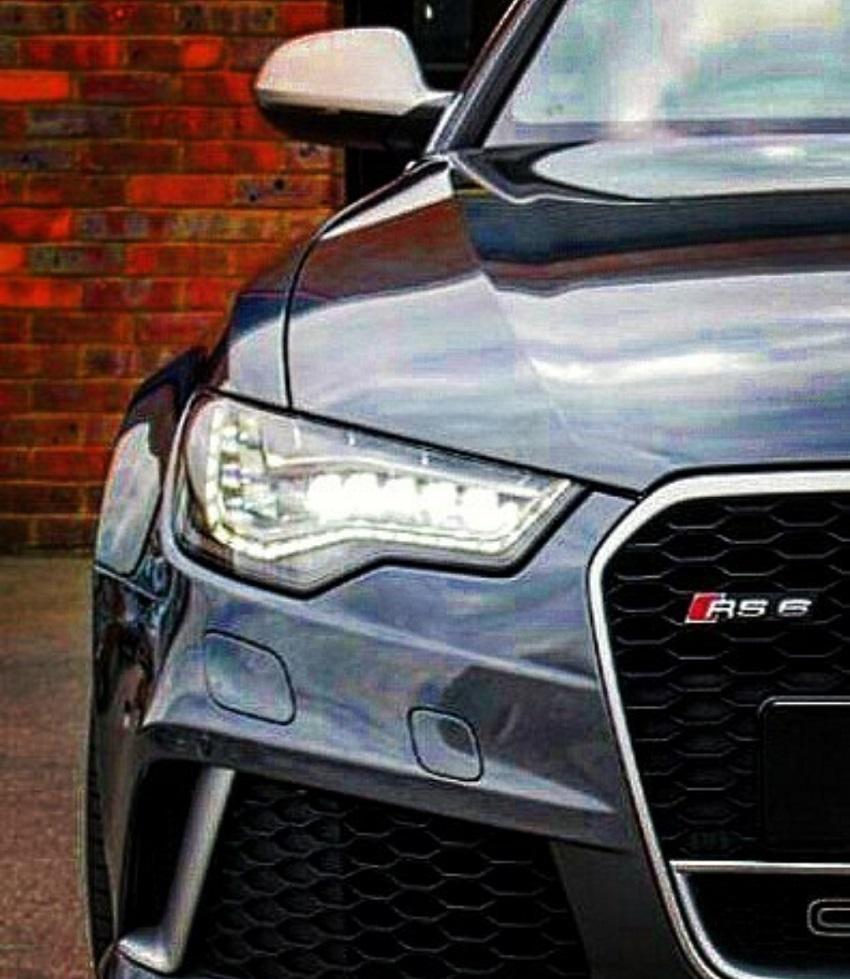
Hi all, Recently joined the forum, but owned my Audi for over a year. Would love for another Audi enthusiast to have the car, so thought I would share with you all; https://www.pistonheads.com/classifieds/used-cars/audi/rs6/audi-rs6--mrc-stage-3--750bhp/8704924 Please drop me a message or give me a call if you're interested. Thanks Jason
-
Thanks Steve, Unfortunately nothing with wheels! I'm moving house and I'm not really using it anyway, plus I've got a commuter car which I can use for now. Glad you agree, Pistonheads felt like a good fit for this type of car, but wanted to check. Will add it to the sale section too :)
-
Hi all, I have been the proud owner of a C7 RS6 for a year now. Unfortunately due a house move and lack of use, I am selling up. Not your normal RS6, been to MRC and is running a stage 3 (750bhp), so that's where I wanted to ask, where is the best place to list for sale? Previous experience of Auto Trader and eBay haven't always been great, so I've gone with Pistonheads (https://www.pistonheads.com/classifieds/used-cars/audi/rs6/audi-rs6--mrc-stage-3--750bhp/8704924) which feels like the best fit? What do you all think? Is there a for sale section in this forum and would that be a good place to list? I spotted rs246 as well, but wasn't sure if UK based and if any good. Any advice is welcomed. Thanks Jason