Skip to content
View in the app

A better way to browse. Learn more.

Audi Owners Club (UK)

A full-screen app on your home screen with push notifications, badges and more.

To install this app on iOS and iPadOS
  1. Tap the Share icon in Safari
  2. Scroll the menu and tap Add to Home Screen.
  3. Tap Add in the top-right corner.
To install this app on Android
  1. Tap the 3-dot menu (⋮) in the top-right corner of the browser.
  2. Tap Add to Home screen or Install app.
  3. Confirm by tapping Install.


Les Adams

Members
  • Joined

  • Last visited

Everything posted by Les Adams

  1. thanks very much for the info.... i have just realised that i have a locked dvd/cd player on the head unit too...its just above the SD slots...do i go with SD updates or dvd...do i have an option?? regards Les
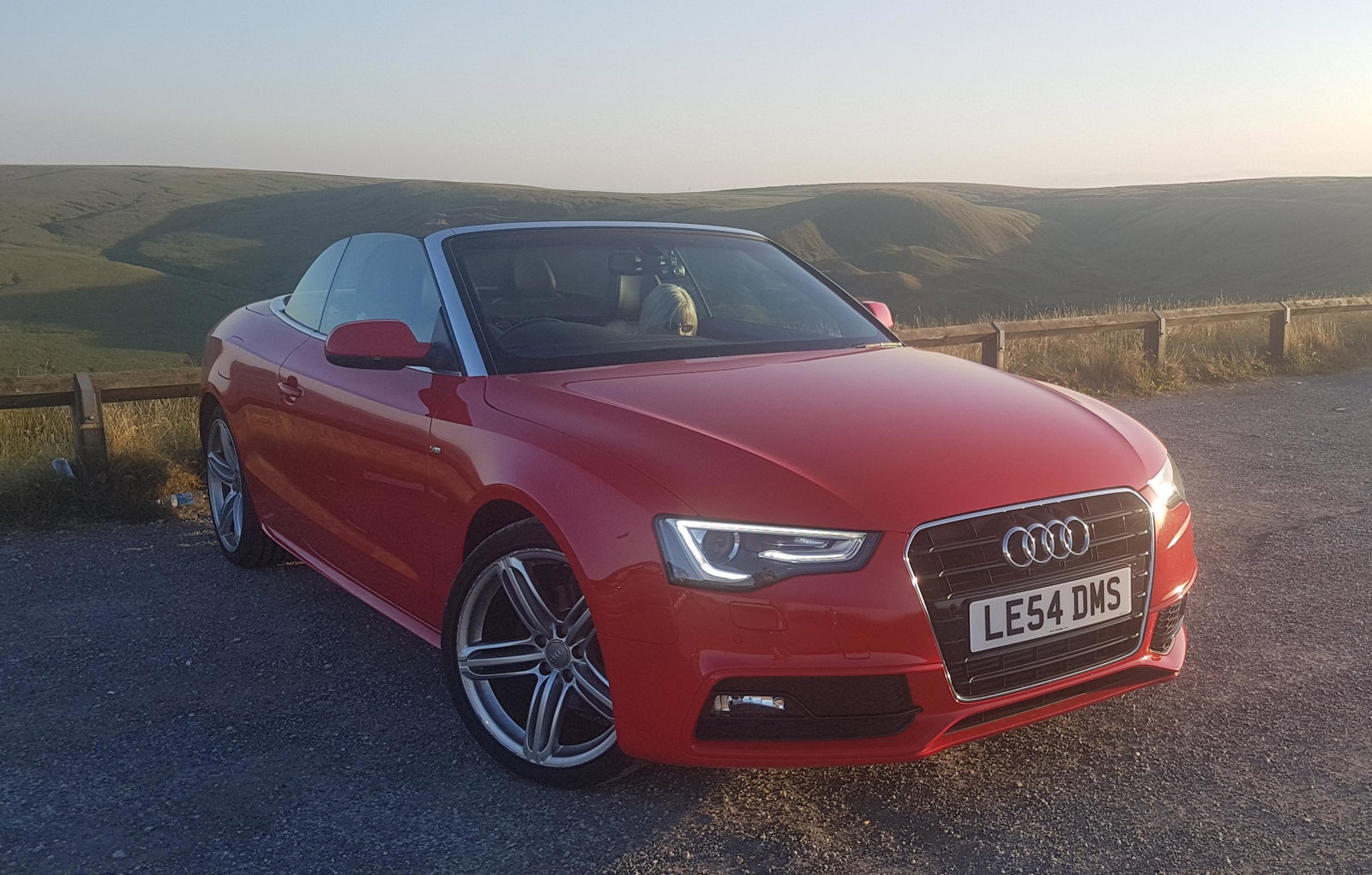
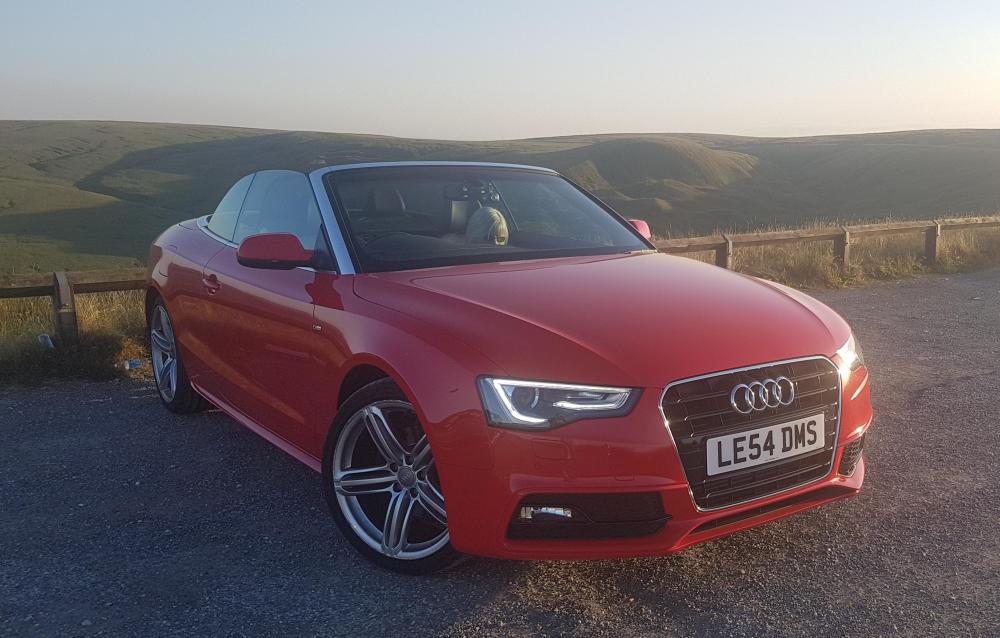
  2. Hello there, I have a lovely A5 cabriolet, 2.0 diesel, special edition, it has sat nav, it has two empty SD card slots, its a 2013 plate, the installed sat nav maps are now showing their age. Without spending the earth how do I up date the maps, does anyone know please? regards Les


Background Picker
Customize Layout

Account

Navigation

Search

Search

Configure browser push notifications

Chrome (Android)
  1. Tap the lock icon next to the address bar.
  2. Tap Permissions → Notifications.
  3. Adjust your preference.
Chrome (Desktop)
  1. Click the padlock icon in the address bar.
  2. Select Site settings.
  3. Find Notifications and adjust your preference.