
PriceyS4
Members
-
Joined
-
Last visited
-
Thanks Steve!
-
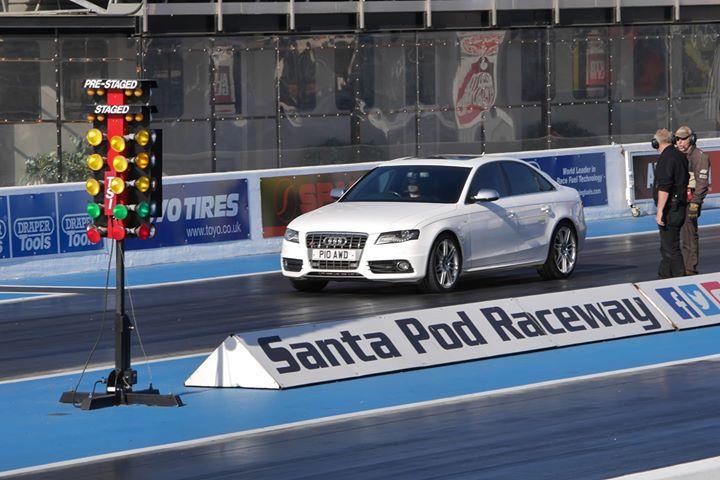
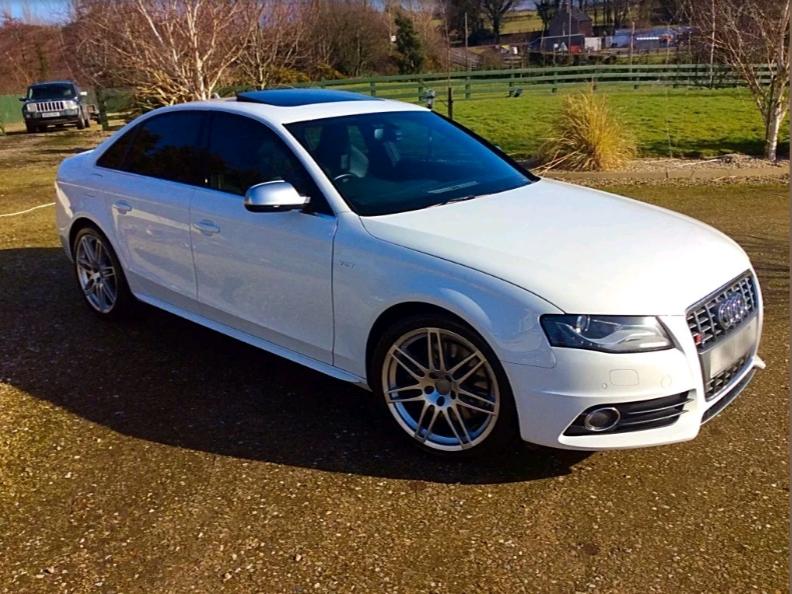
Hi all, noob intro! I've just taken the leap from S3 to S4 so thought I'd get on board as it looks like I'm now an Audi nut after being BMW for the last 10 years! I bought an S3 8L as a runner for work as a short term fix whilst I awaited delivery of a new X6 (I know, I know, but I have a caravan and two kids!) X6 turns up, I kept picking up the S3 keys! Best £3k I've ever spent! So the lease ended on the X6 and I cunningly explained to the wife (who had pretty much adopted the X6 by now) that we no longer require a Chelsea Tractor and we should buy my friends 08 A6 2.7 SE. Surprisingly she agreed so once the sour grapes had worn off, I started oggling the horizon for a proper Audi! After much deliberation and toying with the idea of a heavily modded S4 I eventually settled on a decent spec S4 B8 with a Revo stage one! Love the car, definitely needs a few bits but I'm not in any rush to make the mods yet but I might as well give myself something to talk about so any ideas on the best place to buy a black honeycombe grill? I've got white and the silver looks a bit "clashy" for me, I like the contrast of the black but not sure if these cheap Chinese eBay black grills are a bit to cheap, Chinese and ebayie!! I also still haven't sold my S3 yet so maybe there's somewhere I can share my autotrader link? Any how, look forward to chatting to some fellow S4 nuts, I'm very quickly hooked on this car and I'll be Santa Pod'ing it on 29thSep so maybe hook up if anyone's there! Adam
-
Removed post and reposted in correct location! Doh!