woto
Members
-
Joined
-
Last visited
Everything posted by woto
-
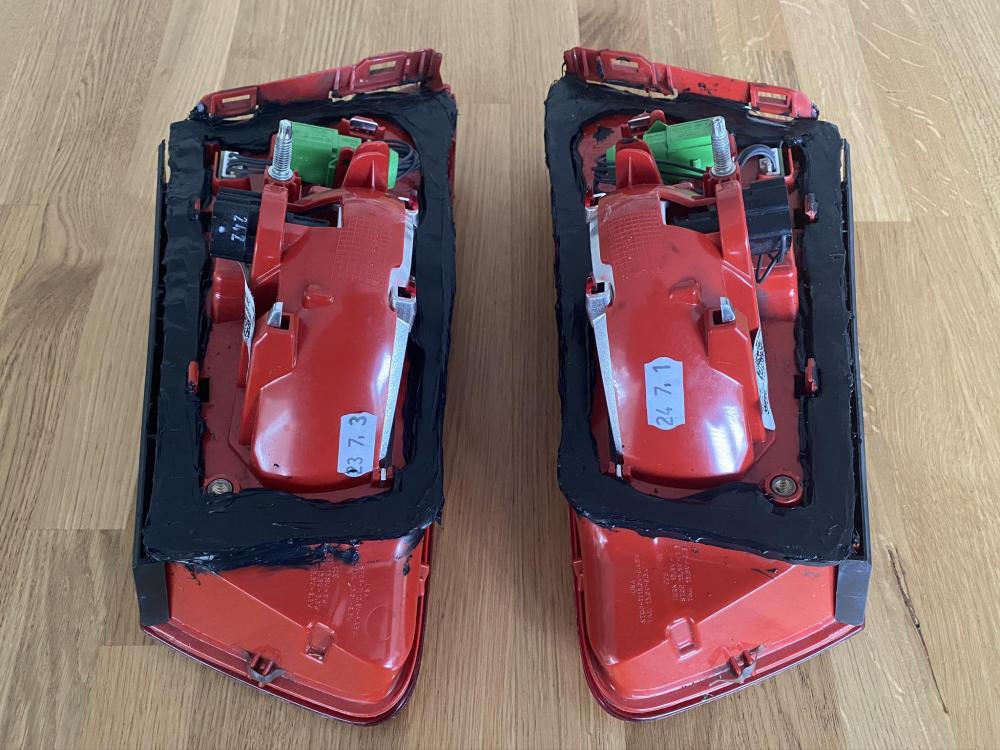
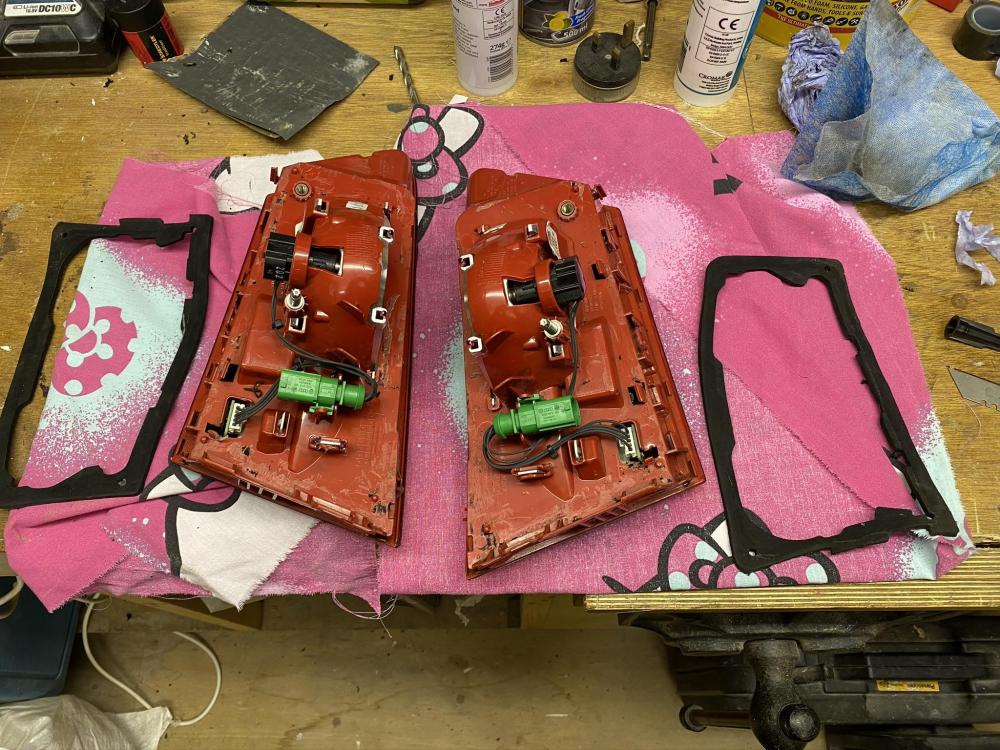
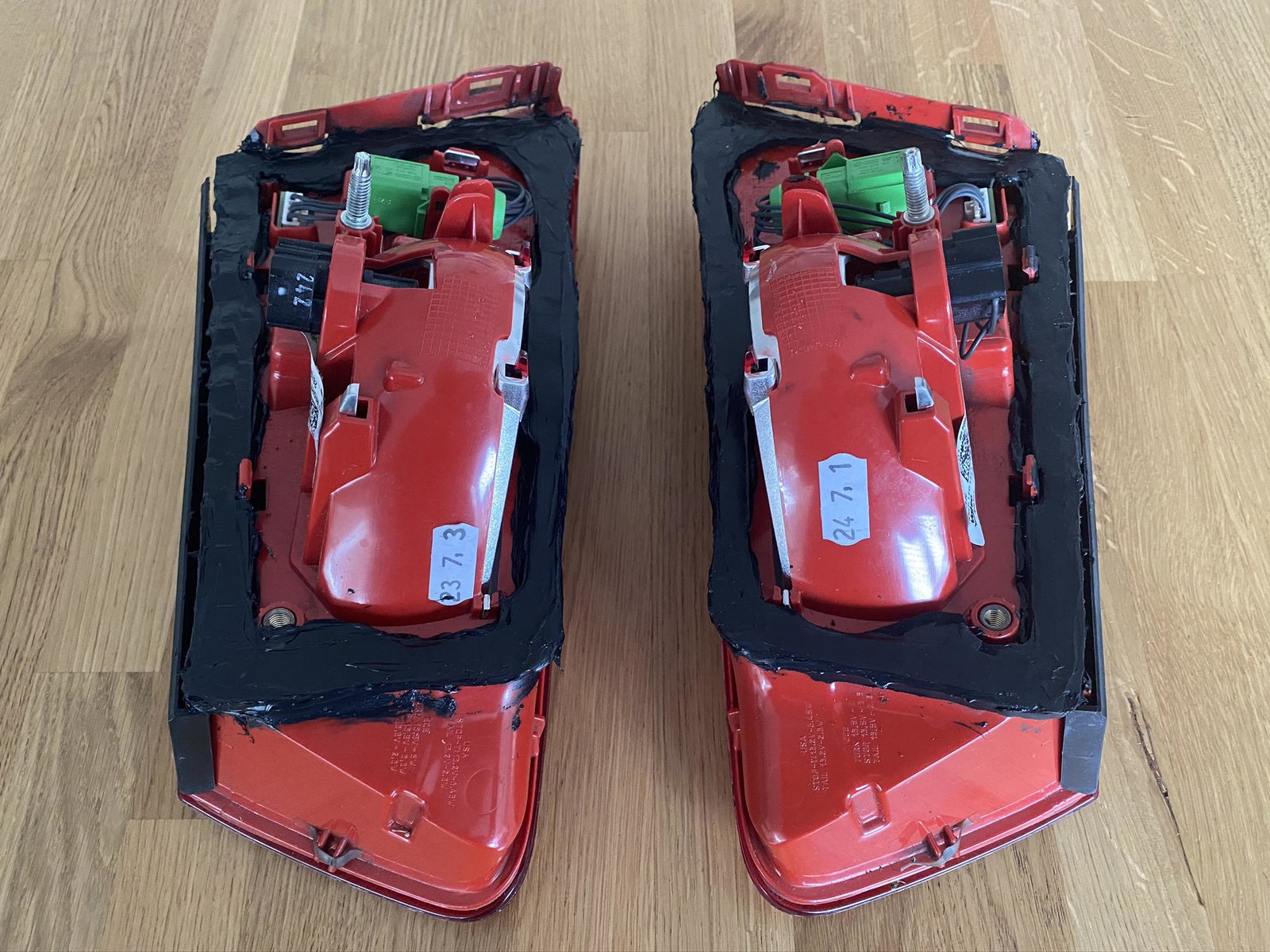
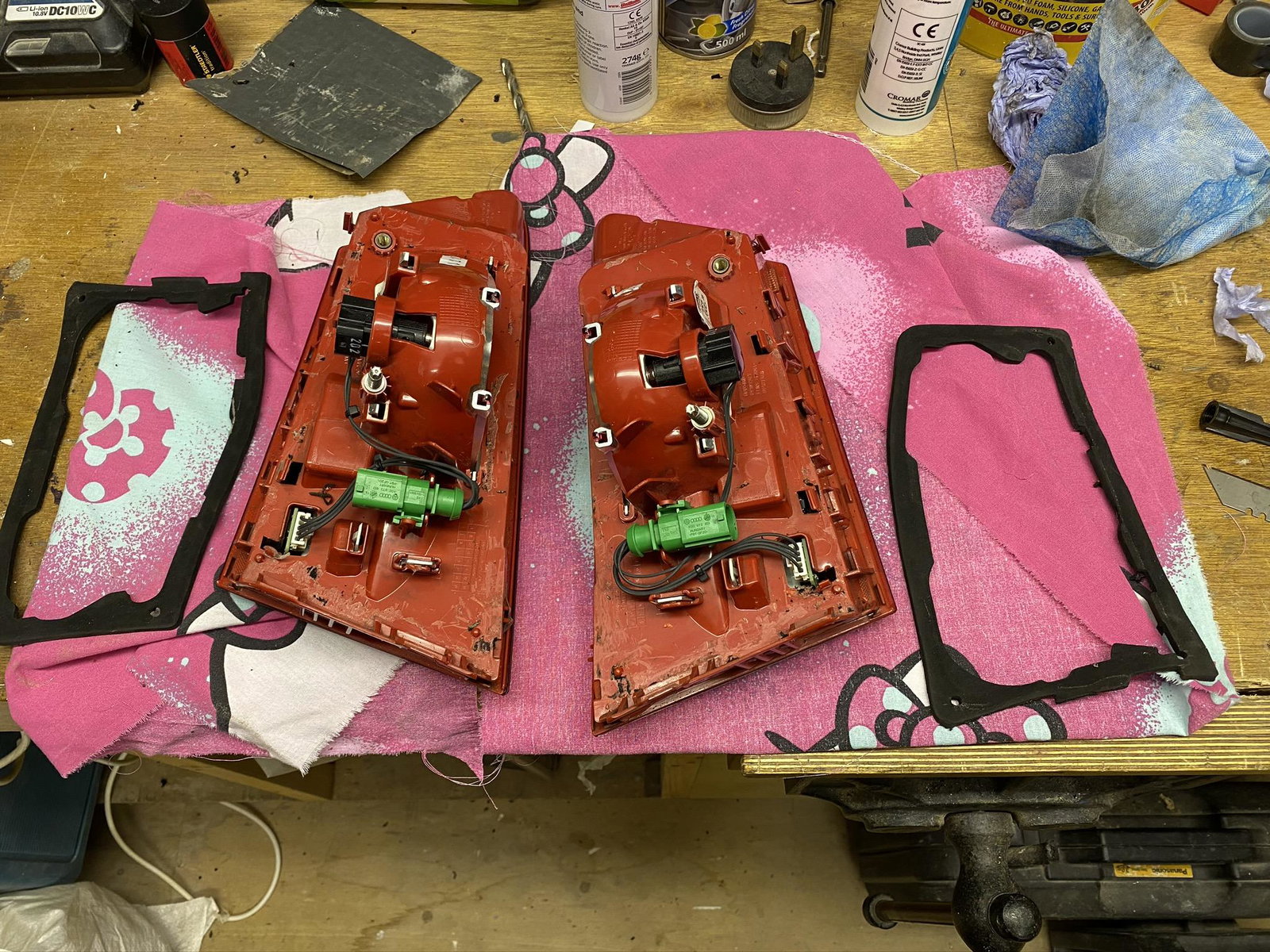
Hey Guys Wondered if anyone has had this problem ? I'm getting water in the boot lid, its going into the cavity section of the lid not coming through into the boot, so when I lift the lid water comes out the access holes where you would change the bulb - I removed the lights then put silicone around the seal put it all back but that didn't work - then the next time I removed the seal from the light then used CT1 to stick the seal to the light then put it all around the seal, I thought the water might be coming through the seal. I left the lights for a few days for the CT1 to set, once it had gone off I applied silicone to bed the lights back on. This seemed to work but after a couple of months I have had water coming into the cavity again, I just can't believe that it's coming through the seals the amount of sealant I have used. The car is a A6 S-Line 2012