doctordoom
Members
-
Joined
-
Last visited
-
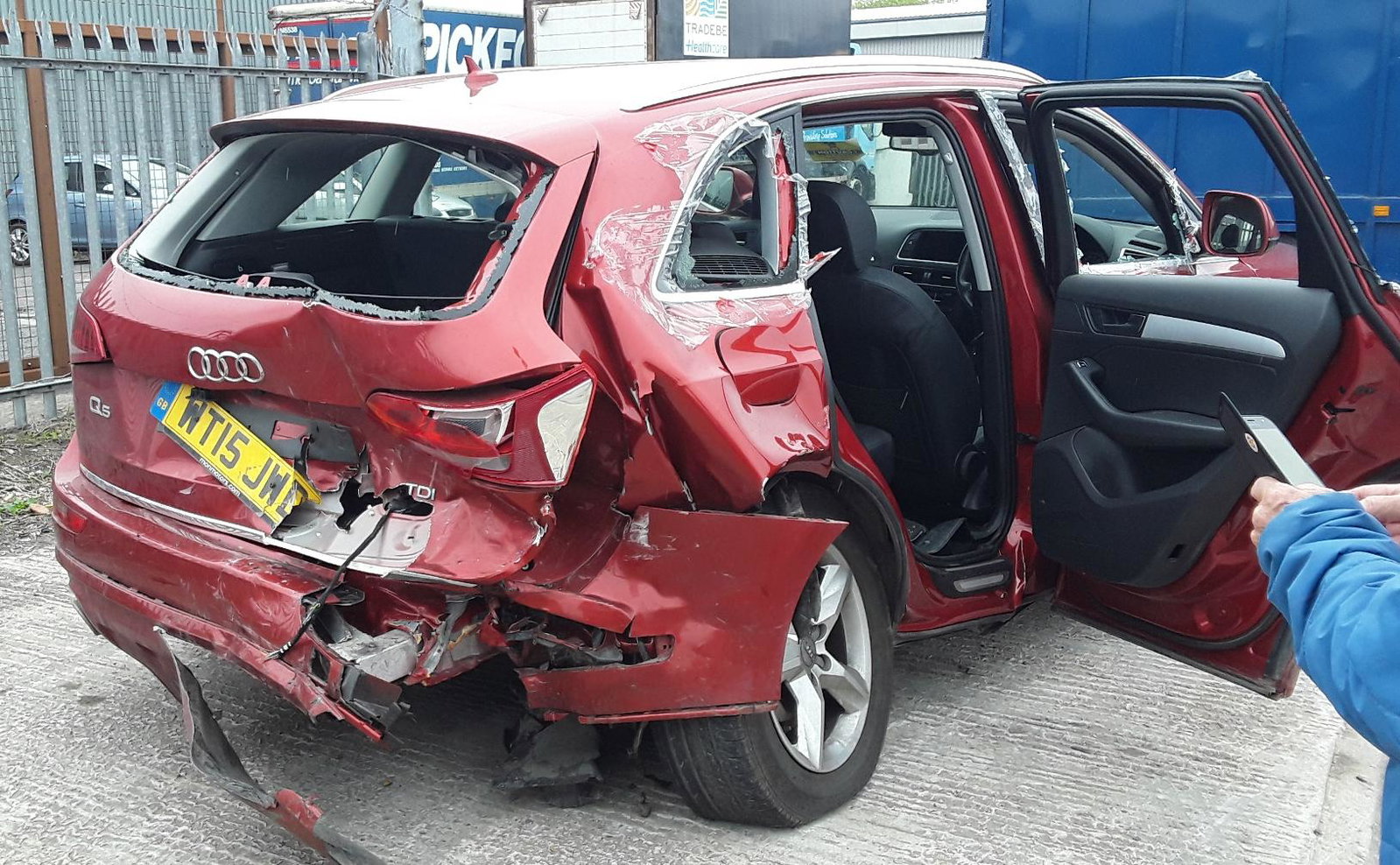
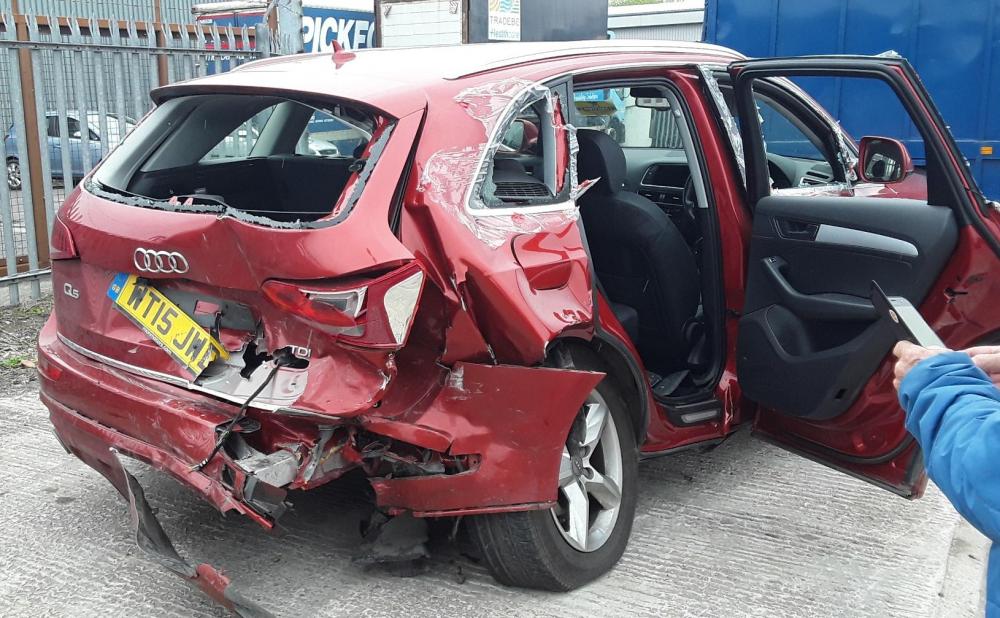
Sad remains of my lovely Q5 no 2 , now gone to the salvage auction, cheers John! PS this car saved my life, 3 points; 1 diesel fuelled, tank ruptured I'm told but didn't catch fire, 2 seatbelts functioned as should have, I could have been thrown out, 3 if it had been a lighter vehicle my injuries could have been worse!
-
Glad you're doing well with the Q5, my perfect size! Didn't mention in my previous post but the ar....le who rearended me last May gave me a brain haemorrhage which resulted in my license suspended for 9 months, back driving since March, unfortunately my wife likes the Q5 as well!. Cheers John.
-
Hi sgarrey, well you'll have had your SQ5 awhile now I guess! But my 2 penny worth; I'm on my 3rd Q5, and have been very happy with the running costs, first 2 had the 2 litre TDI engines and 6 speed manual boxes and never gave less than 40 mpg, on a long run following my daughter back from Manchester in the horse lorry she just bought gave well over 60mpg but I don't usually drive that steadily! Sadly number 2 written off by being rearended on the M5 , replacement 2016 SQ5 with Automatic gearbox seems to be much the same , trust you are getting on well with your Q5. My first visit to the forum, should have joined earlier! Cheers John.