ATAUK
Members
-
Joined
-
Last visited
Everything posted by ATAUK
-
-
So if new cluster is needed it would need to go to Audi ? maybe get vcds and check for any errors and leave rev counter for now ? thanks dave
-
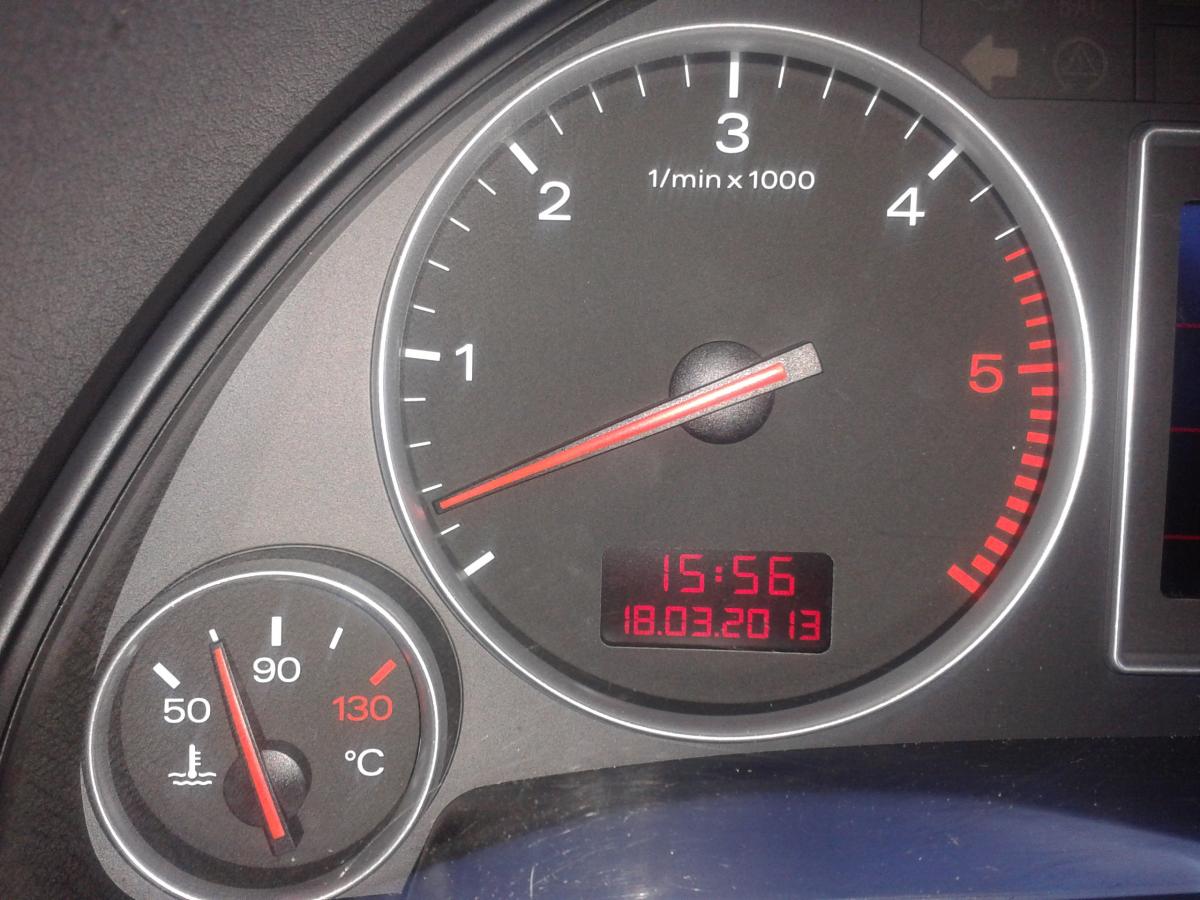
Just to add , everything else is working fine .. apparently the rev part of the cluster went like that after a flat battery ? just added a new battery also and its just sitting in the same place
-
Just popped in to say hello and im new to audi , and having a diesel :) although my first post is a help related topic here http://www.audiownersclub.com/forums/topic/2889-a4-tdi-sport-03-revcounter-probs/ thanks dave
-
i , totally new to audi and diesels, and as per title just bought 2003 AUDI A4 TDI SPORT... now every thing is great and i love the drive , the only fault i have found is the rev counter sits at idle and doesnt realy move much although all the power is there and drives great ... this was apparently a problem that occurred after a flat battery ? told it should be ok with some kind of reset via audi ? rev counter, it flickers when any throttle is added as though it wants to move but doesnt.. Also it doesnt drop with no ignition added a pic of how rev counter sits if a new cluster is required , i can get one locally but believe it will need coded to the car ? any advice would be great ..